無料 
Magnetic Socket Organizers
Thingiverse
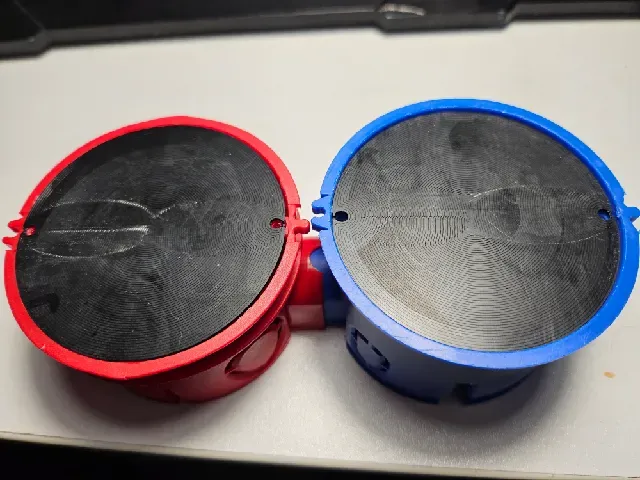
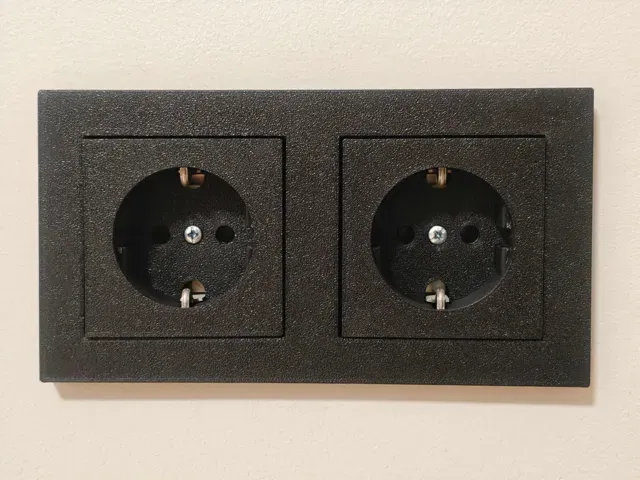
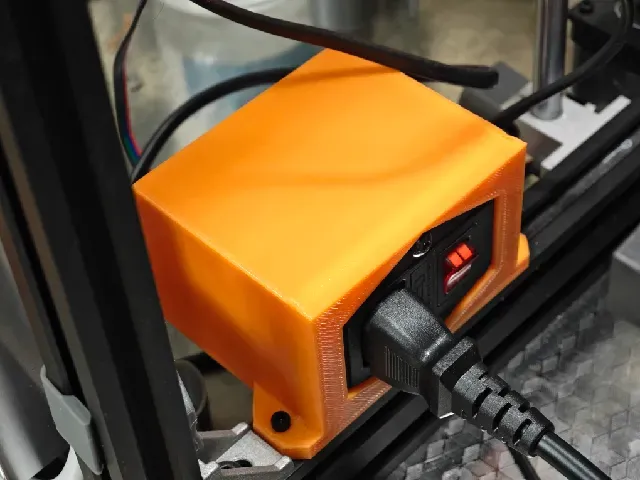
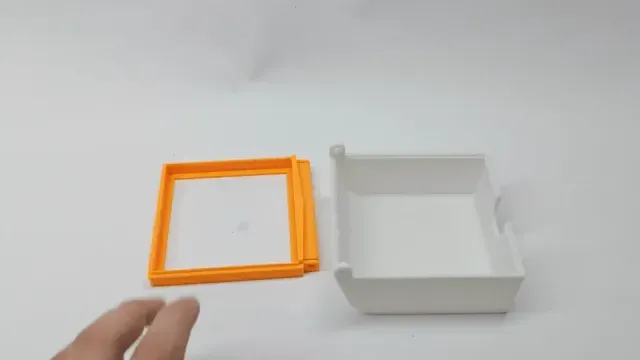
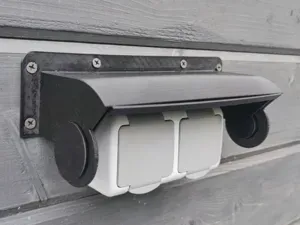
This collection gathers 3D models that relate to socket boxes in several senses: wall frames and covers, enclosures for power and signal connectors, organizer boxes for drive sockets, and modular junction housings. It is useful when you need a part that fits a specific opening, connector or storage layout rather than a generic box. Most files are meant for a 3D printer, so scale and wall thickness matter as much as the shape. Polyzon does not confirm whether models are free, their price, license, official status, affiliation, safety or fitness. Check the current terms at the source.
このコレクションの本文は英語で書かれています。検索自体はどの言語でも使えます。
 Polyzonのコレクション · モデル46件 4サイトから収集
このコレクションは、Polyzonが対応サイトの検索結果をもとに作成しています。重複やプレビューのないモデルは除外し、関連性の低いものは後ろに回し、それ以外は検索結果の順に並べています。モデルの権利は各作者にあります。利用条件は各モデルのページでご確認ください。
選定基準:Polyzon編集部 · 本文の更新日:2026年10月12日
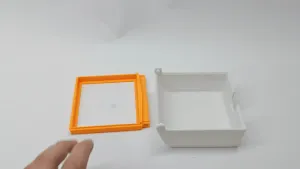


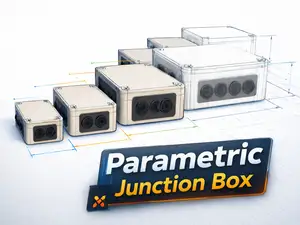
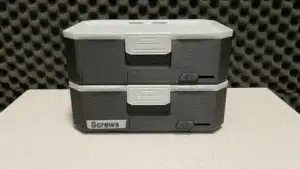


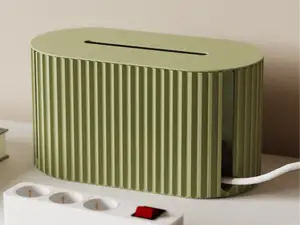
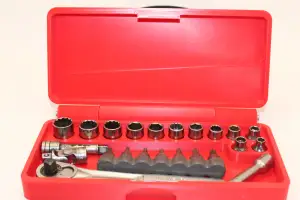


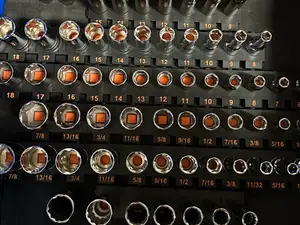

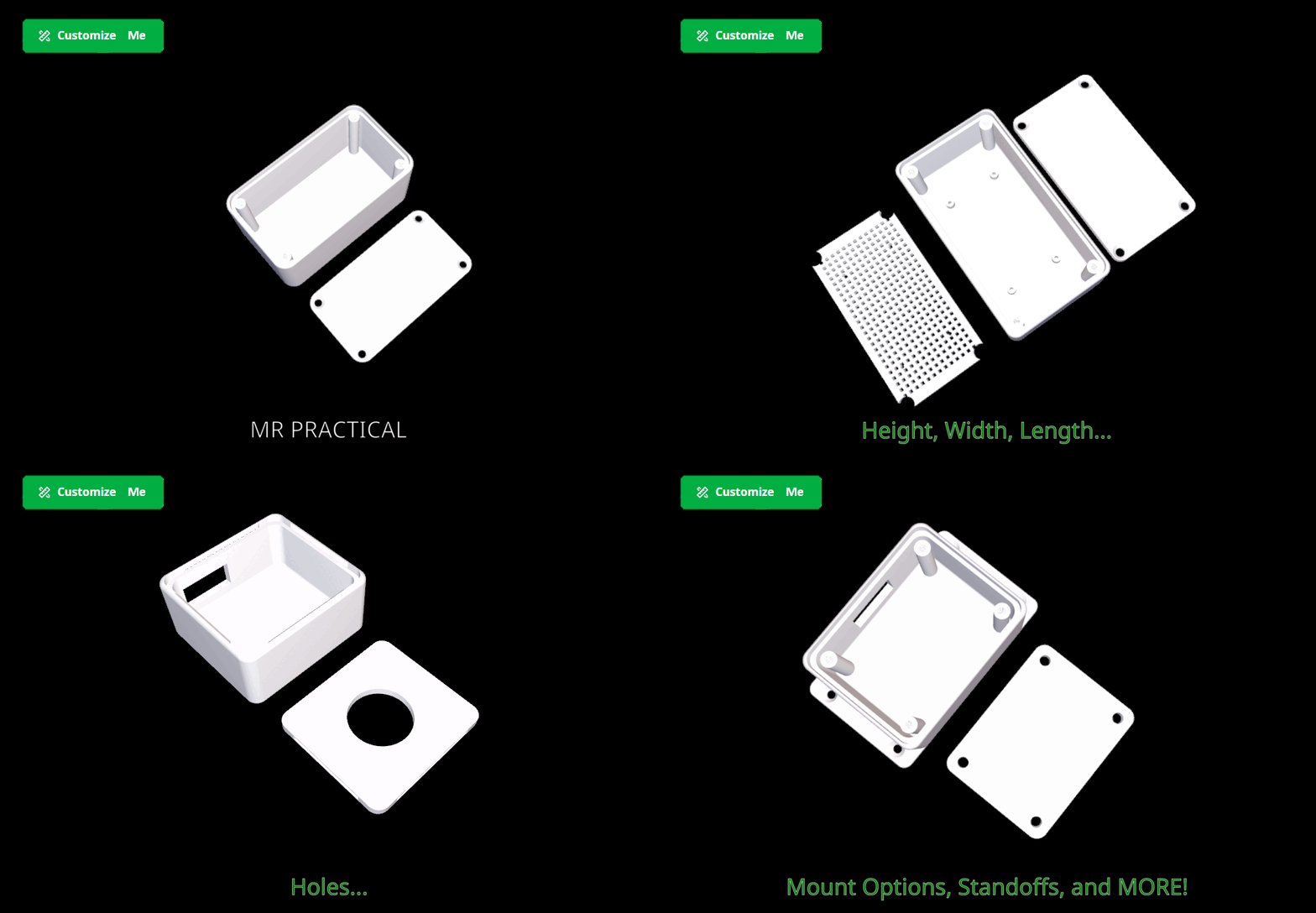
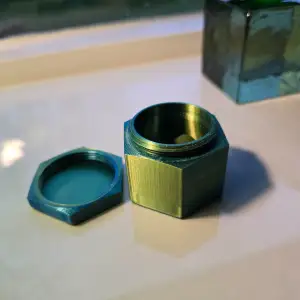


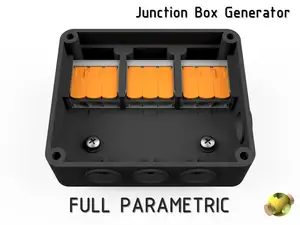
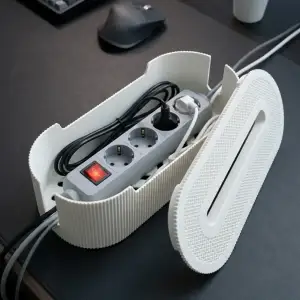


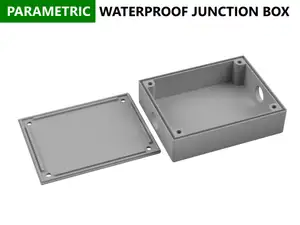
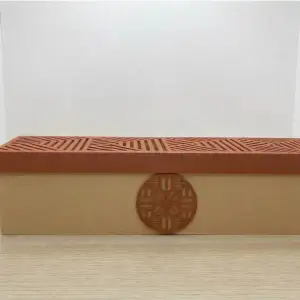

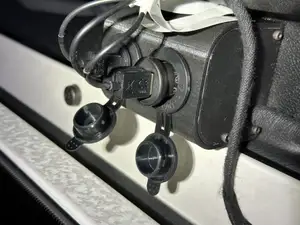
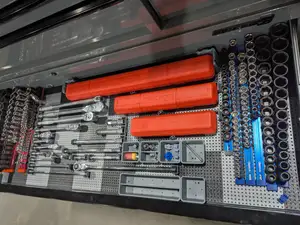
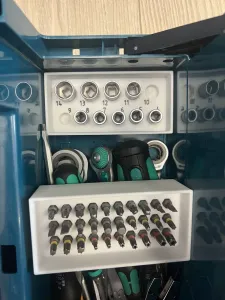

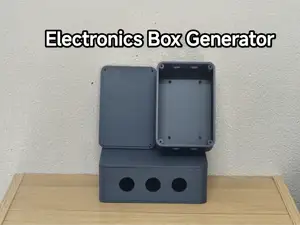
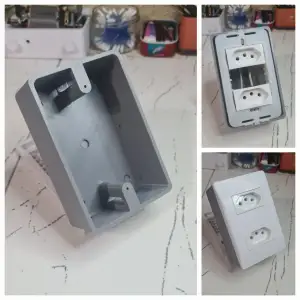


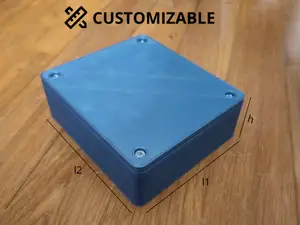
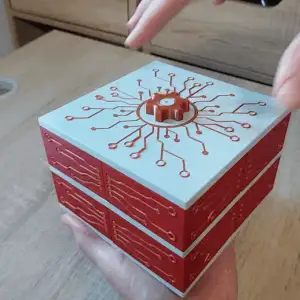

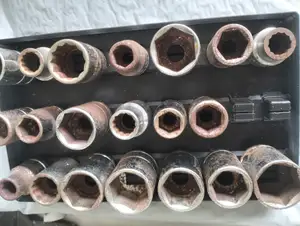
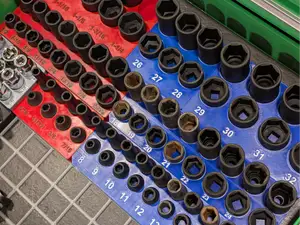
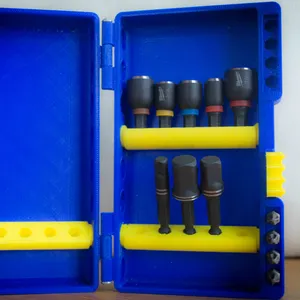


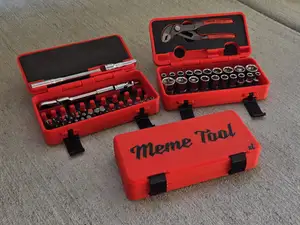
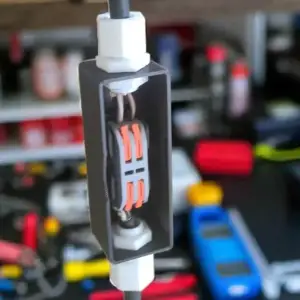
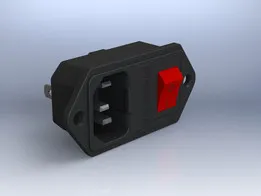
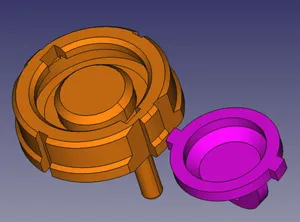
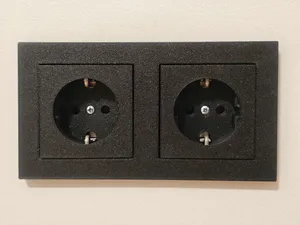
The models differ mainly by what they hold. Wall frames and covers are shaped around a round or square opening and often include a lid or a splash guard, while connector enclosures are built around a specific plug type and cable entry. Storage boxes for drive sockets are organized by size ranges and often use magnets or removable trays. Modular and parametric junction housings are drawn so the same base can be extended or resized, and floor variants are made to sit flush with a tile surface.
Before printing, read the author's page rather than judging from the thumbnail. Check the outer and inner dimensions against the opening you have, the number of separate parts and how they join, and whether the model expects supports or a particular orientation. Look at the material and settings the author lists, and at photos of real prints, since thin walls and snap fits behave differently in different filaments. If a lid or a cable gland is a separate piece, plan the assembly order before starting.
To narrow the search, describe the function instead of the object: try terms for the connector type, the mounting surface, or the storage purpose, and mix them with words like enclosure, housing, frame, cover or organizer. Related topics such as cable management, project enclosures, switch plates and tool storage often lead to the same files. If a result is close but not exact, look at the author's other models and at remixes, where a variant with different dimensions may already exist.
%2Fhttps%3A%2F%2Ffbi.cults3d.com%2Fuploaders%2F13845051%2Fillustration-file%2Fc414cbf5-492e-4ae0-8ed6-8b72f2186b5d%2Fgiffff3.gif&w=300)

暮らし・日用品からCNCまで、すべてのテーマをそろえたカタログ。対応サイトを横断して検索できます。