%2Fhttps%3A%2F%2Ffbi.cults3d.com%2Fuploaders%2F13928564%2Fillustration-file%2F05a35ee3-ff43-4ae8-9f1d-9b4d4317b5e6%2F93797113_223741868852955_6746074113573388288_n.jpg&w=640)
無料 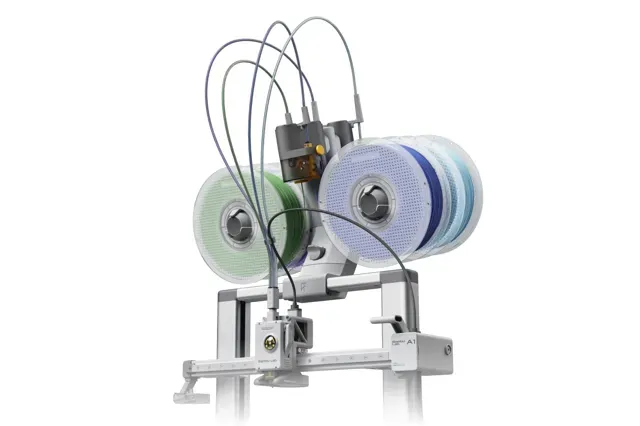
AMS Lite Top Mount for A1 & A2L
MakerWorld
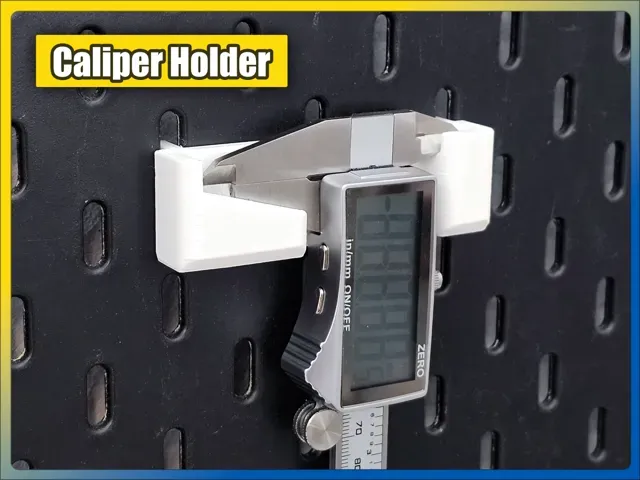
This collection gathers bracket and mount STL files: shelf and wall pieces, corner and angle joints, pegboard holders, and mounts for 3D printer parts. It helps you compare shapes and mounting methods before starting a 3D printing job. The same idea often appears under different names across platforms, so browsing several titles is useful. Polyzon does not confirm whether models are free, their price, license, official status, affiliation, safety or fitness. Check the current terms at the source.
このコレクションの本文は英語で書かれています。検索自体はどの言語でも使えます。
 Polyzonのコレクション · モデル48件 6サイトから収集
このコレクションは、Polyzonが対応サイトの検索結果をもとに作成しています。重複やプレビューのないモデルは除外し、関連性の低いものは後ろに回し、それ以外は検索結果の順に並べています。モデルの権利は各作者にあります。利用条件は各モデルのページでご確認ください。
選定基準:Polyzon編集部 · 本文の更新日:2026年10月12日
%2Fhttps%3A%2F%2Ffbi.cults3d.com%2Fuploaders%2F13928564%2Fillustration-file%2F05a35ee3-ff43-4ae8-9f1d-9b4d4317b5e6%2F93797113_223741868852955_6746074113573388288_n.jpg&w=300)

%2Fhttps%3A%2F%2Ffbi.cults3d.com%2Fuploaders%2F13325082%2Fillustration-file%2F4a69f00d-2197-4cc5-8ae8-d1666bd2d1ca%2Fshapes.jpg&w=300)
%2Fhttps%3A%2F%2Ffbi.cults3d.com%2Fuploaders%2F14430746%2Fillustration-file%2Ff42a47f1-77d4-4434-9463-24b9e55c556b%2FDeWalt_20-60v_Mac_Battery_Holder.png&w=300)

%2Fhttps%3A%2F%2Ffbi.cults3d.com%2Fuploaders%2F13602792%2Fillustration-file%2Fd2963fc8-7b80-4cbc-8f34-a7e1549a1403%2Fdf45e8e990ef7e3b39025df4a8b2a008_preview_featured.jpg&w=300)


%2Fhttps%3A%2F%2Ffbi.cults3d.com%2Fuploaders%2F13805064%2Fillustration-file%2F4d655459-724c-4896-8489-3026d2e0e882%2FIMG_7683.jpeg&w=300)



%2Fhttps%3A%2F%2Ffbi.cults3d.com%2Fuploaders%2F15397850%2Fillustration-file%2Fe5958faf-385e-4363-b916-6b98f82b23d5%2FArchitectural_Decoratio_01_KEY.jpg&w=300)

%2Fhttps%3A%2F%2Ffbi.cults3d.com%2Fuploaders%2F13759004%2Fillustration-file%2F8822e9df-5a8c-4856-b523-d406119da9b3%2Ftentbrackett.JPG&w=300)
%2Fhttps%3A%2F%2Ffbi.cults3d.com%2Fuploaders%2F15397850%2Fillustration-file%2Fcca0f2c4-16cb-49d2-8e33-e69253b93514%2FArchitectural_Decorative_01_KEY.jpg&w=300)
%2Fhttps%3A%2F%2Ffbi.cults3d.com%2Fuploaders%2F13220014%2Fillustration-file%2F5d945582-ede0-4c38-8e06-18f7d0fbb6ab%2FCapture%2520d%25E2%2580%2599e%25CC%2581cran%25202018-01-08%2520a%25CC%2580%252010.00.26.png&w=300)

%2Fhttps%3A%2F%2Ffbi.cults3d.com%2Fuploaders%2F13241155%2Fillustration-file%2Fa7996a68-1937-4644-84dc-fcceedc9540b%2FIMG_20180711_090721.jpg&w=300)
%2Fhttps%3A%2F%2Ffbi.cults3d.com%2Fuploaders%2F3930409%2Fillustration-file%2F448f4eb0-1eb4-49d7-ab76-956cb70d8bee%2F6a91432c038349680fc2e6c002271602_display_large.jpg&w=300)


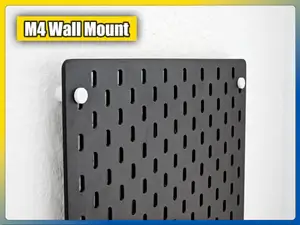

%2Fhttps%3A%2F%2Ffbi.cults3d.com%2Fuploaders%2F13250808%2Fillustration-file%2F40036f40-3ab6-4a8e-b9d5-0e78dd299110%2Fa279e546e373c4f89bfb157bfd623e4d_display_large.jpg&w=300)
%2Fhttps%3A%2F%2Ffbi.cults3d.com%2Fuploaders%2F15397850%2Fillustration-file%2F34328937-bf15-41cd-b8be-6428070a5d20%2FArchitectural_Decorative_01_KEY.jpg&w=300)

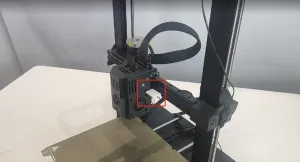
%2Fhttps%3A%2F%2Ffbi.cults3d.com%2Fuploaders%2F13862875%2Fillustration-file%2F22a468e4-8167-4caf-82aa-855729ce5db8%2Fshelf1.png&w=300)
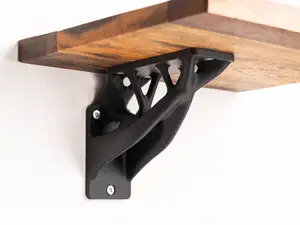
%2Fhttps%3A%2F%2Ffbi.cults3d.com%2Fuploaders%2F15002038%2Fillustration-file%2Fb35c79b1-370d-48f9-aa14-e7542c8dab6f%2F1.jpg&w=300)

%2Fhttps%3A%2F%2Ffbi.cults3d.com%2Fuploaders%2F17593704%2Fillustration-file%2Ff609cf8e-a6c2-42b9-8f95-e230fdf54532%2FIMG_20210320_145858.jpg&w=300)

%2Fhttps%3A%2F%2Ffbi.cults3d.com%2Fuploaders%2F14761226%2Fillustration-file%2F5a6329fa-3905-47eb-9b8e-bf6697a73897%2Fthing-13.jpg&w=300)
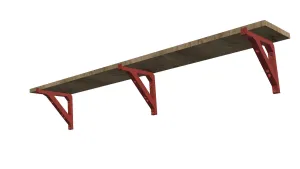
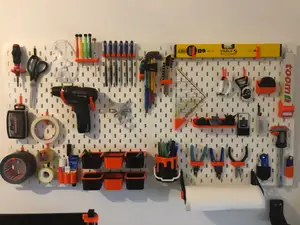
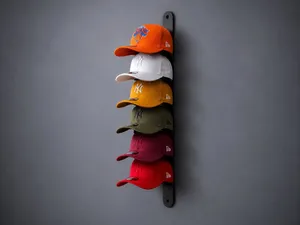
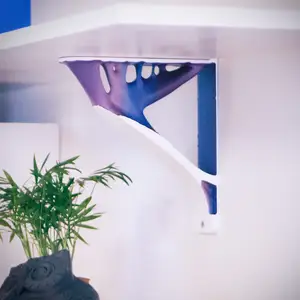
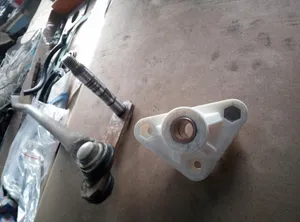
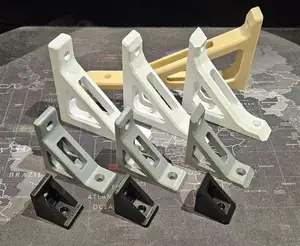
Brackets differ mainly by what they hold and how they attach. Shelf and wall versions spread load along a flat face, while corner and angle pieces join two surfaces at a set degree. Pegboard mounts use hooks or clips that follow a hole pattern, and printer brackets usually wrap around a part such as a fan, hub or extruder.
Before printing, read the author's model page: overall size and scale, hole diameter and spacing, number of parts and how they assemble, and whether supports are needed. Check the material and settings the author lists, since a bracket loaded in one direction behaves differently from one loaded in another. Photos of real prints show the result after printing, not only the render.
If a search returns too few results, try synonyms: mount, holder, hook, clip, adapter, arm, stand. Related topics help as well — pegboard organizers, shelf systems, cable management, printer upgrades, and parametric designs you can resize. Adding a size, an angle or a hole pattern to the query narrows the list further.


暮らし・日用品からCNCまで、すべてのテーマをそろえたカタログ。対応サイトを横断して検索できます。
%2Fhttps%3A%2F%2Ffbi.cults3d.com%2Fuploaders%2F16175935%2Fillustration-file%2Fd64732f5-b7a5-4c18-b2a4-656861f84edc%2FDSC_0643.jpg&w=640)
%2Fhttps%3A%2F%2Ffbi.cults3d.com%2Fuploaders%2F15593462%2Fillustration-file%2Ff8ba38bf-49d4-4c61-8fe6-fd7794e0ec0e%2F003.jpg&w=640)