
無料 
MacBook Pro Retina Connection Lock
Thingiverse
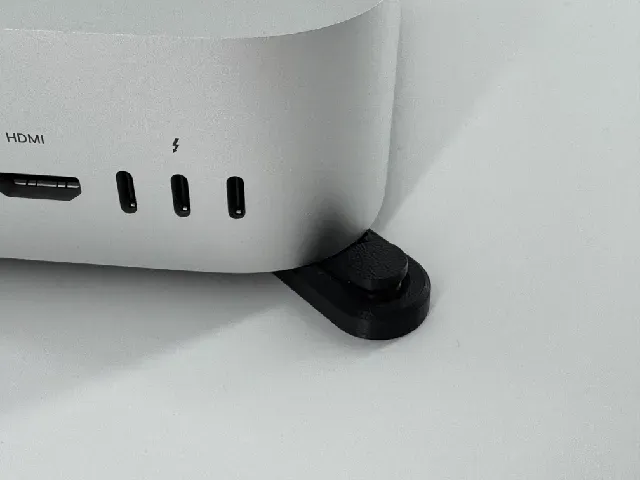
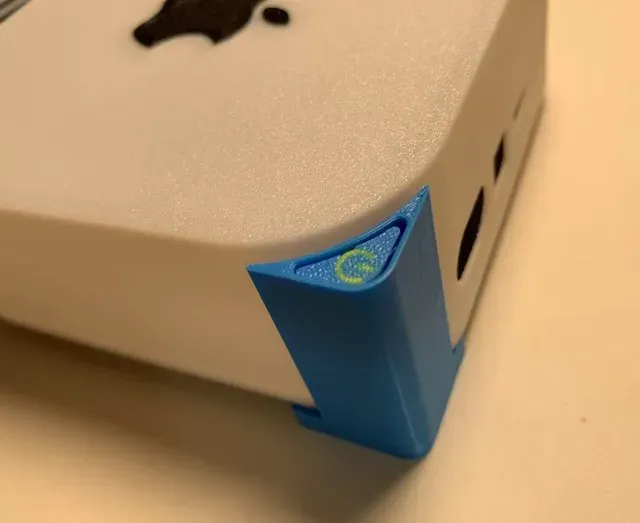
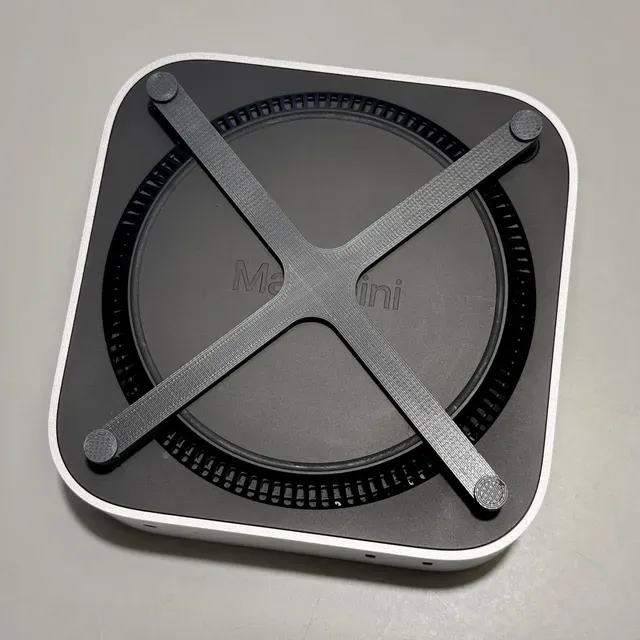
This collection gathers 3D printing files that make the power button on a Mac mini easier to reach, along with stands, docks and mounts built around the same problem. Most entries are small parts: an arm, a base plate or a bracket that redirects the button to the front, top or side of the machine. If you keep the computer tucked away or standing upright, these STL files are a practical starting point. Polyzon does not confirm whether models are free, their price, license, official status, affiliation, safety or fitness. Check the current terms at the source.
このコレクションの本文は英語で書かれています。検索自体はどの言語でも使えます。
 Polyzonのコレクション · モデル46件 3サイトから収集
このコレクションは、Polyzonが対応サイトの検索結果をもとに作成しています。重複やプレビューのないモデルは除外し、関連性の低いものは後ろに回し、それ以外は検索結果の順に並べています。モデルの権利は各作者にあります。利用条件は各モデルのページでご確認ください。
選定基準:Polyzon編集部 · 本文の更新日:2026年10月14日



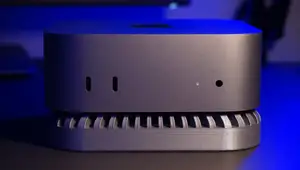
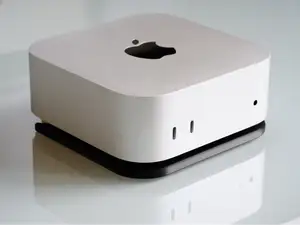

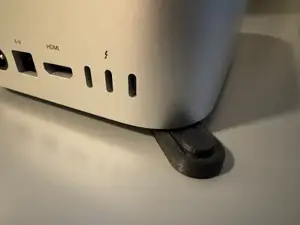
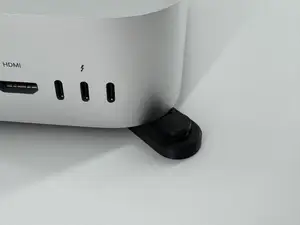

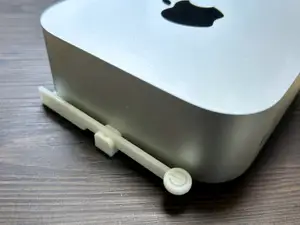
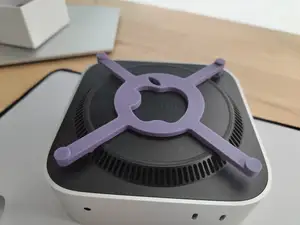

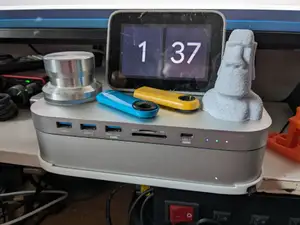
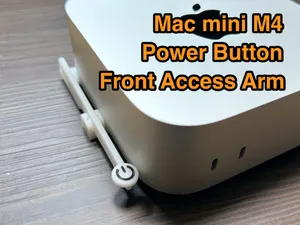

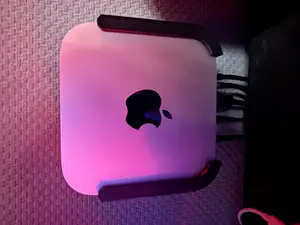
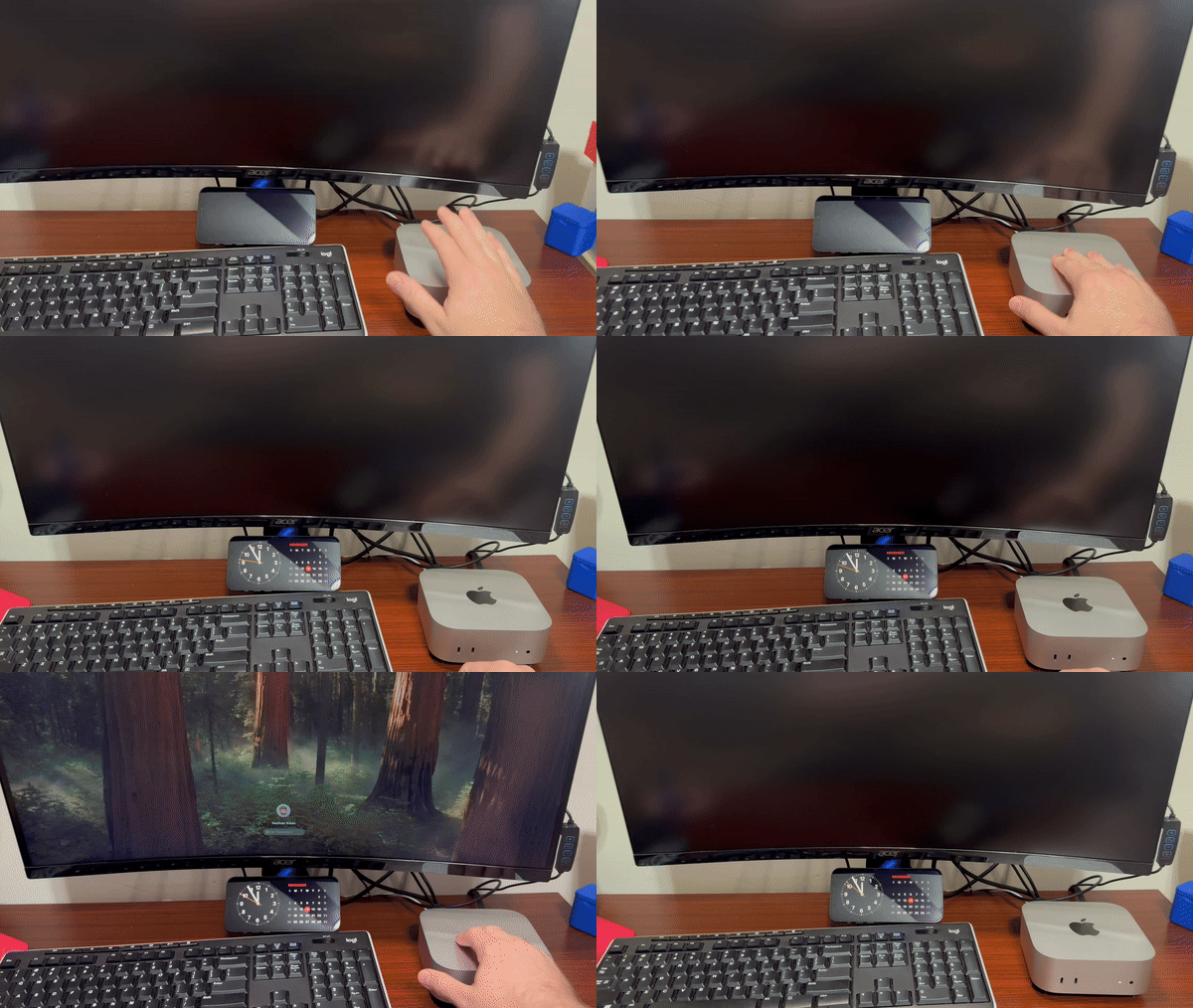

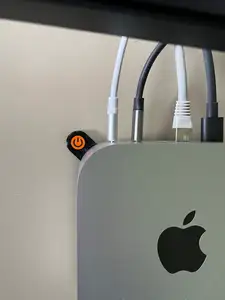
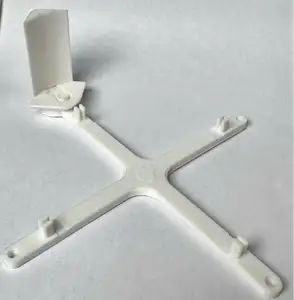


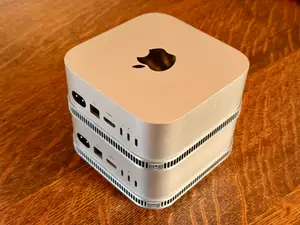

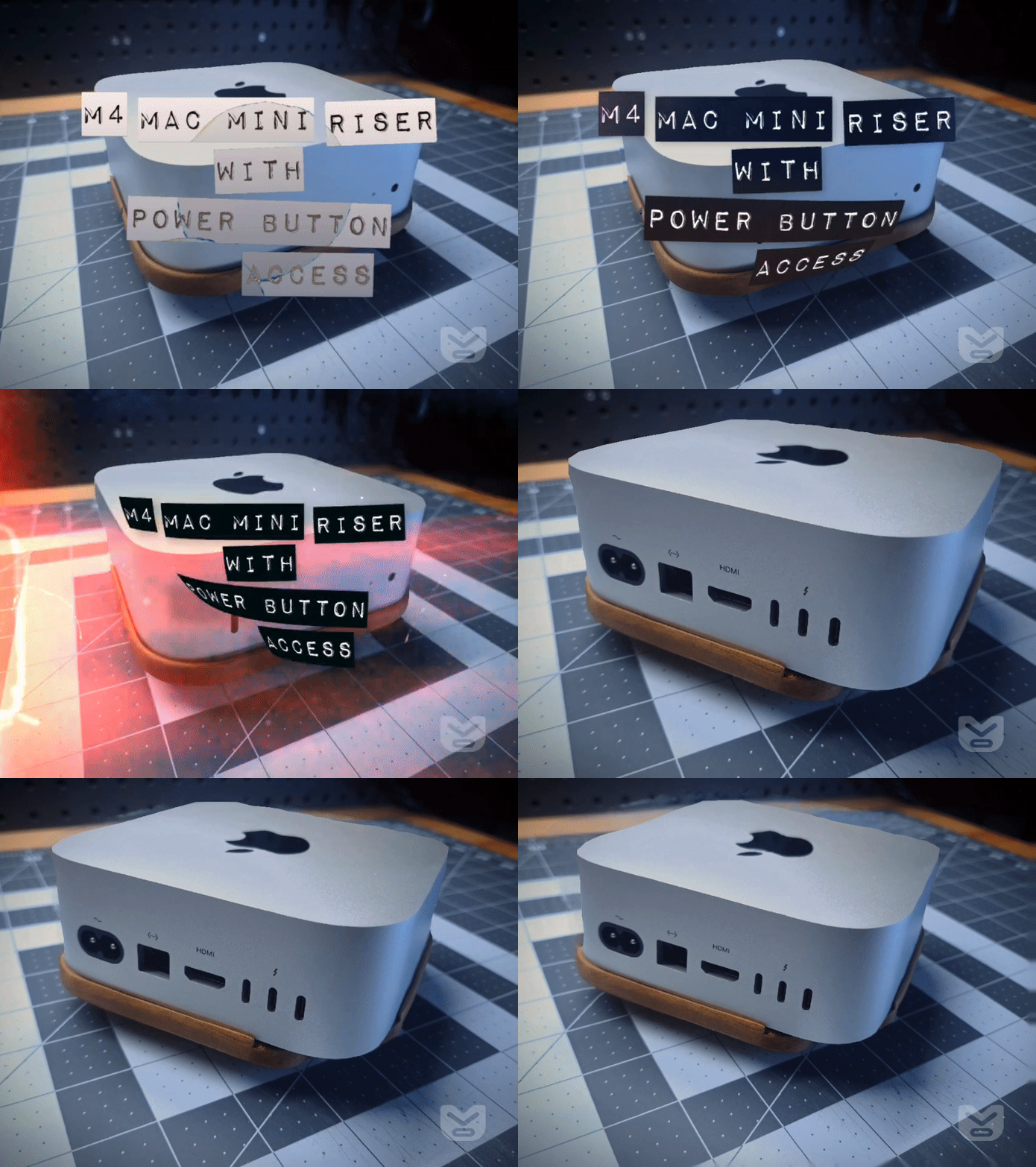
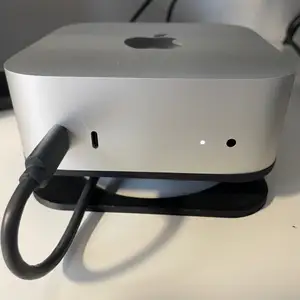


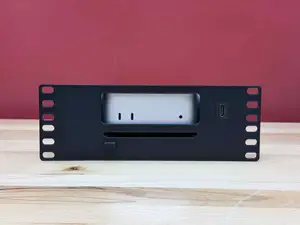

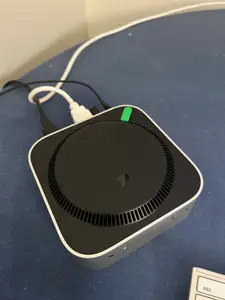
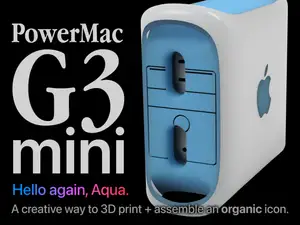

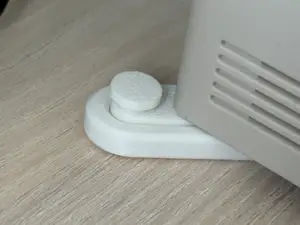
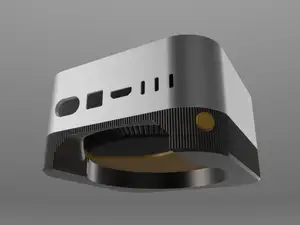

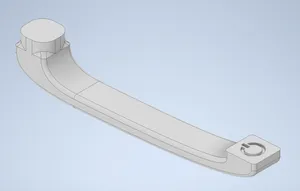
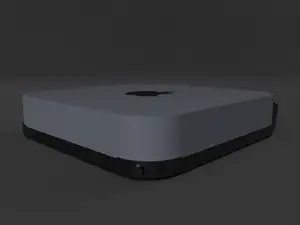


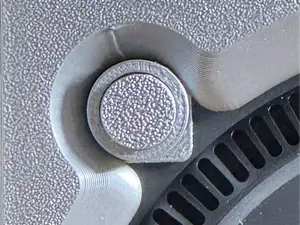

The largest group consists of parts that move the button to a more convenient spot. Some are arms that press the original switch from a new angle, others are base plates with a cutout that exposes the button when the machine sits in a stand. A second group covers vertical docks and stands that hold the computer on its side, often with room for a drive underneath. Mounting hardware is also common: wall brackets, under-desk plates and VESA adapters that attach the machine to a monitor arm or a panel. A smaller set holds the external power supply or routes its cable.
Before printing, open the author's page and read what the part was modeled for. Check the exact model generation and size, since the housing and button position differ between versions. Look at the number of separate pieces, how they join, and whether screws, inserts or adhesive are part of the design. Confirm whether the shape needs support material, and note the layer height, wall count and filament type the author lists. Photos of real prints show how the part sits on the machine far better than a render does.
If the results you see are too narrow, try other wording. Terms such as stand, dock, bracket, mount, holder or riser describe similar parts, and adding the generation of the computer narrows the list. Related searches include desk organization, cable management, monitor arm adapters and small-form-factor computer accessories. You can also search by the shape you need, for example a plate that raises the machine or an arm that reaches the switch from the front.
A useful check before you commit to a print is whether the part leaves the ports, vents and wireless range clear. Parts that wrap around the housing can block airflow or a connector if the author modeled them for a different revision. It also helps to decide in advance how the part will be fixed: some designs rely on the weight of the computer, others need a screw or a strip of tape. Reading the description and the comments on the model page usually answers this faster than guessing from the preview image.



暮らし・日用品からCNCまで、すべてのテーマをそろえたカタログ。対応サイトを横断して検索できます。