
免费 
MacBook Pro Retina Connection Lock
Thingiverse
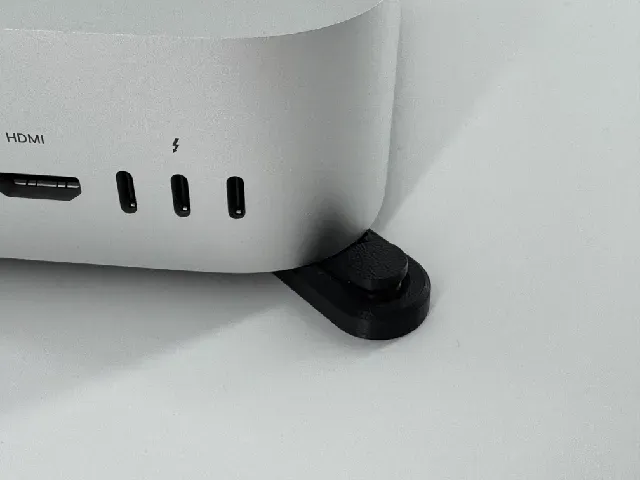
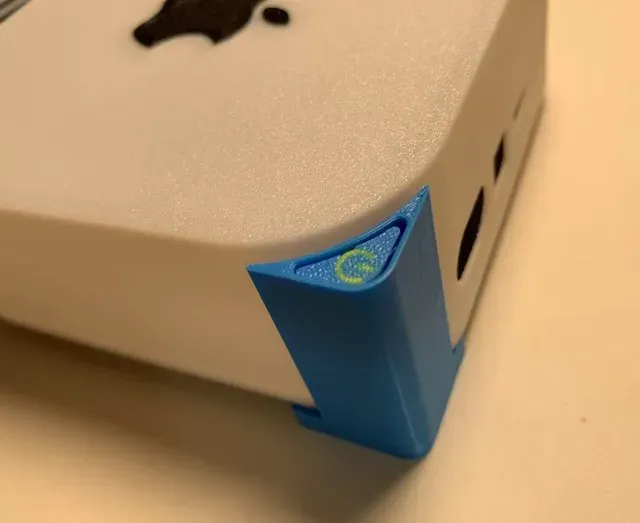
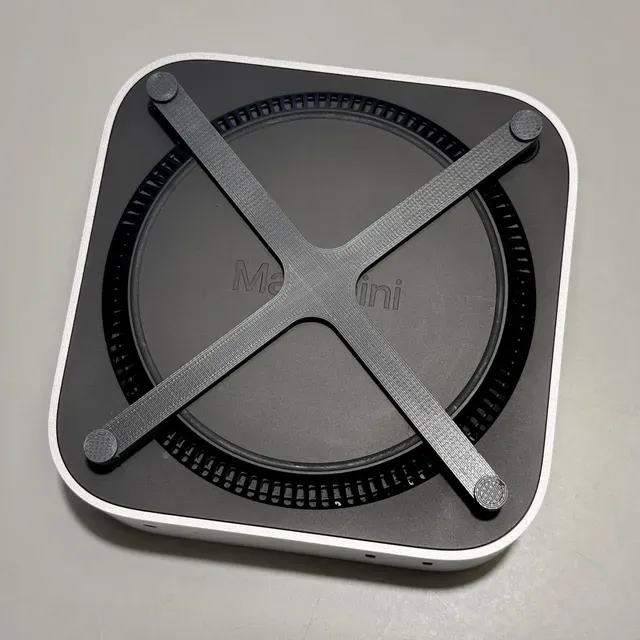
This collection gathers 3D printing files that make the power button on a Mac mini easier to reach, along with stands, docks and mounts built around the same problem. Most entries are small parts: an arm, a base plate or a bracket that redirects the button to the front, top or side of the machine. If you keep the computer tucked away or standing upright, these STL files are a practical starting point. Polyzon does not confirm whether models are free, their price, license, official status, affiliation, safety or fitness. Check the current terms at the source.
本合集的文字为英文,搜索本身支持任何语言。
 Polyzon合集 · 46个模型 来自3个平台
此合集由Polyzon根据已接入平台的搜索结果整理而成:去除重复项和没有预览图的模型,匹配度低的排在最后,其余按搜索结果顺序排列。模型归作者所有——请在各模型页面查看使用条款。
筛选规则:Polyzon编辑部 · 文字更新于2026年10月14日


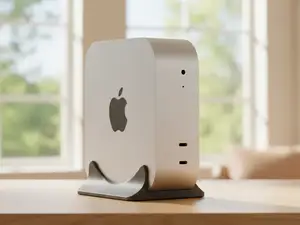

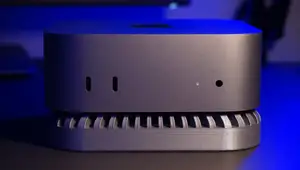
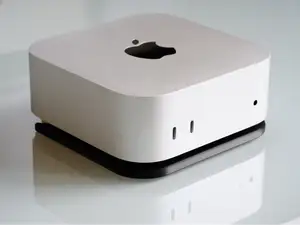

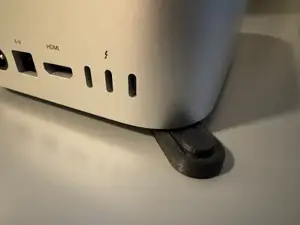
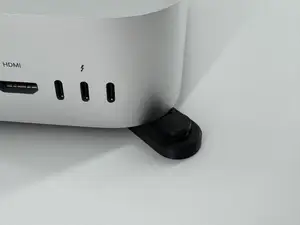

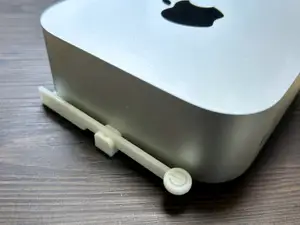
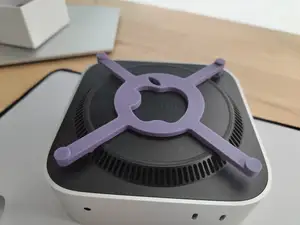

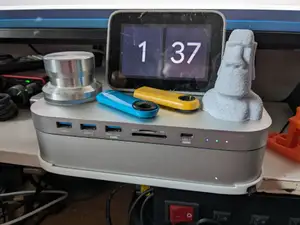
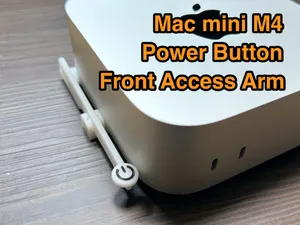

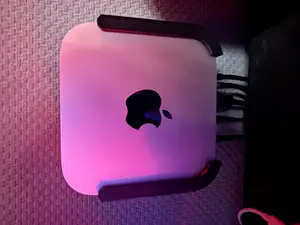
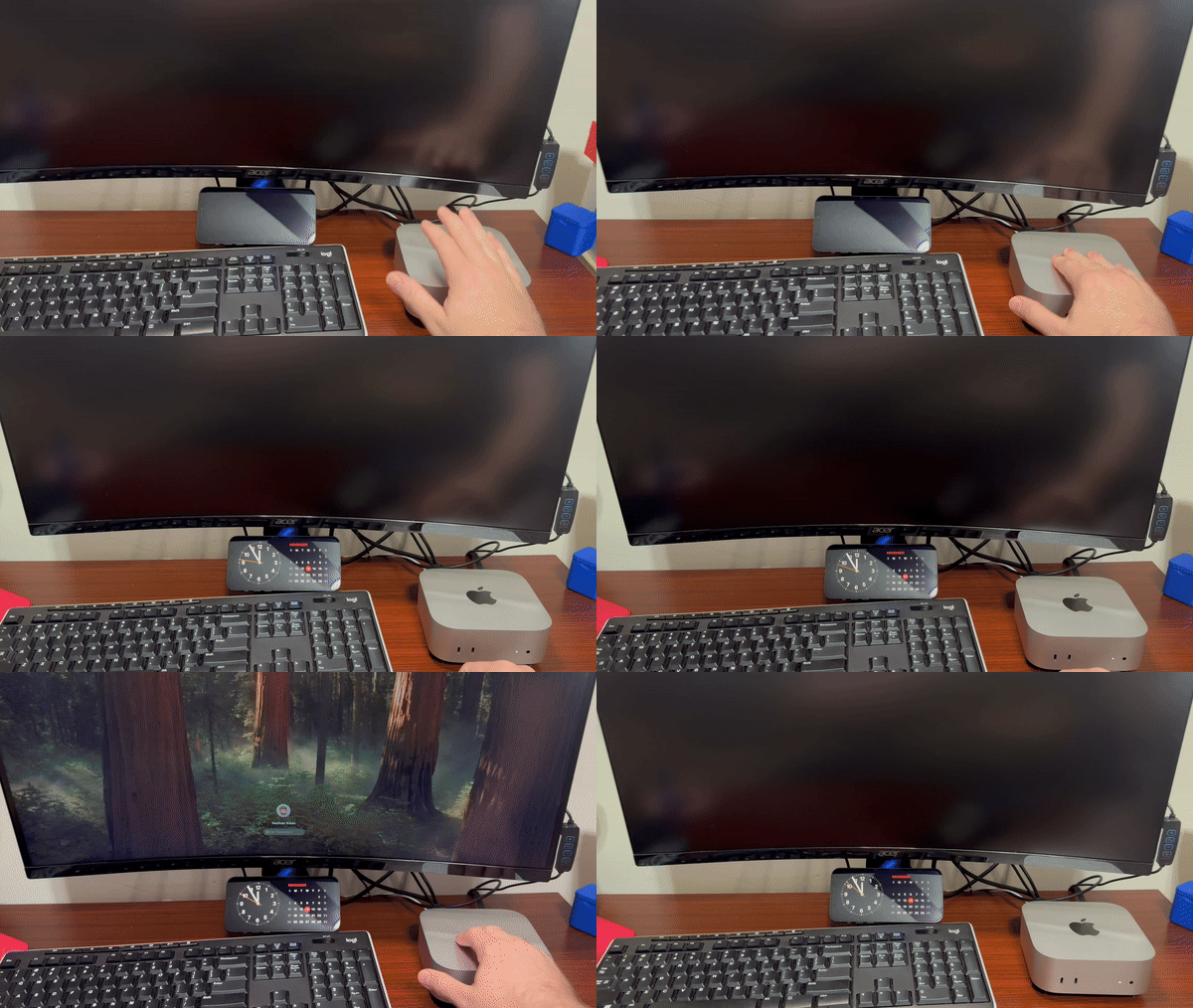

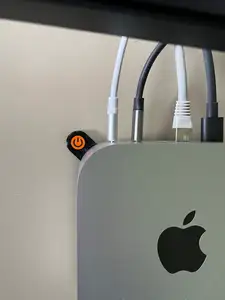
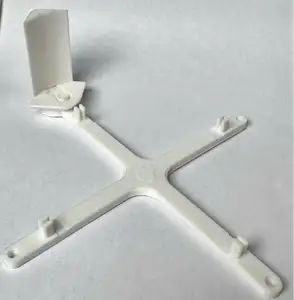


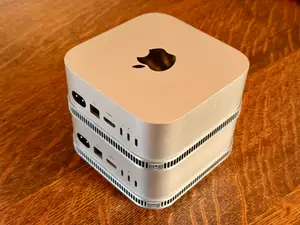

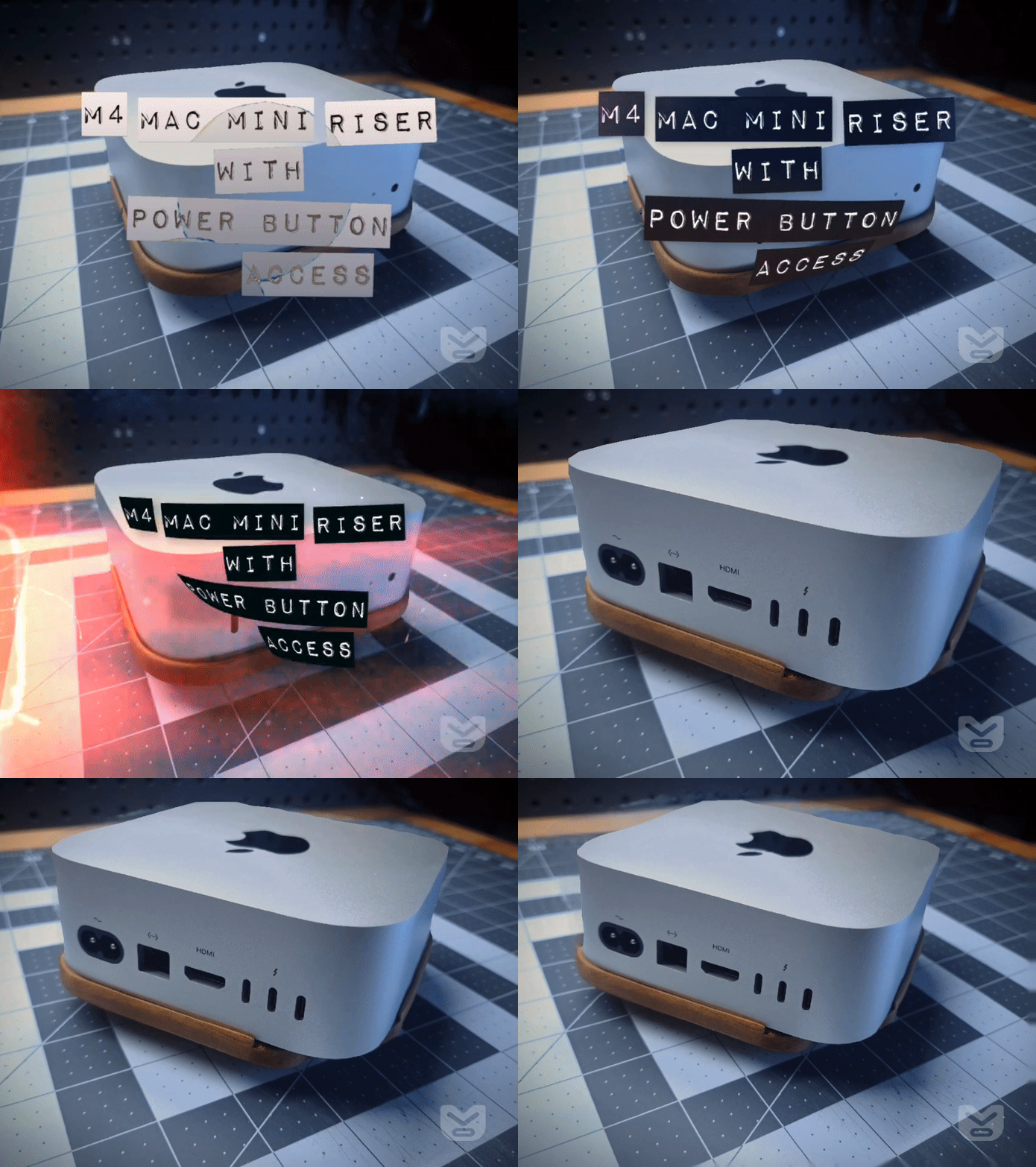




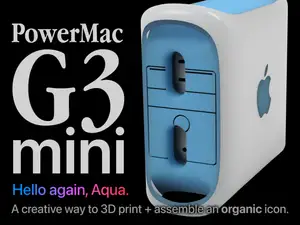

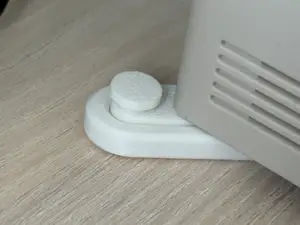
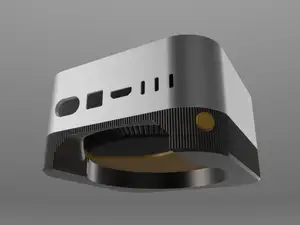

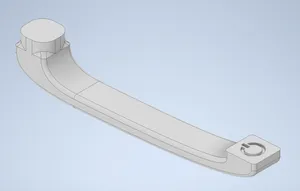
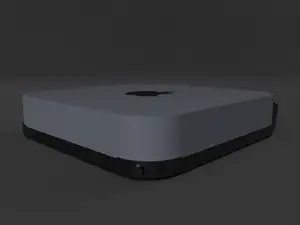


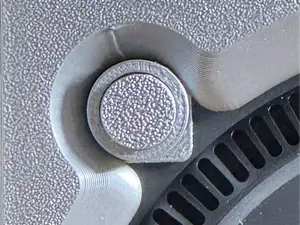

The largest group consists of parts that move the button to a more convenient spot. Some are arms that press the original switch from a new angle, others are base plates with a cutout that exposes the button when the machine sits in a stand. A second group covers vertical docks and stands that hold the computer on its side, often with room for a drive underneath. Mounting hardware is also common: wall brackets, under-desk plates and VESA adapters that attach the machine to a monitor arm or a panel. A smaller set holds the external power supply or routes its cable.
Before printing, open the author's page and read what the part was modeled for. Check the exact model generation and size, since the housing and button position differ between versions. Look at the number of separate pieces, how they join, and whether screws, inserts or adhesive are part of the design. Confirm whether the shape needs support material, and note the layer height, wall count and filament type the author lists. Photos of real prints show how the part sits on the machine far better than a render does.
If the results you see are too narrow, try other wording. Terms such as stand, dock, bracket, mount, holder or riser describe similar parts, and adding the generation of the computer narrows the list. Related searches include desk organization, cable management, monitor arm adapters and small-form-factor computer accessories. You can also search by the shape you need, for example a plate that raises the machine or an arm that reaches the switch from the front.
A useful check before you commit to a print is whether the part leaves the ports, vents and wireless range clear. Parts that wrap around the housing can block airflow or a connector if the author modeled them for a different revision. It also helps to decide in advance how the part will be fixed: some designs rely on the weight of the computer, others need a screw or a strip of tape. Reading the description and the comments on the model page usually answers this faster than guessing from the preview image.

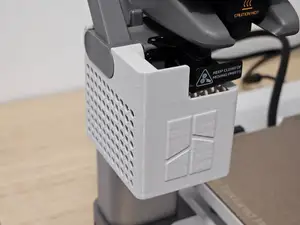


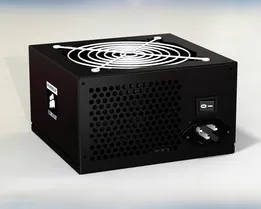
完整的主题目录:从家居日用到CNC,均可在已接入的来源平台中搜索。