
無料 
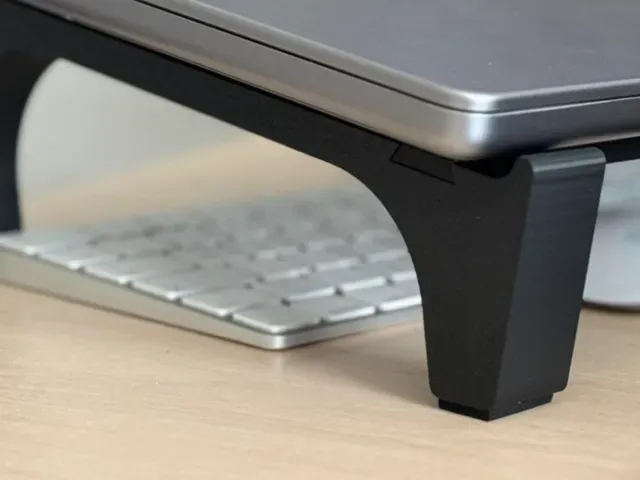
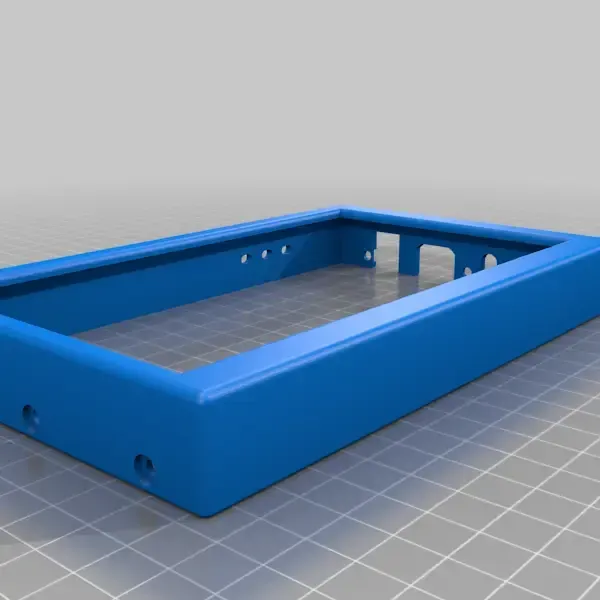
Support For MacBook Pro 13" 2019 - TEST
Thingiverse
This collection gathers 3D models that sit around laptops, phones and small electronics: cases, stands, charger parts and enclosures for boards. It is useful when a device needs a shell, a holder or a tidy place to live on a desk. Most files are made for desktop 3D printing, so scale and part count matter more than the shape alone. Polyzon does not confirm whether models are free, their price, license, official status, affiliation, safety or fitness. Check the current terms at the source.
このコレクションの本文は英語で書かれています。検索自体はどの言語でも使えます。
 Polyzonのコレクション · モデル41件 3サイトから収集
このコレクションは、Polyzonが対応サイトの検索結果をもとに作成しています。重複やプレビューのないモデルは除外し、関連性の低いものは後ろに回し、それ以外は検索結果の順に並べています。モデルの権利は各作者にあります。利用条件は各モデルのページでご確認ください。
選定基準:Polyzon編集部 · 本文の更新日:2026年10月14日


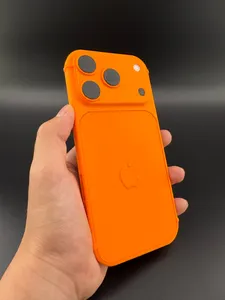

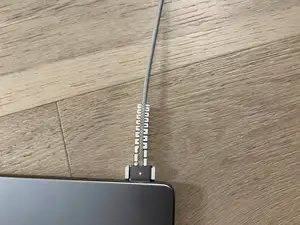

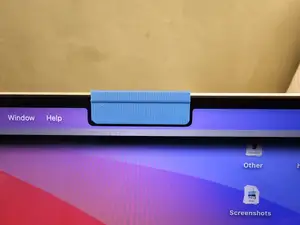

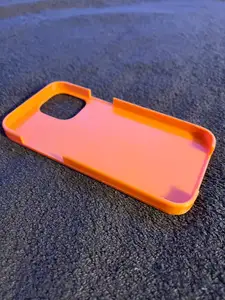

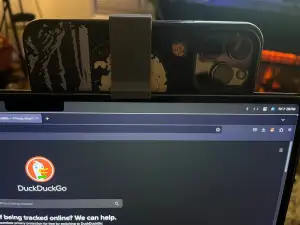
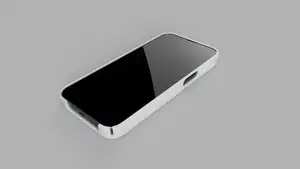

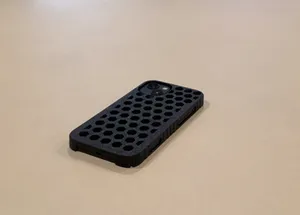
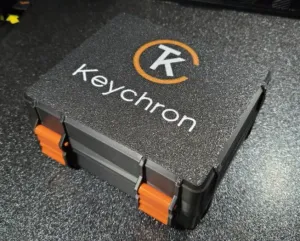

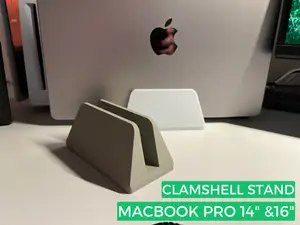

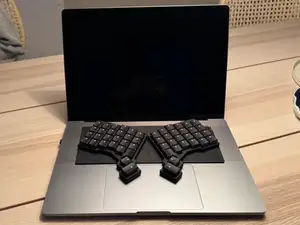
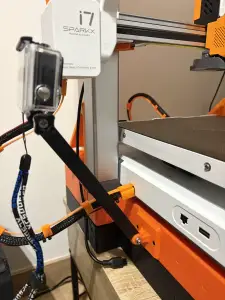
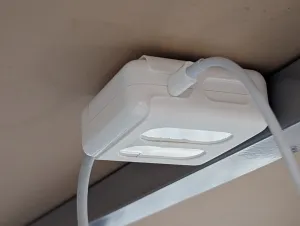
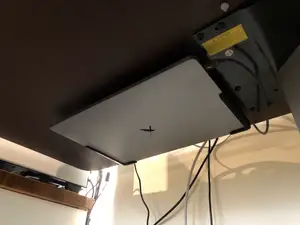

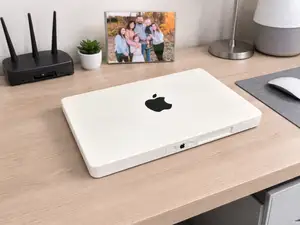

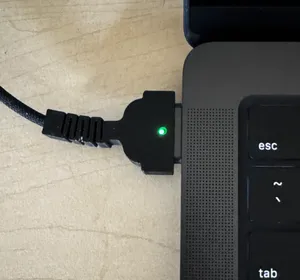

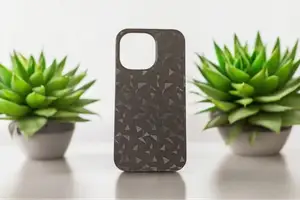
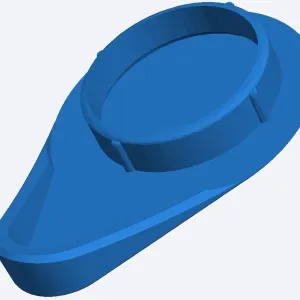

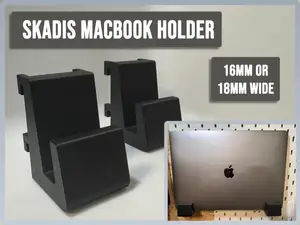
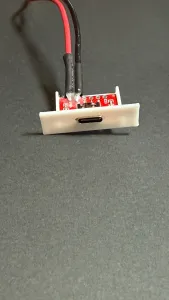

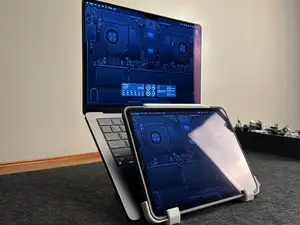
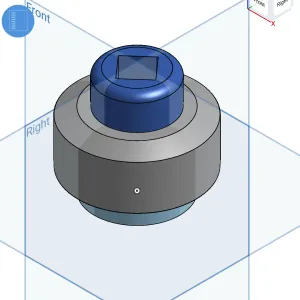

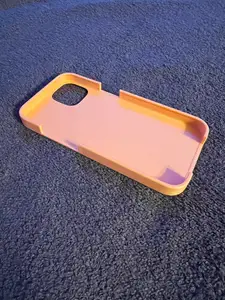
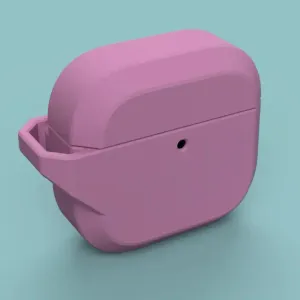
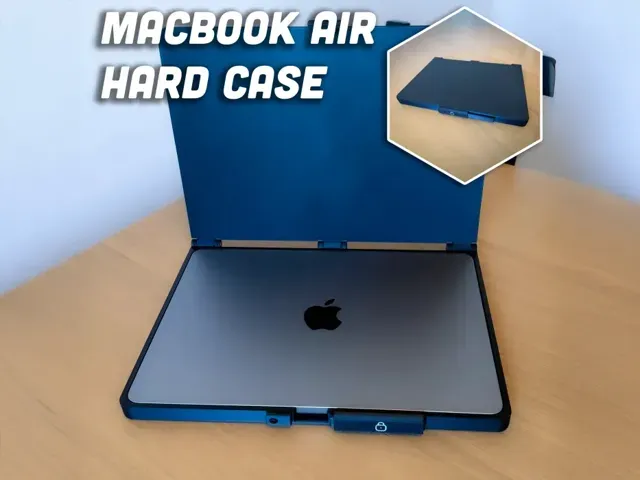
The models fall into a few groups. Snap-on shells and covers protect a laptop lid or a phone body, while stands and mounts raise a device to a working angle or attach it to something else. A third group covers power accessories such as charger clips and cable reels, and a fourth holds bare boards, converters and small computers inside a printed box. Travel and storage cases are usually the largest parts in the collection.
Before printing, read the author's page for the device generation, since a case drawn for one body size rarely fits another. Check the wall thickness, the number of separate parts, how they join, and whether the author lists supports, material or layer height. Look at photos of finished prints to judge tolerances around ports, buttons and hinges, and measure your own device rather than trusting a label.
To narrow the results, search by the object rather than the brand: laptop shell, phone bumper, desk stand, cable reel, project box. Related terms such as dock, caddy, tray, spacer, sleeve or enclosure often surface files that a device name misses. Adding the connector or board type, or the word mini or slim, helps separate small accessories from full-size housings.
暮らし・日用品からCNCまで、すべてのテーマをそろえたカタログ。対応サイトを横断して検索できます。