
無料 
MacBook Air 13" Stand
Thingiverse
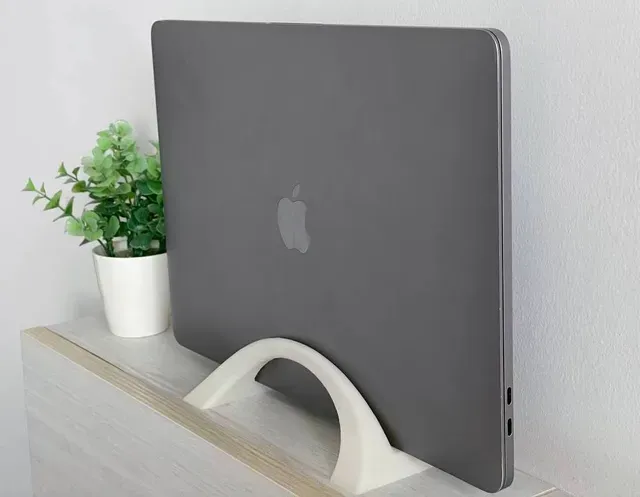
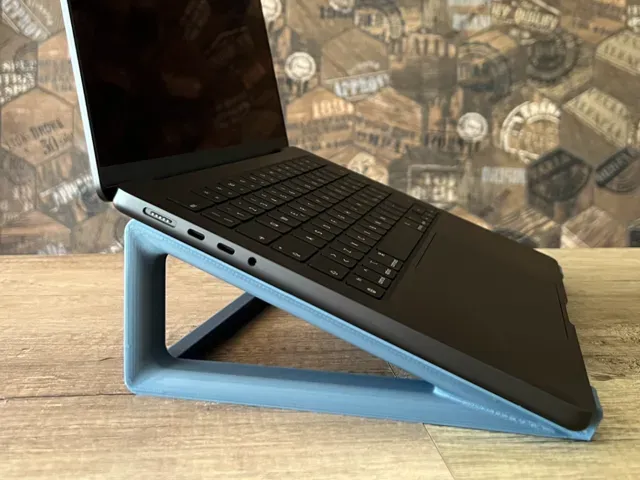
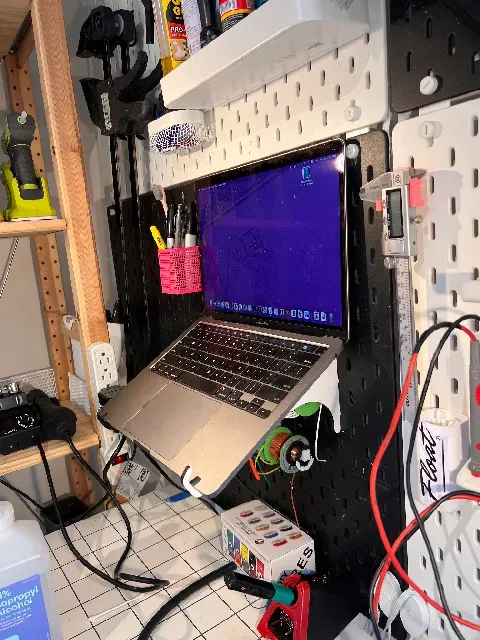
This collection gathers 3D printing files built around 13-inch MacBook laptops: desktop stands and risers, vertical docks, travel holders, pegboard mounts, cases and a few small spare parts. It is useful if you want to lift the screen to eye level, store the closed machine on edge, or replace a worn foot. Most files are small enough for a standard 3D printer, and many are shaped around a specific chassis generation. Polyzon does not confirm whether models are free, their price, license, official status, affiliation, safety or fitness. Check the current terms at the source.
このコレクションの本文は英語で書かれています。検索自体はどの言語でも使えます。
 Polyzonのコレクション · モデル47件 4サイトから収集
このコレクションは、Polyzonが対応サイトの検索結果をもとに作成しています。重複やプレビューのないモデルは除外し、関連性の低いものは後ろに回し、それ以外は検索結果の順に並べています。モデルの権利は各作者にあります。利用条件は各モデルのページでご確認ください。
選定基準:Polyzon編集部 · 本文の更新日:2026年10月13日



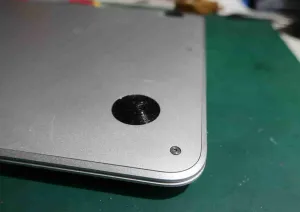


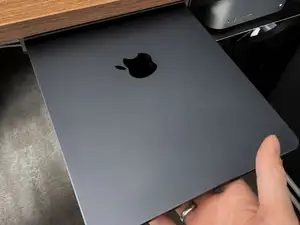
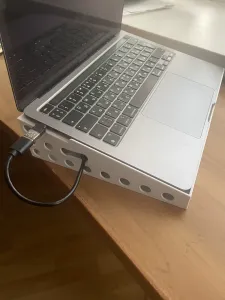

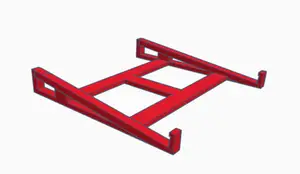



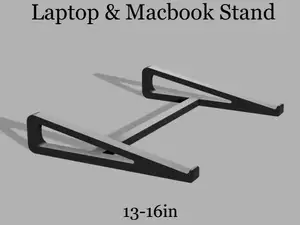
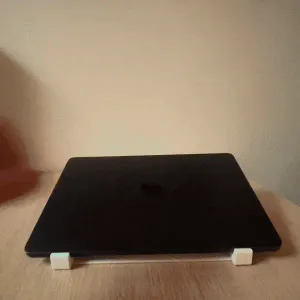






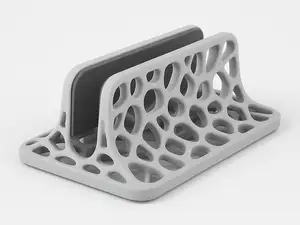


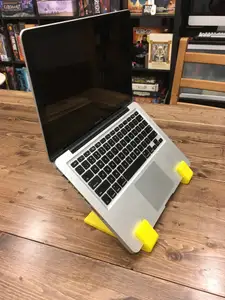
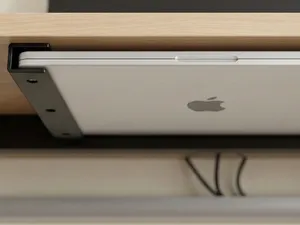


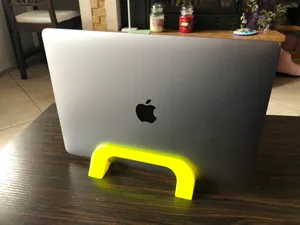
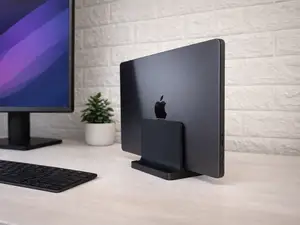
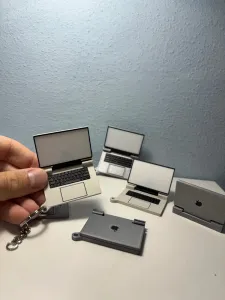


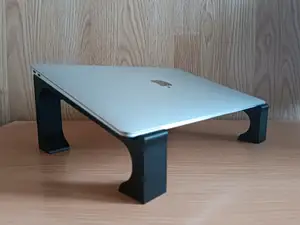



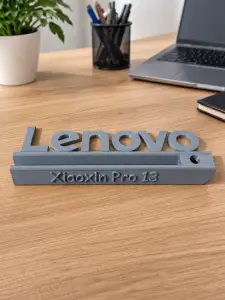


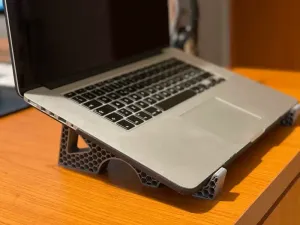
The models fall into a few practical groups. Desktop stands and risers hold the laptop open at an angle and often add cable routing or a slot for a phone. Vertical stands and docks keep the lid closed and the machine on its edge to save desk space, while travel holders, under-desk docks and pegboard mounts fix the laptop in a bag, under a table or on a tool wall. Cases and replacement feet cover protection and repair rather than positioning.
Before printing, read the author's page for the details that decide whether a model works for your machine: the exact width and thickness it was drawn for, the hinge and port clearance, the number of separate parts and how they join, and whether supports are needed. Check the material and settings the author lists, since thin clips and feet behave differently in PLA and PETG. Photos of real prints are the quickest way to judge wall thickness, tolerances and how the stand sits on a desk.
Search results for this topic mix several naming habits, so try more than one phrase. Alongside "stand" you will find "riser", "dock", "holder", "halter" and "подставка", and the same idea appears under "laptop stand" or "notebook stand". Related searches that widen the set include the 11-inch, 14-inch and 15-inch versions, the Air and Pro lines, the M1, M2 and M3 generations, and pegboard systems such as Skadis. Combining a size with a placement word, for example a 13-inch dock or an under-desk holder, narrows the list fastest.
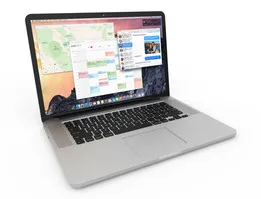


%2Fhttps%3A%2F%2Ffbi.cults3d.com%2Fuploaders%2F15946074%2Fillustration-file%2F7a1dcc1b-7b0e-43fd-9040-80b93ba204f7%2FCard_Holder_INCH.png&w=300)
暮らし・日用品からCNCまで、すべてのテーマをそろえたカタログ。対応サイトを横断して検索できます。