無料 
Venus Box
Thingiverse
This collection gathers mechanical iris designs for 3D printing, from print-in-place boxes to fidget toys and multi-blade mechanisms. You can compare how each model handles blades, rotation and assembly before opening the files. The range helps you find an STL that matches your printer size and the motion you want to build. Polyzon does not confirm whether models are free, their price, license, official status, affiliation, safety or fitness. Check the current terms at the source.
このコレクションの本文は英語で書かれています。検索自体はどの言語でも使えます。
 Polyzonのコレクション · モデル47件 4サイトから収集
このコレクションは、Polyzonが対応サイトの検索結果をもとに作成しています。重複やプレビューのないモデルは除外し、関連性の低いものは後ろに回し、それ以外は検索結果の順に並べています。モデルの権利は各作者にあります。利用条件は各モデルのページでご確認ください。
選定基準:Polyzon編集部 · 本文の更新日:2026年10月14日


%2Fhttps%3A%2F%2Ffbi.cults3d.com%2Fuploaders%2F23139119%2Fillustration-file%2F20ba7879-eebf-44ad-9382-cab725d204aa%2F01_Iris_assembled_top_side.jpg&w=300)
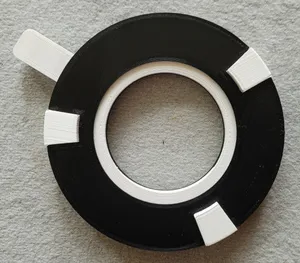
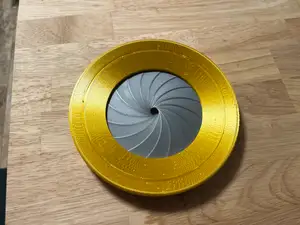

%2Fhttps%3A%2F%2Ffbi.cults3d.com%2Fuploaders%2F13610381%2Fillustration-file%2Fd2201ea8-12a4-46b3-8055-41949e3f2f24%2F0_2.png&w=300)
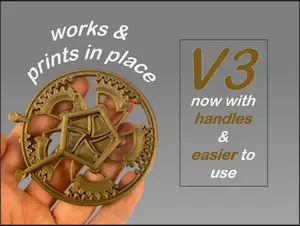


%2Fhttps%3A%2F%2Ffbi.cults3d.com%2Fuploaders%2F15124763%2Fillustration-file%2F25bdd223-4257-4a96-9944-c5f2a1f865b1%2FIris%25203%252C%2520pic%25203.PNG&w=300)

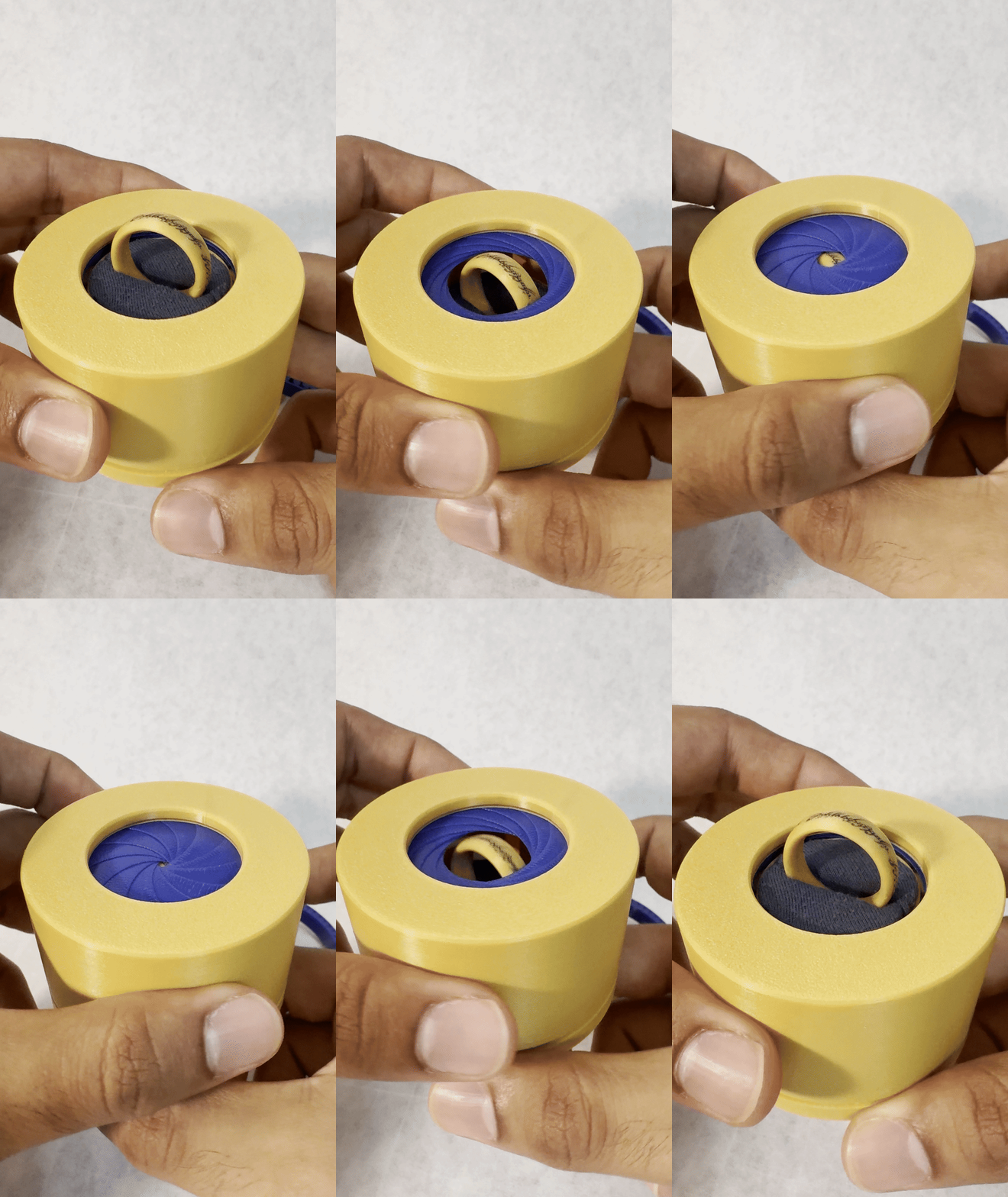

%2Fhttps%3A%2F%2Ffbi.cults3d.com%2Fuploaders%2F15596751%2Fillustration-file%2Ff094bfe3-bb87-455d-9d6b-7cd80a2c1256%2F3DP5BLROGEARD10A.gif&w=300)

%2Fhttps%3A%2F%2Ffbi.cults3d.com%2Fuploaders%2F15596751%2Fillustration-file%2F912fcf09-702c-4380-b74e-59b296a95029%2F3DP2BLROD10A12.jpg&w=300)

%2Fhttps%3A%2F%2Ffbi.cults3d.com%2Fuploaders%2F15596751%2Fillustration-file%2Fecf66c5c-e86f-4c3e-b477-8974771b7f8b%2F3DP3BLROD10A12.jpg&w=300)

%2Fhttps%3A%2F%2Ffbi.cults3d.com%2Fuploaders%2F26723653%2Fillustration-file%2F5c303825-3fcf-4b44-b85a-21b50fbeb2fa%2F20170812_153043.jpg&w=300)

%2Fhttps%3A%2F%2Ffbi.cults3d.com%2Fuploaders%2F13813600%2Fillustration-file%2F2d663bd8-f7f6-43f8-b957-ec4bb3ea1df7%2F100_0311_display_large.jpg&w=300)

%2Fhttps%3A%2F%2Ffbi.cults3d.com%2Fuploaders%2F15596751%2Fillustration-file%2F827ae64b-0430-44b0-b9b7-d6b57d6ac642%2FD25B4V01IRISBALL.gif&w=300)
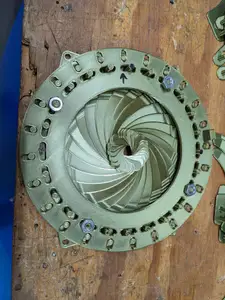
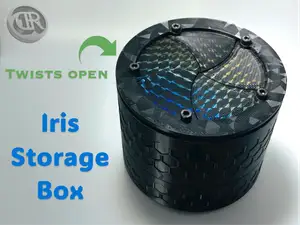

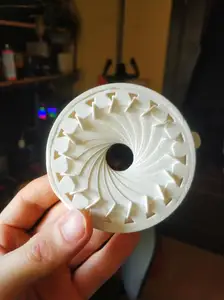
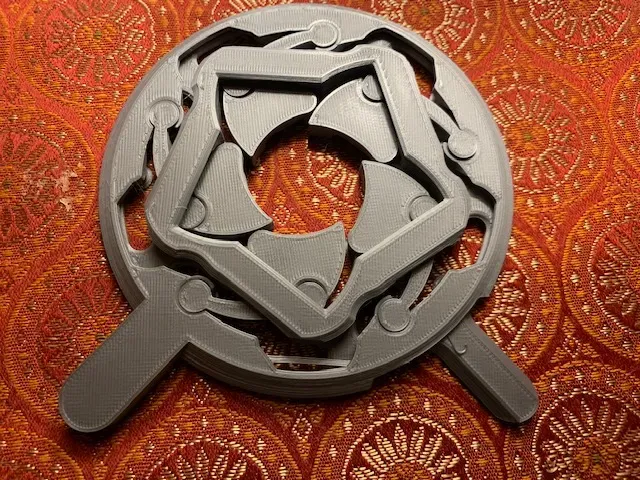
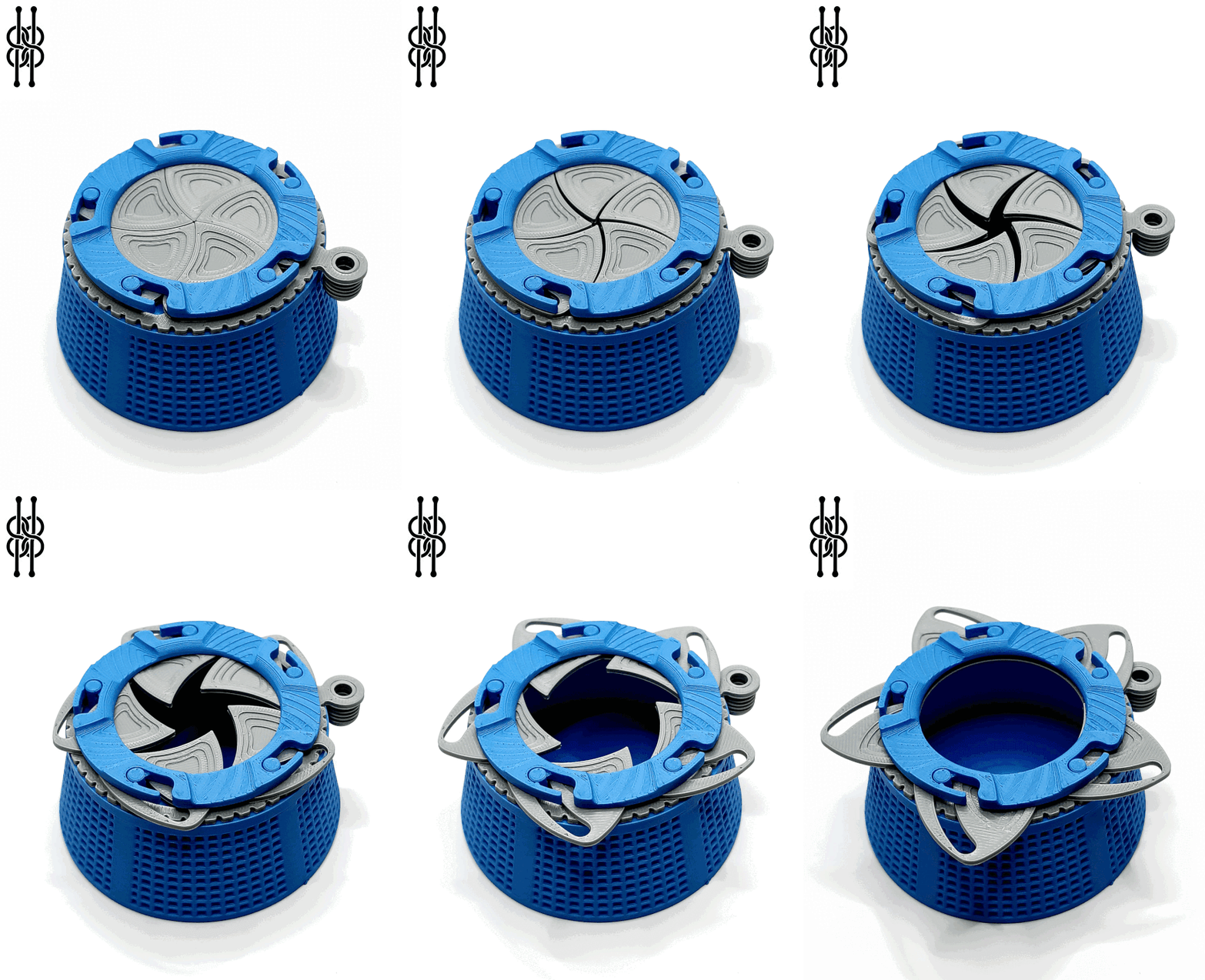
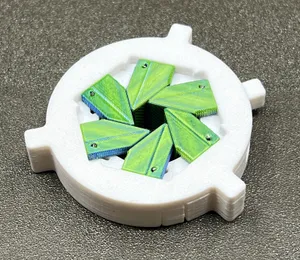
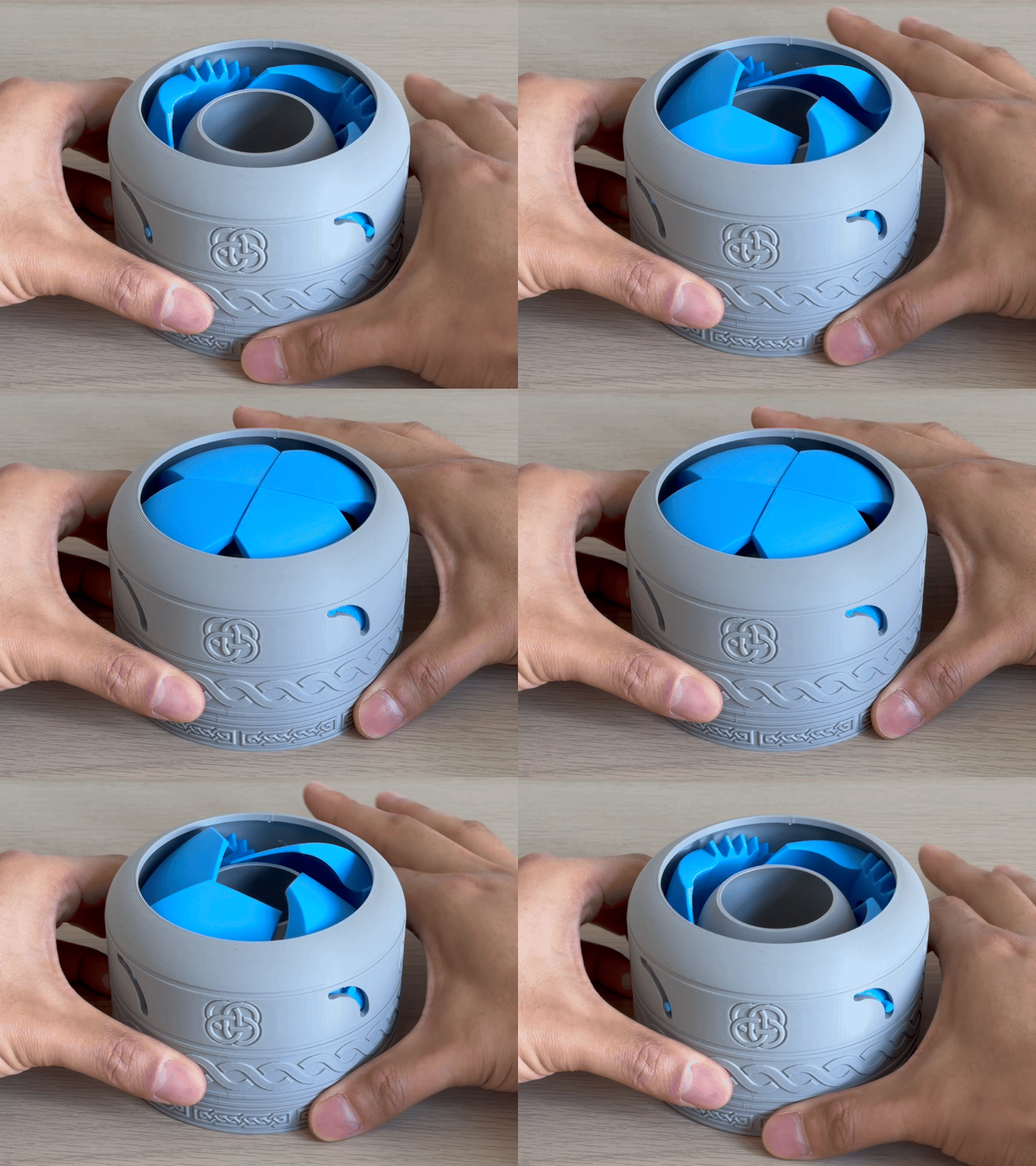
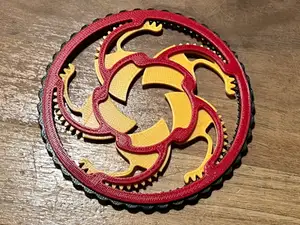
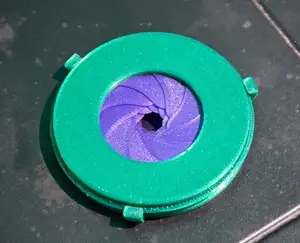
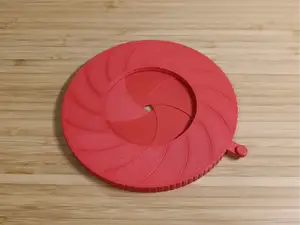
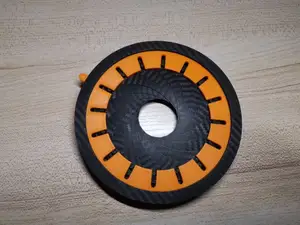
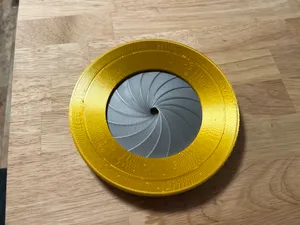
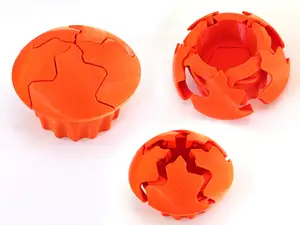
Iris boxes and containers often use overlapping blades that close around a central opening, while fidget versions emphasize repeated turning or snapping motion. Print-in-place mechanisms arrive as a single assembled piece, so the clearances are built into the model. Multi-blade iris mechanisms may include separate parts for the ring, blades and housing, which changes how the model moves and how it is put together.
Before printing, check the listed size and scale, the number of parts and whether assembly is required. Look at whether the author calls for supports, and note the material and settings they list. Photos of real prints can show how the blades sit and how much clearance the mechanism needs.
To narrow the results, try synonyms such as iris box, iris container, expanding mechanism or aperture mechanism. Related searches include print-in-place fidget, planetary iris, ring box and blade mechanism. Adding terms like desk toy, keychain or container can separate display pieces from small interactive models.



暮らし・日用品からCNCまで、すべてのテーマをそろえたカタログ。対応サイトを横断して検索できます。
%2Fhttps%3A%2F%2Ffbi.cults3d.com%2Fuploaders%2F13786584%2Fillustration-file%2Fdcd54ad4-4ef5-4f05-bbee-fb17aa7df205%2FIMG_20151124_185505_display_large.jpg&w=640)