
無料 
Build Tray — Modular Organizer for Assembly, Disassembly and Maintenance
Printables
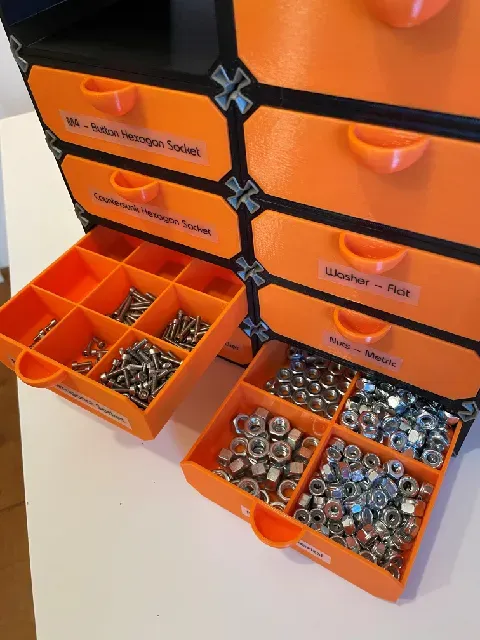
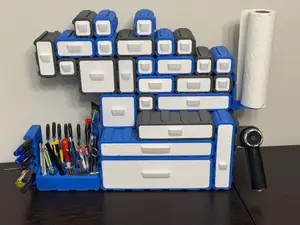
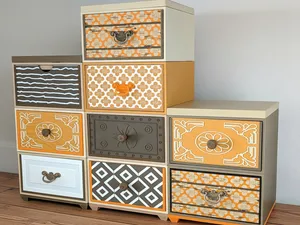
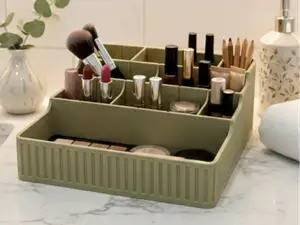
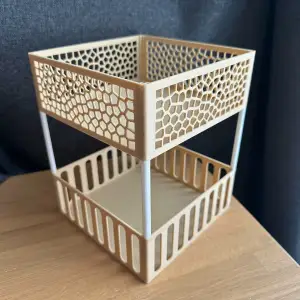
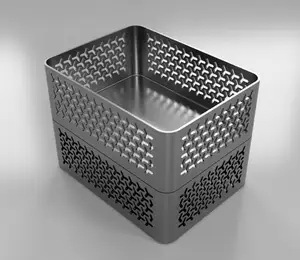
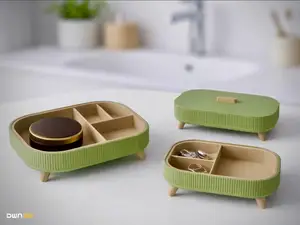
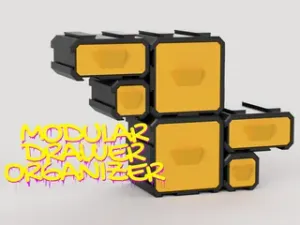
This collection gathers modular organizer 3D models: stackable drawers, boxes and capsules, desk trays, cosmetic and household dividers, and wall-mounted or expandable systems. Because the parts are designed to combine, a single 3D printing project can be extended later with more units of the same footprint. The STL files come from different authors, so dimensions and assembly methods vary from one listing to the next. Polyzon does not confirm whether models are free, their price, license, official status, affiliation, safety or fitness. Check the current terms at the source.
このコレクションの本文は英語で書かれています。検索自体はどの言語でも使えます。
 Polyzonのコレクション · モデル48件 6サイトから収集
このコレクションは、Polyzonが対応サイトの検索結果をもとに作成しています。重複やプレビューのないモデルは除外し、関連性の低いものは後ろに回し、それ以外は検索結果の順に並べています。モデルの権利は各作者にあります。利用条件は各モデルのページでご確認ください。
選定基準:Polyzon編集部 · 本文の更新日:2026年10月16日






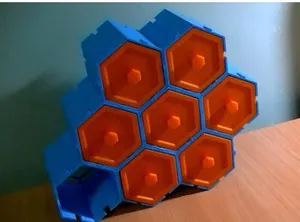

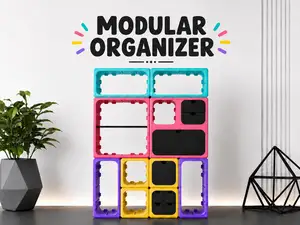

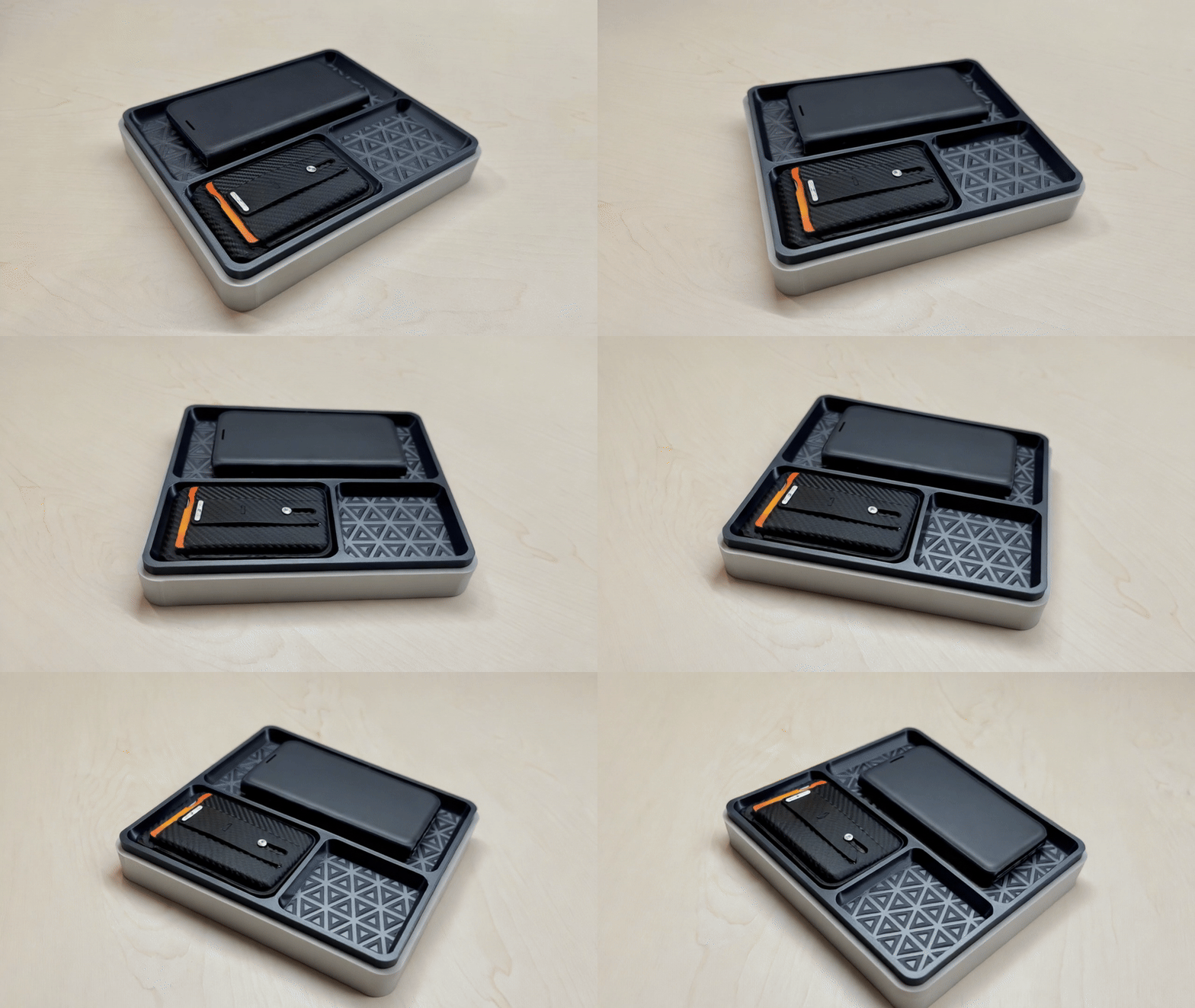
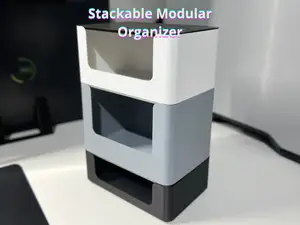
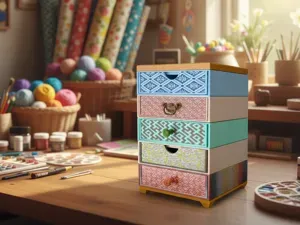
![Stack-IT: Modular Organizer [Starter Kit 50x100]](https://cache.polyzon.org/api/img?url=https%3A%2F%2Fpic2-cdn.creality.com%2Fcomp%2Fmodel%2Fav%2F5b44d23802f12342ff78bb377b53ecc1.avif&w=300)




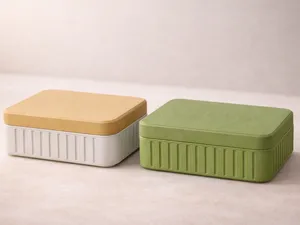

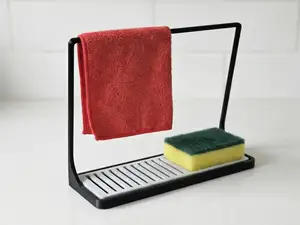

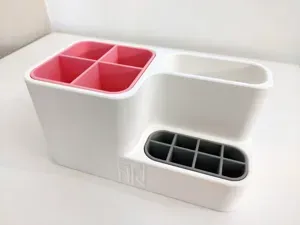
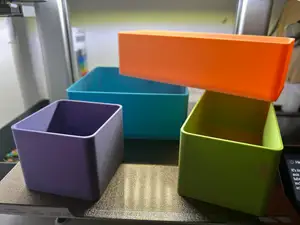


%2Fhttps%3A%2F%2Ffbi.cults3d.com%2Fuploaders%2F16239151%2Fillustration-file%2F5f91cc22-653c-4578-ba1c-b3a002ffd85f%2Fimage.jpg&w=300)


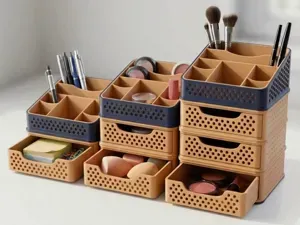
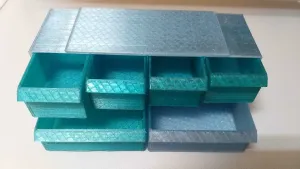
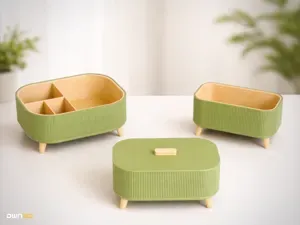
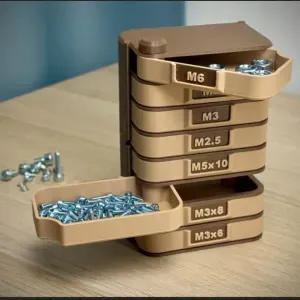
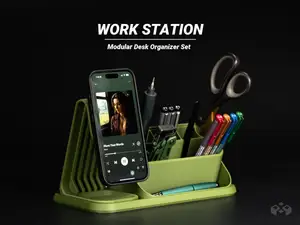
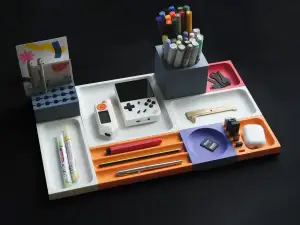
The kinds of models differ mainly in how they join and what they hold. Drawer units and stackable containers rely on a common base size so that new modules sit on top of old ones, while desk and assembly trays are usually flat, open shapes meant for small parts within reach. Cosmetic and household versions add dividers or compartments sized around specific items, and wall-mounted designs trade the footprint on a surface for a bracket or rail.
When choosing a model, look at the outer dimensions and the wall thickness first, since these decide how much space a module takes and how rigid it feels. Check how many separate parts the author lists, whether they print as one piece or need assembly, and whether supports are required for overhangs. The material and settings on the model page, along with photos of real prints, give a clearer idea of the result than the render alone.
To widen the search, try synonyms such as storage box, parts tray, drawer insert, desk caddy or stackable container, and combine them with terms like modular system or grid. Related topics include workshop storage, kitchen drawer dividers, bathroom and vanity organizers, and printer or electronics parts trays. If you already have one module, searching for the same footprint or connector style helps you find pieces that extend it.
For printing, keep in mind that tall thin walls and large flat bases behave differently across materials, and that a module printed slightly off-size may not stack cleanly with the next one. Printing a single test piece before a full set is a common way to confirm fit. Scaling a model changes both the outer size and the thickness of the joints, so it is worth checking the author's notes before adjusting anything.
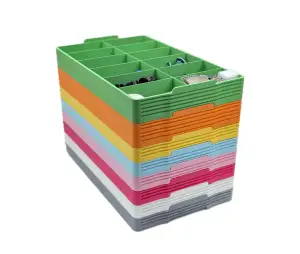
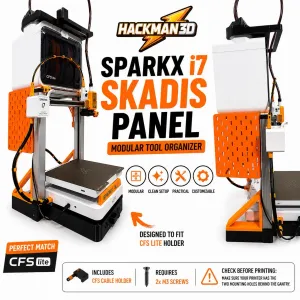

%2Fhttps%3A%2F%2Ffbi.cults3d.com%2Fuploaders%2F14866159%2Fillustration-file%2Fbbd18f20-3e32-4565-9fc0-728a3c791017%2FP1014190.jpg&w=300)
暮らし・日用品からCNCまで、すべてのテーマをそろえたカタログ。対応サイトを横断して検索できます。