無料 
Stand-organizer for nozzles with Olsson torque wrench holder
Thingiverse
This collection gathers STL files for local-area-network installation work: cabling tools, rack hardware, cable caps and equipment covers. It is useful when you need a small part for a 3D printer to make a job at a rack or patch panel easier. The set mixes practical workshop items with parts that need a closer look at dimensions and mounting. Polyzon does not confirm whether models are free, their price, license, official status, affiliation, safety or fitness. Check the current terms at the source.
このコレクションの本文は英語で書かれています。検索自体はどの言語でも使えます。
 Polyzonのコレクション · モデル47件 4サイトから収集
このコレクションは、Polyzonが対応サイトの検索結果をもとに作成しています。重複やプレビューのないモデルは除外し、関連性の低いものは後ろに回し、それ以外は検索結果の順に並べています。モデルの権利は各作者にあります。利用条件は各モデルのページでご確認ください。
選定基準:Polyzon編集部 · 本文の更新日:2026年10月14日
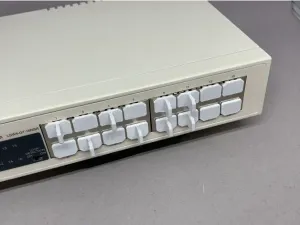

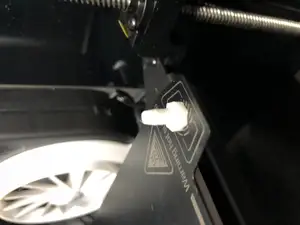
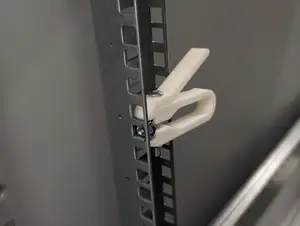


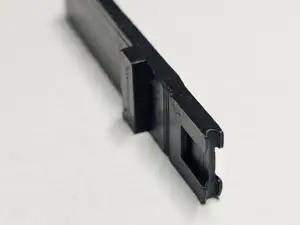
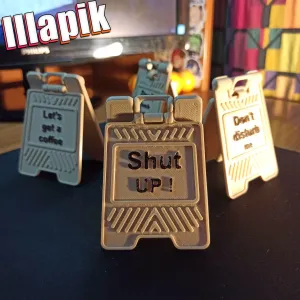

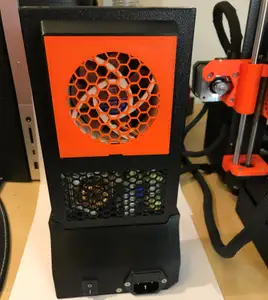
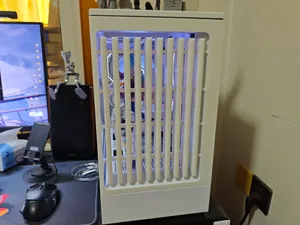
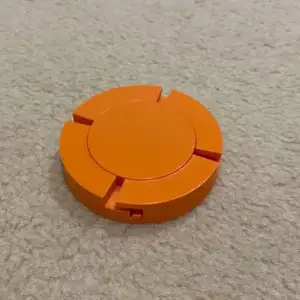

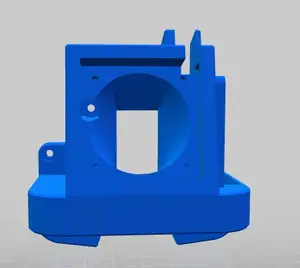
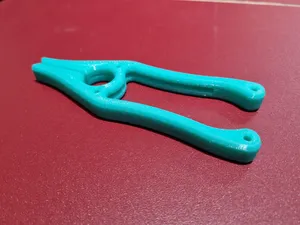

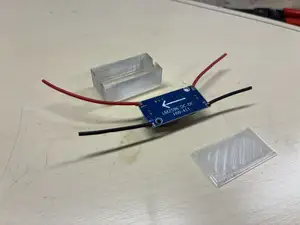
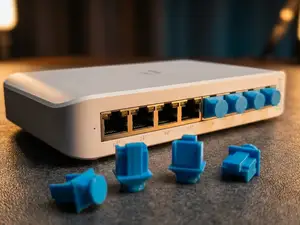


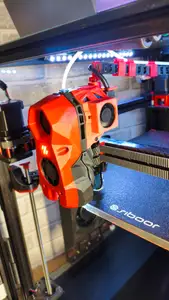
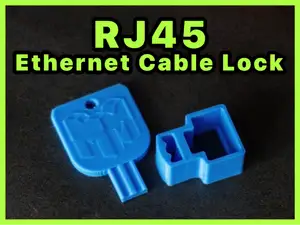


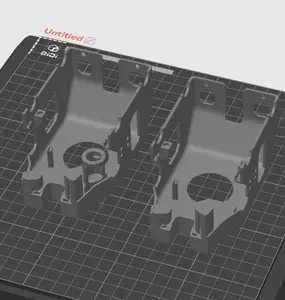
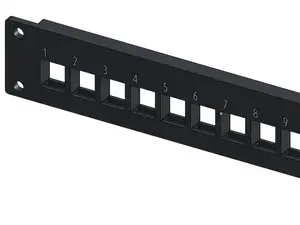


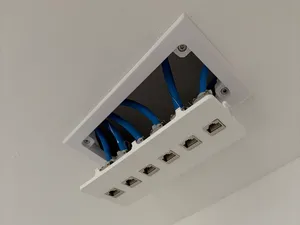


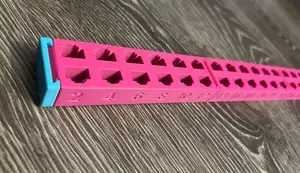
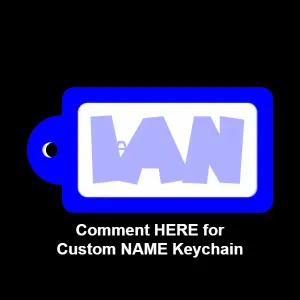

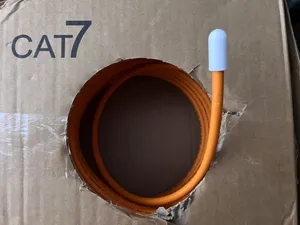
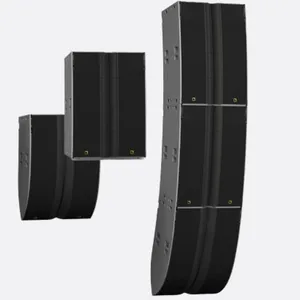


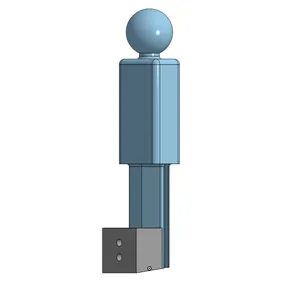

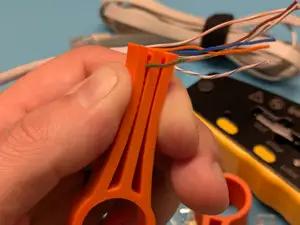

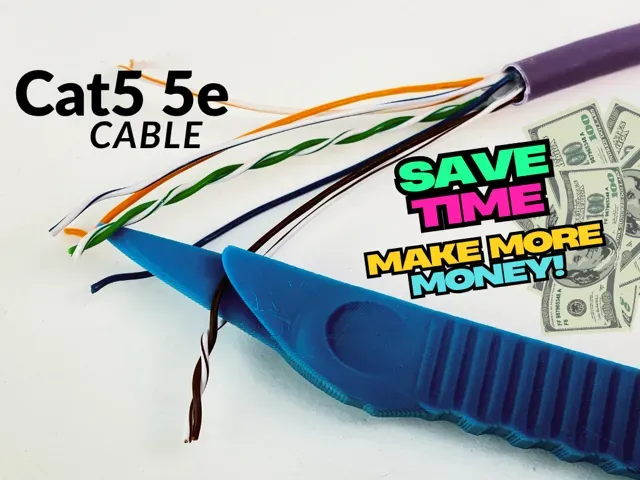
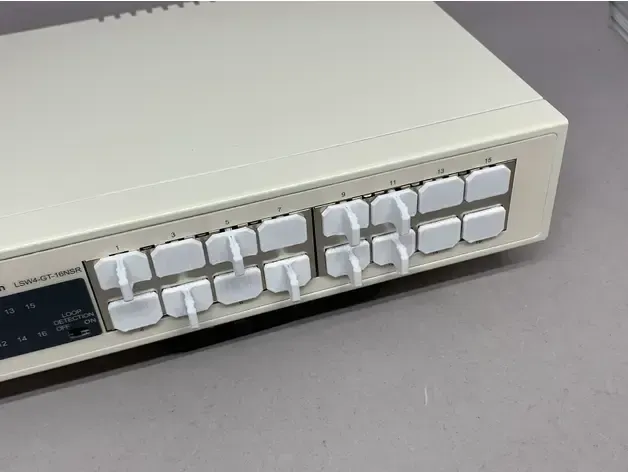
Network-focused models include cable preparation aids, punch-down tools, port caps and modular connectors. Rack and cabinet items cover cage-nut tools, fan grills, ducts and covers that fit around equipment. Some entries are tool holders or organizers, while others are small installation aids that sit between a cable and a panel.
When choosing a model, check the dimensions, thread or connector type, and the number of parts shown on the author page. Look at whether the design needs support structures, what material and settings the author lists, and any photos of real prints. For parts that clamp or snap, confirm the wall thickness and tolerances against the hardware you already have.
To refine the search, try terms such as RJ45, patch panel, punch down, rack, cage nut, cable comb, or port cap. Related topics include cable management, equipment cooling, desk signs and small workshop organizers. If a result is for a different machine or enclosure, adjust the query with the exact connector or panel size.



暮らし・日用品からCNCまで、すべてのテーマをそろえたカタログ。対応サイトを横断して検索できます。