
無料 
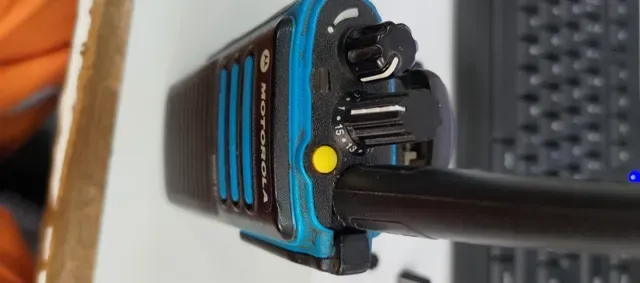
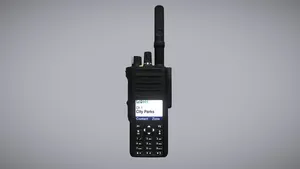
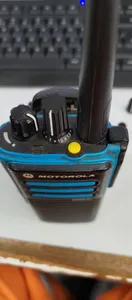
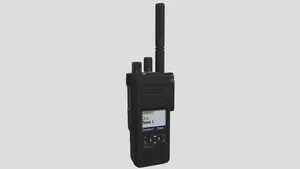
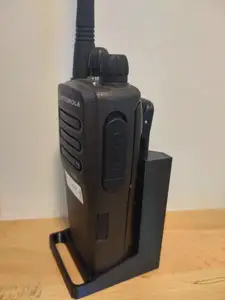
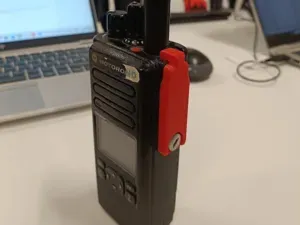
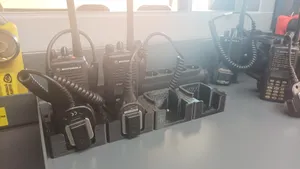
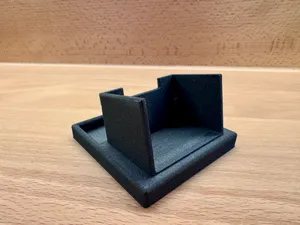
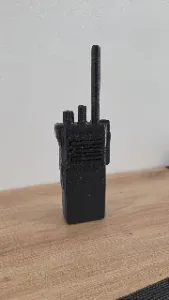
Motorola DP4800 (remix of 3D scan)
Thingiverse
This collection gathers STL files for accessories and add-ons around Motorola DP handheld radios. You will find belt holders, vehicle and desk mounts, protective covers, charger inserts and small control parts. It helps when an original accessory is missing or you want to adapt the setup to your own 3D printer. Polyzon does not confirm whether models are free, their price, license, official status, affiliation, safety or fitness. Check the current terms at the source.
このコレクションの本文は英語で書かれています。検索自体はどの言語でも使えます。
 Polyzonのコレクション · モデル48件 6サイトから収集
このコレクションは、Polyzonが対応サイトの検索結果をもとに作成しています。重複やプレビューのないモデルは除外し、関連性の低いものは後ろに回し、それ以外は検索結果の順に並べています。モデルの権利は各作者にあります。利用条件は各モデルのページでご確認ください。
選定基準:Polyzon編集部 · 本文の更新日:2026年10月11日










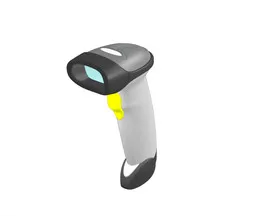


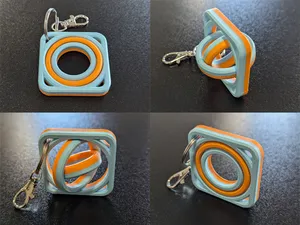
%2Fhttps%3A%2F%2Ffbi.cults3d.com%2Fuploaders%2F2352944%2Fillustration-file%2Fc767d4e0-5924-4e81-8adb-bd7d1aa8f866%2FIMG_20210413_204204_344.jpg&w=300)
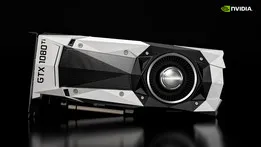

%2Fhttps%3A%2F%2Ffbi.cults3d.com%2Fuploaders%2F13080663%2Fillustration-file%2F6fa85862-cb72-40f3-a646-3995a8c36e9c%2F12.png&w=300)


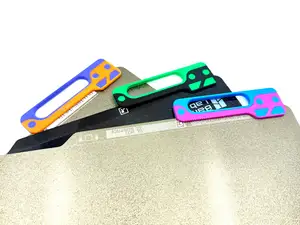




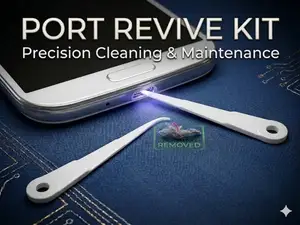
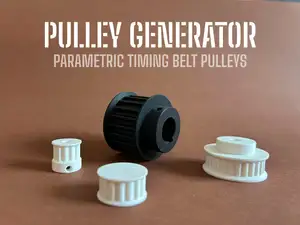

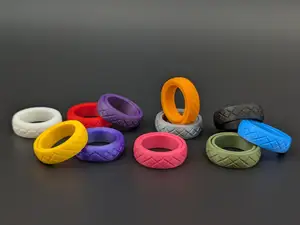
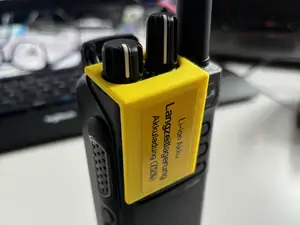
The models fall into a few practical groups. Belt holders and holsters carry a radio on a belt or strap. Vehicle and desk mounts hold the radio in a fixed position. Protective covers and cases shield the body, while charger inserts and small control parts replace or extend existing hardware.
Before printing, compare the dimensions and mounting points with your radio or accessory. Check how many parts the model has, whether it needs assembly, and if supports are required. Look at the material and settings the author lists, and study photos of real prints to judge the shape and thickness.
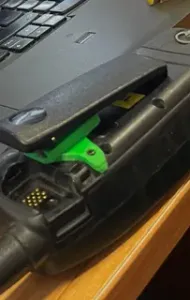
If the first search is too broad, try related terms such as radio holder, belt clip, charging cradle insert, control knob, battery latch, or handheld mount. Adding a material or a printing method can narrow the results further. You can also look for DMR accessory terms or desk stand wording when you need a different mounting style.


暮らし・日用品からCNCまで、すべてのテーマをそろえたカタログ。対応サイトを横断して検索できます。

