
無料 ![NAS ITX PC Case with stackable expansions [MODCASE MASS]](https://cache.polyzon.org/api/img?url=https%3A%2F%2Fmedia.printables.com%2Fmedia%2Fprints%2F590711%2Fimages%2F5398476_0c00c6d9-fdbe-4607-87dd-43629c8d4a8e_5e31701b-0df6-4979-ab25-d1b7d3dc16b8%2F212.jpg&w=640)
NAS ITX PC Case with stackable expansions [MODCASE MASS]
Printables
This collection gathers 3D-printable enclosures and mounting parts for network storage builds, from single-board computer bays to modular mini-ITX towers. The models differ mainly in board size, drive count and how the parts join together. It is a useful starting point if you plan a NAS for 3D printing and want to compare layouts before committing to a design. Polyzon does not confirm whether models are free, their price, license, official status, affiliation, safety or fitness. Check the current terms at the source.
このコレクションの本文は英語で書かれています。検索自体はどの言語でも使えます。
 Polyzonのコレクション · モデル48件 6サイトから収集
このコレクションは、Polyzonが対応サイトの検索結果をもとに作成しています。重複やプレビューのないモデルは除外し、関連性の低いものは後ろに回し、それ以外は検索結果の順に並べています。モデルの権利は各作者にあります。利用条件は各モデルのページでご確認ください。
選定基準:Polyzon編集部 · 本文の更新日:2026年10月14日







![Mini ITX NAS, Modular Computer NAS Case [ITX NAS 機箱]](https://cache.polyzon.org/api/img?url=https%3A%2F%2Fresize.thingiverse.com%2F%3Furl%3Dhttps%3A%2F%2Fcdn.thingiverse.com%2Fassets%2Fdf%2Fcb%2Faa%2F5b%2F72%2Ff2392161-410c-43e5-a0d4-269845896441.png%26w%3D1024%26h%3D1024%26fit%3Dcontain%26cbg%3Dwhite%26n%3D-1&w=300)








%2Fhttps%3A%2F%2Ffbi.cults3d.com%2Fuploaders%2F14498585%2Fillustration-file%2Fa68a3d65-4dae-4b7d-b187-67050804082f%2F2019-11-22%252011.33.16%2520flip.jpg&w=300)


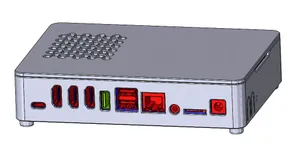
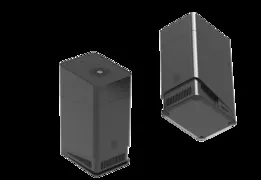
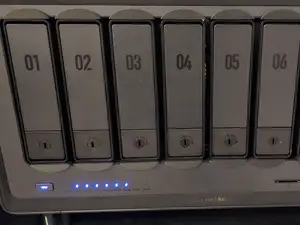
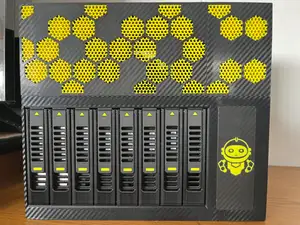

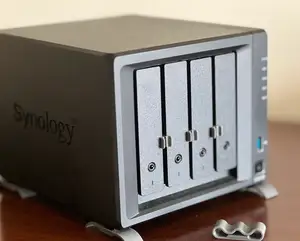

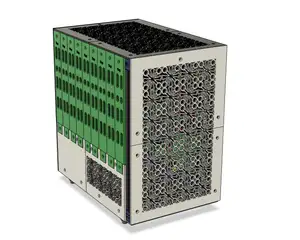
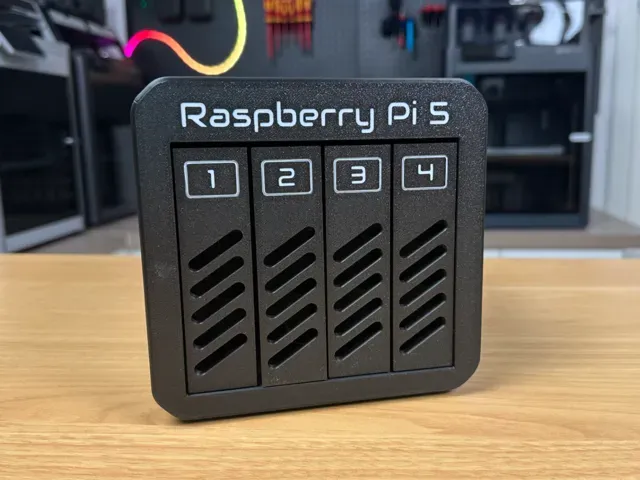
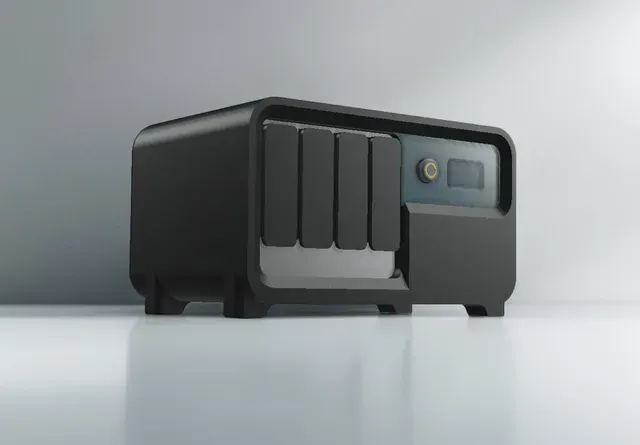
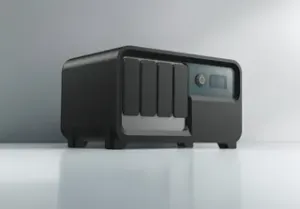
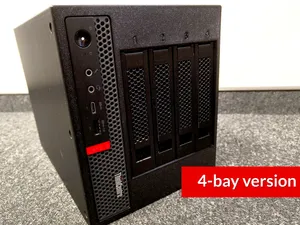
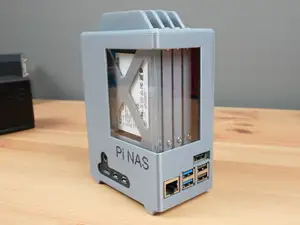
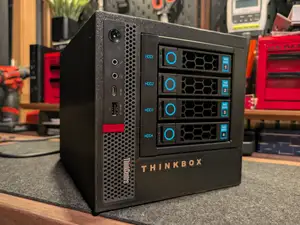
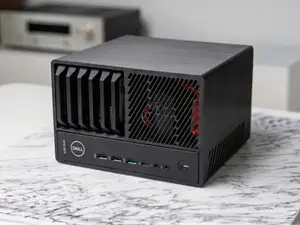
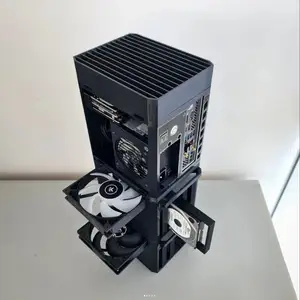
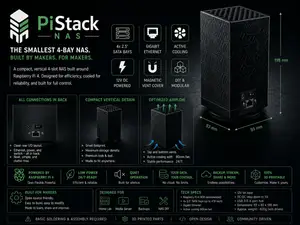
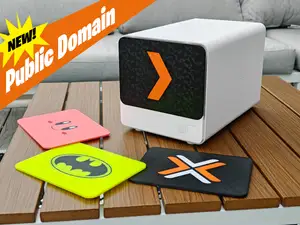
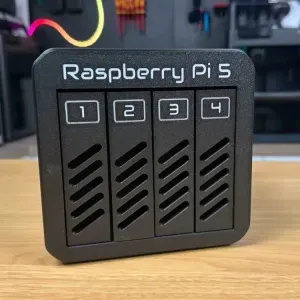
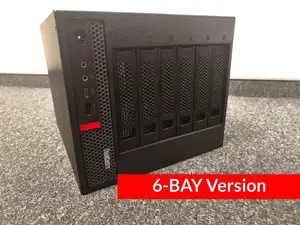
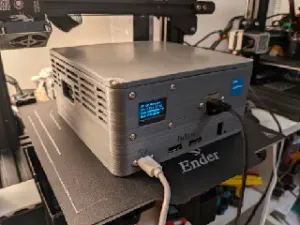
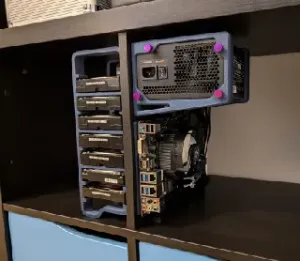
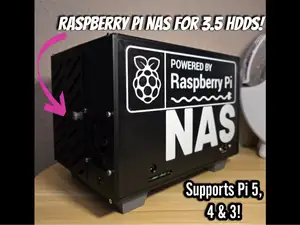
The reference shows two broad families. One covers enclosures built around small single-board computers, usually with several 2.5 or 3.5 inch drive positions and a printed frame that holds the board and drives together. The other covers mini-ITX and thin-client conversions, where a printed shell, drive cage or stackable expansion section wraps existing hardware. Modular and stackable designs appear often, which means the same base can grow by adding printed layers rather than being reprinted from scratch.
Before printing, read the author's page for the internal dimensions, the number of separate parts, and whether screws, threaded inserts or magnets are expected. Drive spacing and airflow gaps matter in a closed enclosure, so check the wall thickness and vent openings shown in the photos. Look at the material and settings the author lists, and compare them with what your 3D printer handles, since large flat panels and tall cages behave differently on a bed.
To widen the results, try related terms such as drive cage, HDD bracket, server case, mini-ITX tower or single-board computer housing, and search by the board or drive size you already own. Combining a case term with a bay count or a form factor usually narrows the list faster than the topic word alone. If nothing matches, look for a base enclosure and separate printed drive mounts that can be combined.
暮らし・日用品からCNCまで、すべてのテーマをそろえたカタログ。対応サイトを横断して検索できます。