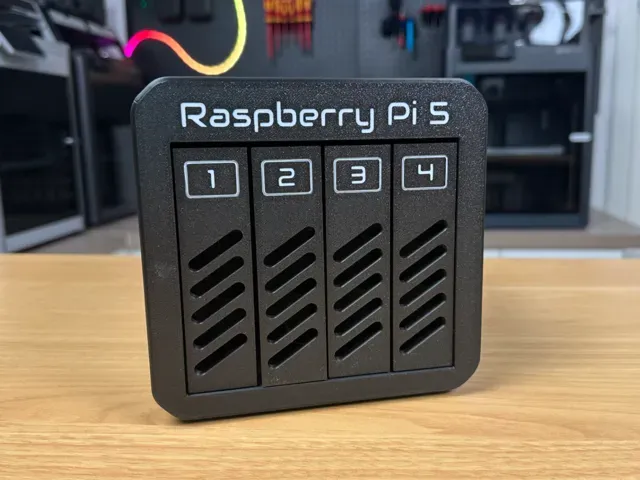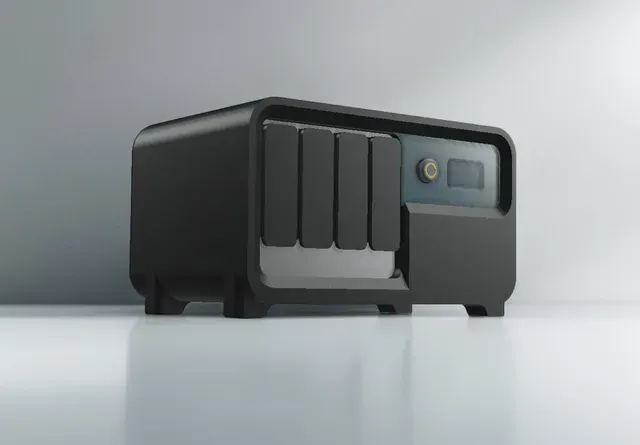

Ücretsiz ![NAS ITX PC Case with stackable expansions [MODCASE MASS]](https://cache.polyzon.org/api/img?url=https%3A%2F%2Fmedia.printables.com%2Fmedia%2Fprints%2F590711%2Fimages%2F5398476_0c00c6d9-fdbe-4607-87dd-43629c8d4a8e_5e31701b-0df6-4979-ab25-d1b7d3dc16b8%2F212.jpg&w=640)
NAS ITX PC Case with stackable expansions [MODCASE MASS]
Printables
This collection gathers 3D-printable enclosures and mounting parts for network storage builds, from single-board computer bays to modular mini-ITX towers. The models differ mainly in board size, drive count and how the parts join together. It is a useful starting point if you plan a NAS for 3D printing and want to compare layouts before committing to a design. Polyzon does not confirm whether models are free, their price, license, official status, affiliation, safety or fitness. Check the current terms at the source.
Bu koleksiyonun metni İngilizce; arama ise her dilde çalışır.
 Bir Polyzon koleksiyonu · 48 model 6 siteden
Polyzon bu koleksiyonu bağlı sitelerdeki arama sonuçlarından oluşturur. Tekrarlar ve önizlemesi olmayan modeller çıkarılır, zayıf eşleşmeler sona alınır, geri kalanlar arama sırasını korur. Modeller yazarlarına aittir; her modelin sayfasındaki koşulları kontrol edin.
Seçim kuralları: Polyzon editör ekibi · Metin güncellendi: 14.10.2026







![Mini ITX NAS, Modular Computer NAS Case [ITX NAS 機箱]](https://cache.polyzon.org/api/img?url=https%3A%2F%2Fresize.thingiverse.com%2F%3Furl%3Dhttps%3A%2F%2Fcdn.thingiverse.com%2Fassets%2Fdf%2Fcb%2Faa%2F5b%2F72%2Ff2392161-410c-43e5-a0d4-269845896441.png%26w%3D1024%26h%3D1024%26fit%3Dcontain%26cbg%3Dwhite%26n%3D-1&w=300)









%2Fhttps%3A%2F%2Ffbi.cults3d.com%2Fuploaders%2F14498585%2Fillustration-file%2Fa68a3d65-4dae-4b7d-b187-67050804082f%2F2019-11-22%252011.33.16%2520flip.jpg&w=300)

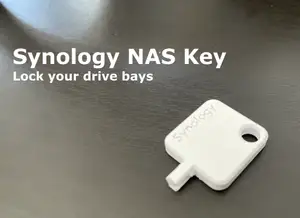
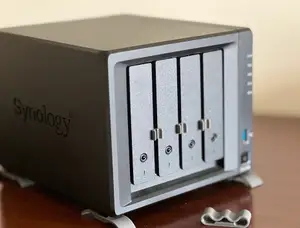

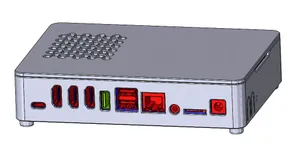
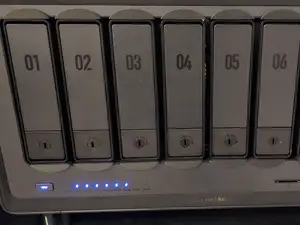
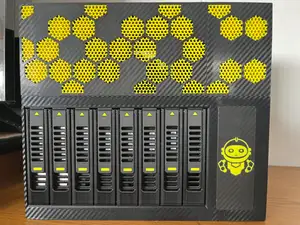

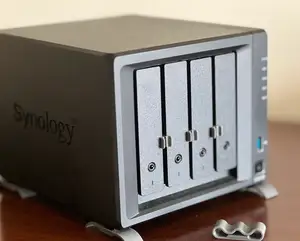

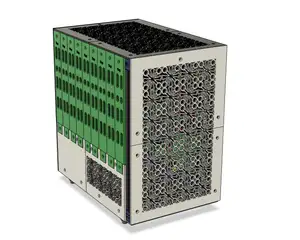
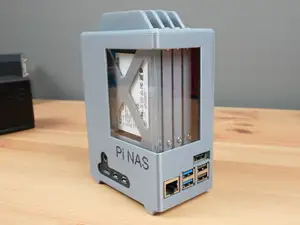
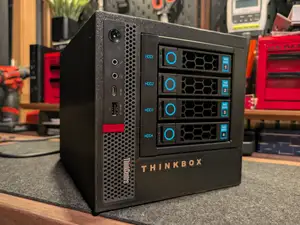
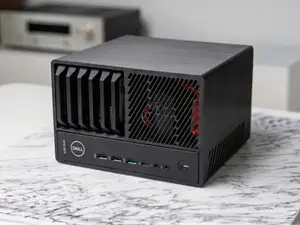
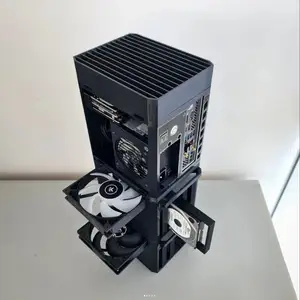
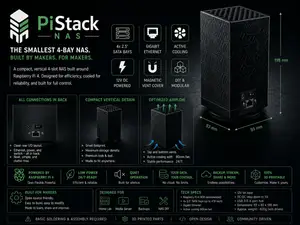
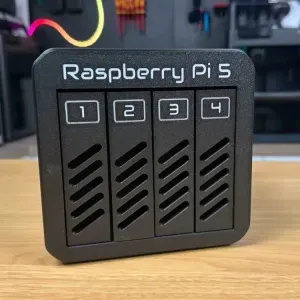
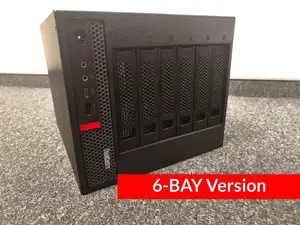
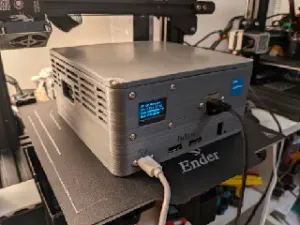
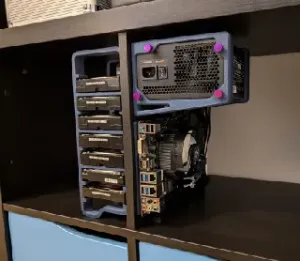
The reference shows two broad families. One covers enclosures built around small single-board computers, usually with several 2.5 or 3.5 inch drive positions and a printed frame that holds the board and drives together. The other covers mini-ITX and thin-client conversions, where a printed shell, drive cage or stackable expansion section wraps existing hardware. Modular and stackable designs appear often, which means the same base can grow by adding printed layers rather than being reprinted from scratch.
Before printing, read the author's page for the internal dimensions, the number of separate parts, and whether screws, threaded inserts or magnets are expected. Drive spacing and airflow gaps matter in a closed enclosure, so check the wall thickness and vent openings shown in the photos. Look at the material and settings the author lists, and compare them with what your 3D printer handles, since large flat panels and tall cages behave differently on a bed.
To widen the results, try related terms such as drive cage, HDD bracket, server case, mini-ITX tower or single-board computer housing, and search by the board or drive size you already own. Combining a case term with a bay count or a form factor usually narrows the list faster than the topic word alone. If nothing matches, look for a base enclosure and separate printed drive mounts that can be combined.



Ev ve günlük yaşamdan CNC'ye kadar tüm konuların kataloğu; bağlı sitelerin hepsinde arama yapabilirsiniz.