
無料 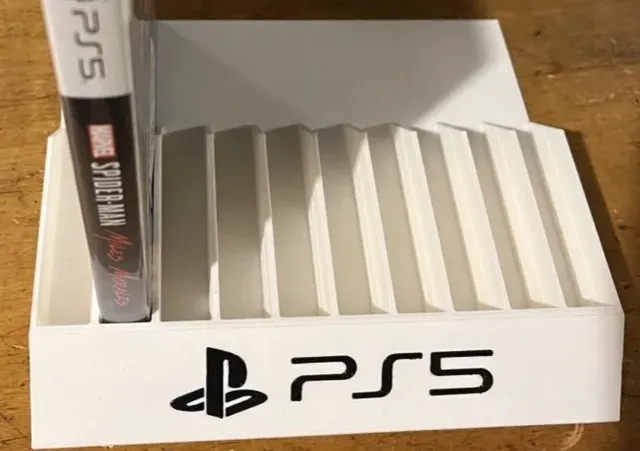
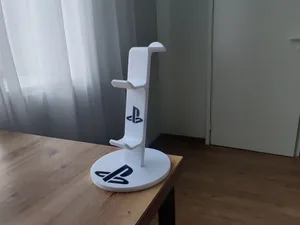
Stand, holder for PS5 games, playstation 5
MakerWorld
This collection gathers STL files for stands and holders built around PlayStation hardware: vertical bases for consoles, racks for game cases, controller stands and charging docks. Most designs are simple shapes that print in a few hours and tidy up a shelf or desk. Because the models come from different authors, each one is worth checking against your own device before you start a 3D printer. Polyzon does not confirm whether models are free, their price, license, official status, affiliation, safety or fitness. Check the current terms at the source.
このコレクションの本文は英語で書かれています。検索自体はどの言語でも使えます。
 Polyzonのコレクション · モデル48件 5サイトから収集
このコレクションは、Polyzonが対応サイトの検索結果をもとに作成しています。重複やプレビューのないモデルは除外し、関連性の低いものは後ろに回し、それ以外は検索結果の順に並べています。モデルの権利は各作者にあります。利用条件は各モデルのページでご確認ください。
選定基準:Polyzon編集部 · 本文の更新日:2026年10月11日

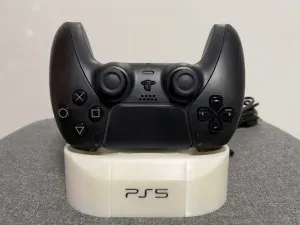

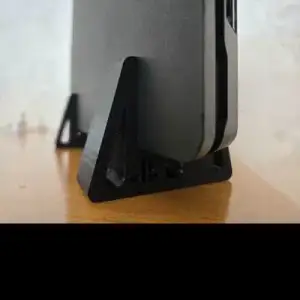


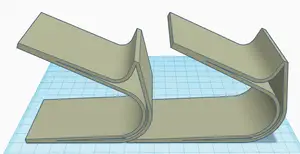
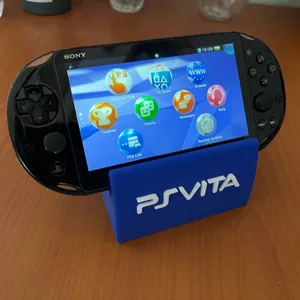
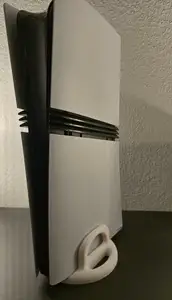
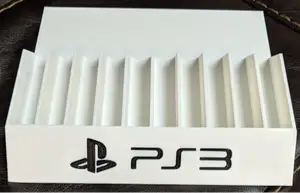

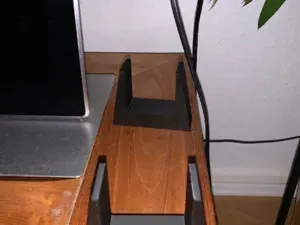
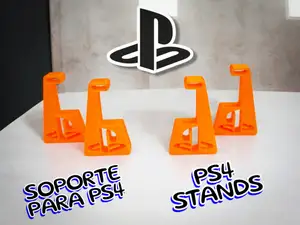


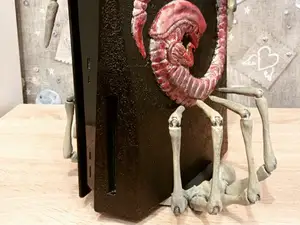

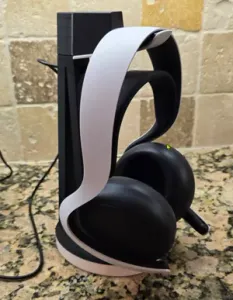

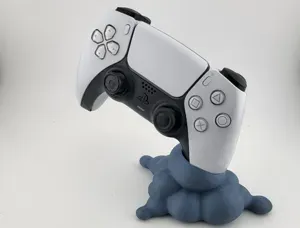

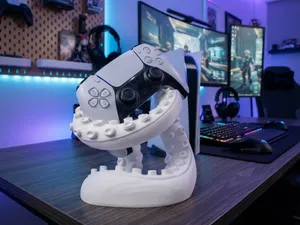

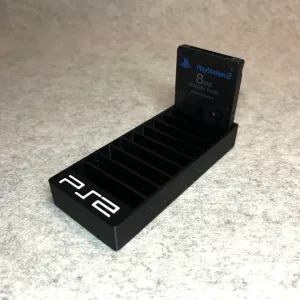
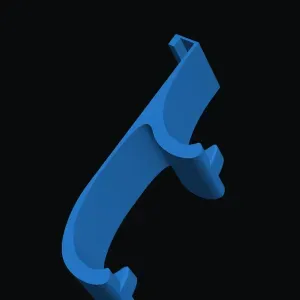
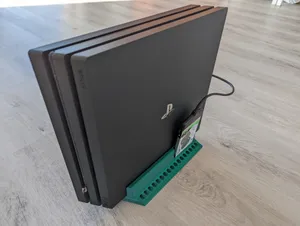


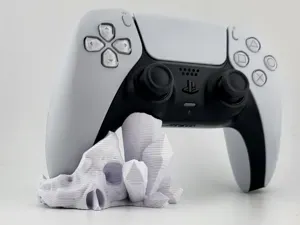
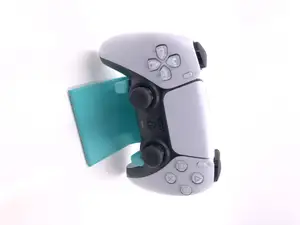


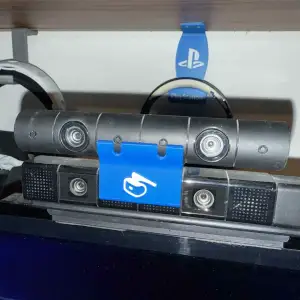


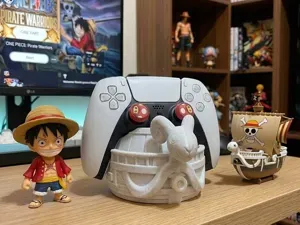


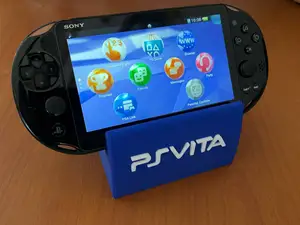
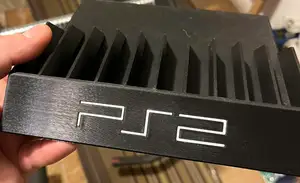
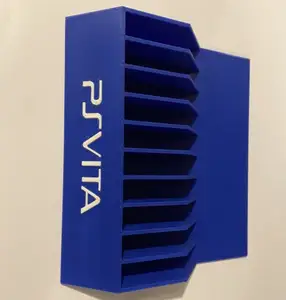
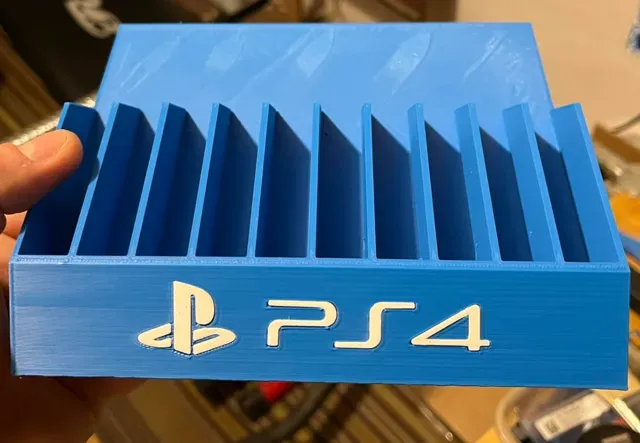
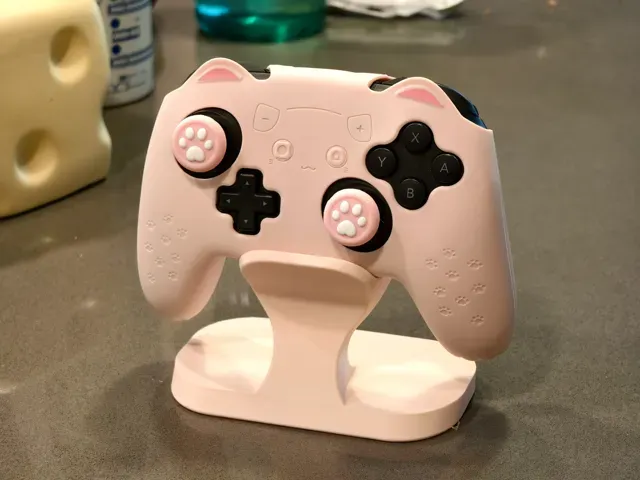
The range splits into a few clear groups. Vertical stands raise a console on its side and are usually shaped around one body revision, so a base drawn for a slim console differs from one drawn for an older or larger model. Game holders work as racks or trays that keep cases upright and ordered. Controller stands range from a single cradle to multi-slot versions that also hold pads from other systems, and some include a charging dock or a recessed seat for a cable. Handheld and accessory stands form a smaller group, covering docks for portable consoles and small mounts for cameras and motion controllers.
Before printing, compare the author's stated dimensions with your own measurements, since console revisions differ in width, depth and the position of ports. Look at how the stand carries weight: some designs rest the device on a flat shelf, others grip it at the sides or use a screw point, and that changes how much material and infill the part needs. Check whether the model needs supports, which way the author oriented it, and what material and layer height they list. Photos of real prints on the model page show how the surfaces and the joints between parts come out.
Search results for this topic mix several naming habits, so it helps to try synonyms: stand, holder, dock, base, bracket, rack, mount, tray. Adding the device type narrows things quickly — console, controller, game case, portable console, camera. Related terms such as vertical, slim, wall mount or desk organizer bring up designs that do not use the word stand at all. If you want a stand for more than one device, search by the controller or case type rather than by the console name, since many models are drawn to hold several at once.
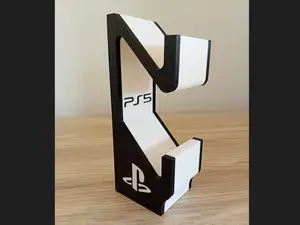
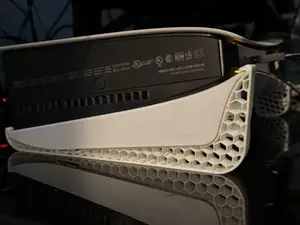
%2Fhttps%3A%2F%2Ffbi.cults3d.com%2Fuploaders%2F44054873%2Fillustration-file%2F49059322-0c6b-4161-8dd9-4fb7f1559a25%2FWhatsApp-Image-2026-10-06-at-15.36.47-1.jpeg&w=300)
暮らし・日用品からCNCまで、すべてのテーマをそろえたカタログ。対応サイトを横断して検索できます。