無料 
OSX Kinect Application
Thingiverse
This collection gathers STL files for tools and helpers that assist with spreading, smoothing, positioning, and machine upkeep. It is useful when a 3D printing project needs a small aid rather than a decorative object. The entries range from physical applicators to software-related models. Polyzon does not confirm whether models are free, their price, license, official status, affiliation, safety or fitness. Check the current terms at the source.
このコレクションの本文は英語で書かれています。検索自体はどの言語でも使えます。
 Polyzonのコレクション · モデル47件 4サイトから収集
このコレクションは、Polyzonが対応サイトの検索結果をもとに作成しています。重複やプレビューのないモデルは除外し、関連性の低いものは後ろに回し、それ以外は検索結果の順に並べています。モデルの権利は各作者にあります。利用条件は各モデルのページでご確認ください。
選定基準:Polyzon編集部 · 本文の更新日:2026年10月11日
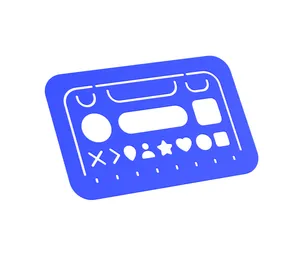
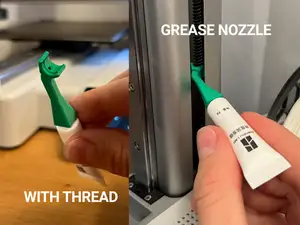
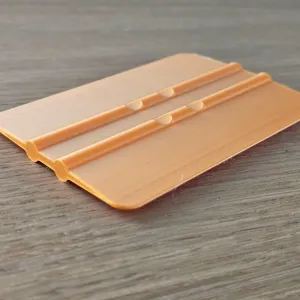


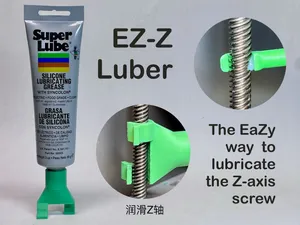
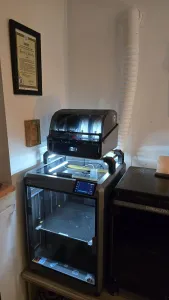


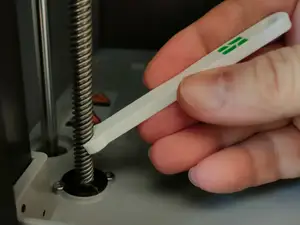
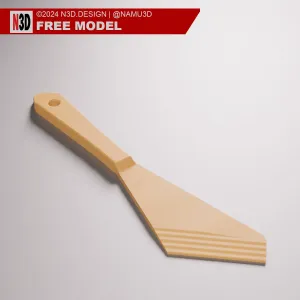


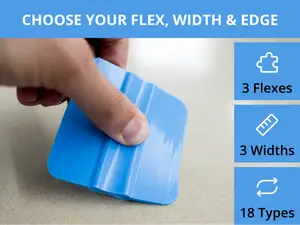
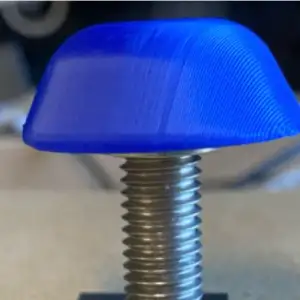

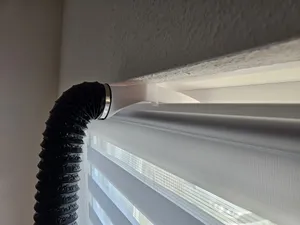





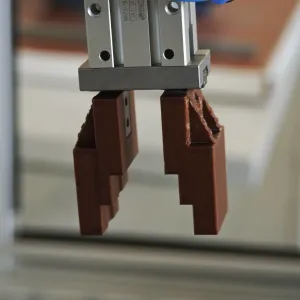




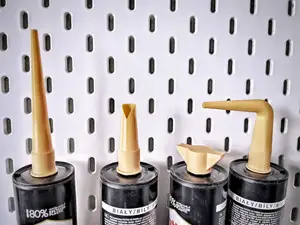


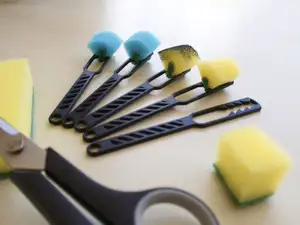


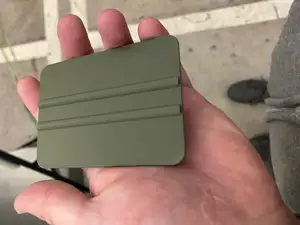
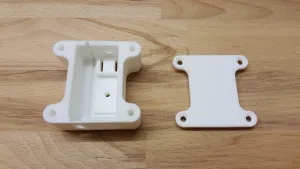

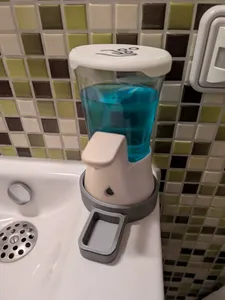
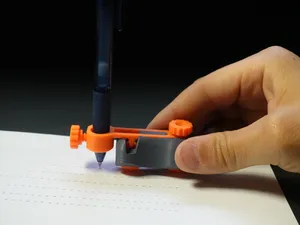
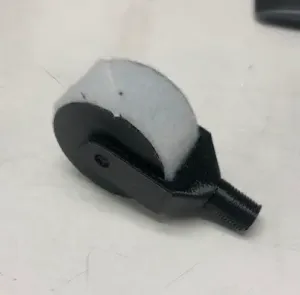
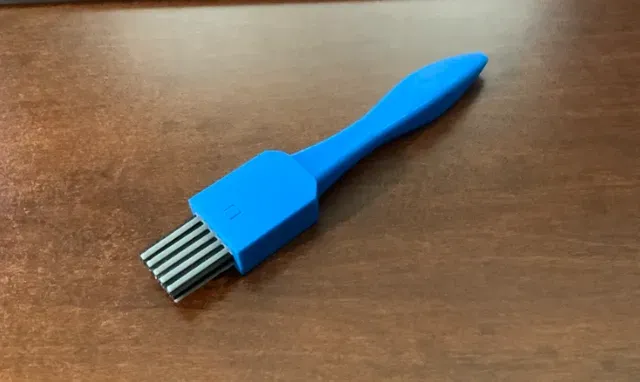
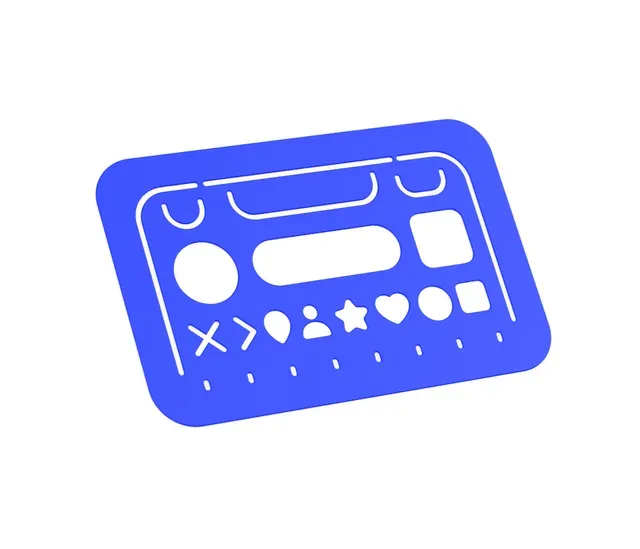
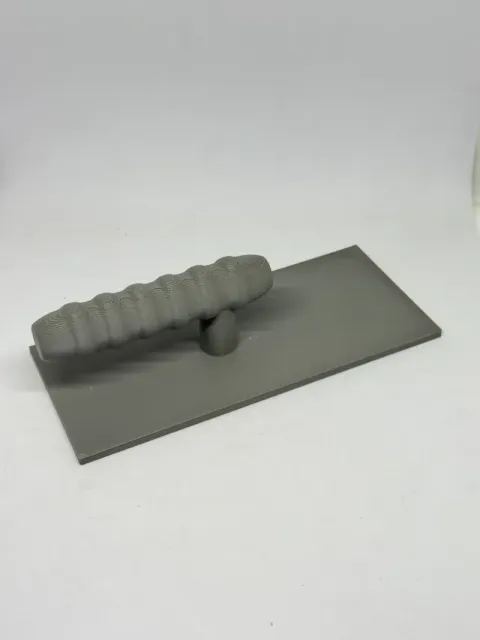
The models split into several practical groups. Adhesive and sealant applicators include brushes, nozzles, and mixing sticks for glue, caulk, or epoxy. Grease and lubrication tools are shaped around nozzles and handles for reaching tight machine points. Squeegees and decal aids cover flat blades and guides for pressing films or stickers, while software and generator models relate to interfaces, templates, or conversion utilities.
When choosing a model, check the listed size and scale, the number of parts, and whether the author shows assembly steps. Look at the recommended material and print settings, and review photos of real prints to judge surface finish and fit. For tools that touch chemicals or moving parts, the model page should state the intended use and any needed hardware.
To refine a search, try synonyms such as applicator, spreader, nozzle, squeegee, guide, or jig. Related topics include lubrication, edge pressing, screen protector placement, and generator scripts. Adding a printer part or material name, like z-axis or epoxy, can narrow results to a specific task.



暮らし・日用品からCNCまで、すべてのテーマをそろえたカタログ。対応サイトを横断して検索できます。