無料 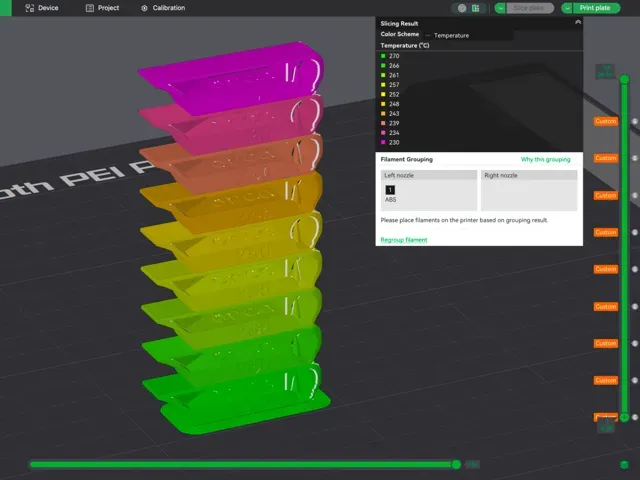
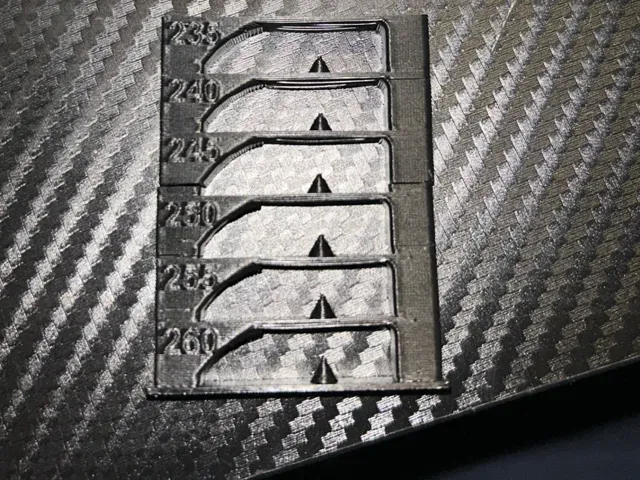
ABS/ASA Temp tower - with custom g-code
MakerWorld
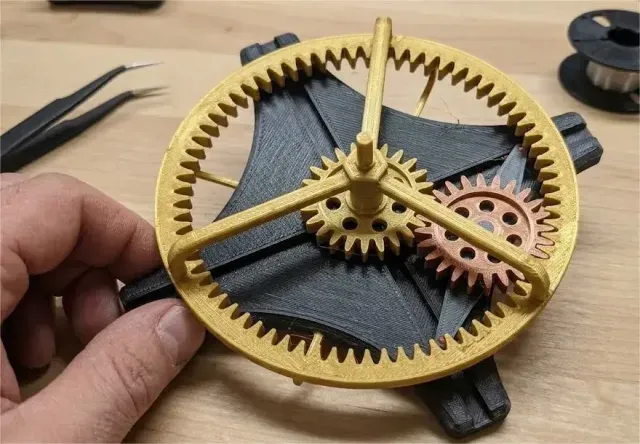
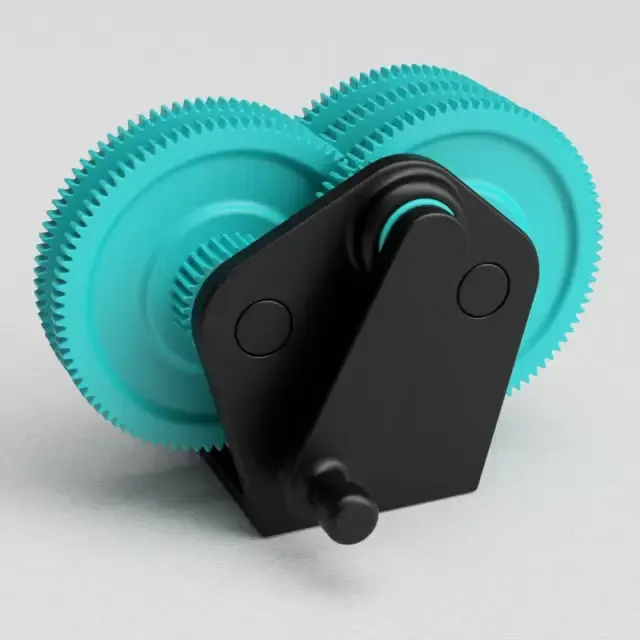
This collection gathers two related groups: printed gear mechanisms and the custom g-code files that shape how a 3D printer runs a job. It is useful when you need a working gear assembly, a small fidget piece, or a start, wipe or temperature routine you can adapt to your own machine. Polyzon does not confirm whether models are free, their price, license, official status, affiliation, safety or fitness. Check the current terms at the source.
このコレクションの本文は英語で書かれています。検索自体はどの言語でも使えます。
 Polyzonのコレクション · モデル40件 2サイトから収集
このコレクションは、Polyzonが対応サイトの検索結果をもとに作成しています。重複やプレビューのないモデルは除外し、関連性の低いものは後ろに回し、それ以外は検索結果の順に並べています。モデルの権利は各作者にあります。利用条件は各モデルのページでご確認ください。
選定基準:Polyzon編集部 · 本文の更新日:2026年10月15日
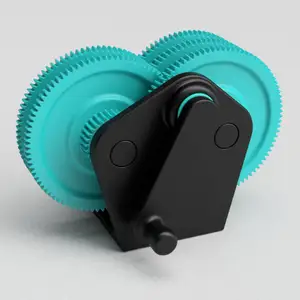
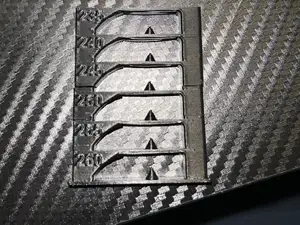
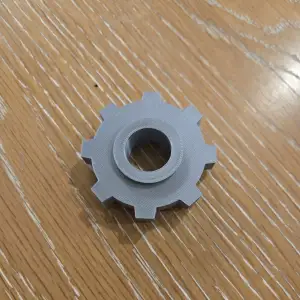
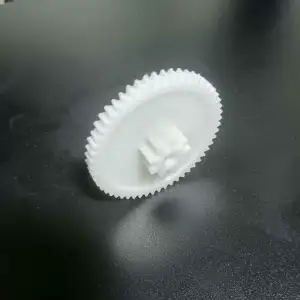

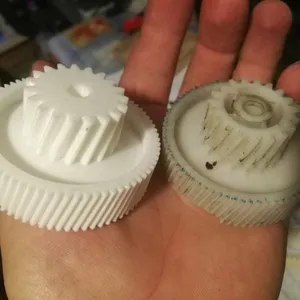
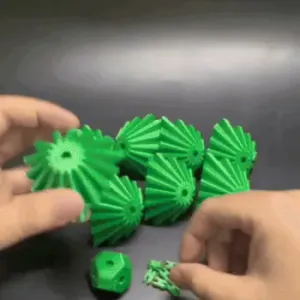
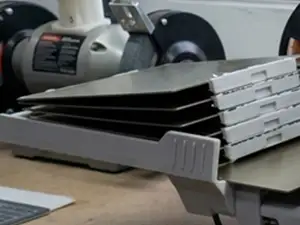

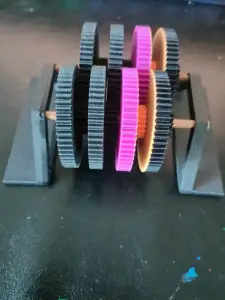
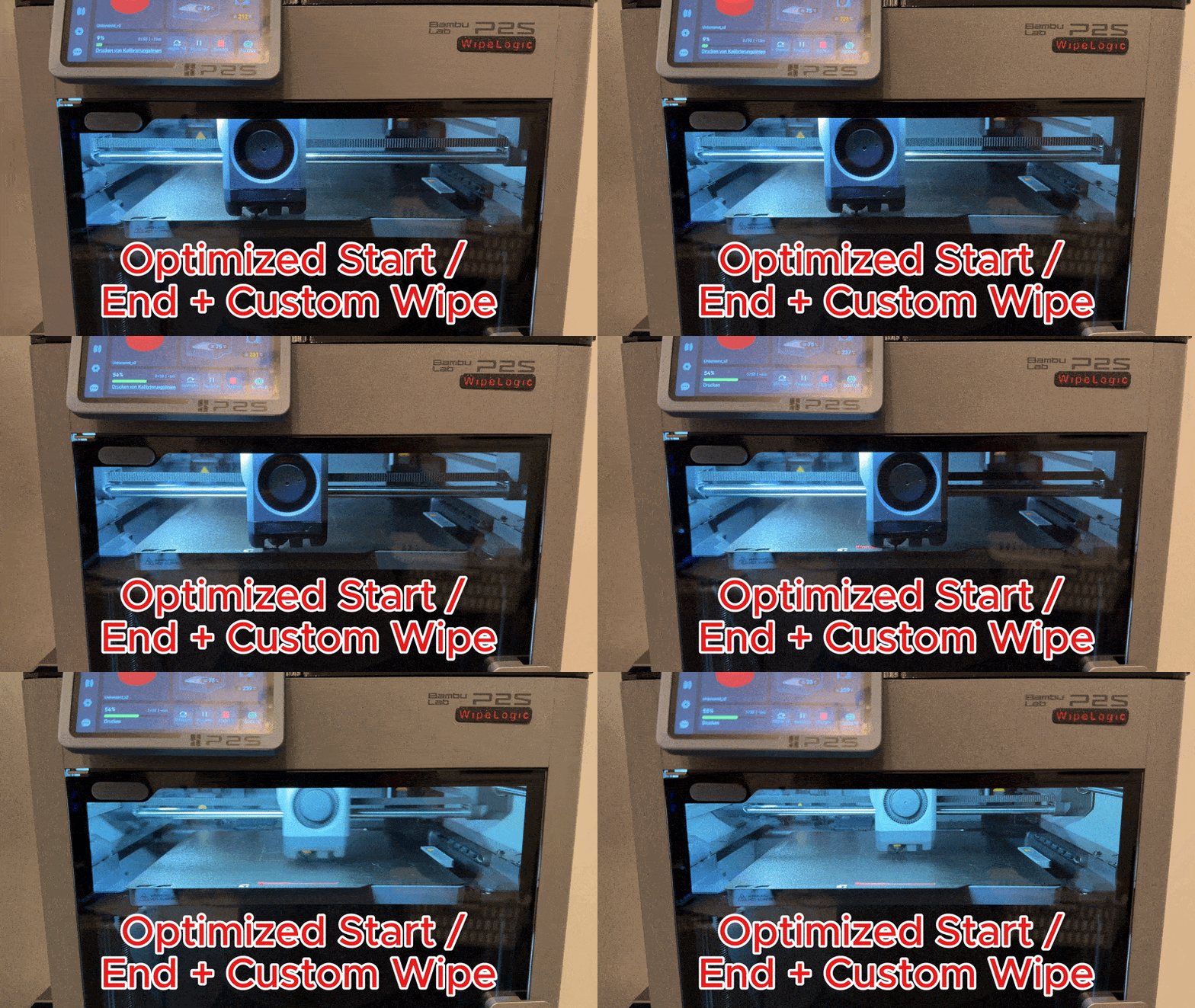
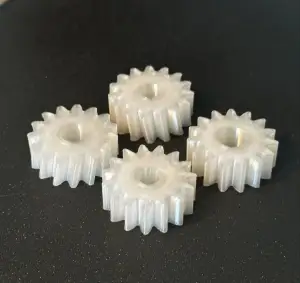
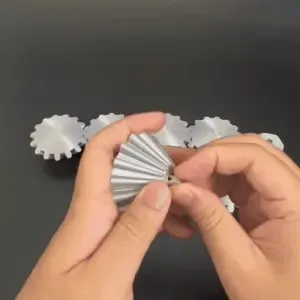
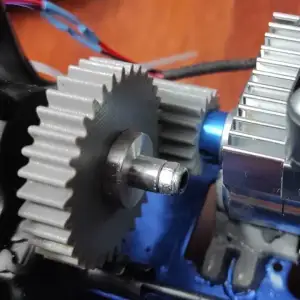
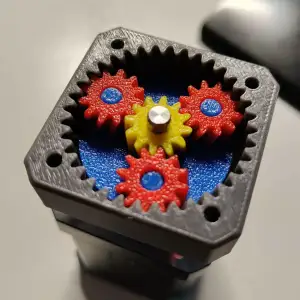

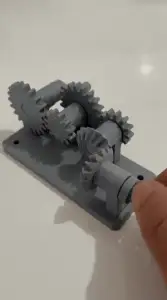
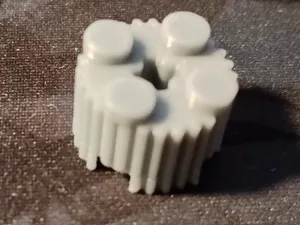
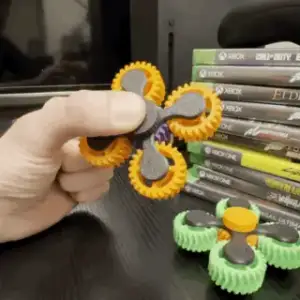
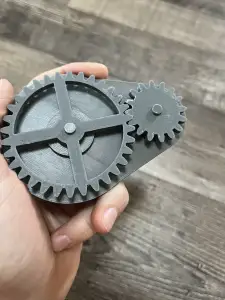
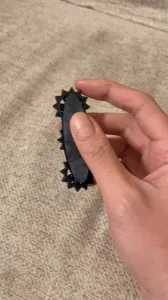
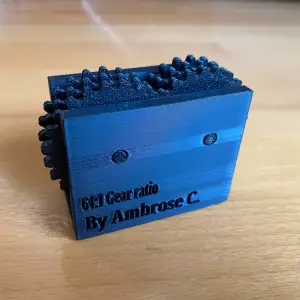
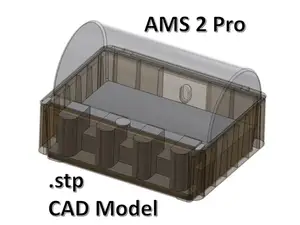
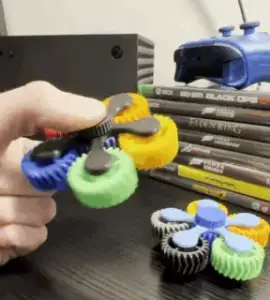
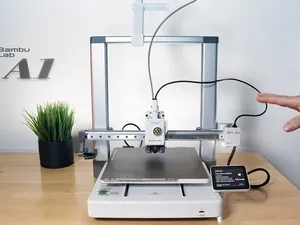
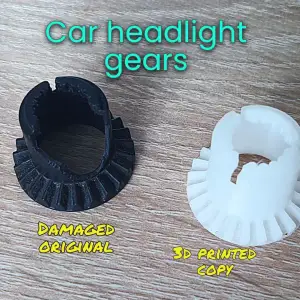
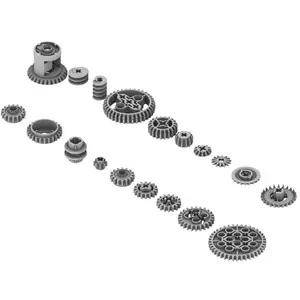
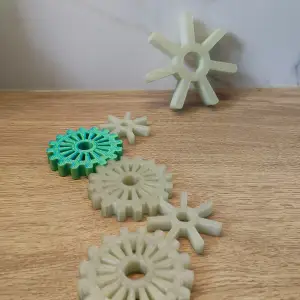
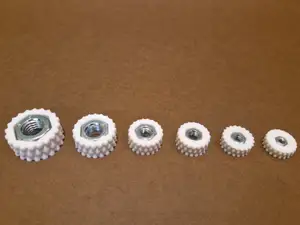
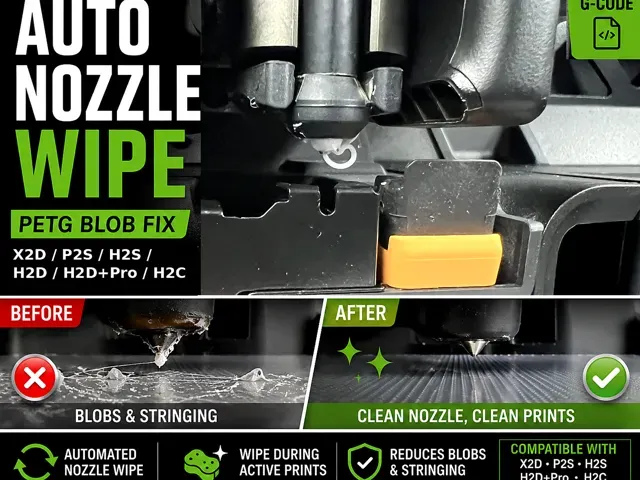
Gear models range from single wheels and small toothed parts to multi-part gearboxes and motor-driven assemblies. Fidget versions are built around a moving joint or a rotating pair, so they print as one piece or as a few parts that snap together. The g-code side is different in kind: these are text routines for start, end, nozzle wipe, filament change or temperature testing, often written for a specific printer family and material.
When choosing a gear model, look at the module and tooth count, the shaft or bore diameter, and how many parts the assembly needs. On the author's page, check the listed material and settings, whether supports are needed, and photos of real prints to judge tolerances and surface finish. For g-code files, read the comments in the file and the description: they usually state which firmware, bed size and material the routine assumes, and which lines you must edit before running it.
To narrow the search, combine terms such as gear, gearbox, spur gear, planetary, rack and pinion, or fidget with words like parametric, module or tooth count. For g-code, try start g-code, end g-code, wipe, purge, temperature tower, retraction test or first layer, and add your printer series or material. Related topics worth checking are extruder and feeder parts, filament guides, and calibration prints.


%2Fhttps%3A%2F%2Ffbi.cults3d.com%2Fuploaders%2F13320524%2Fillustration-file%2F78410c3a-f0f2-48ca-aed0-0bd74d51c16f%2F9c745bce0fce3aea6fc9feb12fe18463_preview_featured.jpg&w=300)

暮らし・日用品からCNCまで、すべてのテーマをそろえたカタログ。対応サイトを横断して検索できます。