
無料 
Pocket Cabinet Tool
Thingiverse
This collection gathers 3D-printable parts that belong to telecom cabinets and the equipment around them: rack mounts and panels, wall boxes, antenna brackets, hinges and device holders. Most of these files are small functional pieces rather than display models, which makes them useful when a cabinet needs a part that is hard to buy in the right size. The pages below lead to the authors' own files, so the exact dimensions and print settings come from them. Polyzon does not confirm whether models are free, their price, license, official status, affiliation, safety or fitness. Check the current terms at the source.
このコレクションの本文は英語で書かれています。検索自体はどの言語でも使えます。
 Polyzonのコレクション · モデル24件 3サイトから収集
このコレクションは、Polyzonが対応サイトの検索結果をもとに作成しています。重複やプレビューのないモデルは除外し、関連性の低いものは後ろに回し、それ以外は検索結果の順に並べています。モデルの権利は各作者にあります。利用条件は各モデルのページでご確認ください。
選定基準:Polyzon編集部 · 本文の更新日:2026年10月14日


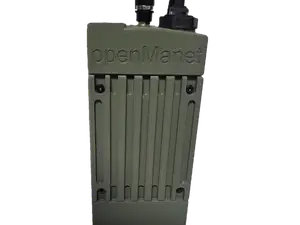
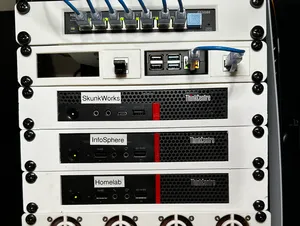
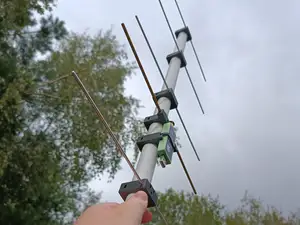
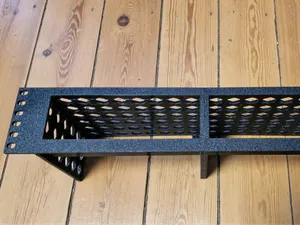
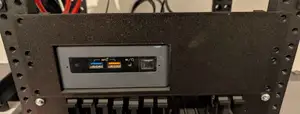


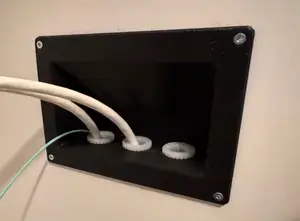
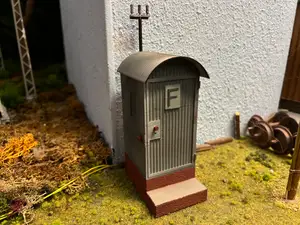
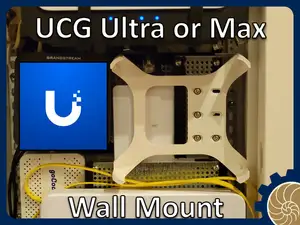
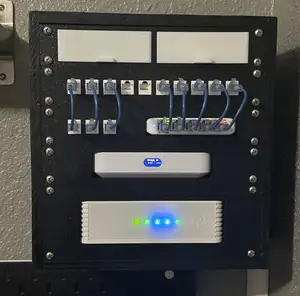
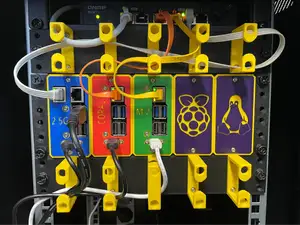
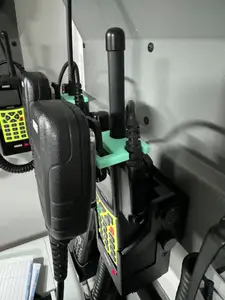
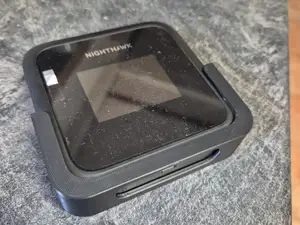
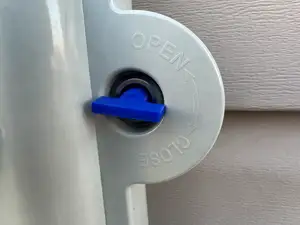
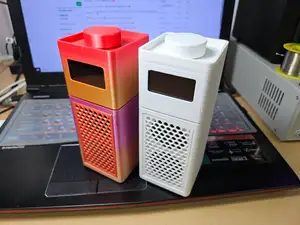
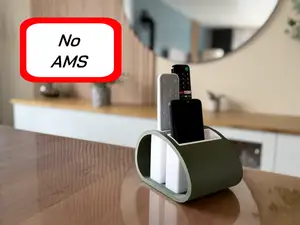
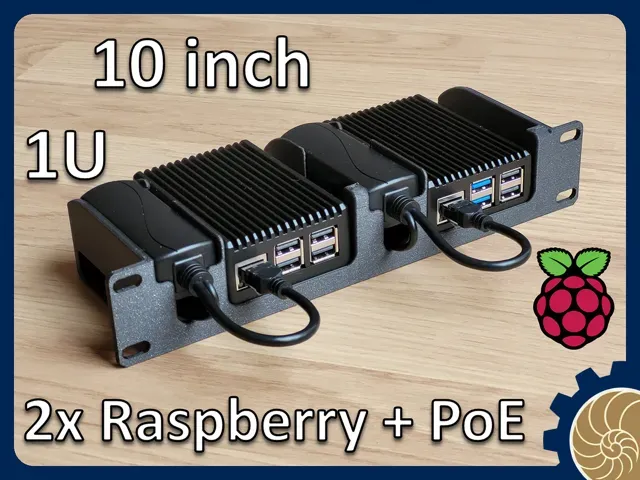
The range splits roughly into parts that live inside a rack and parts that live on or around it. Inside, you find mounts and blanking panels sized for narrow and standard rack widths, along with shelves and adapter plates for small computers and single-board devices. Around the cabinet, there are wall boxes, cable enclosures, antenna brackets and wire winders, plus replacement hardware such as hinges, keys and door fittings. A separate group covers miniature telecom buildings used in model railway layouts, which follow a different logic from the functional parts.
When choosing a file, read the author's page for the dimensions it was drawn to, the number of separate pieces and how they join, and whether the shape needs support material. For anything that carries weight or sits in a rack, wall thickness and the material the author lists matter more than the look of the render. Photos of actual prints show how the part behaves at the corners and screw holes, where a model often needs adjustment.
If the first search gives too few results, try the terms people use for the same objects: rack ear, blanking plate, patch panel mount, DIN rail bracket, enclosure, cable gland plate, antenna mast clamp. Searching by the device you want to hold, rather than by the cabinet itself, often brings up more files. Related topics such as home lab racks, network cabinets, radio equipment mounts and model railway buildings are worth a separate look.


暮らし・日用品からCNCまで、すべてのテーマをそろえたカタログ。対応サイトを横断して検索できます。
%2Fhttps%3A%2F%2Ffbi.cults3d.com%2Fuploaders%2F40130852%2Fillustration-file%2F7a358484-ba71-40b5-8cfa-e191fb1c0b4c%2Fphoto_2025-04-05_19-29-54.jpg&w=640)