
Grátis 
Pocket Cabinet Tool
Thingiverse
This collection gathers 3D-printable parts that belong to telecom cabinets and the equipment around them: rack mounts and panels, wall boxes, antenna brackets, hinges and device holders. Most of these files are small functional pieces rather than display models, which makes them useful when a cabinet needs a part that is hard to buy in the right size. The pages below lead to the authors' own files, so the exact dimensions and print settings come from them. Polyzon does not confirm whether models are free, their price, license, official status, affiliation, safety or fitness. Check the current terms at the source.
O texto desta coleção está em inglês; a busca funciona em qualquer idioma.
 Uma coleção do Polyzon · 24 modelos de 3 sites
O Polyzon monta esta coleção a partir dos resultados de busca dos sites conectados. Repetições e modelos sem prévia são removidos, correspondências fracas vão para o final e o restante segue a ordem da busca. Os modelos pertencem aos seus autores — confira os termos na página de cada modelo.
Regras de seleção: equipe editorial do Polyzon · Texto atualizado em 14/10/2026


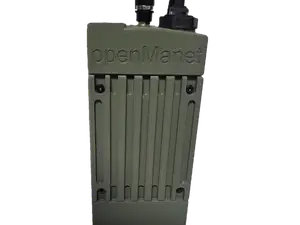
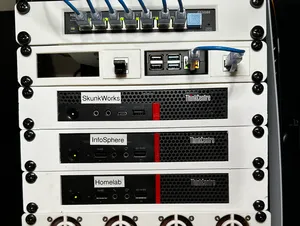
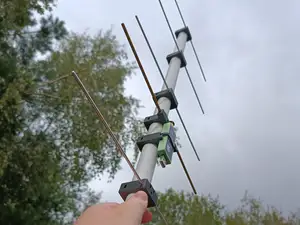
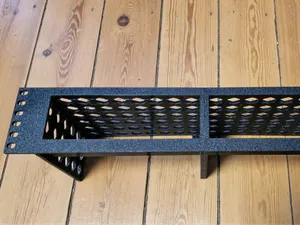
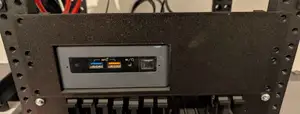


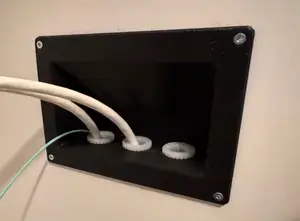
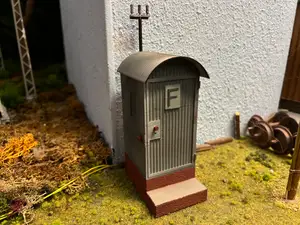
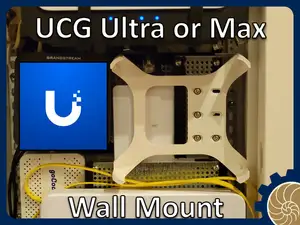
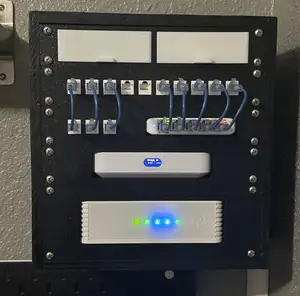
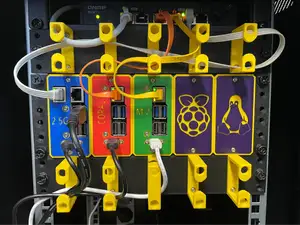
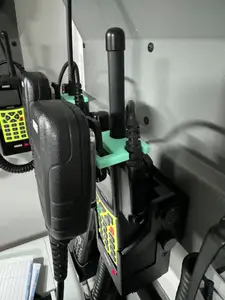
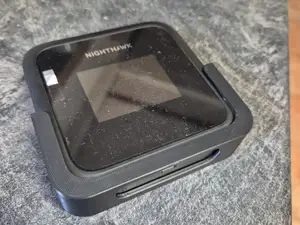
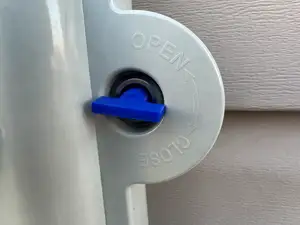
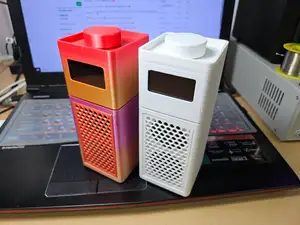
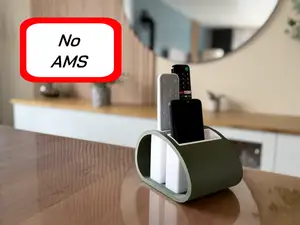
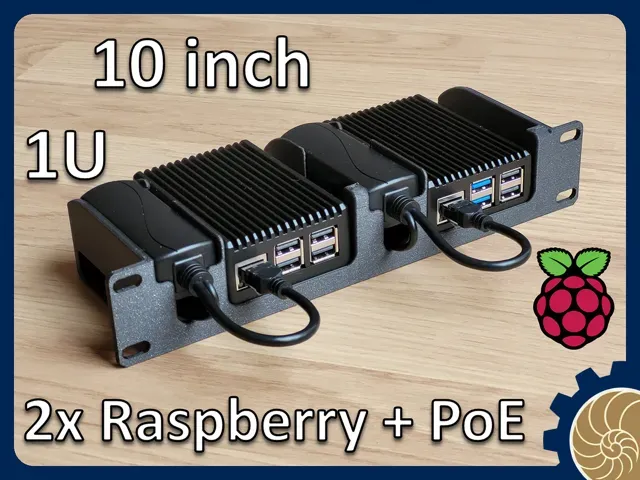
The range splits roughly into parts that live inside a rack and parts that live on or around it. Inside, you find mounts and blanking panels sized for narrow and standard rack widths, along with shelves and adapter plates for small computers and single-board devices. Around the cabinet, there are wall boxes, cable enclosures, antenna brackets and wire winders, plus replacement hardware such as hinges, keys and door fittings. A separate group covers miniature telecom buildings used in model railway layouts, which follow a different logic from the functional parts.
When choosing a file, read the author's page for the dimensions it was drawn to, the number of separate pieces and how they join, and whether the shape needs support material. For anything that carries weight or sits in a rack, wall thickness and the material the author lists matter more than the look of the render. Photos of actual prints show how the part behaves at the corners and screw holes, where a model often needs adjustment.
If the first search gives too few results, try the terms people use for the same objects: rack ear, blanking plate, patch panel mount, DIN rail bracket, enclosure, cable gland plate, antenna mast clamp. Searching by the device you want to hold, rather than by the cabinet itself, often brings up more files. Related topics such as home lab racks, network cabinets, radio equipment mounts and model railway buildings are worth a separate look.


O catálogo completo de temas — de casa e utilidades a CNC, com busca em todos os sites conectados.
%2Fhttps%3A%2F%2Ffbi.cults3d.com%2Fuploaders%2F40130852%2Fillustration-file%2F7a358484-ba71-40b5-8cfa-e191fb1c0b4c%2Fphoto_2025-04-05_19-29-54.jpg&w=640)