
Бесплатно 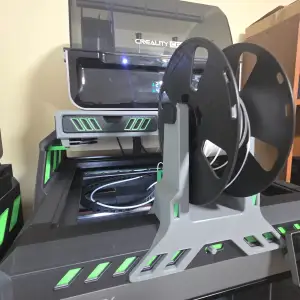
TPU Top mount spool holder - K2 Plus D3P riser
Creality Cloud
CHANGELOG
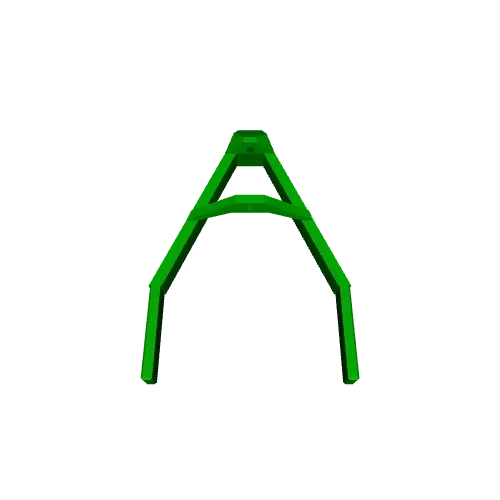
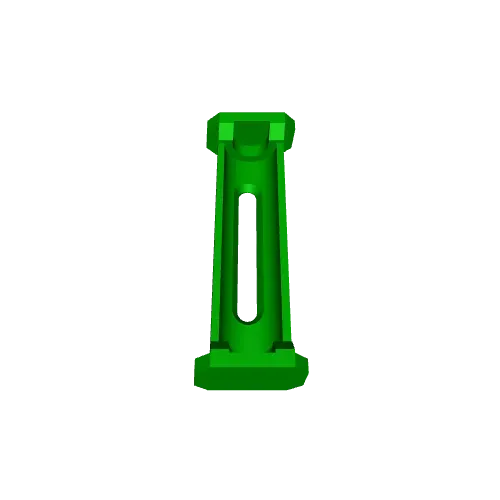
2025-12-29 Added a revised filament guide. It has an added support to pass a longer piece of PTFE. This should alleviate issues of the filament slipping off the spool when there is slack. A revised print file was uploaded.
NEW
Razvanbosman designed a spindle that does not require a bearing and provides a little added friction to prevent the spool from unravelling. Click on the link to download it:
Bearing less spindle
MODEL
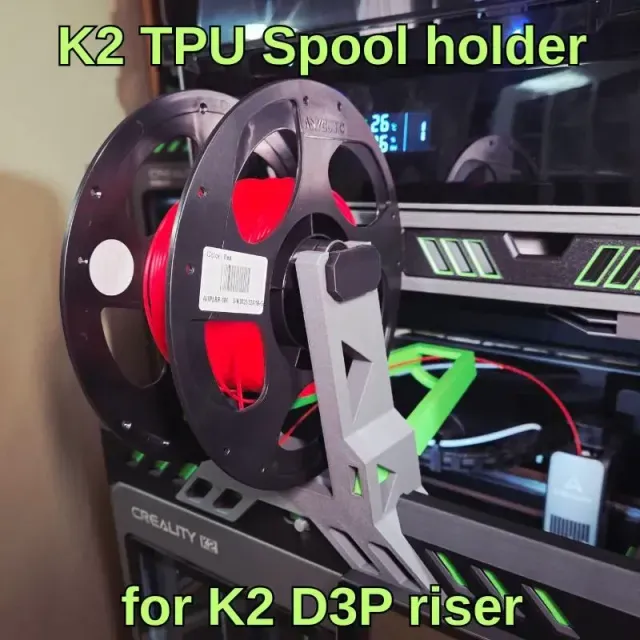
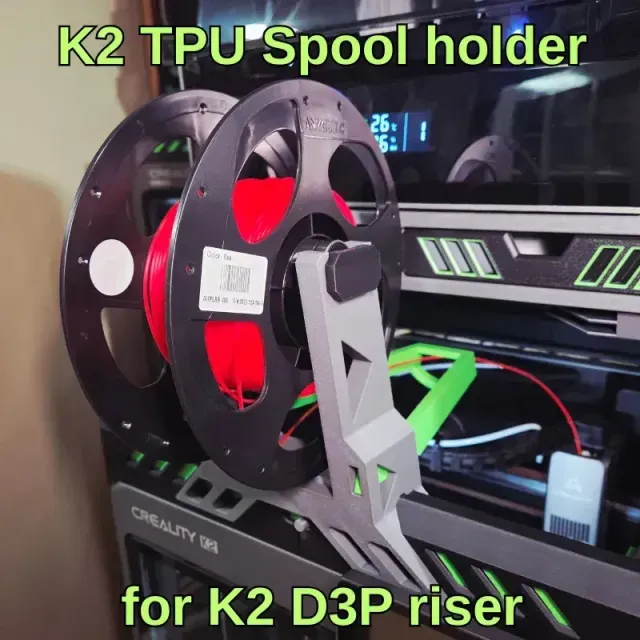
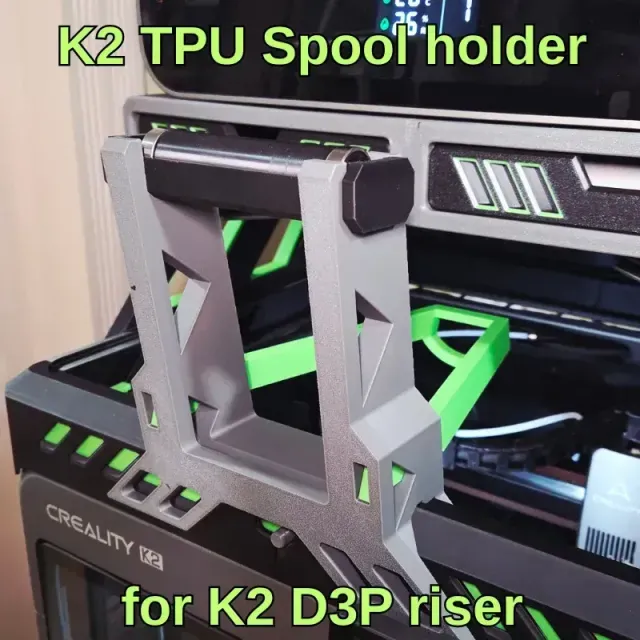
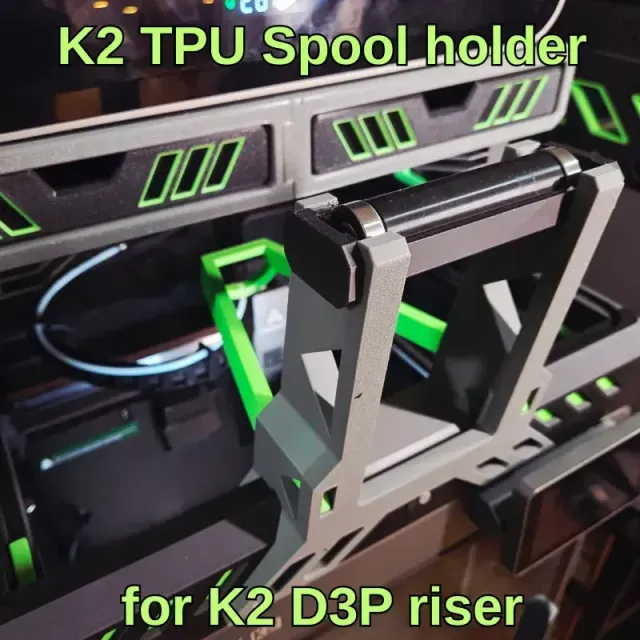
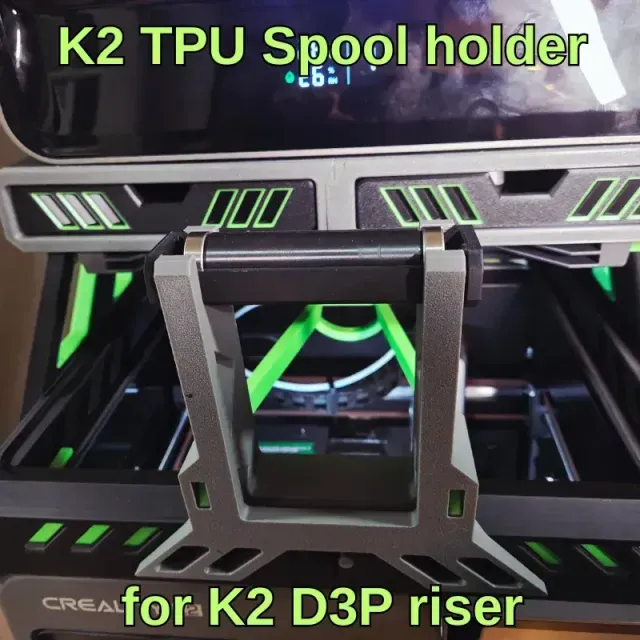
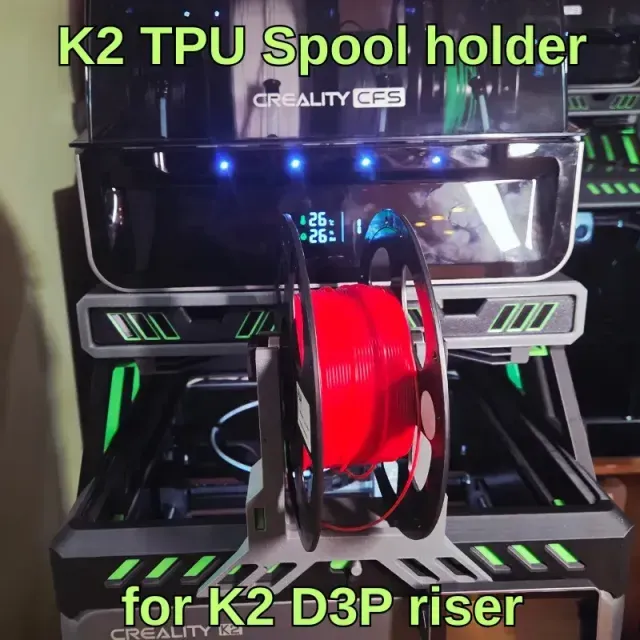
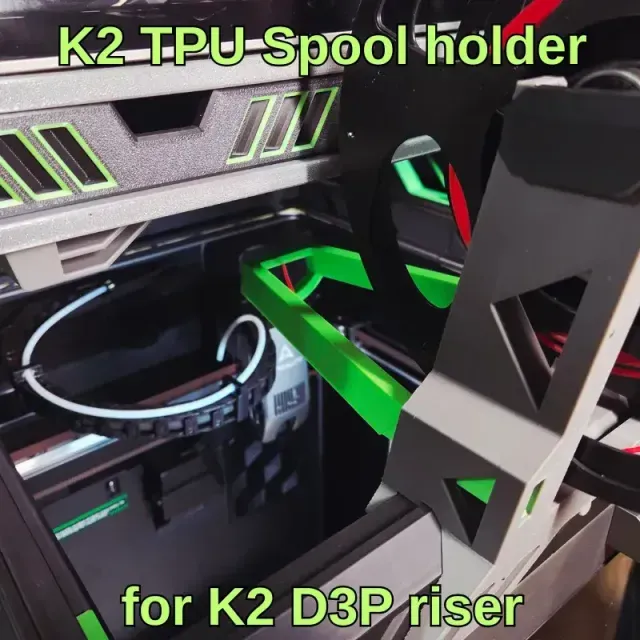
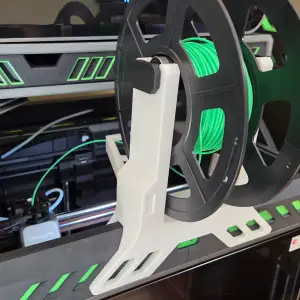
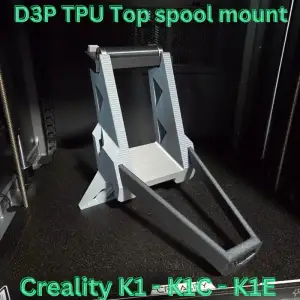
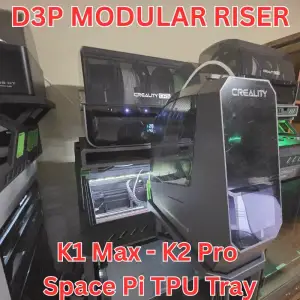
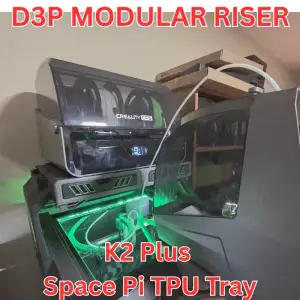
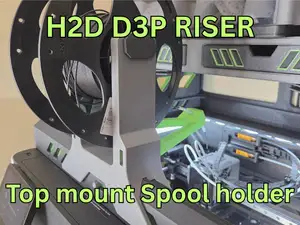
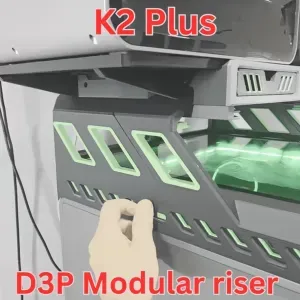
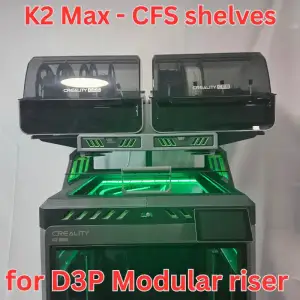
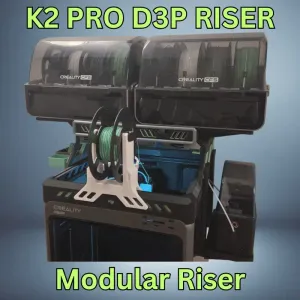
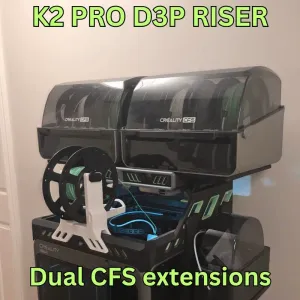
This is a top mount spool holder for use with the K2 D3P riser. The spool holder mounts on the front of the K2 D3P riser.
The spool holder is designed to optimize TPU printing by having the TPU filament feed directly into the hot end.
The TPU spool holder features:
- Ball bearing spindle holder (two 608 2RS Ball Bearings are required);
- Quick and easy to install and remove;
- Filament guide to avoid tangling;
Click here to find out more about the D3P riser system for the K2 :
D3P riser for K2
ASSEMBLY
External hardware
Two 608 2RS Ball Bearings are required. (Amazon Canada link: (https://www.amazon.ca/dp/B0CWL9JQ2P?ref=ppx_yo2ov_dt_b_fed_asin_title)
PTFE Tube
Assembly is pretty simple.
Tap the spindle ends into the spindle and onto the bearings.
The bearing and spindle fits into the bearing holder.
Insert a piece of PTFE tubing from the end of the filament guide and pass it through the middle support on the filament guide.
The spool holder mounts on the front of the D3P riser for the K2. You will need to remove the glass.
To use: Disconnect the Bowden tube from the hot end. Install the spool holder on the D3P K2 riser. Install the spool. The filament should unwind at the bottom of the spool and should be fed through the PFTE tube installed on the filament guide..
3D PRINTING
IMPORTANT: After verification with Creality it appears that there are some issues that need to be resolved with the mobile printing app. At present it seems these may affect slicing and printing of the model. After verification, it was suggested by the Creality Cloud team to use the desktop slicing and printing software. Thank you for your understanding.
IMPORTANT I upload a print setting files for all my models. The print settings has the parts positioned for correct printing.
I strongly recommended you use my print setting file. If not, I will not be able to assist you if there is an issue when printing. From experience, many of the issues with printing my models are on account of users not using my print settings.
3D PRINT SETTINGS
I use the following settings and materials to print this model:
Infill % : 15% (no need for more)
Nozzle diameter: 0.4 mm
Layer height: 0.2 mm standard
Material: PLA and PETG are fine.
Названия используются только для указания источника результата. Polyzon не аффилирован с перечисленными площадками.
Комментарии