
Бесплатно 
ADS-B Cantenna Housing
Printables

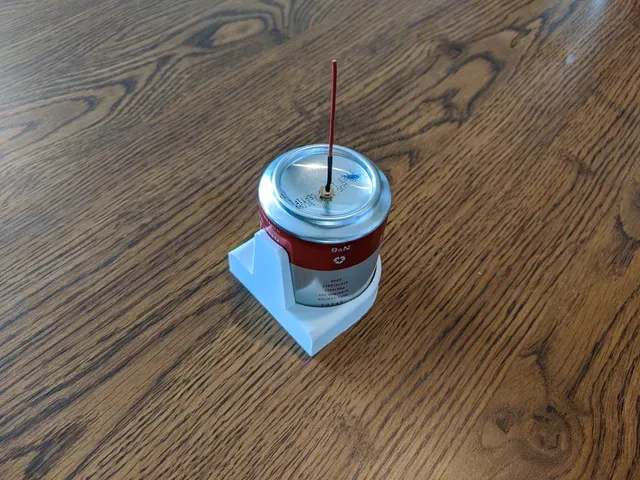
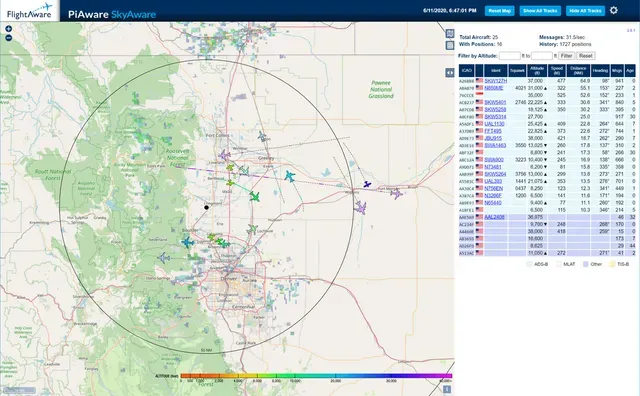

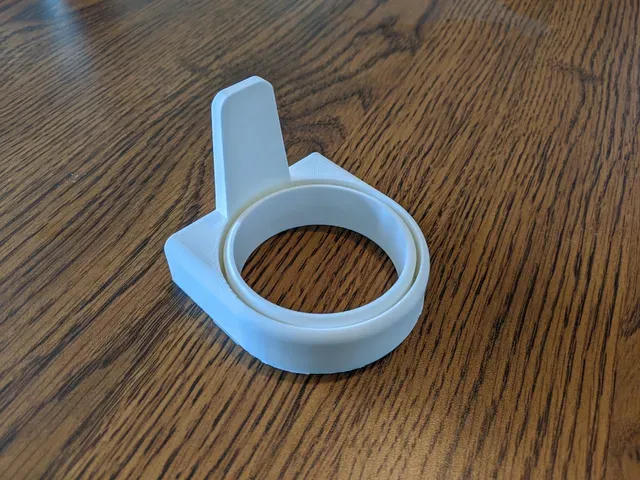


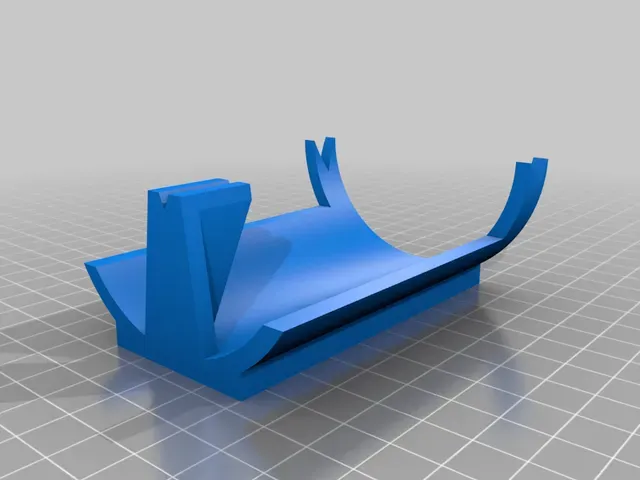
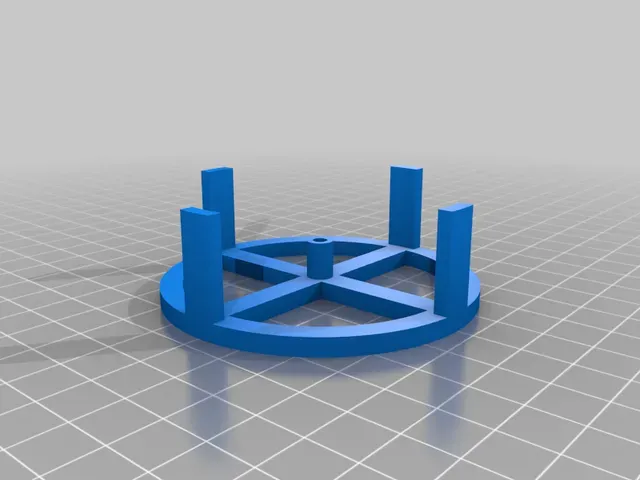
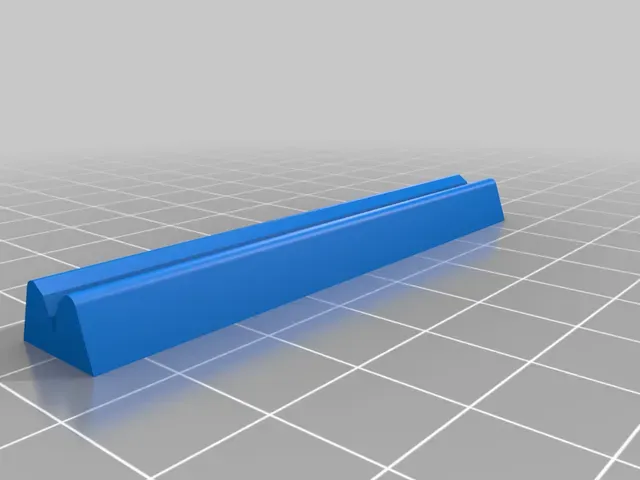


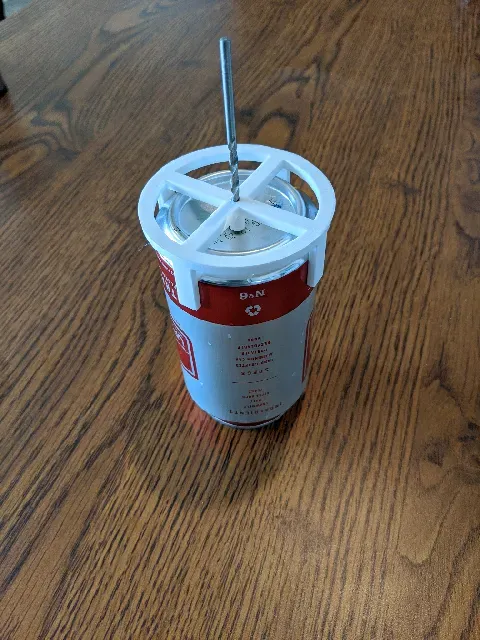


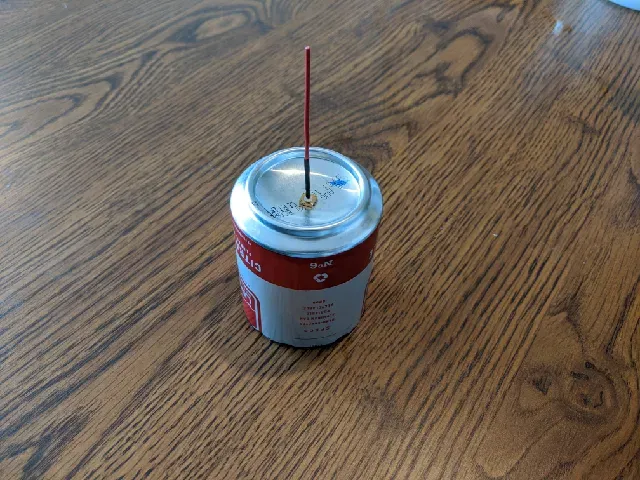


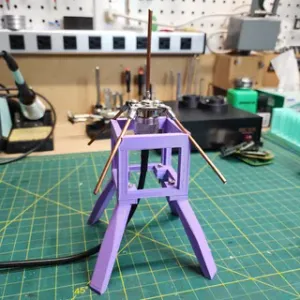
Window mount and jigs for building an ADS-B 1090MHz Cantenna for use with PiAware and other ADS-B receivers.
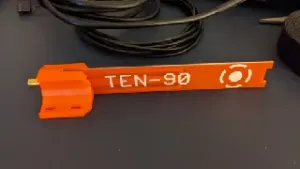
I included printable jigs to find the can center and to cut the can and vertical element to the proper length.
This model is designed for 68.75mm (1090MHz quarter wavelength) elements. This can be adjusted slightly by scaling only the horizontal axis.
Inspired by the following cantenna articles: FlightAware Forum Post , by abcd5670 Hackaday Article , by Tom Nardi
Print Settings
Printer Brand:
Creality
Printer: Ender 5
Rafts:
No
Supports: No
Resolution:
Layers 0.12-0.20mm, Nozzle 0.4mm
Infill: 20%
Filament: Hatchbox PLA
Notes:
The models are designed to not need supports, but this may vary by printer.
0.12mm layer resolution can be used to get a smoother finish, but all parts should be okay with 0.20mm layer resolution and a common 0.4mm nozzle. Post-Printing
Safety
3D printing, soldering, and cutting can cause injury. Wear safety goggles; proceed at your own risk.
Prepare the SMA Connector
Carefully snip the corner posts and solder a wire to the center element of a female, PCB-mount SMA connector to be the antenna's vertical element.
Cut the Vertical Element
Cut the vertical element to length using the vertical element jig to measure the element length.
Drill Center Hole
Drill a center hole in the bottom of your favorite 'pop' can and insert the SMA connector using the center hole jig as a guide.
The center hole jig is designed to guide a 1/8" drill bit. For best results, incrementally drill the hole larger to the final SMA connector diameter.
Cut the Can
Carefully mark and cut the can to the right size using the can cutting jig. The can edges will be sharp.
Place the Can in the Window Mount
Place the can in the window mount to protect the sharp edges.
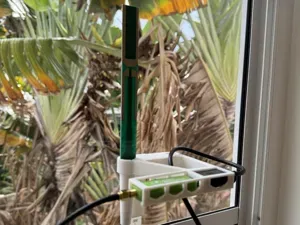
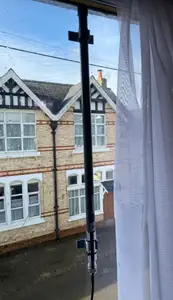
Mount the Antenna
Secure the antenna to a window using adhesive strips
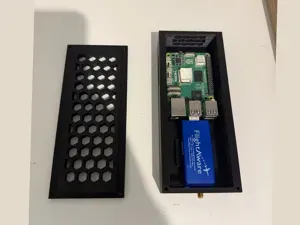
Connect an ADS-B Receiver and Enjoy
Connect an ADS-B Receiver and enjoy.
Instructions for setting up a PiAware Receiver
Category: Electronics



%2Fhttps%3A%2F%2Ffbi.cults3d.com%2Fuploaders%2F52319035%2Fillustration-file%2F742687fe-fcfe-407c-a685-3a2a08cca513%2Fhero_pack.png&w=300)

%2Fhttps%3A%2F%2Ffbi.cults3d.com%2Fuploaders%2F52319035%2Fillustration-file%2F9c544dea-3155-4345-97d4-708511832f10%2Fpreview.png&w=300)
Названия используются только для указания источника результата. Polyzon не аффилирован с перечисленными площадками.