
Grátis 
BTT mini UPS 12V
Thingiverse
This collection gathers 3D printing files built around BTC mining motherboards and the 12 V hardware that surrounds them: IO shields, DIN rail brackets, small enclosures and compact cases. It is useful when a board has to be mounted, cooled or boxed rather than left loose on a desk. Most items are small enough to print on a standard 3D printer in one or two sessions. Polyzon does not confirm whether models are free, their price, license, official status, affiliation, safety or fitness. Check the current terms at the source.
O texto desta coleção está em inglês; a busca funciona em qualquer idioma.
 Uma coleção do Polyzon · 40 modelos de 3 sites
O Polyzon monta esta coleção a partir dos resultados de busca dos sites conectados. Repetições e modelos sem prévia são removidos, correspondências fracas vão para o final e o restante segue a ordem da busca. Os modelos pertencem aos seus autores — confira os termos na página de cada modelo.
Regras de seleção: equipe editorial do Polyzon · Texto atualizado em 14/10/2026


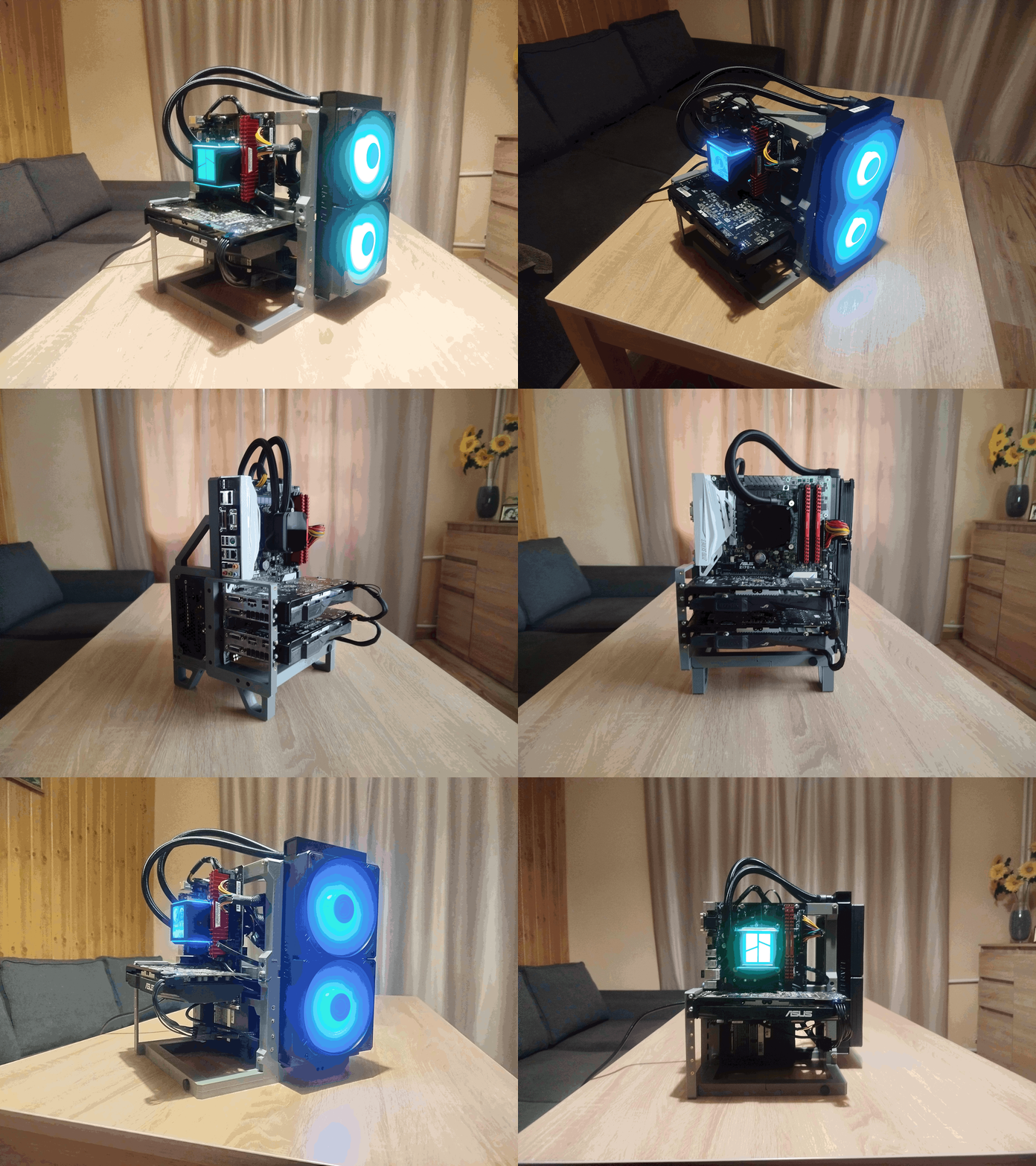

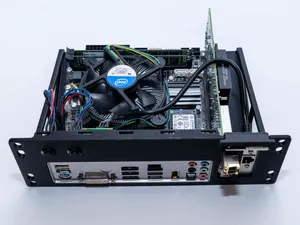



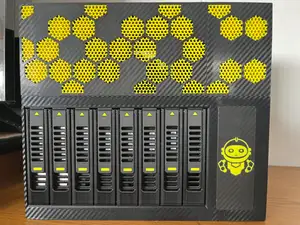




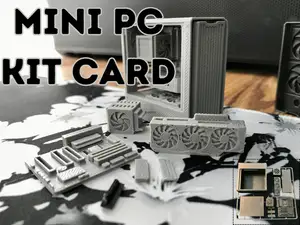


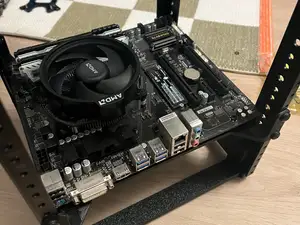




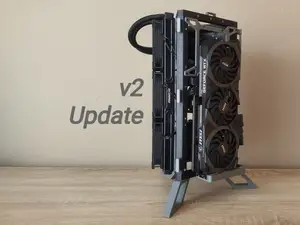

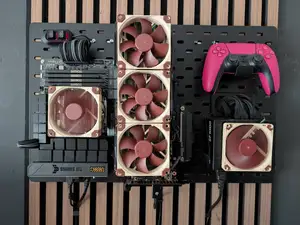


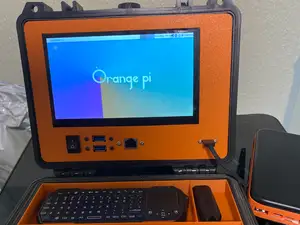

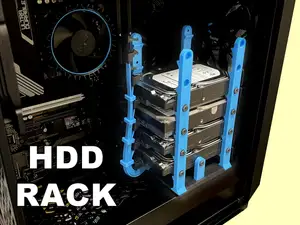

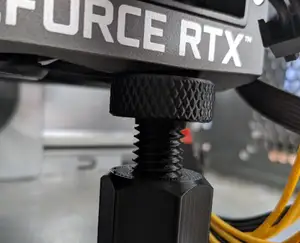

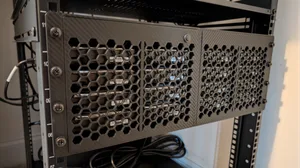

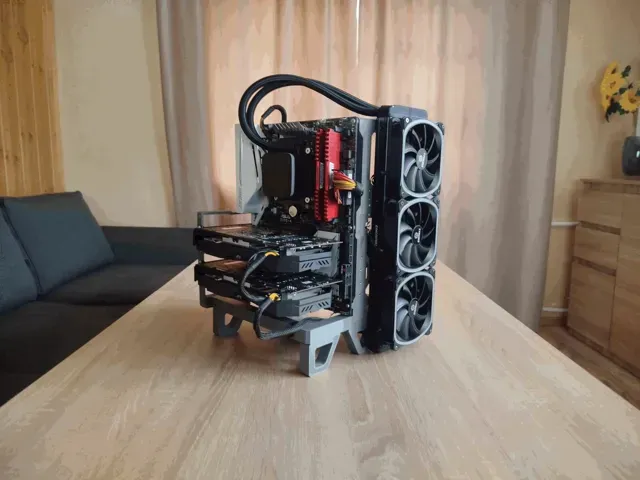
The models fall into a few groups that differ mainly in how they attach. IO shields and brackets are flat panels shaped around the board's rear connectors and screw holes. DIN rail mounts and fan supports are printed as clips or frames that hold a control board and a 120 mm fan. Enclosures for 12 V UPS units and thermostats are closed boxes with cutouts for cables, while Mini-ITX and ATX cases are larger builds that may need several printed sections joined together.
Before printing, compare the author's dimensions with your own hardware. Check the board revision, the position of the rear ports, the spacing of the mounting holes and the rail profile a DIN clip is drawn for. Look at whether the model needs supports, how thick the walls are, and which material and settings the author lists, since parts sitting near warm components are often printed in something other than PLA. Photos of finished prints show how the screw bosses and thin clips came out.
Search results improve when you vary the wording. Try terms such as mining rig, TB250, IO shield, DIN rail, 120 mm fan duct, mini UPS, SFF or rack mount instead of repeating one phrase. Related topics include ASIC cooling ducts, NAS cases, open-frame cases and thermostat housings, which often share the same mounting and airflow ideas. Narrowing by part type, board size or fan diameter usually removes unrelated results faster than adding more words.
%2Fhttps%3A%2F%2Ffbi.cults3d.com%2Fuploaders%2F15437261%2Fillustration-file%2Fd30b5eca-d635-4276-be52-66999c54adcd%2F20201113_122628.jpg&w=300)

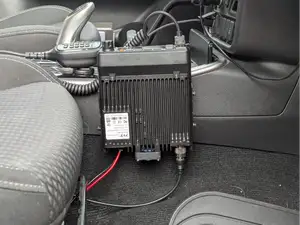


O catálogo completo de temas — de casa e utilidades a CNC, com busca em todos os sites conectados.
%2Fhttps%3A%2F%2Ffbi.cults3d.com%2Fuploaders%2F25434258%2Fillustration-file%2Fc726b140-0c60-49bd-9d71-fc56e12fbb16%2F20260324_084202.jpg&w=640)