Grátis 
FineSource Caliper Battery Compartment Cover
Thingiverse
This collection gathers 3D models of covers, lids and caps that close off a compartment — from battery doors on cameras and radios to boxes with sliding lids and car trim pieces. Most of these parts are small, so they print quickly on a desktop 3D printer and are often made to replace a lost or broken original. The STL files vary widely in how they attach, which is the main thing to compare before you pick one. Polyzon does not confirm whether models are free, their price, license, official status, affiliation, safety or fitness. Check the current terms at the source.
O texto desta coleção está em inglês; a busca funciona em qualquer idioma.
 Uma coleção do Polyzon · 47 modelos de 5 sites
O Polyzon monta esta coleção a partir dos resultados de busca dos sites conectados. Repetições e modelos sem prévia são removidos, correspondências fracas vão para o final e o restante segue a ordem da busca. Os modelos pertencem aos seus autores — confira os termos na página de cada modelo.
Regras de seleção: equipe editorial do Polyzon · Texto atualizado em 14/10/2026
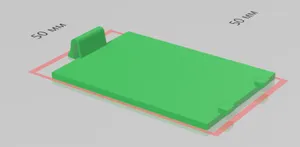
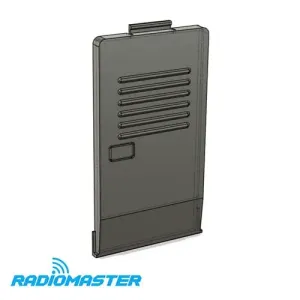


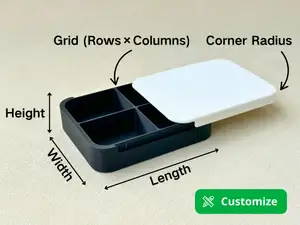
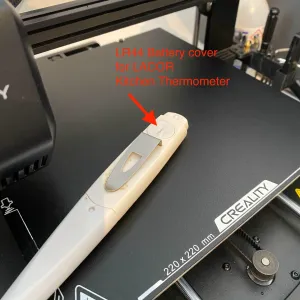











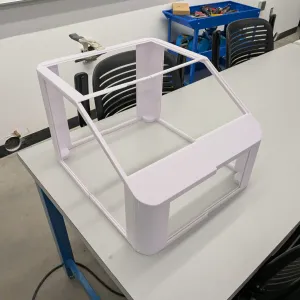
![Battery Compartment Lid Cover (Ninestars - 13 Gallon Automatic Kitchen Trash Can [ Model: WM-50-13] )](https://cache.polyzon.org/api/img?url=https%3A%2F%2Fresize.thingiverse.com%2F%3Furl%3Dhttps%3A%2F%2Fcdn.thingiverse.com%2Fassets%2Fce%2Fc0%2F50%2Fc7%2Fe4%2F3ab79cc2-2e20-4680-a797-14e221b7b6f2.png%26w%3D292%26h%3D219%26fit%3Dcontain%26cbg%3Dwhite%26n%3D-1&w=300)
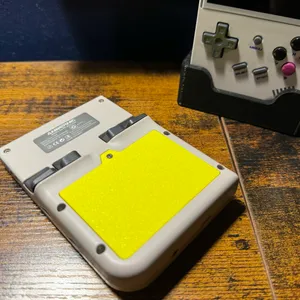
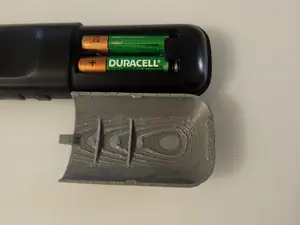


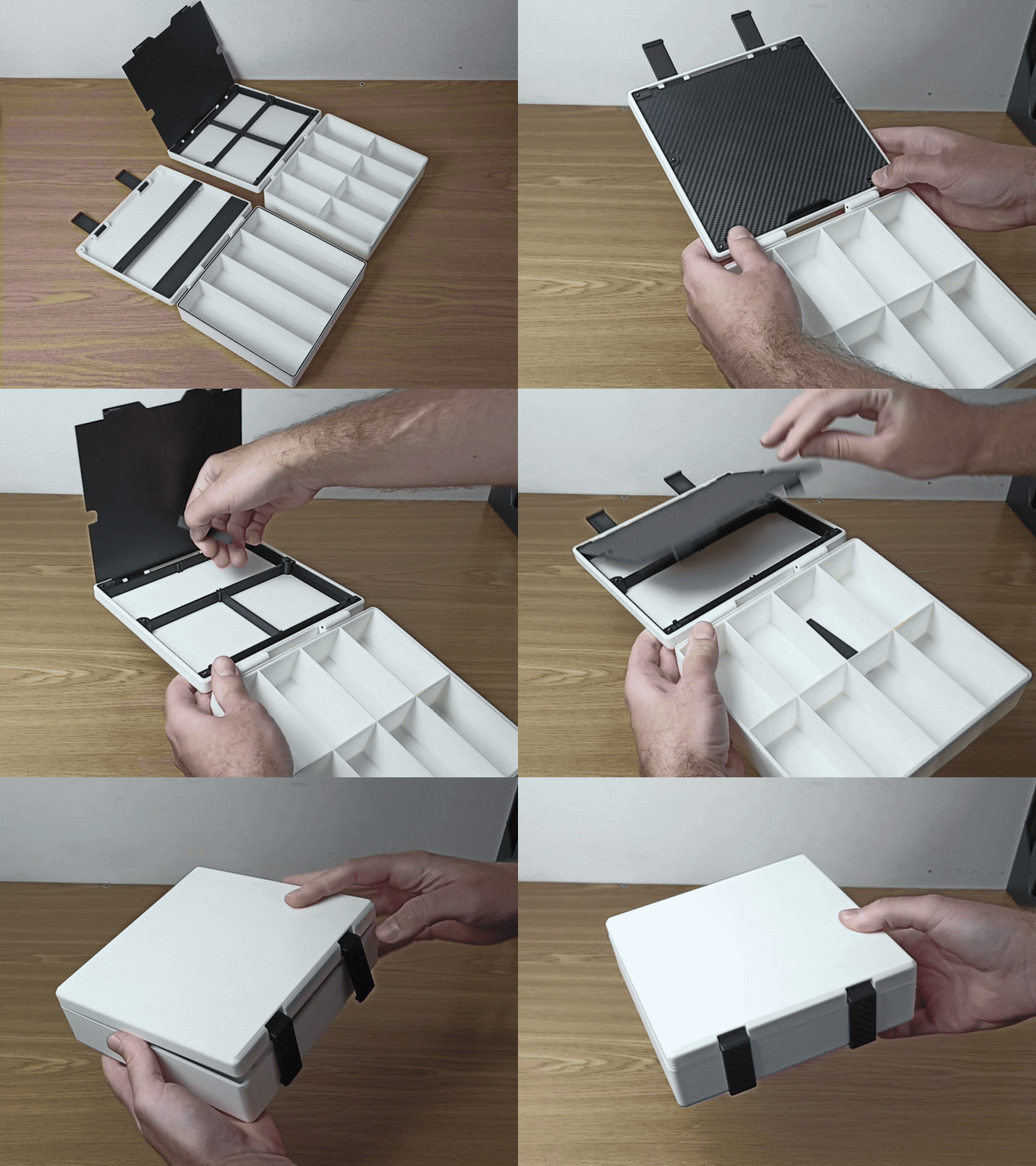
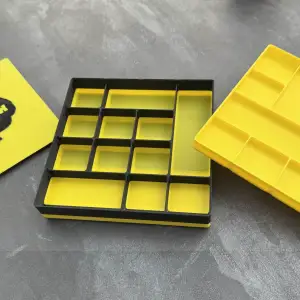


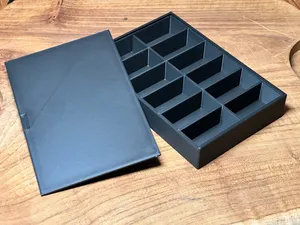
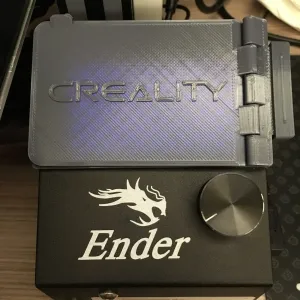

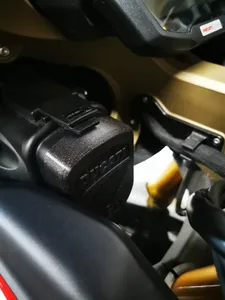
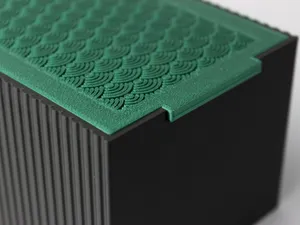



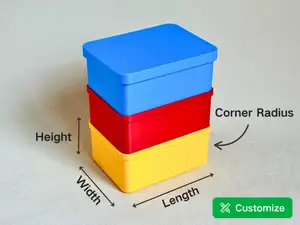
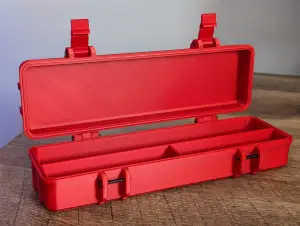
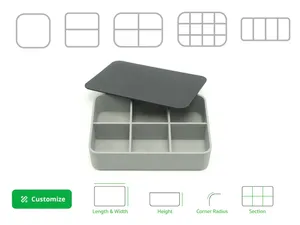
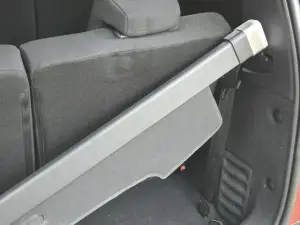
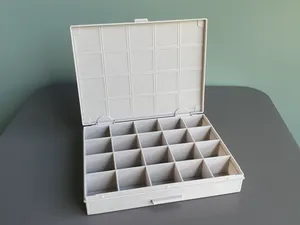
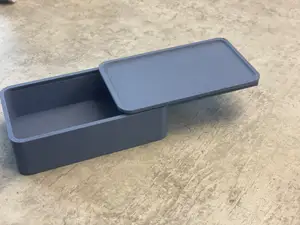
The models fall into a few recognizable groups. Battery compartment covers appear for measuring tools, cameras, radios and small electronics, usually shaped around a specific opening and held by a clip, a screw or a sliding tab. Storage boxes and organizers come with separate lids, sliding tops or latches, and some are parametric so the outer size can be edited. A smaller group covers hidden compartments built into books or car trim, and there are trunk caps and interior covers for specific car models.
When choosing a model, read the author's page rather than the thumbnail. Check the stated outer dimensions and wall thickness, how the part is fixed in place — clip, screw boss, magnet or friction — and whether the author lists the material and print settings used. Look at photos of real prints to judge how the latch or hinge behaves, and note whether the model needs supports or prints in one piece. For anything that must flex, the material choice matters more than the shape.
If the first search gives little, widen the wording. Terms like lid, cap, hatch, door, panel and cover describe similar parts, and battery door or battery cover often lead to the same models. Adding the device name, the car model or the box type narrows results, while related queries such as organizer, insert, tray or parametric box open up adjustable alternatives you can resize in CAD before exporting an STL.
%2Fhttps%3A%2F%2Ffbi.cults3d.com%2Fuploaders%2F14782358%2Fillustration-file%2F80986601-364c-40b1-9fb2-99e94e3d3772%2FCache_pile.png&w=300)
%2Fhttps%3A%2F%2Ffbi.cults3d.com%2Fuploaders%2F13783954%2Fillustration-file%2F8e087a4a-eb19-4ec6-a53a-7b2989d65d16%2F20200113_221036.jpg&w=300)


O catálogo completo de temas — de casa e utilidades a CNC, com busca em todos os sites conectados.