免费 
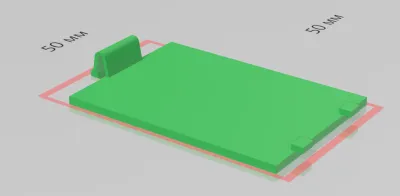
FineSource Caliper Battery Compartment Cover
Thingiverse
This collection gathers 3D models of covers, lids and caps that close off a compartment — from battery doors on cameras and radios to boxes with sliding lids and car trim pieces. Most of these parts are small, so they print quickly on a desktop 3D printer and are often made to replace a lost or broken original. The STL files vary widely in how they attach, which is the main thing to compare before you pick one. Polyzon does not confirm whether models are free, their price, license, official status, affiliation, safety or fitness. Check the current terms at the source.
本合集的文字为英文,搜索本身支持任何语言。
 Polyzon合集 · 47个模型 来自5个平台
此合集由Polyzon根据已接入平台的搜索结果整理而成:去除重复项和没有预览图的模型,匹配度低的排在最后,其余按搜索结果顺序排列。模型归作者所有——请在各模型页面查看使用条款。
筛选规则:Polyzon编辑部 · 文字更新于2026年10月14日














![Battery Compartment Lid Cover (Ninestars - 13 Gallon Automatic Kitchen Trash Can [ Model: WM-50-13] )](https://cache.polyzon.org/api/img?url=https%3A%2F%2Fresize.thingiverse.com%2F%3Furl%3Dhttps%3A%2F%2Fcdn.thingiverse.com%2Fassets%2Fce%2Fc0%2F50%2Fc7%2Fe4%2F3ab79cc2-2e20-4680-a797-14e221b7b6f2.png%26w%3D292%26h%3D219%26fit%3Dcontain%26cbg%3Dwhite%26n%3D-1&w=300)
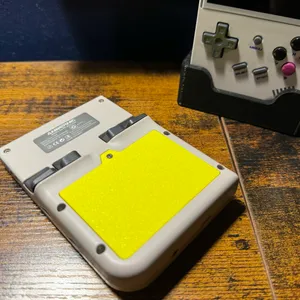
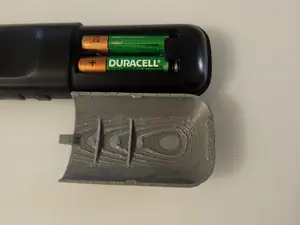


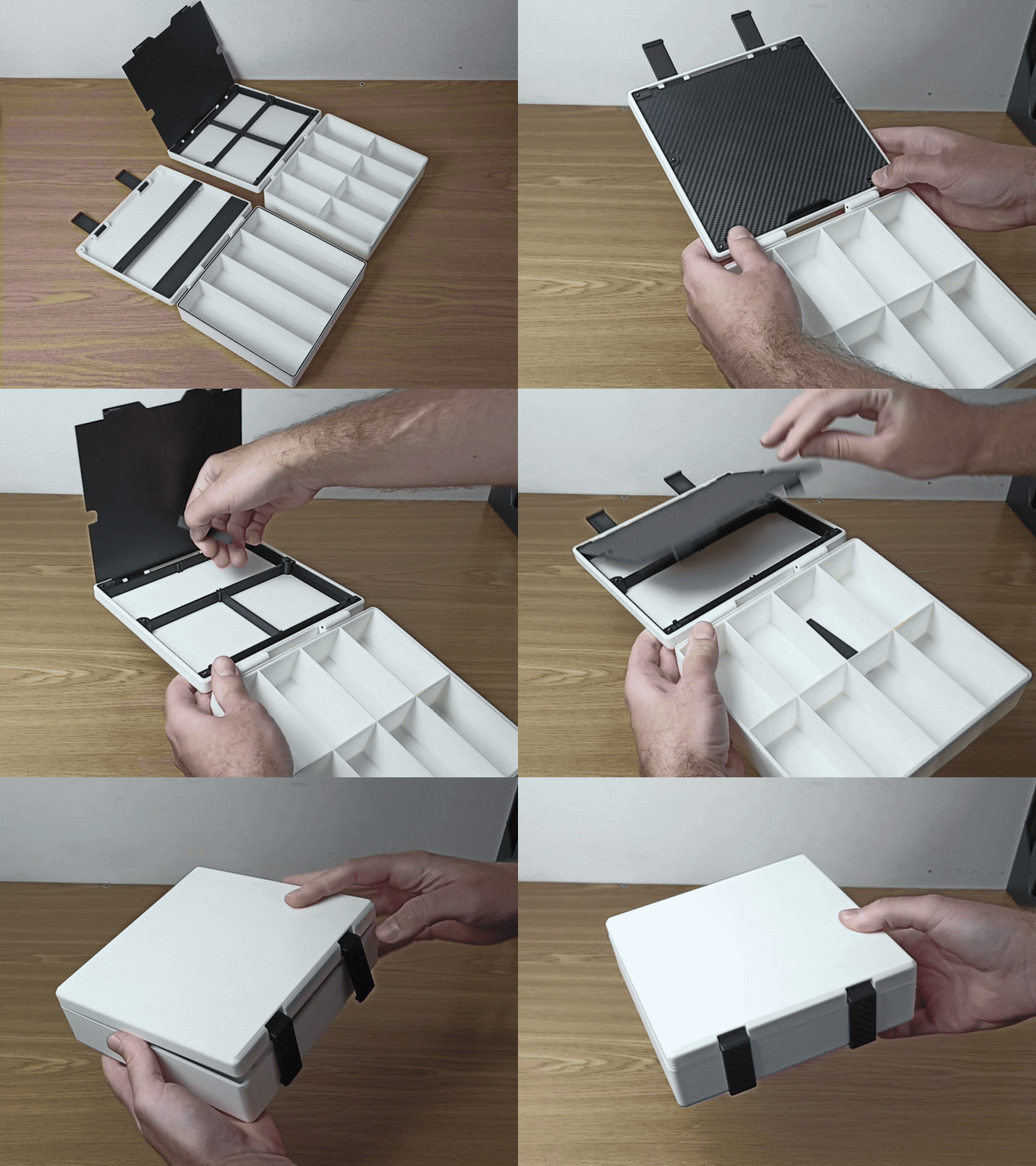


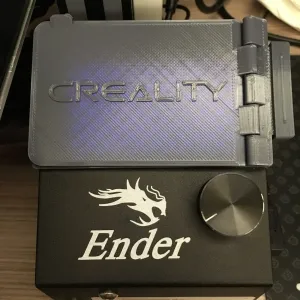

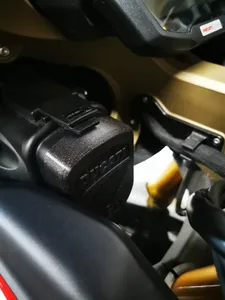
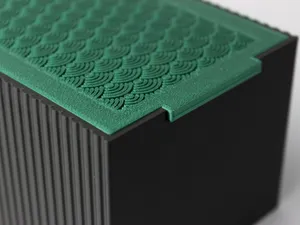
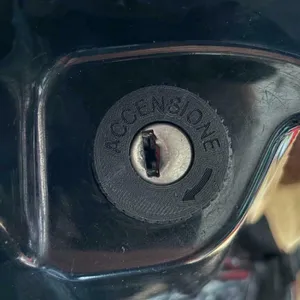


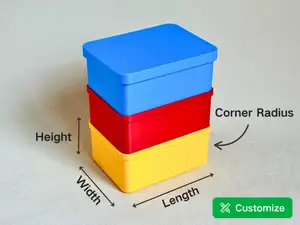
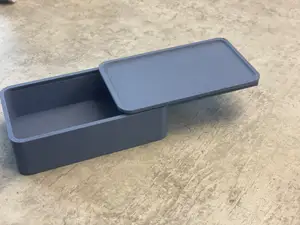
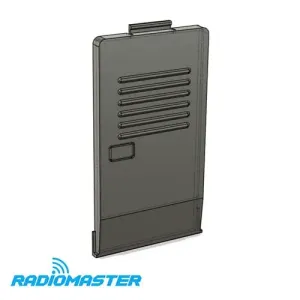
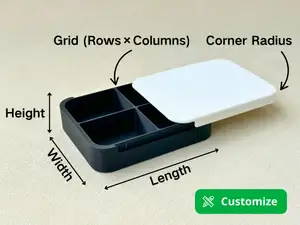
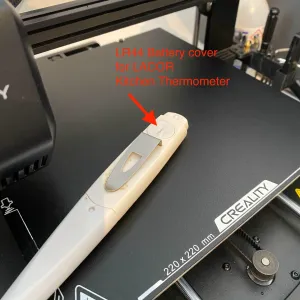
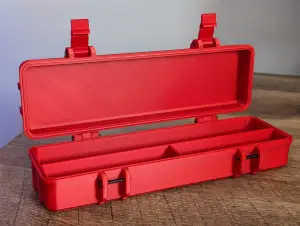
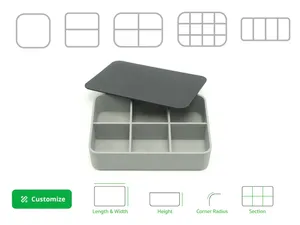
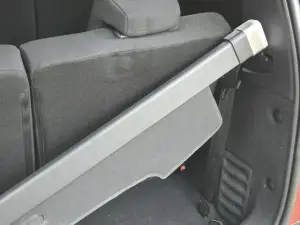
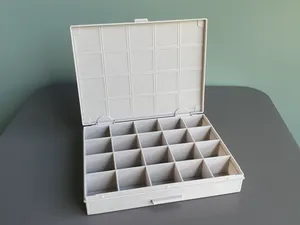
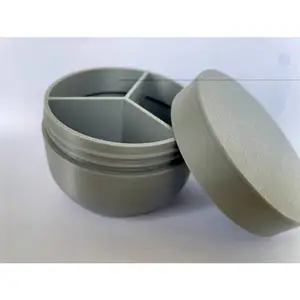
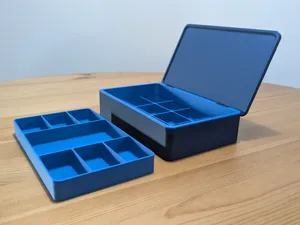
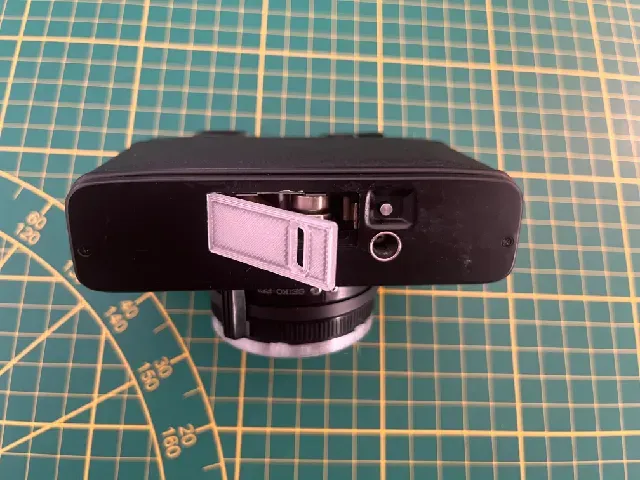
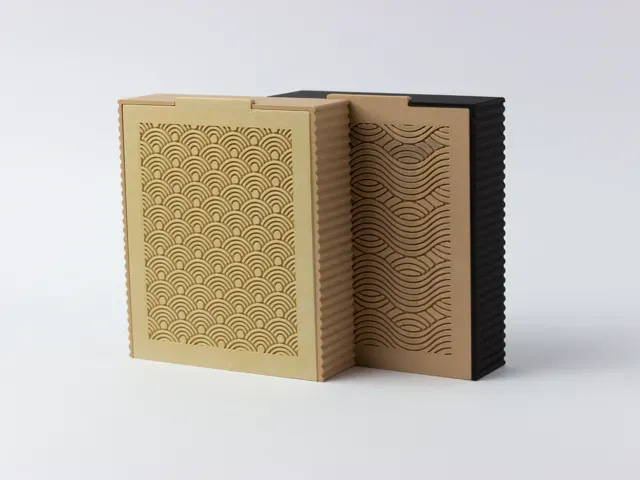
The models fall into a few recognizable groups. Battery compartment covers appear for measuring tools, cameras, radios and small electronics, usually shaped around a specific opening and held by a clip, a screw or a sliding tab. Storage boxes and organizers come with separate lids, sliding tops or latches, and some are parametric so the outer size can be edited. A smaller group covers hidden compartments built into books or car trim, and there are trunk caps and interior covers for specific car models.
When choosing a model, read the author's page rather than the thumbnail. Check the stated outer dimensions and wall thickness, how the part is fixed in place — clip, screw boss, magnet or friction — and whether the author lists the material and print settings used. Look at photos of real prints to judge how the latch or hinge behaves, and note whether the model needs supports or prints in one piece. For anything that must flex, the material choice matters more than the shape.
If the first search gives little, widen the wording. Terms like lid, cap, hatch, door, panel and cover describe similar parts, and battery door or battery cover often lead to the same models. Adding the device name, the car model or the box type narrows results, while related queries such as organizer, insert, tray or parametric box open up adjustable alternatives you can resize in CAD before exporting an STL.
完整的主题目录:从家居日用到CNC,均可在已接入的来源平台中搜索。
%2Fhttps%3A%2F%2Ffbi.cults3d.com%2Fuploaders%2F14782358%2Fillustration-file%2F80986601-364c-40b1-9fb2-99e94e3d3772%2FCache_pile.png&w=300)
%2Fhttps%3A%2F%2Ffbi.cults3d.com%2Fuploaders%2F13783954%2Fillustration-file%2F8e087a4a-eb19-4ec6-a53a-7b2989d65d16%2F20200113_221036.jpg&w=300)