
Grátis 
UH-1 Caution panel MMU print
Thingiverse
This collection gathers 3D models built around panels in several senses: electrical faceplates and connector mounts, decorative light panels, machine side panels with clips, and organizer boards. It helps when you need a flat part with cutouts, a mounting surface or a cover rather than a figurine. Most entries are STL files meant for a desktop 3D printer, and their scale and hardware details vary a lot from one author to another. Polyzon does not confirm whether models are free, their price, license, official status, affiliation, safety or fitness. Check the current terms at the source.
O texto desta coleção está em inglês; a busca funciona em qualquer idioma.
 Uma coleção do Polyzon · 48 modelos de 5 sites
O Polyzon monta esta coleção a partir dos resultados de busca dos sites conectados. Repetições e modelos sem prévia são removidos, correspondências fracas vão para o final e o restante segue a ordem da busca. Os modelos pertencem aos seus autores — confira os termos na página de cada modelo.
Regras de seleção: equipe editorial do Polyzon · Texto atualizado em 15/10/2026


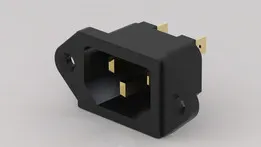
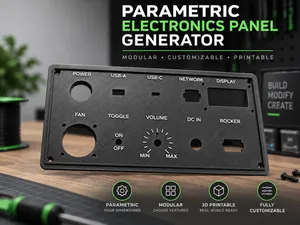
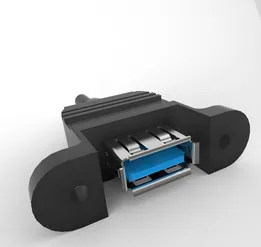


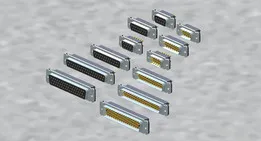


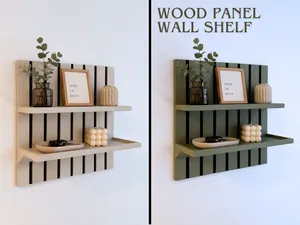
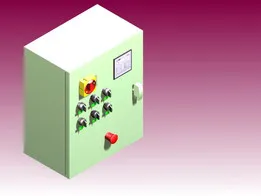
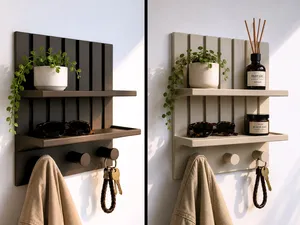
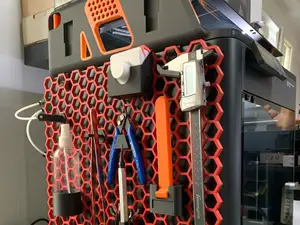


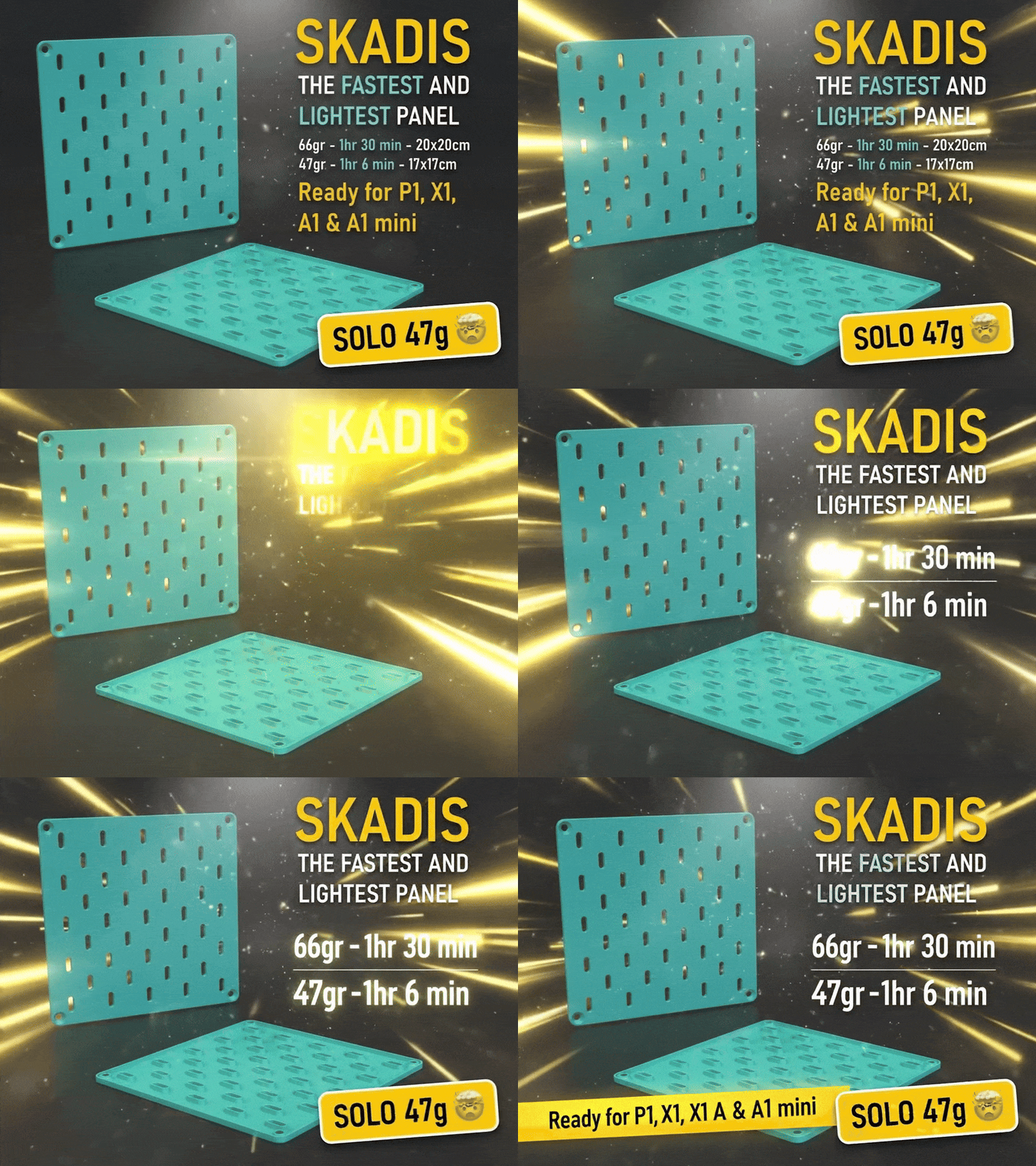


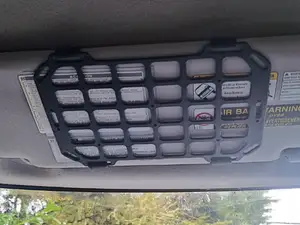
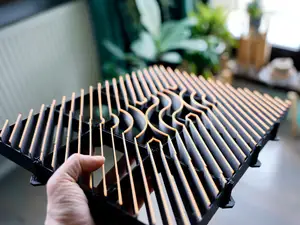
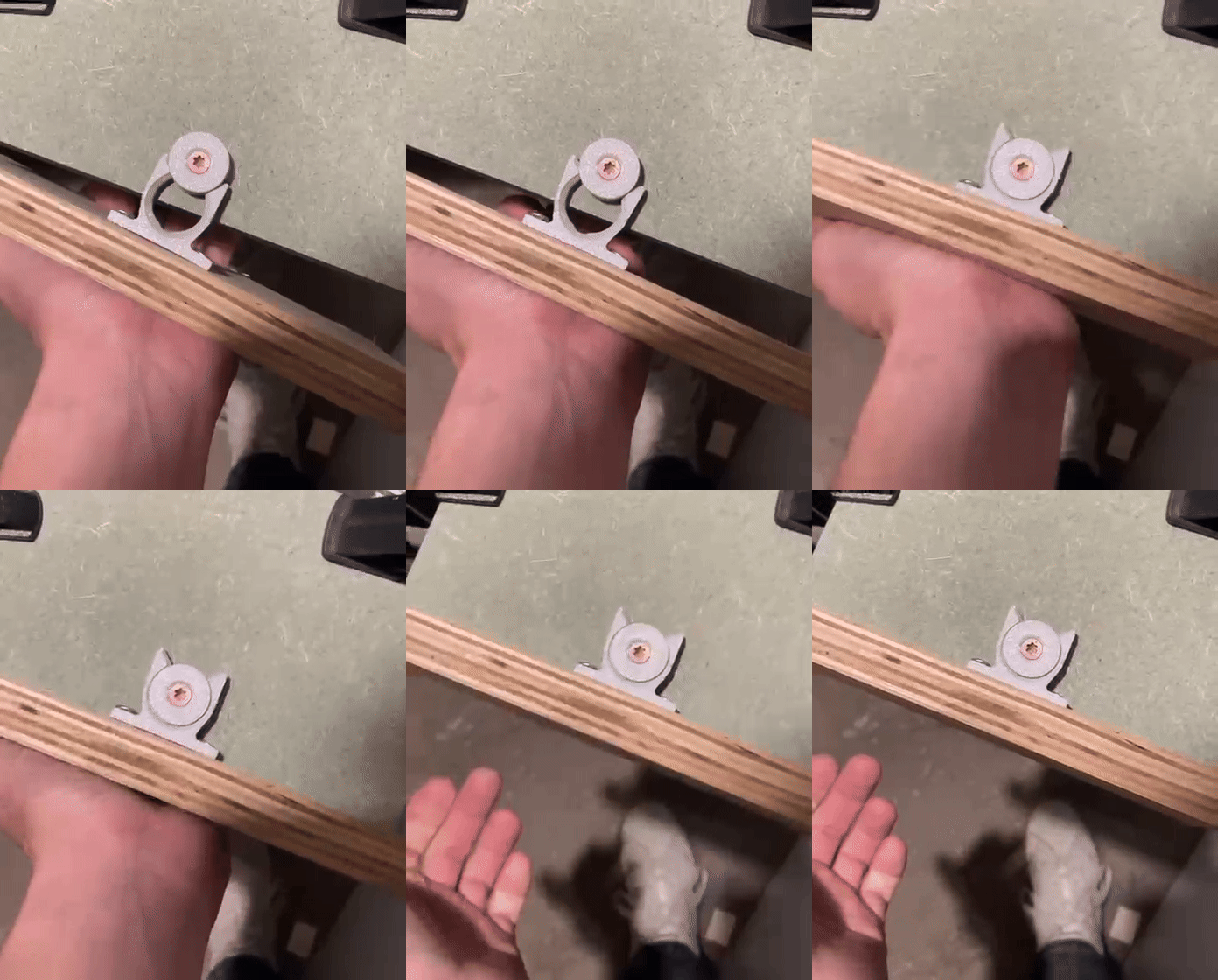
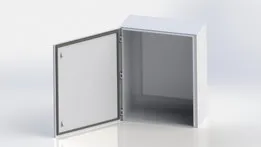


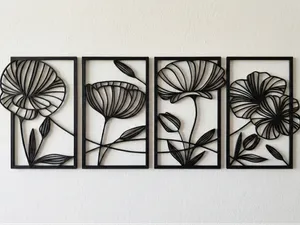
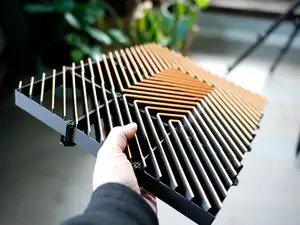

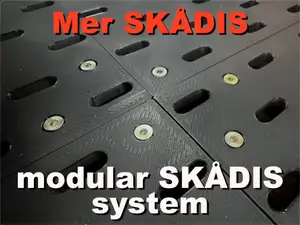
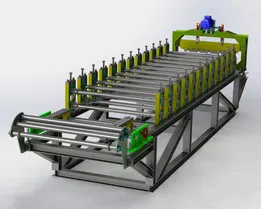
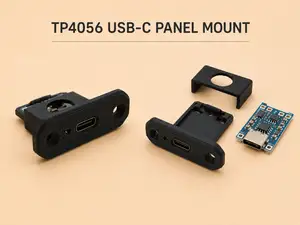


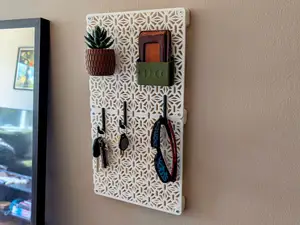
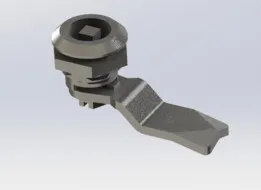

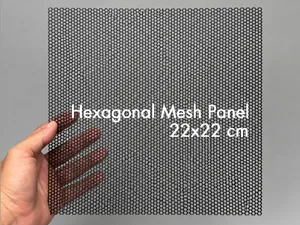

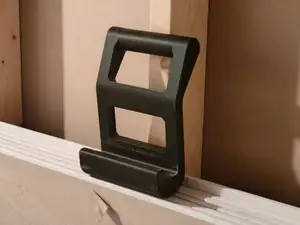

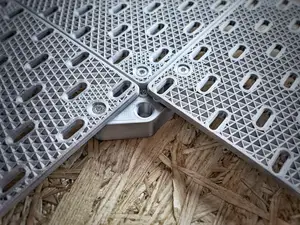
The kinds of models here differ mainly in what the panel has to do. Electrical and connector panels are plates with openings for plugs, sockets or switches, often sized around a standard cutout. Light panel replicas and wall panels are mostly decorative and depend on how the pieces join and how light passes through them. Printer side panels, clips and latches are functional parts that follow the dimensions of a specific frame or extrusion, while organizer boards and trays are about holding tools or small parts.
When choosing a model, open the author's page and read the listed dimensions first: overall size, plate thickness, hole diameter and the spacing between holes. Check how many parts the panel has, whether it is a single piece or an assembly, and whether the author notes that supports are needed for overhangs. The material and settings the author lists matter for thin plates, since a panel printed in a brittle material behaves differently from one in a tougher one. Photos of real prints show how the surface, edges and fit turned out.
To widen or narrow the search, try other words for the same object: faceplate, mounting plate, bezel, backplate, cover or bracket. Related queries help too, such as connector mount, DIN rail, wall mount, enclosure, pegboard or control console. If you are matching an existing part, search by the cutout or thread it uses, and compare a few models before printing, because two panels with the same purpose can differ in thickness and fastener layout.


O catálogo completo de temas — de casa e utilidades a CNC, com busca em todos os sites conectados.