
Grátis 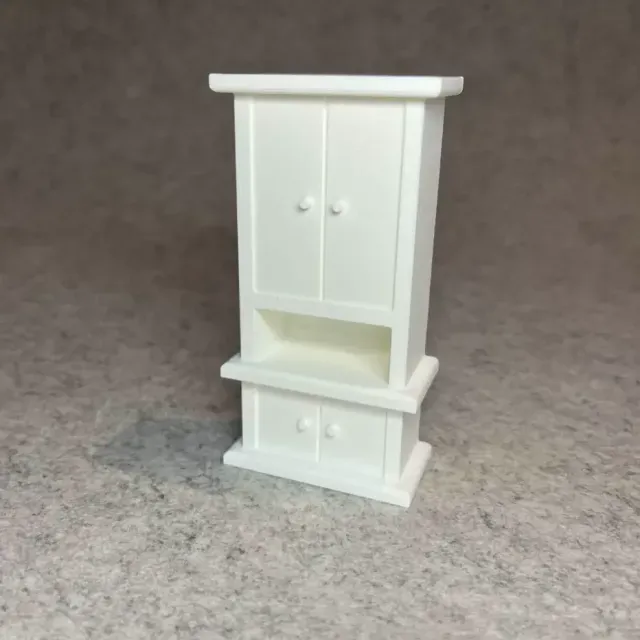
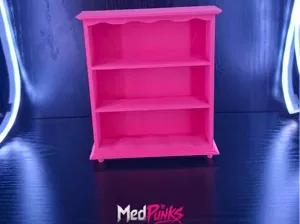
Dollhouse shelf cabinet for miniature house
Creality Cloud
This collection gathers 3D models that go inside or onto cabinets: shelf pegs and clips, dividers, bathroom and mirror shelf inserts, modular storage units and wall-mounted holders. Most of them are small parts meant to fix, split or extend the space you already have, so they are quick subjects for 3D printing. The range is wide, which is why the dimensions on each model page matter more than the shape. Polyzon does not confirm whether models are free, their price, license, official status, affiliation, safety or fitness. Check the current terms at the source.
O texto desta coleção está em inglês; a busca funciona em qualquer idioma.
 Uma coleção do Polyzon · 48 modelos de 6 sites
O Polyzon monta esta coleção a partir dos resultados de busca dos sites conectados. Repetições e modelos sem prévia são removidos, correspondências fracas vão para o final e o restante segue a ordem da busca. Os modelos pertencem aos seus autores — confira os termos na página de cada modelo.
Regras de seleção: equipe editorial do Polyzon · Texto atualizado em 14/10/2026
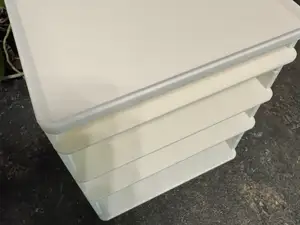

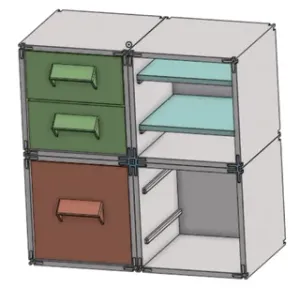
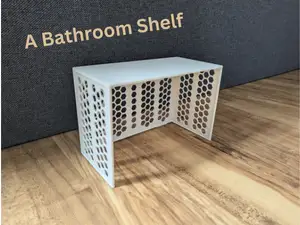
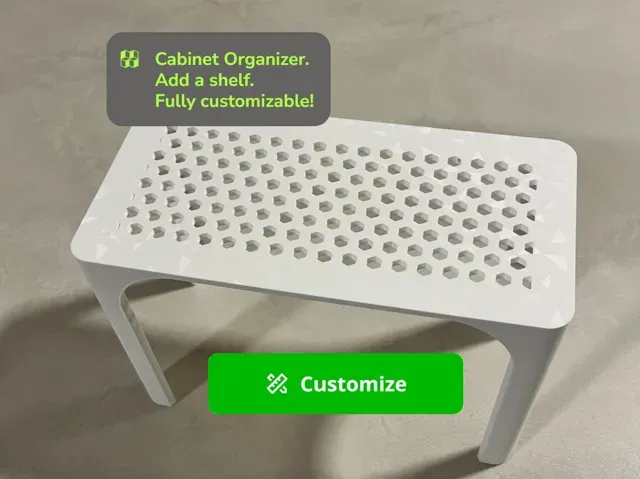
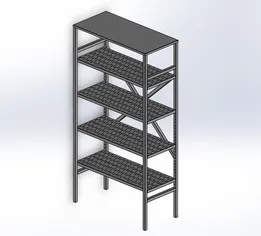
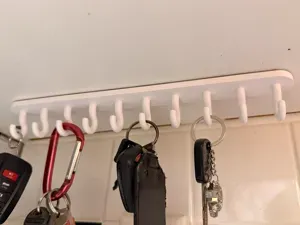
![Internal shelf, cabinet separator [Parametric]](https://cache.polyzon.org/api/img?url=https%3A%2F%2Fmakerworld.bblmw.com%2Fmakerworld%2Fmodel%2FUS205003fdb90122%2Fdesign%2F5607ef3cd189ea75.jpeg&w=300)
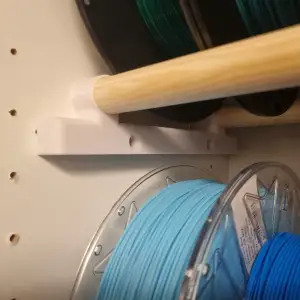

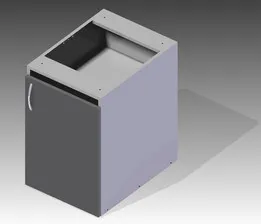

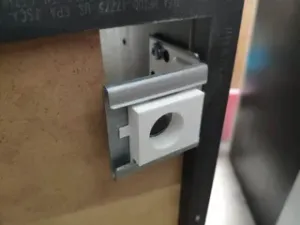
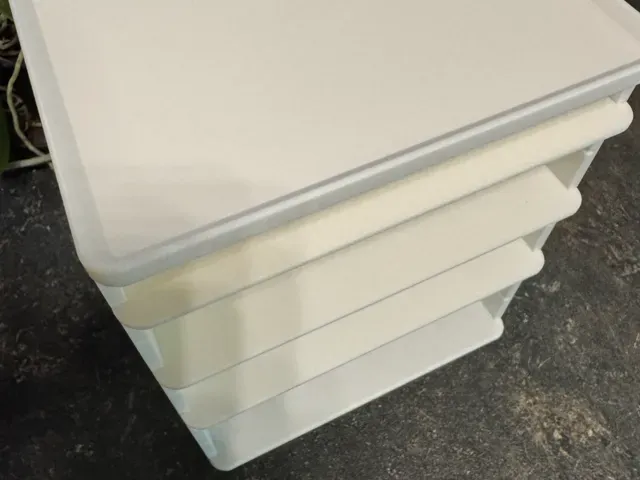
![Mini Multi-Shelf Cabinet [Mini Çok Gözlü Dolap]](https://cache.polyzon.org/api/img?url=https%3A%2F%2Fd2t1xqejof9utc.cloudfront.net%2Fscreenshots%2Fpics%2Fa4abeca5cfdbfab44bc75140c27fd4bf%2Fcard.jpg&w=300)



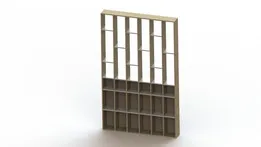
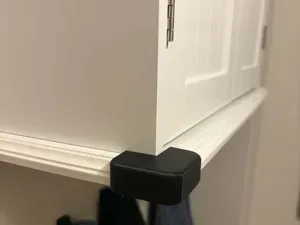
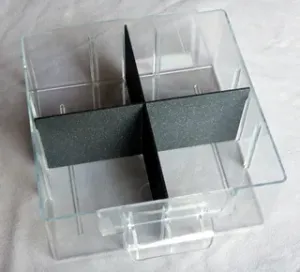





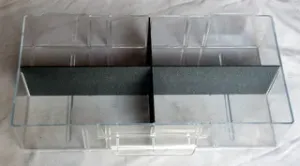
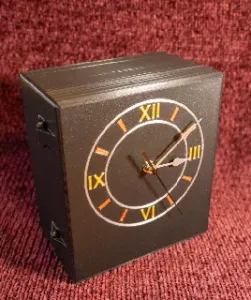

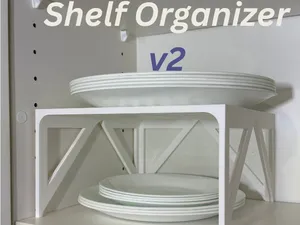

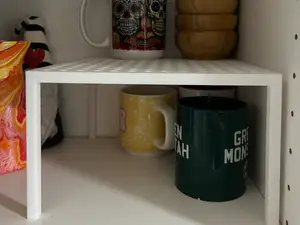
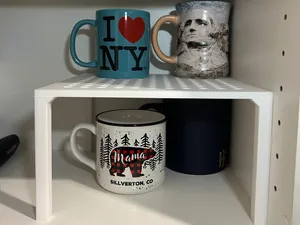
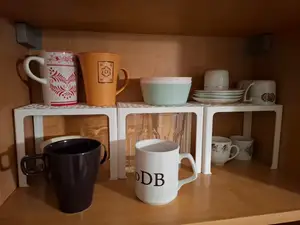
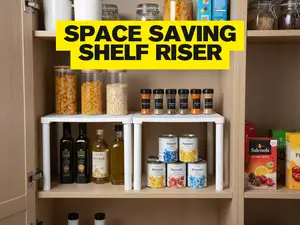

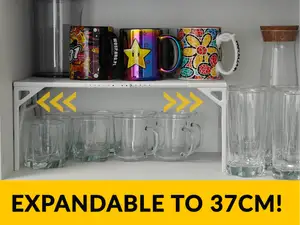

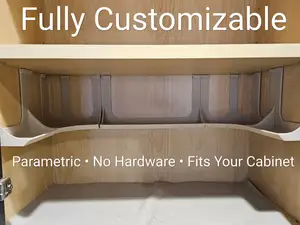


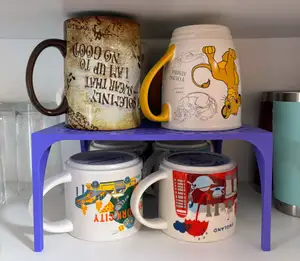
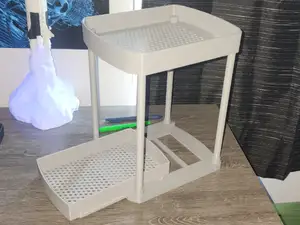
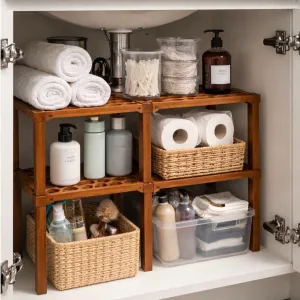
The models fall into a few groups. Pegs, clips and spacers replace or add shelf support points; parametric dividers and inserts split a cabinet into smaller compartments and often come with editable dimensions; bathroom and mirror shelf pieces add a narrow ledge where space is tight; modular systems combine shelves, drawers and frames; wall hangers and holders attach to a shelf or cabinet side to carry tools, keys or bags. Some are one-piece prints, others are multi-part assemblies with screws, pins or sliding joints.
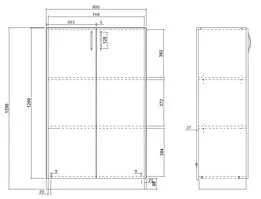
Before printing, compare the model's stated dimensions with your own measurements: internal cabinet width and depth, shelf thickness, the diameter and spacing of peg holes, and the clearance needed for doors. Check the number of parts, how they join, and whether the author notes overhangs that need supports. Material and settings listed by the author, plus photos of real prints, tell you more about the result than the render does.
If the first search is thin, try other words for the same object: cupboard, closet, wardrobe, pantry, bookcase, riser, spacer, insert, bracket. Adding a room or use case — kitchen, bathroom, workshop, garage — narrows the list further, and terms like peg, clip or divider bring up small hardware rather than full furniture. Related topics such as drawer organizers, shelf brackets and storage bins often lead to parts that fit the same cabinet.
%2Fhttps%3A%2F%2Ffbi.cults3d.com%2Fuploaders%2F13556425%2Fillustration-file%2Fc2b5f23c-4848-4510-a0aa-dae0c964a772%2F14dba259d5bb6a7520b67ec5cedba99b_preview_featured.jpg&w=300)
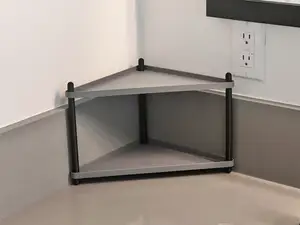


%2Fhttps%3A%2F%2Ffbi.cults3d.com%2Fuploaders%2F13515518%2Fillustration-file%2Fa70df47e-b663-4830-95d1-44f45b7895aa%2F554df9a4fa8ce464be9f7fafa8d52e8c.png&w=300)
O catálogo completo de temas — de casa e utilidades a CNC, com busca em todos os sites conectados.