
免费 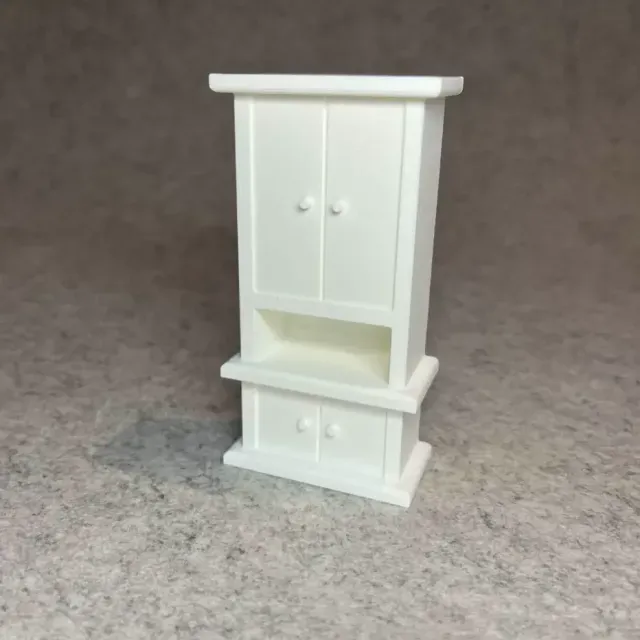
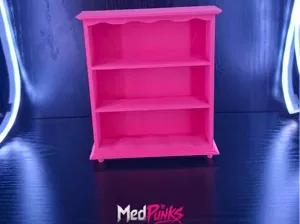
Dollhouse shelf cabinet for miniature house
Creality Cloud
This collection gathers 3D models that go inside or onto cabinets: shelf pegs and clips, dividers, bathroom and mirror shelf inserts, modular storage units and wall-mounted holders. Most of them are small parts meant to fix, split or extend the space you already have, so they are quick subjects for 3D printing. The range is wide, which is why the dimensions on each model page matter more than the shape. Polyzon does not confirm whether models are free, their price, license, official status, affiliation, safety or fitness. Check the current terms at the source.
本合集的文字为英文,搜索本身支持任何语言。
 Polyzon合集 · 48个模型 来自6个平台
此合集由Polyzon根据已接入平台的搜索结果整理而成:去除重复项和没有预览图的模型,匹配度低的排在最后,其余按搜索结果顺序排列。模型归作者所有——请在各模型页面查看使用条款。
筛选规则:Polyzon编辑部 · 文字更新于2026年10月14日

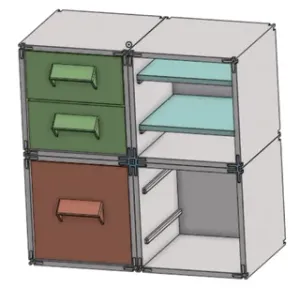
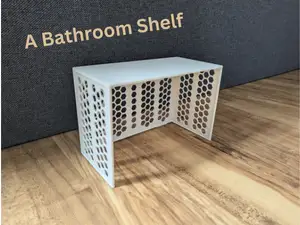
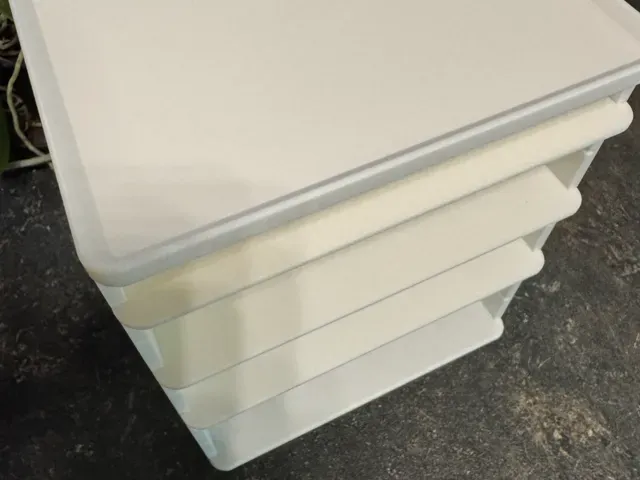
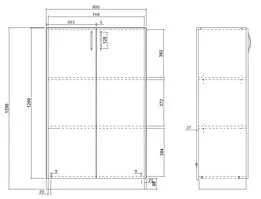
![Internal shelf, cabinet separator [Parametric]](https://cache.polyzon.org/api/img?url=https%3A%2F%2Fmakerworld.bblmw.com%2Fmakerworld%2Fmodel%2FUS205003fdb90122%2Fdesign%2F5607ef3cd189ea75.jpeg&w=300)


![Mini Multi-Shelf Cabinet [Mini Çok Gözlü Dolap]](https://cache.polyzon.org/api/img?url=https%3A%2F%2Fd2t1xqejof9utc.cloudfront.net%2Fscreenshots%2Fpics%2Fa4abeca5cfdbfab44bc75140c27fd4bf%2Fcard.jpg&w=300)



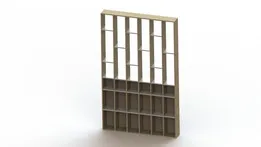
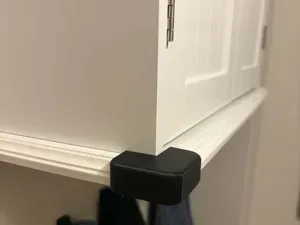
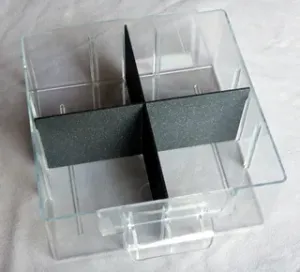





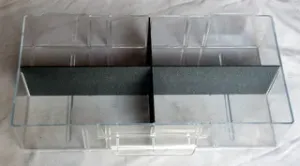

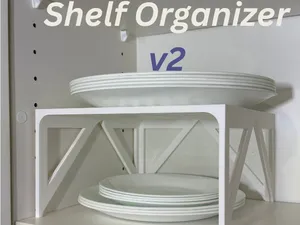

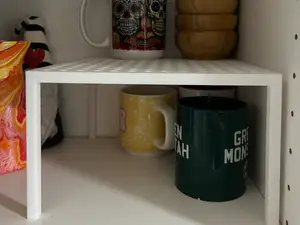
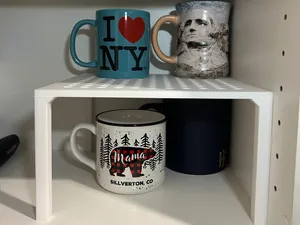
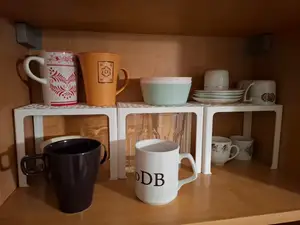
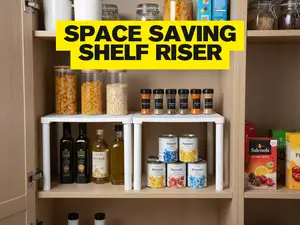

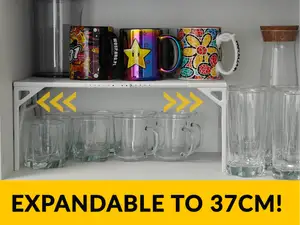

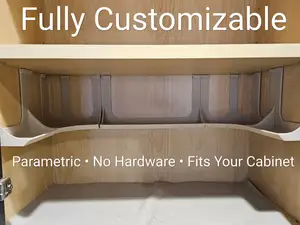


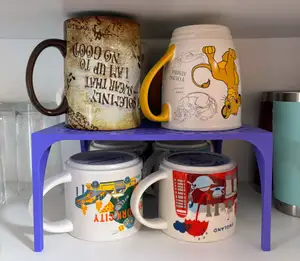
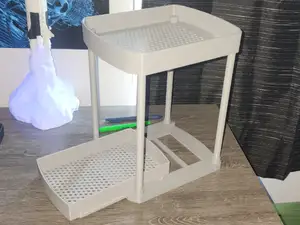
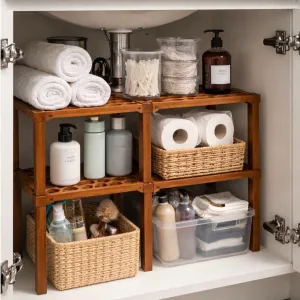
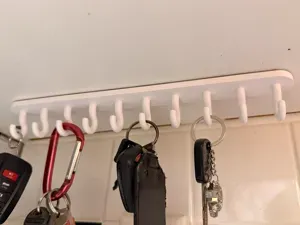
The models fall into a few groups. Pegs, clips and spacers replace or add shelf support points; parametric dividers and inserts split a cabinet into smaller compartments and often come with editable dimensions; bathroom and mirror shelf pieces add a narrow ledge where space is tight; modular systems combine shelves, drawers and frames; wall hangers and holders attach to a shelf or cabinet side to carry tools, keys or bags. Some are one-piece prints, others are multi-part assemblies with screws, pins or sliding joints.
Before printing, compare the model's stated dimensions with your own measurements: internal cabinet width and depth, shelf thickness, the diameter and spacing of peg holes, and the clearance needed for doors. Check the number of parts, how they join, and whether the author notes overhangs that need supports. Material and settings listed by the author, plus photos of real prints, tell you more about the result than the render does.
If the first search is thin, try other words for the same object: cupboard, closet, wardrobe, pantry, bookcase, riser, spacer, insert, bracket. Adding a room or use case — kitchen, bathroom, workshop, garage — narrows the list further, and terms like peg, clip or divider bring up small hardware rather than full furniture. Related topics such as drawer organizers, shelf brackets and storage bins often lead to parts that fit the same cabinet.
完整的主题目录:从家居日用到CNC,均可在已接入的来源平台中搜索。
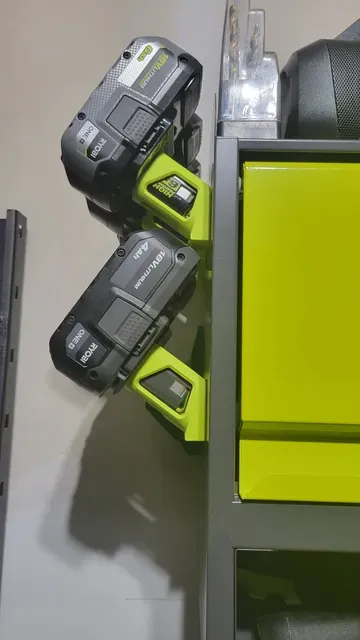
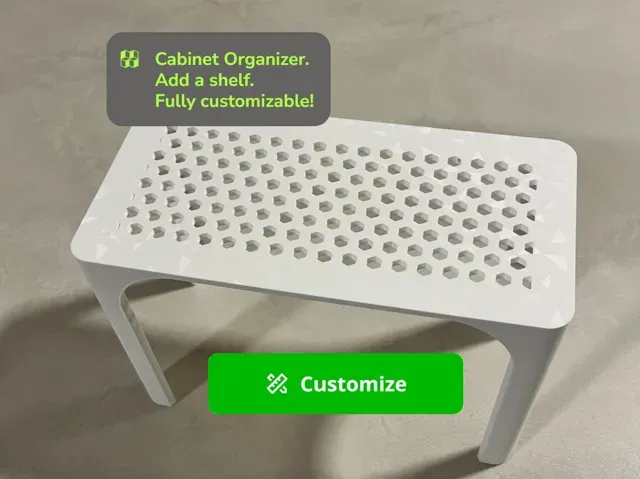
%2Fhttps%3A%2F%2Ffbi.cults3d.com%2Fuploaders%2F13556425%2Fillustration-file%2Fc2b5f23c-4848-4510-a0aa-dae0c964a772%2F14dba259d5bb6a7520b67ec5cedba99b_preview_featured.jpg&w=300)
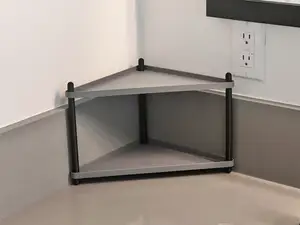


%2Fhttps%3A%2F%2Ffbi.cults3d.com%2Fuploaders%2F13515518%2Fillustration-file%2Fa70df47e-b663-4830-95d1-44f45b7895aa%2F554df9a4fa8ce464be9f7fafa8d52e8c.png&w=300)