Grátis 
The Celestial Sphere - 200 Brightest Stars - Star Projector
Thingiverse
This collection gathers 3D printing files for projector hardware: wall and ceiling mounts, swivel brackets, angle adjusters, covers and decorative light housings. Most entries are practical parts that hold a projector in place or adapt it to a different fixing point. It helps when a ready-made bracket does not match your room or your device. Polyzon does not confirm whether models are free, their price, license, official status, affiliation, safety or fitness. Check the current terms at the source.
O texto desta coleção está em inglês; a busca funciona em qualquer idioma.
 Uma coleção do Polyzon · 47 modelos de 5 sites
O Polyzon monta esta coleção a partir dos resultados de busca dos sites conectados. Repetições e modelos sem prévia são removidos, correspondências fracas vão para o final e o restante segue a ordem da busca. Os modelos pertencem aos seus autores — confira os termos na página de cada modelo.
Regras de seleção: equipe editorial do Polyzon · Texto atualizado em 12/10/2026
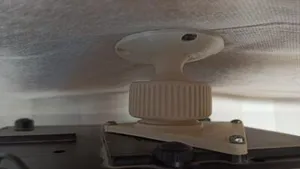
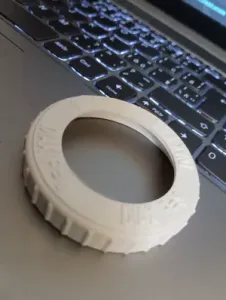

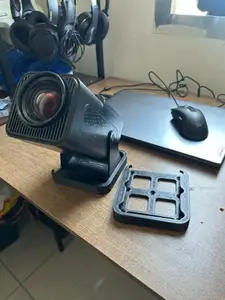
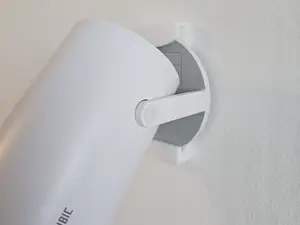
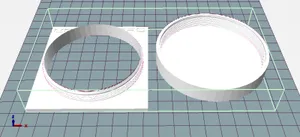
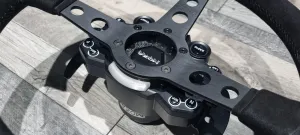


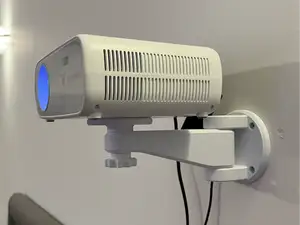
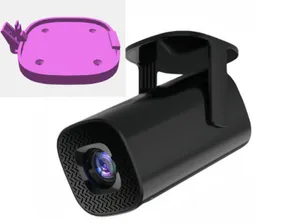
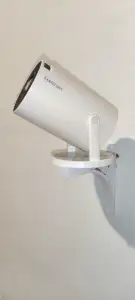


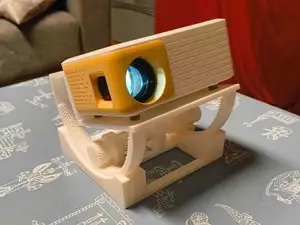
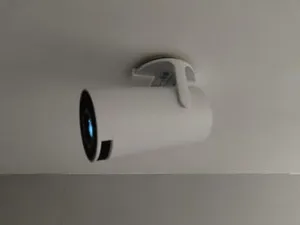
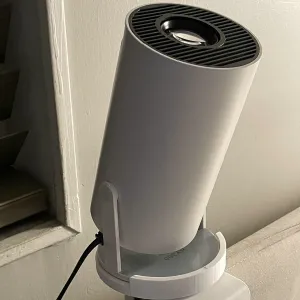



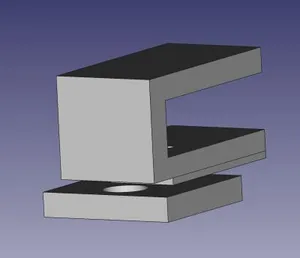
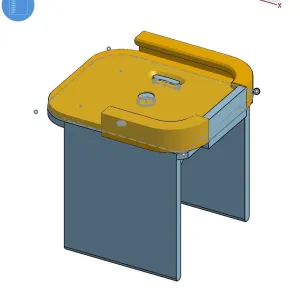

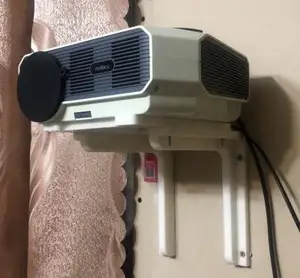
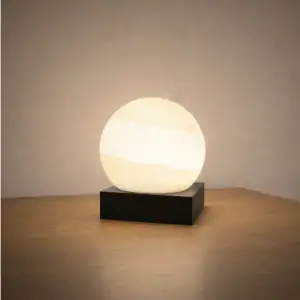


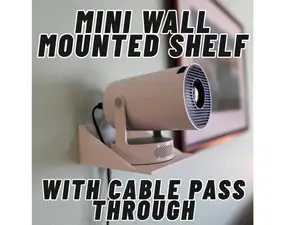
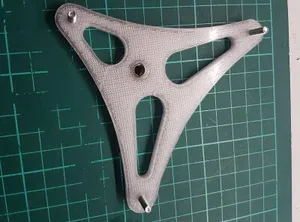
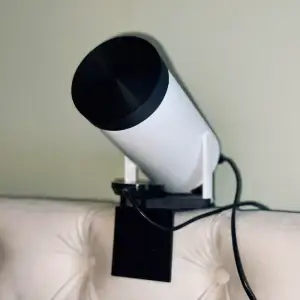


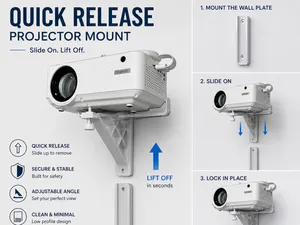
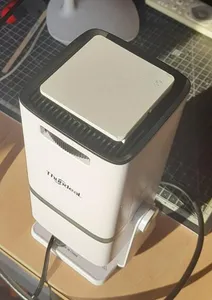
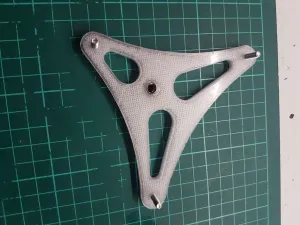

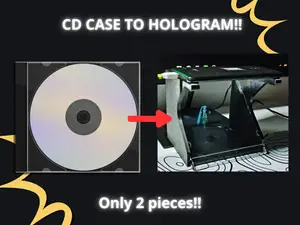
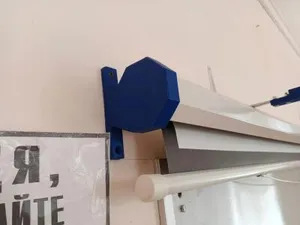
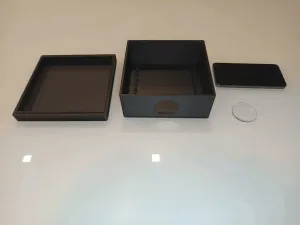

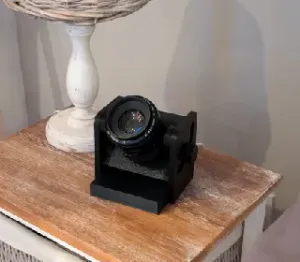

Mounts differ mainly in how they attach. Some screw to a wall or ceiling plate and clamp the projector body, others use a tripod thread or a cradle that the device sits in. Brackets and angle adjusters are smaller parts that change tilt or swivel without replacing the whole mount. Covers, caps and housings are a separate group, ranging from lens protection to lamp-style decorative units.
Before printing, compare the model page with your own device. Check the mounting plate dimensions, screw hole spacing, thread type and the number of separate parts, and see whether the author notes supports or a particular orientation. Look at the material and settings listed and at photos of real prints, since a long arm or a thin clamp behaves differently depending on how it is oriented on the bed. Measure the projector footprint, its weight and the distance to the wall or ceiling.
To widen the search, try synonyms such as holder, bracket, stand, shelf, cradle, ceiling mount or tripod adapter. Related topics include cable clips, remote holders, lens caps and ventilation spacers. Combining a projector family name with a part word usually narrows results faster than a single broad term.


O catálogo completo de temas — de casa e utilidades a CNC, com busca em todos os sites conectados.