免费 
The Celestial Sphere - 200 Brightest Stars - Star Projector
Thingiverse
This collection gathers 3D printing files for projector hardware: wall and ceiling mounts, swivel brackets, angle adjusters, covers and decorative light housings. Most entries are practical parts that hold a projector in place or adapt it to a different fixing point. It helps when a ready-made bracket does not match your room or your device. Polyzon does not confirm whether models are free, their price, license, official status, affiliation, safety or fitness. Check the current terms at the source.
本合集的文字为英文,搜索本身支持任何语言。
 Polyzon合集 · 47个模型 来自5个平台
此合集由Polyzon根据已接入平台的搜索结果整理而成:去除重复项和没有预览图的模型,匹配度低的排在最后,其余按搜索结果顺序排列。模型归作者所有——请在各模型页面查看使用条款。
筛选规则:Polyzon编辑部 · 文字更新于2026年10月12日
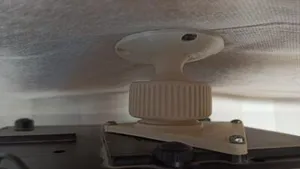
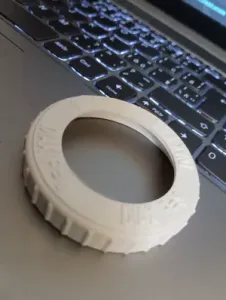

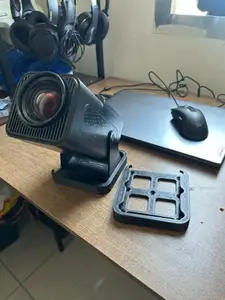
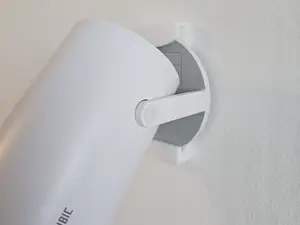
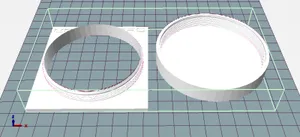
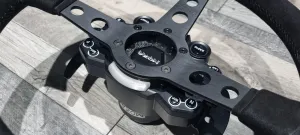


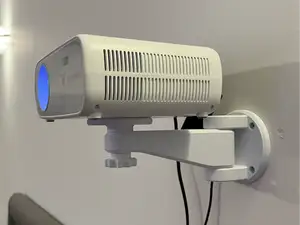
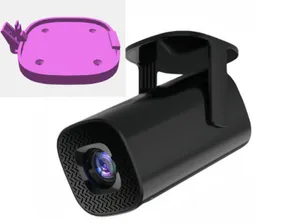
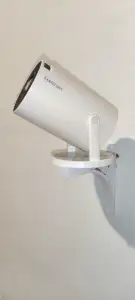


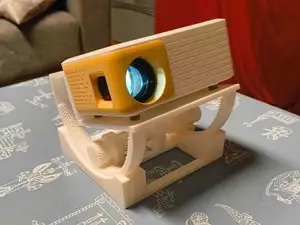
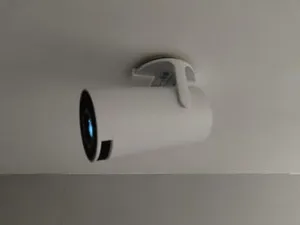
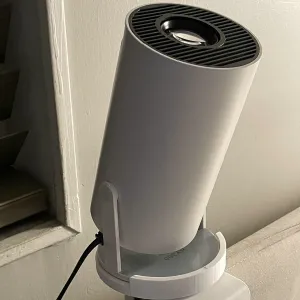


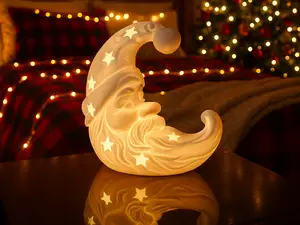
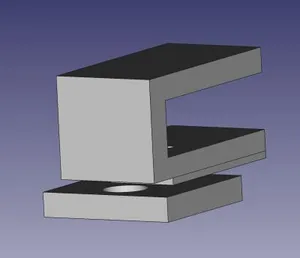
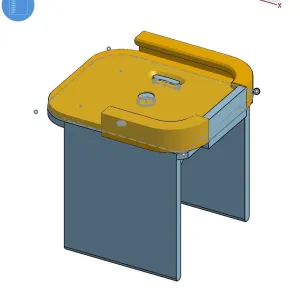

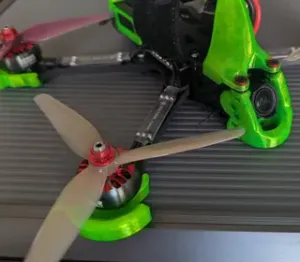
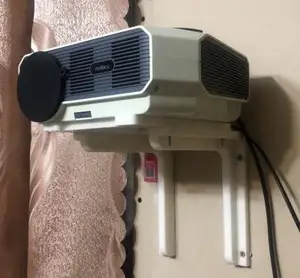
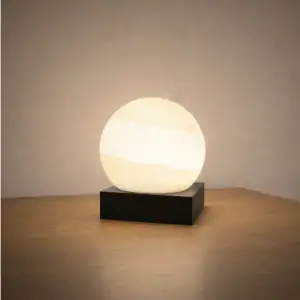


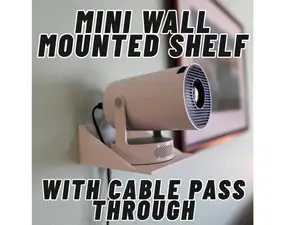
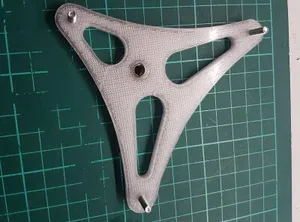
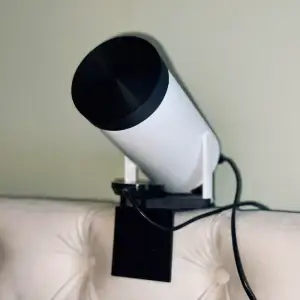


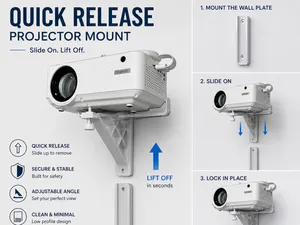
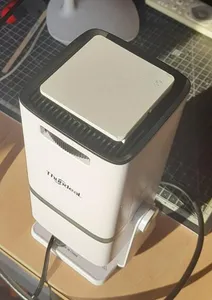
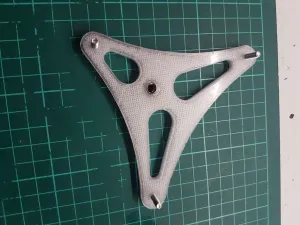

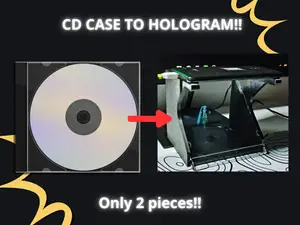
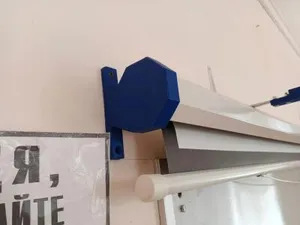
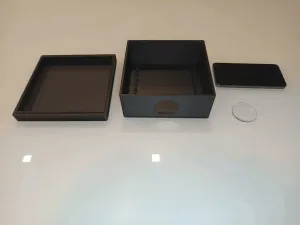

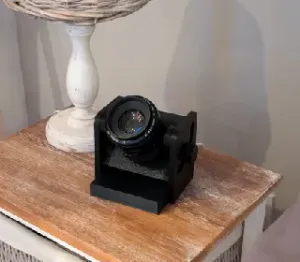

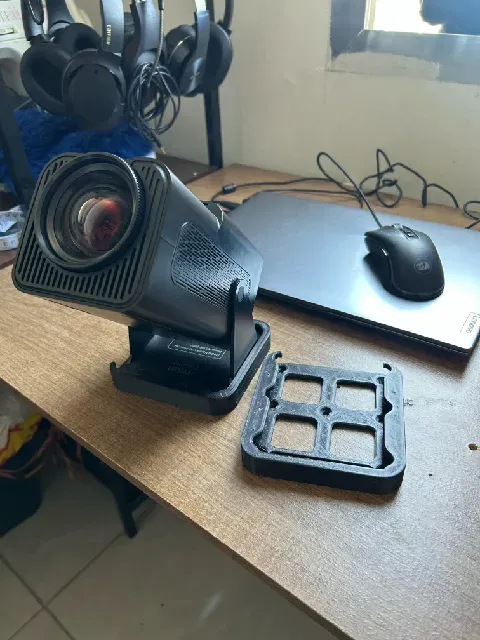
Mounts differ mainly in how they attach. Some screw to a wall or ceiling plate and clamp the projector body, others use a tripod thread or a cradle that the device sits in. Brackets and angle adjusters are smaller parts that change tilt or swivel without replacing the whole mount. Covers, caps and housings are a separate group, ranging from lens protection to lamp-style decorative units.
Before printing, compare the model page with your own device. Check the mounting plate dimensions, screw hole spacing, thread type and the number of separate parts, and see whether the author notes supports or a particular orientation. Look at the material and settings listed and at photos of real prints, since a long arm or a thin clamp behaves differently depending on how it is oriented on the bed. Measure the projector footprint, its weight and the distance to the wall or ceiling.
To widen the search, try synonyms such as holder, bracket, stand, shelf, cradle, ceiling mount or tripod adapter. Related topics include cable clips, remote holders, lens caps and ventilation spacers. Combining a projector family name with a part word usually narrows results faster than a single broad term.


完整的主题目录:从家居日用到CNC,均可在已接入的来源平台中搜索。