Grátis 
2-Step V-Belt Pulley
Thingiverse
This collection gathers 3D models that belong to the second stage of larger projects, along with STEP and CAD files and replacement parts for Step 2 products. It helps when you already have the first part of a build or need a spare piece for a mailbox, toy or camera. Most entries are made for FDM 3D printing, and some are designed to print in place. Polyzon does not confirm whether models are free, their price, license, official status, affiliation, safety or fitness. Check the current terms at the source.
O texto desta coleção está em inglês; a busca funciona em qualquer idioma.
 Uma coleção do Polyzon · 47 modelos de 4 sites
O Polyzon monta esta coleção a partir dos resultados de busca dos sites conectados. Repetições e modelos sem prévia são removidos, correspondências fracas vão para o final e o restante segue a ordem da busca. Os modelos pertencem aos seus autores — confira os termos na página de cada modelo.
Regras de seleção: equipe editorial do Polyzon · Texto atualizado em 15/10/2026
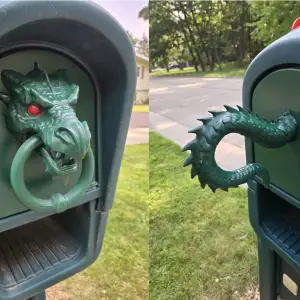


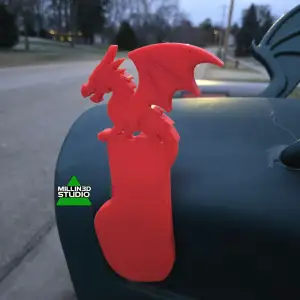


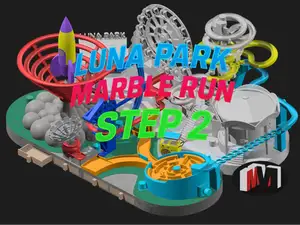
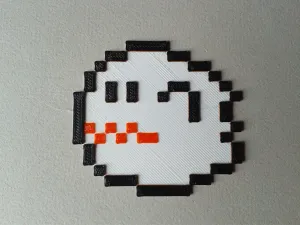

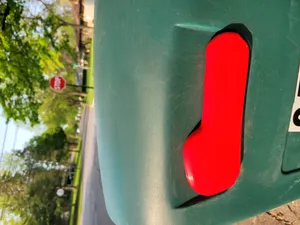
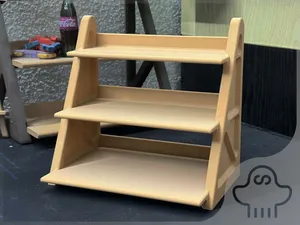


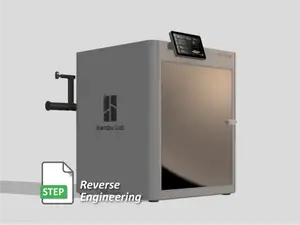


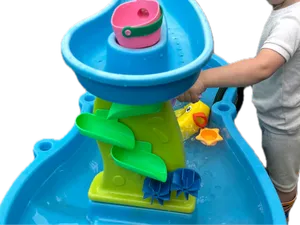
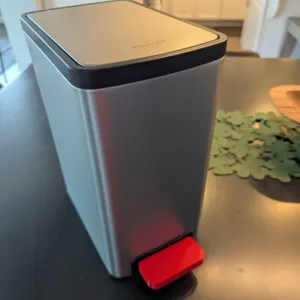


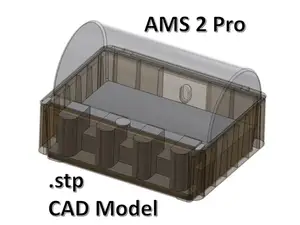
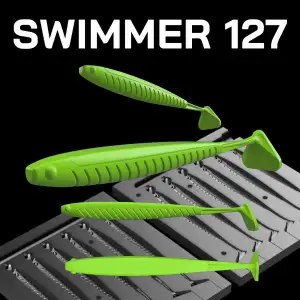

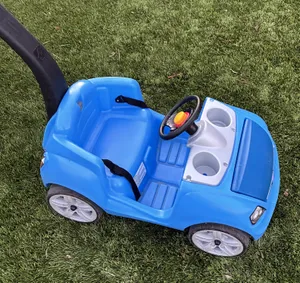
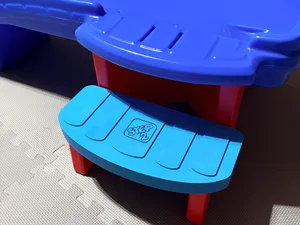
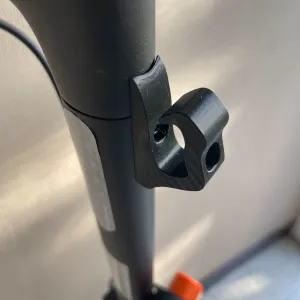

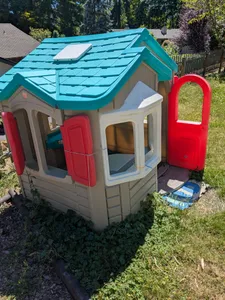
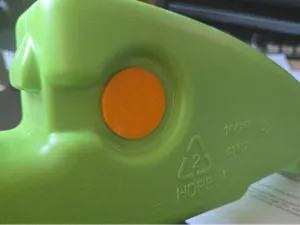
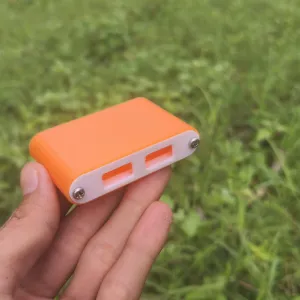


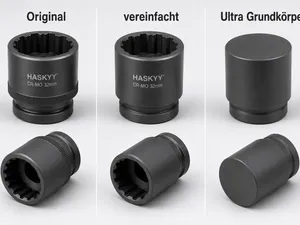
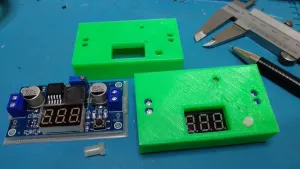


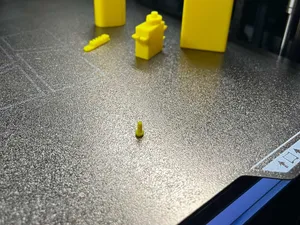
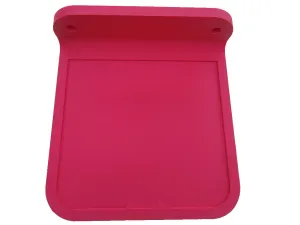



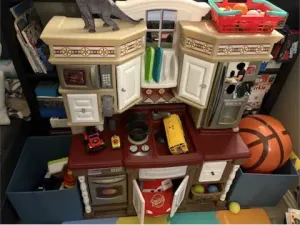
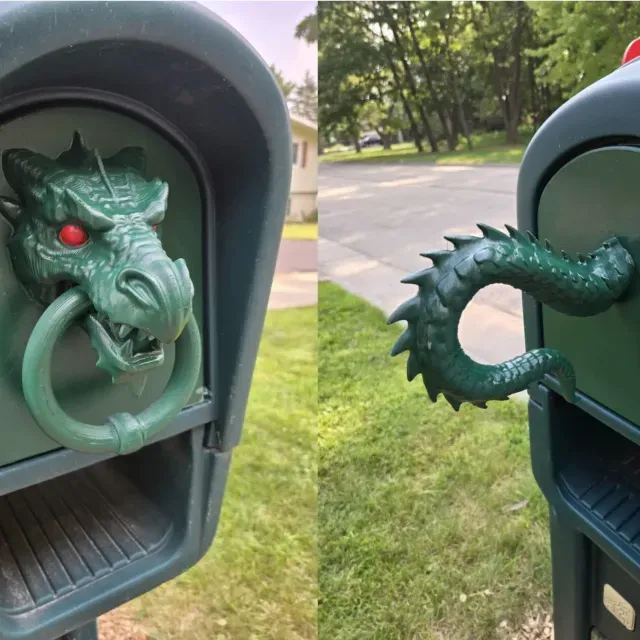
The reference mixes several kinds of files. Some are labelled as the second stage of a longer assembly, such as a dinosaur project or a machine build, and only make sense together with the earlier stage. Others are STEP or CAD models of mechanical parts, from pulleys to tool bodies, which you can open in CAD software and adjust. A third group covers spare pieces for Step 2 brand items — mailbox doors, flags, drain fittings — and repair parts for cameras and small devices. Decorative and print-in-place items, such as shelves or magnet displays, form a separate group with no assembly at all.
When you open a model page, check how many parts the file contains and whether they are meant to be glued, screwed or snapped together. Look at the scale and dimensions, since a part copied from a larger assembly may need scaling to fit your own object. Read the material and settings the author lists, and see whether supports are needed for overhangs. Photos of real prints are the most useful signal: they show layer lines, wall thickness and how the part actually sits in its place.
To narrow the search, try the wording used by the authors themselves: stage 2, part 2, second version, or the file type, such as STEP file or CAD model. If you are looking for a spare piece, add the product name and the exact component — flag, door, lens, fitting. Related topics that often appear nearby include puzzle boxes, marble runs, vacuum forming tools and filament cleaners. Combining a build name with a stage number usually brings up the matching first part.


O catálogo completo de temas — de casa e utilidades a CNC, com busca em todos os sites conectados.