免费 
2-Step V-Belt Pulley
Thingiverse
This collection gathers 3D models that belong to the second stage of larger projects, along with STEP and CAD files and replacement parts for Step 2 products. It helps when you already have the first part of a build or need a spare piece for a mailbox, toy or camera. Most entries are made for FDM 3D printing, and some are designed to print in place. Polyzon does not confirm whether models are free, their price, license, official status, affiliation, safety or fitness. Check the current terms at the source.
本合集的文字为英文,搜索本身支持任何语言。
 Polyzon合集 · 47个模型 来自4个平台
此合集由Polyzon根据已接入平台的搜索结果整理而成:去除重复项和没有预览图的模型,匹配度低的排在最后,其余按搜索结果顺序排列。模型归作者所有——请在各模型页面查看使用条款。
筛选规则:Polyzon编辑部 · 文字更新于2026年10月15日
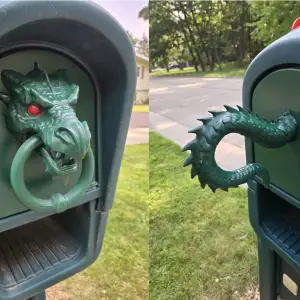


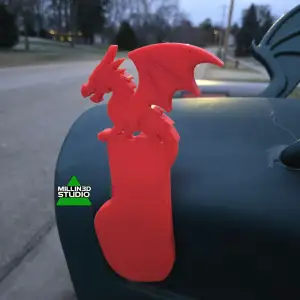


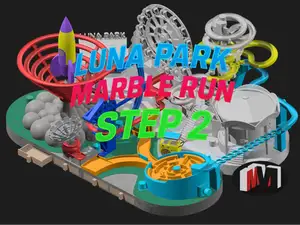
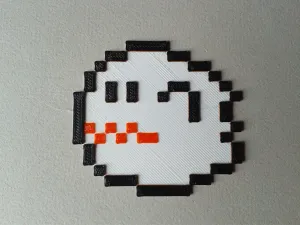

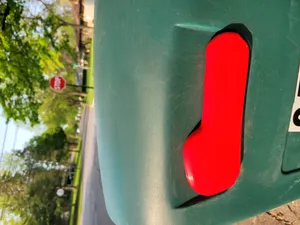
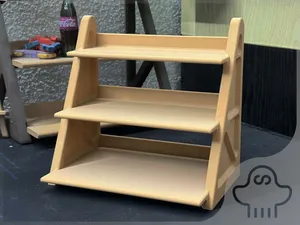


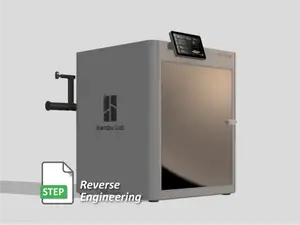


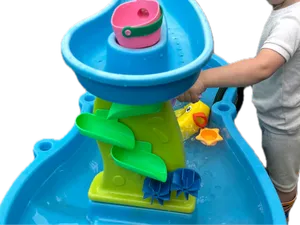
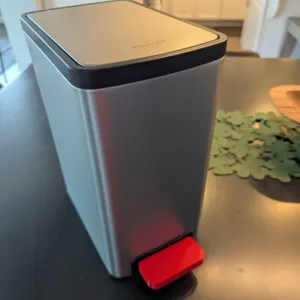


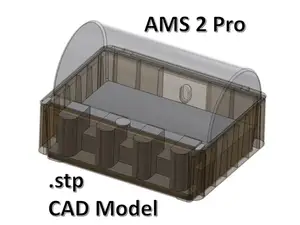
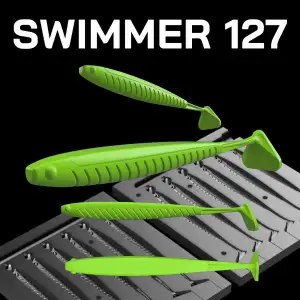

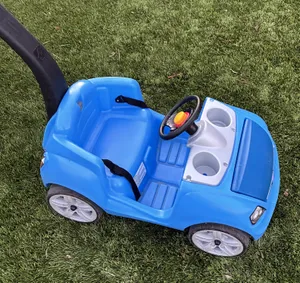
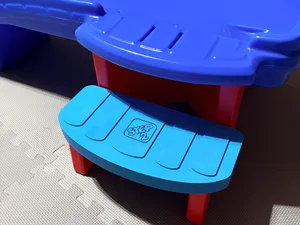
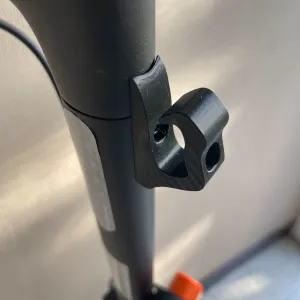

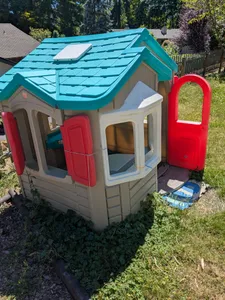
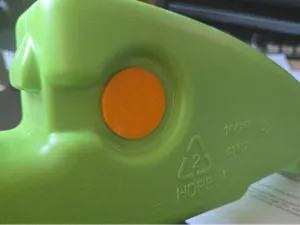
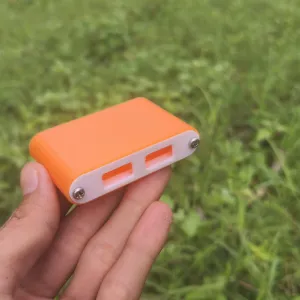


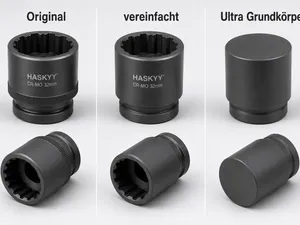
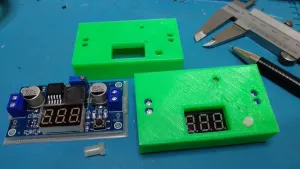


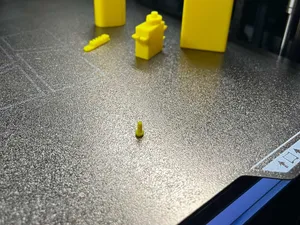
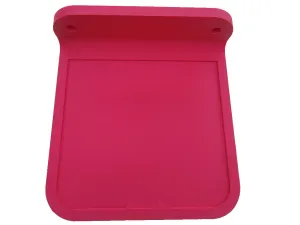



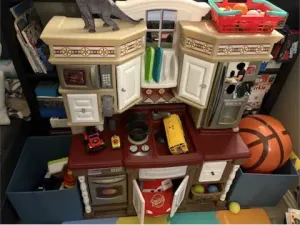
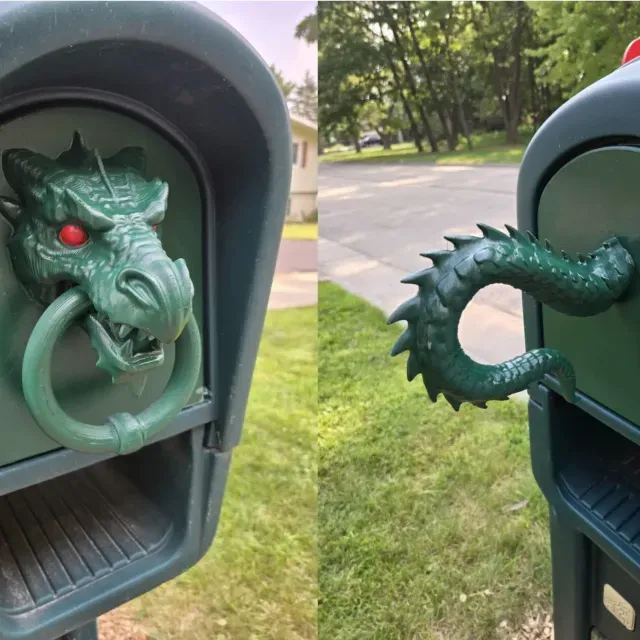
The reference mixes several kinds of files. Some are labelled as the second stage of a longer assembly, such as a dinosaur project or a machine build, and only make sense together with the earlier stage. Others are STEP or CAD models of mechanical parts, from pulleys to tool bodies, which you can open in CAD software and adjust. A third group covers spare pieces for Step 2 brand items — mailbox doors, flags, drain fittings — and repair parts for cameras and small devices. Decorative and print-in-place items, such as shelves or magnet displays, form a separate group with no assembly at all.
When you open a model page, check how many parts the file contains and whether they are meant to be glued, screwed or snapped together. Look at the scale and dimensions, since a part copied from a larger assembly may need scaling to fit your own object. Read the material and settings the author lists, and see whether supports are needed for overhangs. Photos of real prints are the most useful signal: they show layer lines, wall thickness and how the part actually sits in its place.
To narrow the search, try the wording used by the authors themselves: stage 2, part 2, second version, or the file type, such as STEP file or CAD model. If you are looking for a spare piece, add the product name and the exact component — flag, door, lens, fitting. Related topics that often appear nearby include puzzle boxes, marble runs, vacuum forming tools and filament cleaners. Combining a build name with a stage number usually brings up the matching first part.


完整的主题目录:从家居日用到CNC,均可在已接入的来源平台中搜索。