
Ücretsiz 
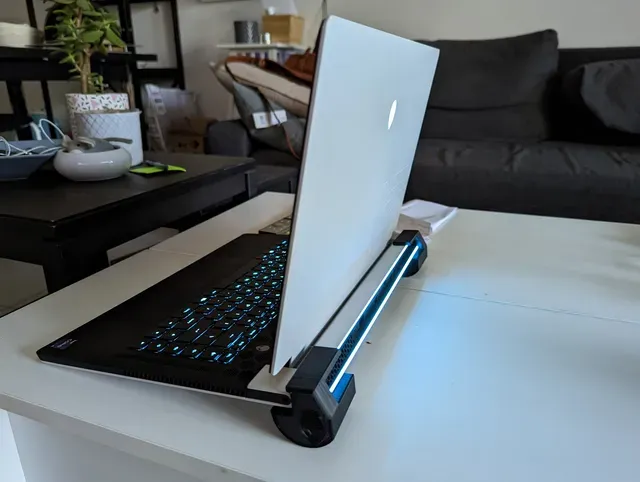
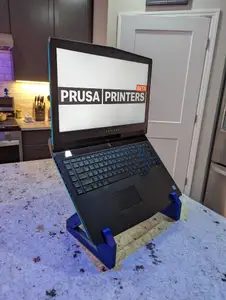
Alienware 15 R3 Cooling Feet V6
Thingiverse
This collection gathers 3D models tied to Alienware hardware: stands, cooling parts, enclosures for small computers and desk accessories. Most entries are made for desktop 3D printing in common materials, and each one links to the page where its author published it. It helps you find a part that matches the machine you already own, then check the scale before printing. Polyzon does not confirm whether models are free, their price, license, official status, affiliation, safety or fitness. Check the current terms at the source.
Bu koleksiyonun metni İngilizce; arama ise her dilde çalışır.
 Bir Polyzon koleksiyonu · 48 model 4 siteden
Polyzon bu koleksiyonu bağlı sitelerdeki arama sonuçlarından oluşturur. Tekrarlar ve önizlemesi olmayan modeller çıkarılır, zayıf eşleşmeler sona alınır, geri kalanlar arama sırasını korur. Modeller yazarlarına aittir; her modelin sayfasındaki koşulları kontrol edin.
Seçim kuralları: Polyzon editör ekibi · Metin güncellendi: 13.10.2026

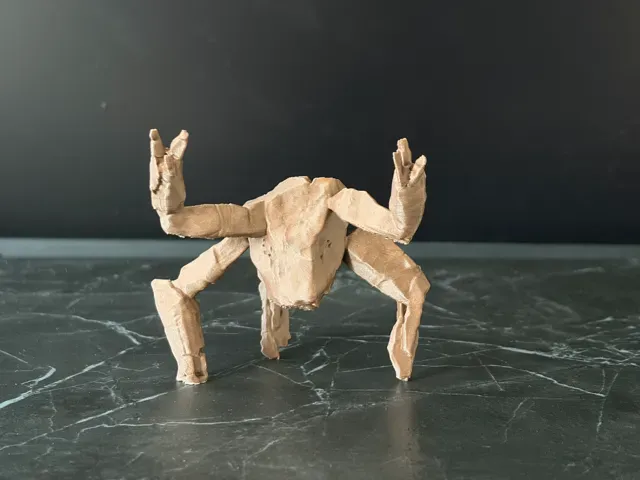
%2Fhttps%3A%2F%2Ffbi.cults3d.com%2Fuploaders%2F22110383%2Fillustration-file%2Fbd16618f-0a34-4d53-a8e0-77611607af66%2Falienware-backpack-support.gif&w=300)


%2Fhttps%3A%2F%2Ffbi.cults3d.com%2Fuploaders%2F21370139%2Fillustration-file%2F60e7bbd8-a759-4699-857b-c75d5f93fb53%2Fpic1.jpg&w=300)

%2Fhttps%3A%2F%2Ffbi.cults3d.com%2Fuploaders%2F20312972%2Fillustration-file%2Ff07b30ac-07e3-48cc-95b3-3f26f66fb06c%2FAlienware_Logo_Fan_Cover.jpg&w=300)


%2Fhttps%3A%2F%2Ffbi.cults3d.com%2Fuploaders%2F14139845%2Fillustration-file%2F1f4fd114-3ef4-4a1c-b680-8b4f4213a495%2FCapturaHUHU.PNG&w=300)
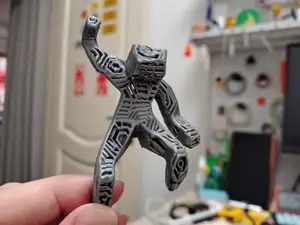

%2Fhttps%3A%2F%2Ffbi.cults3d.com%2Fuploaders%2F34779131%2Fillustration-file%2F95a2ad30-51db-4548-a1b0-cb07c7d305ad%2FPXL_20240529_152045309.MP.jpg&w=300)
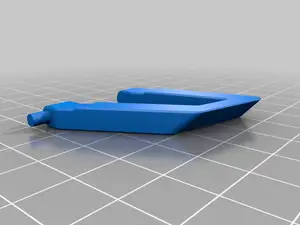

%2Fhttps%3A%2F%2Ffbi.cults3d.com%2Fuploaders%2F15460635%2Fillustration-file%2Fb77cb22c-7b5f-41f8-b48d-c576a7375c02%2F5234b250-6c27-42ba-bdcf-f77ce28fb92d.JPG&w=300)
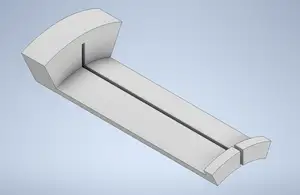


%2Fhttps%3A%2F%2Ffbi.cults3d.com%2Fuploaders%2F15159489%2Fillustration-file%2F01b03f51-5115-406b-872b-06c5c2e7dbfc%2FIMG_20190223_131428a.jpg&w=300)


%2Fhttps%3A%2F%2Ffbi.cults3d.com%2Fuploaders%2F15460635%2Fillustration-file%2F134c1177-fb56-490c-ac67-5a1bdcc4039d%2F86d8bb41-e2f1-4722-8585-57c8be13c4c3.jpg&w=300)

%2Fhttps%3A%2F%2Ffbi.cults3d.com%2Fuploaders%2F16428914%2Fillustration-file%2F3b85690e-a09a-4a54-abc5-703ba131a0cd%2F0DDBE96B-059F-499D-B625-D2559638DD23.gif&w=300)


%2Fhttps%3A%2F%2Ffbi.cults3d.com%2Fuploaders%2F23938930%2Fillustration-file%2Fe020a79a-26c9-47b6-ade9-2a05f5dc283b%2F119605395787976726.jpg&w=300)

%2Fhttps%3A%2F%2Ffbi.cults3d.com%2Fuploaders%2F17680938%2Fillustration-file%2Fed2465f1-b798-4b56-b81c-8f65ac81f723%2F20210711_120153-01.jpeg&w=300)
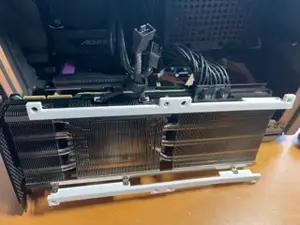
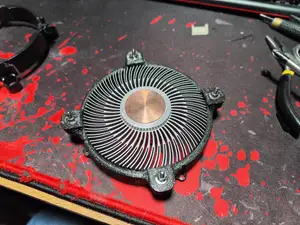
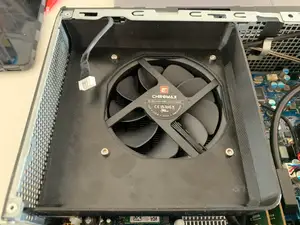
Laptop stands and risers form one group: angled supports, feet that lift a chassis, and small spacers that make room for a light bar or a camera. Cooling parts are a second group, including fan covers, shrouds, replacement brackets and feet that change how air leaves the case. A third group covers enclosures for single-board computers, where the outer shape borrows the brand's look rather than copying the original chassis. Desk items and figures round out the list.
Before printing, check the dimensions the author gives: the width and depth of the laptop, the screw spacing on a fan mount, or the board size for a case. Look at how many parts the model has, whether supports are needed, and which material and settings the author lists. Photos of real prints show how surfaces and fit turned out, which tells you more than a render does.
Search terms can be narrowed by machine name and part: laptop stand, fan shroud, IO shield, keychain, headset stand. Related topics include laptop risers, cooling feet, single-board computer cases and desk organizers. If a specific part is missing, try the model number of the machine or the general name of the component.
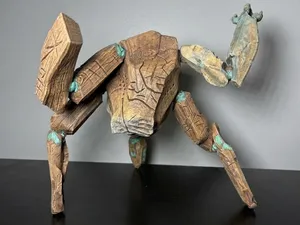
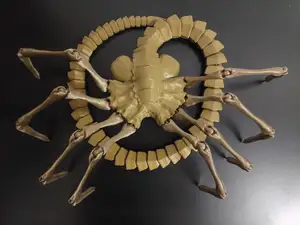
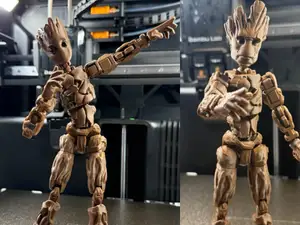
Figures and small props appear alongside the hardware parts, usually printed in several pieces and assembled afterwards. For those, the useful details are the finished height, the number of separate parts and how they join. A print in a single colour is common, with painting left to the person printing it.



Ev ve günlük yaşamdan CNC'ye kadar tüm konuların kataloğu; bağlı sitelerin hepsinde arama yapabilirsiniz.
%2Fhttps%3A%2F%2Ffbi.cults3d.com%2Fuploaders%2F14282887%2Fillustration-file%2F0263e0e1-4e0b-4533-b7fd-46bd383d439a%2Funtitled.88.png&w=640)