
免费 
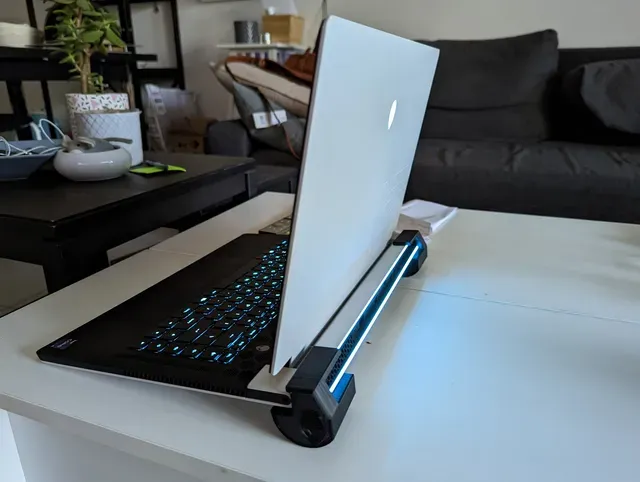
Alienware 15 R3 Cooling Feet V6
Thingiverse
This collection gathers 3D models tied to Alienware hardware: stands, cooling parts, enclosures for small computers and desk accessories. Most entries are made for desktop 3D printing in common materials, and each one links to the page where its author published it. It helps you find a part that matches the machine you already own, then check the scale before printing. Polyzon does not confirm whether models are free, their price, license, official status, affiliation, safety or fitness. Check the current terms at the source.
本合集的文字为英文,搜索本身支持任何语言。
 Polyzon合集 · 48个模型 来自4个平台
此合集由Polyzon根据已接入平台的搜索结果整理而成:去除重复项和没有预览图的模型,匹配度低的排在最后,其余按搜索结果顺序排列。模型归作者所有——请在各模型页面查看使用条款。
筛选规则:Polyzon编辑部 · 文字更新于2026年10月13日

%2Fhttps%3A%2F%2Ffbi.cults3d.com%2Fuploaders%2F22110383%2Fillustration-file%2Fbd16618f-0a34-4d53-a8e0-77611607af66%2Falienware-backpack-support.gif&w=300)


%2Fhttps%3A%2F%2Ffbi.cults3d.com%2Fuploaders%2F21370139%2Fillustration-file%2F60e7bbd8-a759-4699-857b-c75d5f93fb53%2Fpic1.jpg&w=300)

%2Fhttps%3A%2F%2Ffbi.cults3d.com%2Fuploaders%2F20312972%2Fillustration-file%2Ff07b30ac-07e3-48cc-95b3-3f26f66fb06c%2FAlienware_Logo_Fan_Cover.jpg&w=300)


%2Fhttps%3A%2F%2Ffbi.cults3d.com%2Fuploaders%2F14139845%2Fillustration-file%2F1f4fd114-3ef4-4a1c-b680-8b4f4213a495%2FCapturaHUHU.PNG&w=300)

%2Fhttps%3A%2F%2Ffbi.cults3d.com%2Fuploaders%2F34779131%2Fillustration-file%2F95a2ad30-51db-4548-a1b0-cb07c7d305ad%2FPXL_20240529_152045309.MP.jpg&w=300)

%2Fhttps%3A%2F%2Ffbi.cults3d.com%2Fuploaders%2F15460635%2Fillustration-file%2Fb77cb22c-7b5f-41f8-b48d-c576a7375c02%2F5234b250-6c27-42ba-bdcf-f77ce28fb92d.JPG&w=300)
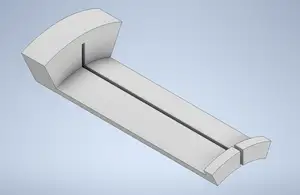


%2Fhttps%3A%2F%2Ffbi.cults3d.com%2Fuploaders%2F15159489%2Fillustration-file%2F01b03f51-5115-406b-872b-06c5c2e7dbfc%2FIMG_20190223_131428a.jpg&w=300)
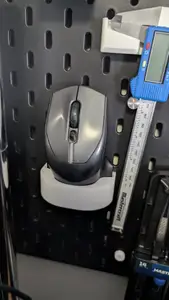


%2Fhttps%3A%2F%2Ffbi.cults3d.com%2Fuploaders%2F15460635%2Fillustration-file%2F134c1177-fb56-490c-ac67-5a1bdcc4039d%2F86d8bb41-e2f1-4722-8585-57c8be13c4c3.jpg&w=300)
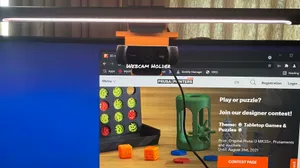

%2Fhttps%3A%2F%2Ffbi.cults3d.com%2Fuploaders%2F16428914%2Fillustration-file%2F3b85690e-a09a-4a54-abc5-703ba131a0cd%2F0DDBE96B-059F-499D-B625-D2559638DD23.gif&w=300)
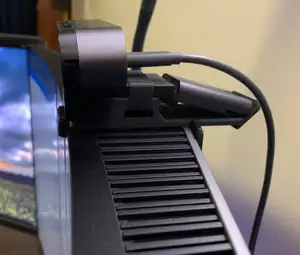


%2Fhttps%3A%2F%2Ffbi.cults3d.com%2Fuploaders%2F23938930%2Fillustration-file%2Fe020a79a-26c9-47b6-ade9-2a05f5dc283b%2F119605395787976726.jpg&w=300)
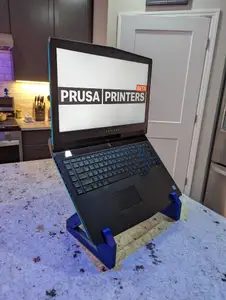
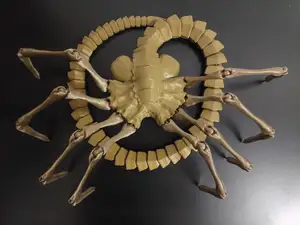

%2Fhttps%3A%2F%2Ffbi.cults3d.com%2Fuploaders%2F17680938%2Fillustration-file%2Fed2465f1-b798-4b56-b81c-8f65ac81f723%2F20210711_120153-01.jpeg&w=300)
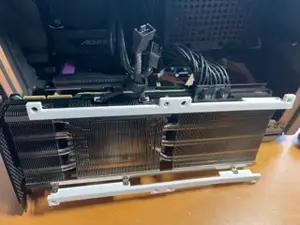
Laptop stands and risers form one group: angled supports, feet that lift a chassis, and small spacers that make room for a light bar or a camera. Cooling parts are a second group, including fan covers, shrouds, replacement brackets and feet that change how air leaves the case. A third group covers enclosures for single-board computers, where the outer shape borrows the brand's look rather than copying the original chassis. Desk items and figures round out the list.
Before printing, check the dimensions the author gives: the width and depth of the laptop, the screw spacing on a fan mount, or the board size for a case. Look at how many parts the model has, whether supports are needed, and which material and settings the author lists. Photos of real prints show how surfaces and fit turned out, which tells you more than a render does.
Search terms can be narrowed by machine name and part: laptop stand, fan shroud, IO shield, keychain, headset stand. Related topics include laptop risers, cooling feet, single-board computer cases and desk organizers. If a specific part is missing, try the model number of the machine or the general name of the component.
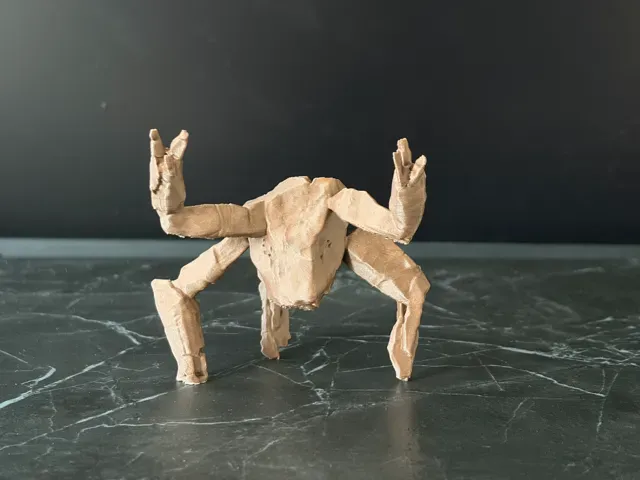
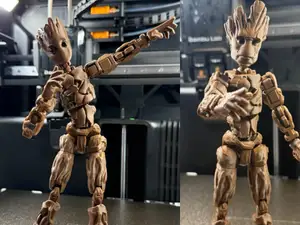
Figures and small props appear alongside the hardware parts, usually printed in several pieces and assembled afterwards. For those, the useful details are the finished height, the number of separate parts and how they join. A print in a single colour is common, with painting left to the person printing it.
完整的主题目录:从家居日用到CNC,均可在已接入的来源平台中搜索。
%2Fhttps%3A%2F%2Ffbi.cults3d.com%2Fuploaders%2F14282887%2Fillustration-file%2F0263e0e1-4e0b-4533-b7fd-46bd383d439a%2Funtitled.88.png&w=640)