
Ücretsiz 
1/4 Wave Ground Plane Antenna Mk III
Thingiverse
This collection gathers 3D-printable parts for 144 MHz antennas, from beam and ground-plane designs to insulators, boom clamps and feed-point brackets. Most entries are small mechanical pieces that hold metal elements in place, so a 3D printer covers the non-conductive and mounting side of the build. It is a practical starting point if you are assembling a 2 m band antenna and want to print the parts around the wire and tubing. Polyzon does not confirm whether models are free, their price, license, official status, affiliation, safety or fitness. Check the current terms at the source.
Bu koleksiyonun metni İngilizce; arama ise her dilde çalışır.
 Bir Polyzon koleksiyonu · 47 model 3 siteden
Polyzon bu koleksiyonu bağlı sitelerdeki arama sonuçlarından oluşturur. Tekrarlar ve önizlemesi olmayan modeller çıkarılır, zayıf eşleşmeler sona alınır, geri kalanlar arama sırasını korur. Modeller yazarlarına aittir; her modelin sayfasındaki koşulları kontrol edin.
Seçim kuralları: Polyzon editör ekibi · Metin güncellendi: 15.10.2026

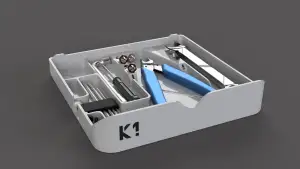
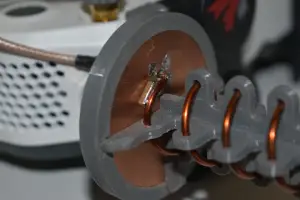

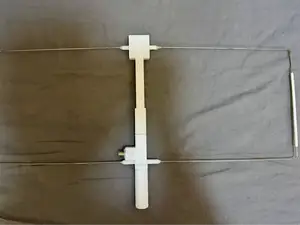
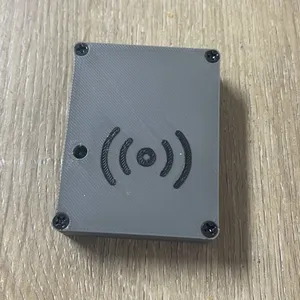

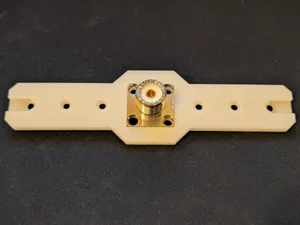


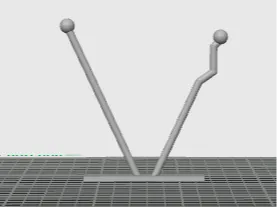
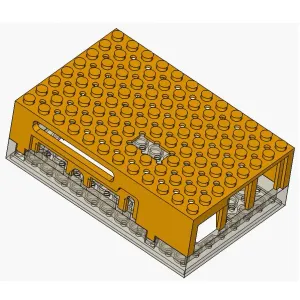

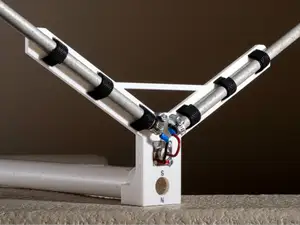
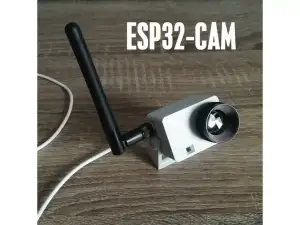

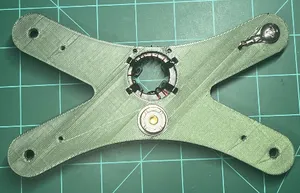
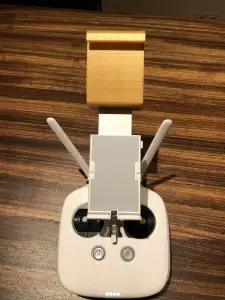

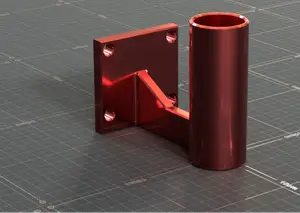
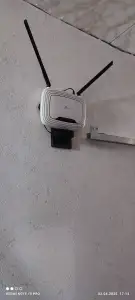

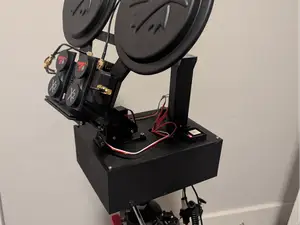
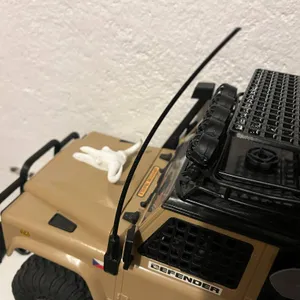

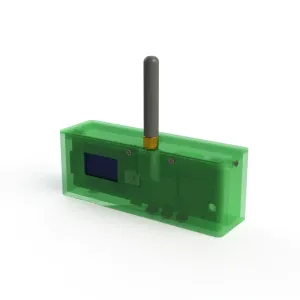

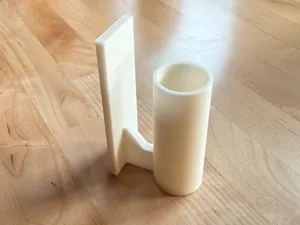

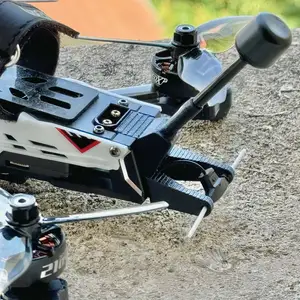
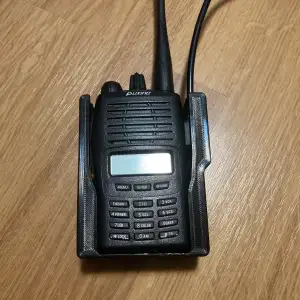

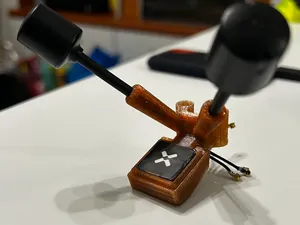
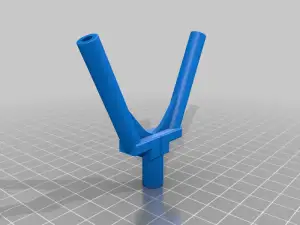

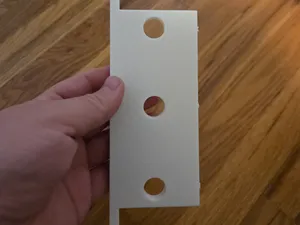
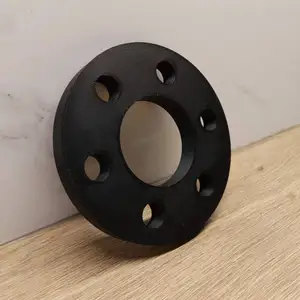

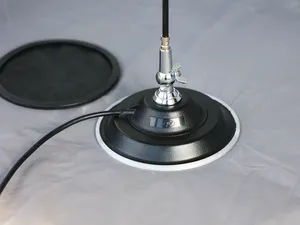
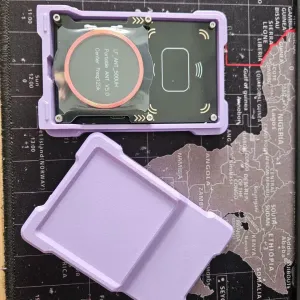
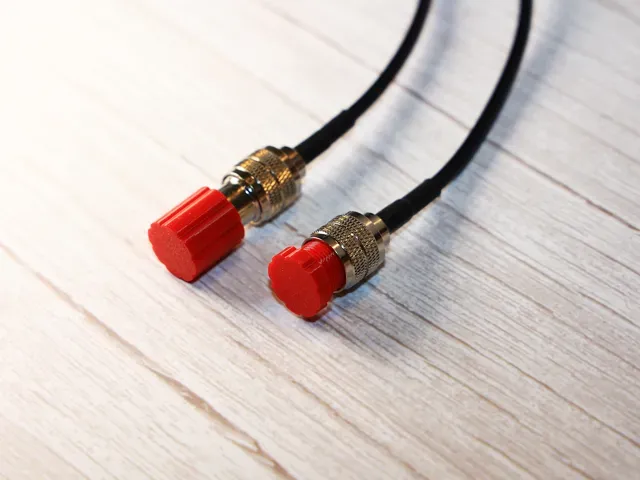
The designs fall into a few groups. Directional beams such as Yagi, Moxon and quad antennas use printed element holders and boom clamps to keep spacing consistent. Omnidirectional and ground-plane antennas rely on printed bases, radials supports and mast adapters, while dipoles and wire antennas often need only a center insulator or a feed-point block. Some entries are pure accessories: connector caps, insulators and small mounting brackets.
When choosing a model, read the dimensions first. Element length, spacing and boom diameter decide whether the printed part matches the tubing you already have, and the author's page usually states the frequency range and the hardware it was drawn around. Check how many separate parts the build needs, whether supports are required, and which material and print settings the author lists. Photos of real prints are the most useful signal, since thin walls and threads are where a print tends to differ from the render.
To widen the search, try the other names for the same band: 2 m, VHF, 145 MHz, amateur radio or ham radio. Related terms help too, such as boom, element, insulator, feed point, mast mount, radome and connector cap, since many parts are listed by function rather than by frequency. If you are adapting a design for another band, search for the mechanical part instead of the antenna type and scale the dimensions yourself.


Ev ve günlük yaşamdan CNC'ye kadar tüm konuların kataloğu; bağlı sitelerin hepsinde arama yapabilirsiniz.