
Ücretsiz 
Makita Battery Mount
Thingiverse
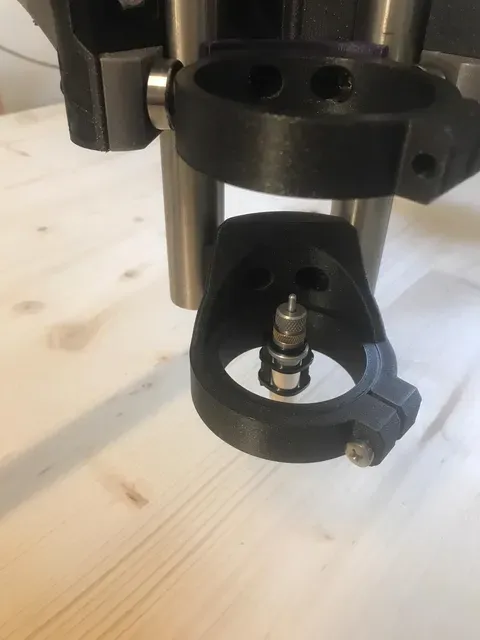
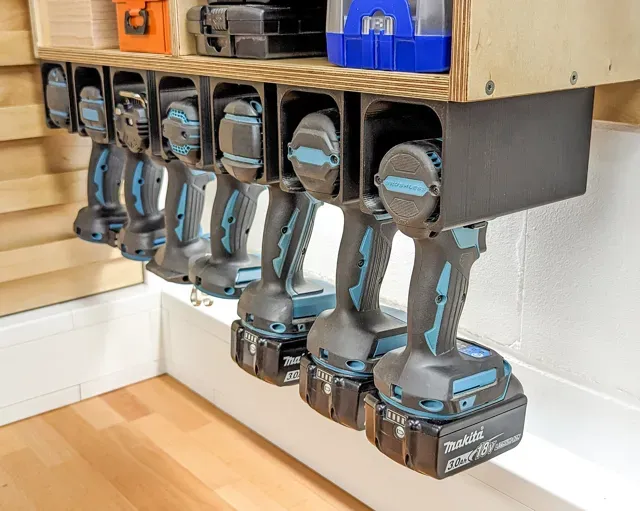
This collection gathers 3D models that hold Makita cordless tools, batteries and chargers, along with adapters that attach a Makita body to a CNC router. The files cover wall brackets, single and multi-pack battery cradles, and tool-specific plates. It is useful when you want to organise a workshop wall or replace a mount that no longer fits your setup, and each listing can be printed on a common 3D printer. Polyzon does not confirm whether models are free, their price, license, official status, affiliation, safety or fitness. Check the current terms at the source.
Bu koleksiyonun metni İngilizce; arama ise her dilde çalışır.
 Bir Polyzon koleksiyonu · 45 model 4 siteden
Polyzon bu koleksiyonu bağlı sitelerdeki arama sonuçlarından oluşturur. Tekrarlar ve önizlemesi olmayan modeller çıkarılır, zayıf eşleşmeler sona alınır, geri kalanlar arama sırasını korur. Modeller yazarlarına aittir; her modelin sayfasındaki koşulları kontrol edin.
Seçim kuralları: Polyzon editör ekibi · Metin güncellendi: 14.10.2026

%2Fhttps%3A%2F%2Ffbi.cults3d.com%2Fuploaders%2F17168941%2Fillustration-file%2Facb41d61-8c32-41af-9806-7e46411d017d%2FIMG_3640.jpg&w=300)


%2Fhttps%3A%2F%2Ffbi.cults3d.com%2Fuploaders%2F28067274%2Fillustration-file%2Febe80085-5bd7-4d42-b376-e6ca0fffe023%2FCover-v2-Square.jpg&w=300)

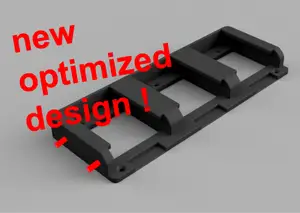

%2Fhttps%3A%2F%2Ffbi.cults3d.com%2Fuploaders%2F22238785%2Fillustration-file%2Ffea666fc-be9d-43f2-b081-c742813794b2%2FIMG_8747.jpg&w=300)

%2Fhttps%3A%2F%2Ffbi.cults3d.com%2Fuploaders%2F22238785%2Fillustration-file%2F94df8a56-bcc3-476e-9250-c2e27b939e8f%2FIMG_1642.jpeg&w=300)
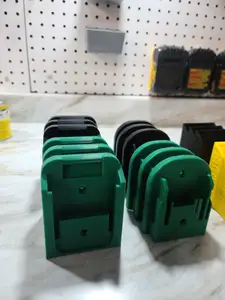

%2Fhttps%3A%2F%2Ffbi.cults3d.com%2Fuploaders%2F17168941%2Fillustration-file%2F19c19eff-293b-4eb4-9694-804545f1a1e4%2FIMG_3643.jpg&w=300)
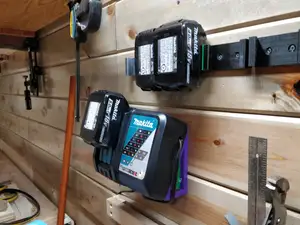
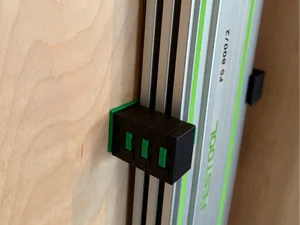
%2Fhttps%3A%2F%2Ffbi.cults3d.com%2Fuploaders%2F22238785%2Fillustration-file%2Fbae8638a-fb9a-4080-9126-229a698eab4f%2FIMG_1652.jpeg&w=300)
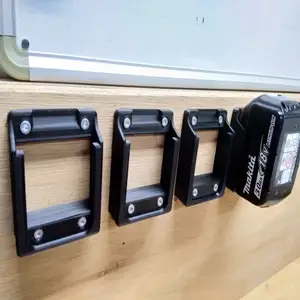
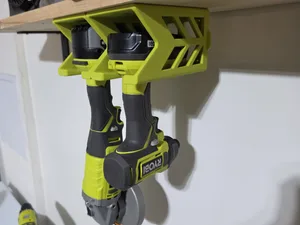

%2Fhttps%3A%2F%2Ffbi.cults3d.com%2Fuploaders%2F14258917%2Fillustration-file%2F21204d70-cbbe-46f8-acf5-5339919799b1%2Fz6917490287413_dbc730e518828d2b310a9160e5db44e1.jpg&w=300)


%2Fhttps%3A%2F%2Ffbi.cults3d.com%2Fuploaders%2F14883452%2Fillustration-file%2F6ca6d475-32bb-46ce-8eca-0fce3fee3ce1%2Fimg_6229.webp&w=300)

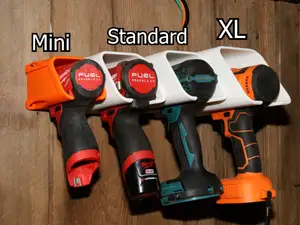

%2Fhttps%3A%2F%2Ffbi.cults3d.com%2Fuploaders%2F12957961%2Fillustration-file%2F697f75fd-c512-484d-8de3-b0418237ad05%2FIMG_0466.jpg&w=300)


%2Fhttps%3A%2F%2Ffbi.cults3d.com%2Fuploaders%2F32159751%2Fillustration-file%2Feff49795-7c13-44e4-8645-8589c062ad86%2FIMG_20200813_161118.jpg&w=300)


%2Fhttps%3A%2F%2Ffbi.cults3d.com%2Fuploaders%2F13915717%2Fillustration-file%2F010b0ede-3855-4947-86ac-d937b703599e%2FIMG_20160210_171530.jpg&w=300)

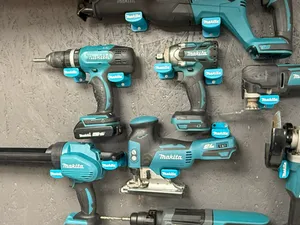
The models split into a few practical groups. Battery mounts range from a single 18 V cradle to racks that take several packs side by side, and some combine a tool slot with a battery slot on one plate. Drill and screwdriver mounts are usually simple wall brackets, while CNC adapters are flat plates that clamp a Makita body to a router carriage and carry pen or drag-knife holders. Universal holders are shaped to accept several cordless brands, so the opening is wider and often needs a shim or a strap.
Before printing, open the author's page and read what is listed there: the battery size or voltage the mount was drawn around, the screw hole spacing, the number of separate parts and whether they are joined with screws, glue or a snap fit. Look at photos of real prints to judge wall thickness and how the tool sits in the bracket. Check the material and settings the author names, since a thin wall bracket and a CNC plate carry different loads, and confirm the orientation and whether supports are needed.
To widen the results, search by the part you want to hold rather than by the tool name alone: battery holder, tool wall mount, charger bracket, drill holder, router adapter. Related terms such as cordless, 18 V, wall bracket, workshop storage or tool organiser bring in models that use different wording. If you need a mount for a specific machine, try the model code of the tool or the battery series, and look at CNC-related queries when the mount is meant for a router carriage.
Adding your own holes or scaling a plate slightly is common, so keep the source file if you plan to adjust the spacing. Measure the battery and the tool body first, then compare those numbers with the dimensions on the model page.

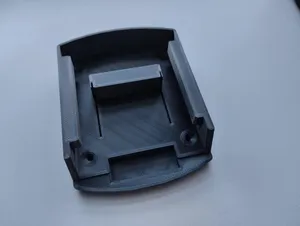

%2Fhttps%3A%2F%2Ffbi.cults3d.com%2Fuploaders%2F13499062%2Fillustration-file%2F2b183fef-ebc8-49a7-a4b6-39ae371b8204%2FAPC_0010a.jpg&w=300)
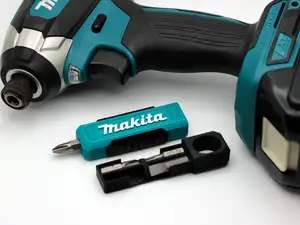
Ev ve günlük yaşamdan CNC'ye kadar tüm konuların kataloğu; bağlı sitelerin hepsinde arama yapabilirsiniz.
%2Fhttps%3A%2F%2Ffbi.cults3d.com%2Fuploaders%2F13792735%2Fillustration-file%2F1757e97d-286e-4e48-86c4-e36f3a1d1f1e%2FMakita_Under_Shelf_Mount.png&w=640)