
Ücretsiz 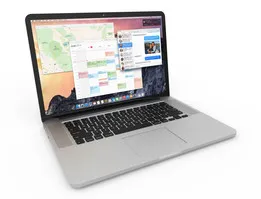
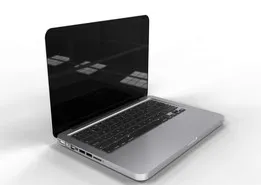
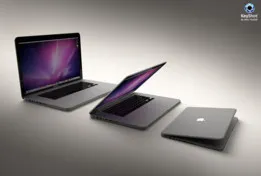
MacBook Pro Retina 15"
GrabCAD
This collection gathers 3D printing models built around MacBook laptops: vertical stands, angled risers, cooling supports and scale replicas of the machines themselves. Most files are small enough to print on a desktop 3D printer in one or two sessions. It is a useful starting point if you want to organize a desk or reproduce a laptop shape at a smaller scale. Polyzon does not confirm whether models are free, their price, license, official status, affiliation, safety or fitness. Check the current terms at the source.
Bu koleksiyonun metni İngilizce; arama ise her dilde çalışır.
 Bir Polyzon koleksiyonu · 48 model 6 siteden
Polyzon bu koleksiyonu bağlı sitelerdeki arama sonuçlarından oluşturur. Tekrarlar ve önizlemesi olmayan modeller çıkarılır, zayıf eşleşmeler sona alınır, geri kalanlar arama sırasını korur. Modeller yazarlarına aittir; her modelin sayfasındaki koşulları kontrol edin.
Seçim kuralları: Polyzon editör ekibi · Metin güncellendi: 12.10.2026

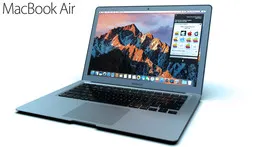
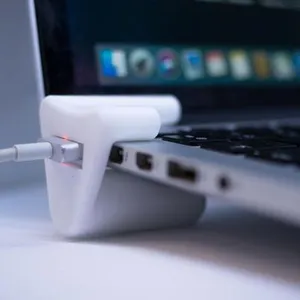
%2Fhttps%3A%2F%2Ffbi.cults3d.com%2Fuploaders%2F13631837%2Fillustration-file%2F340d1e1b-72de-4d42-ad81-cad22e2cc21c%2Fa6f886a78f9ffa74a209621d979fc85f_display_large.jpg&w=300)
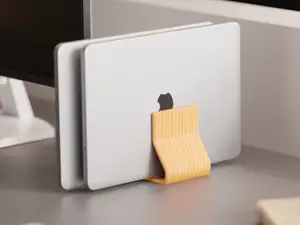










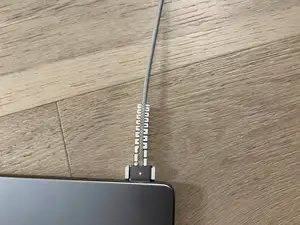

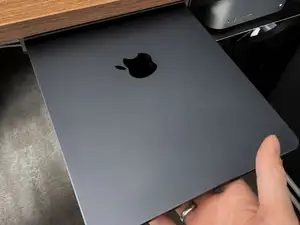


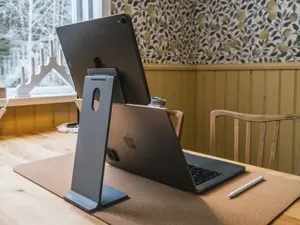


%2Fhttps%3A%2F%2Ffbi.cults3d.com%2Fuploaders%2F13892793%2Fillustration-file%2Fd121143d-4f05-4bd8-ae25-9365de3a29e0%2Fmbp-stand-2_display_large.jpg&w=300)




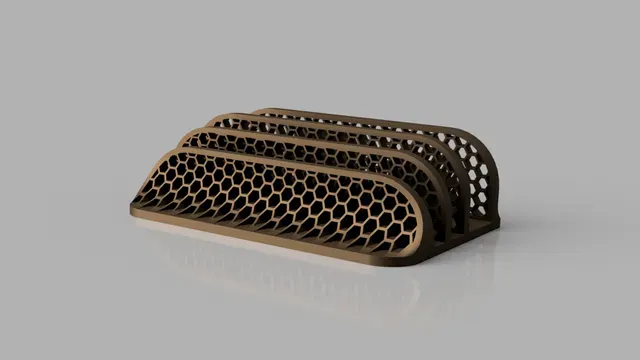
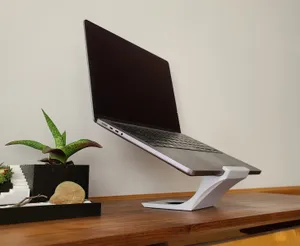
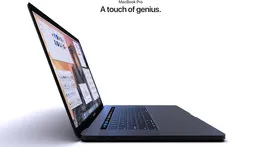
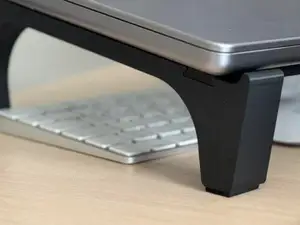
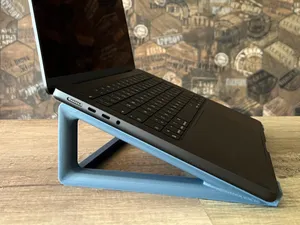
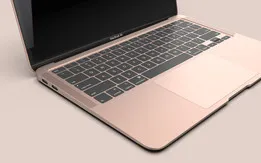
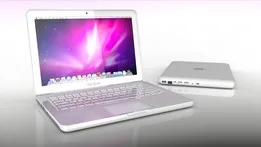
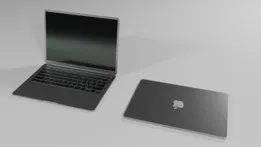
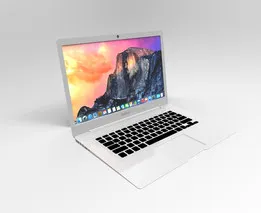
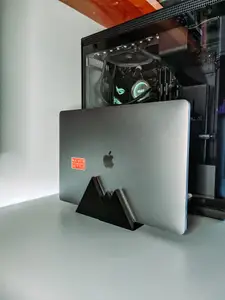
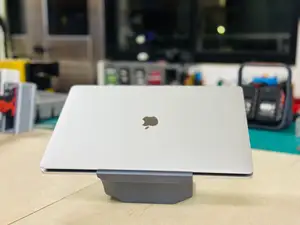
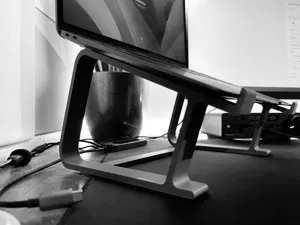
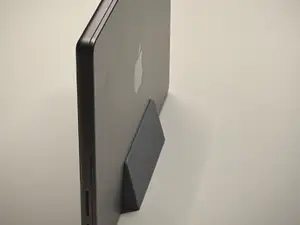
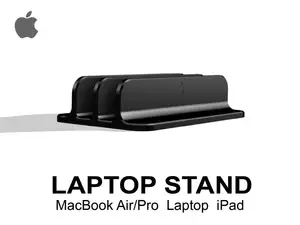
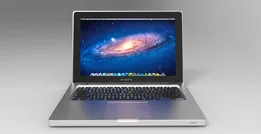
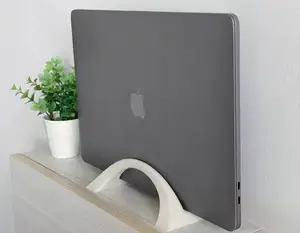
The stand designs differ mainly in how they hold the machine. Vertical stands keep a closed laptop on its side to save desk space, while angled risers lift the rear of the body toward the viewer and often include a lip or slot to stop sliding. Some files use geometric or hexagonal frames, and a few are described as customizable, meaning the width or angle can be edited before slicing. Replica models are a separate group: they reproduce the outer shell rather than support it.
Before printing, read the author's model page for the dimensions the design was drawn around, since laptop thickness and width vary between generations and screen sizes. Check how many parts the stand has and whether they are joined with screws, pins or glue, and whether the geometry needs print supports. The material and layer settings the author lists are worth comparing with what your 3D printer handles, and photos of real prints show how the finished part sits in practice.
If the results look narrow, try related wording: laptop stand, notebook riser, vertical dock, display stand or desk organizer. Adding a size or generation term such as 13, 14, 15, Air, Pro or Retina narrows the list further. Related topics that often appear alongside these files include tablet and e-reader stands, monitor risers and cable clips, which can be printed with the same material and settings.


%2Fhttps%3A%2F%2Ffbi.cults3d.com%2Fuploaders%2F13492980%2Fillustration-file%2F2ed7adf9-40e8-4c27-b21f-2d1785cc3545%2FIMG_20190310_115030.jpg&w=300)

Ev ve günlük yaşamdan CNC'ye kadar tüm konuların kataloğu; bağlı sitelerin hepsinde arama yapabilirsiniz.