
Ücretsiz 
MacBook Air 13" Stand
Thingiverse
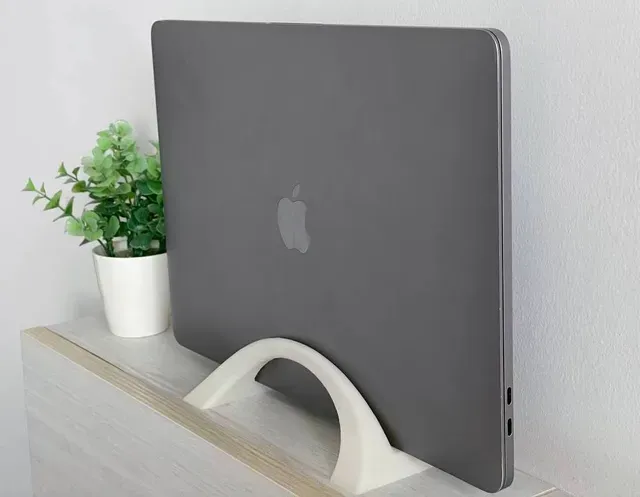
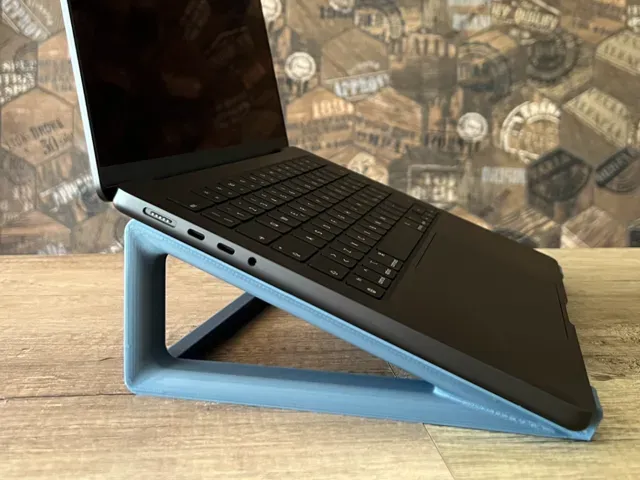
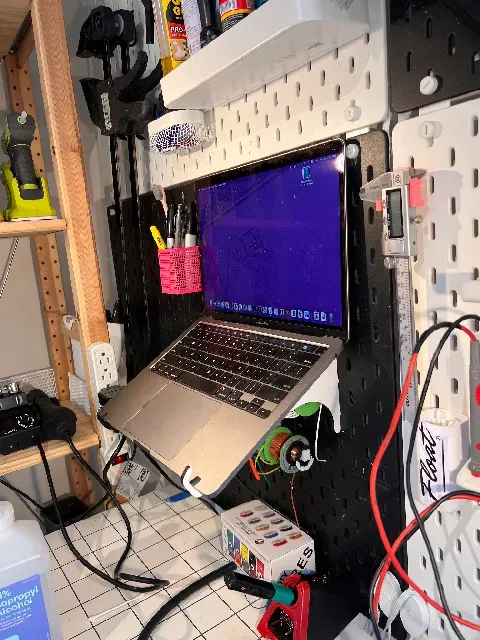
This collection gathers 3D printing files built around 13-inch MacBook laptops: desktop stands and risers, vertical docks, travel holders, pegboard mounts, cases and a few small spare parts. It is useful if you want to lift the screen to eye level, store the closed machine on edge, or replace a worn foot. Most files are small enough for a standard 3D printer, and many are shaped around a specific chassis generation. Polyzon does not confirm whether models are free, their price, license, official status, affiliation, safety or fitness. Check the current terms at the source.
Bu koleksiyonun metni İngilizce; arama ise her dilde çalışır.
 Bir Polyzon koleksiyonu · 47 model 4 siteden
Polyzon bu koleksiyonu bağlı sitelerdeki arama sonuçlarından oluşturur. Tekrarlar ve önizlemesi olmayan modeller çıkarılır, zayıf eşleşmeler sona alınır, geri kalanlar arama sırasını korur. Modeller yazarlarına aittir; her modelin sayfasındaki koşulları kontrol edin.
Seçim kuralları: Polyzon editör ekibi · Metin güncellendi: 13.10.2026



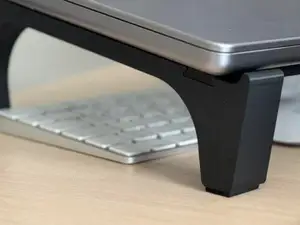
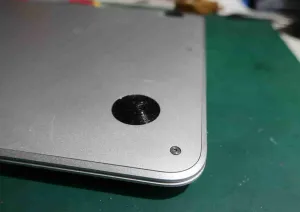


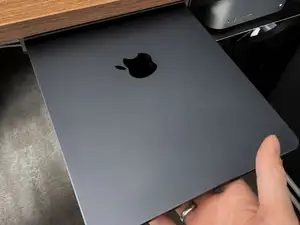
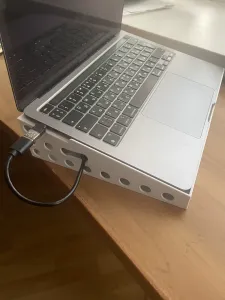

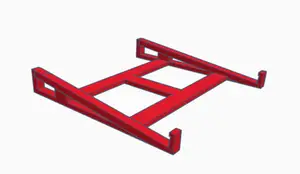



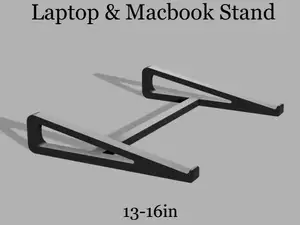
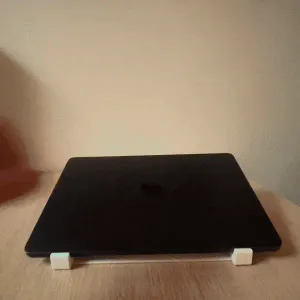



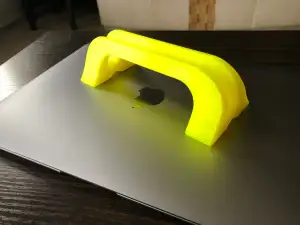


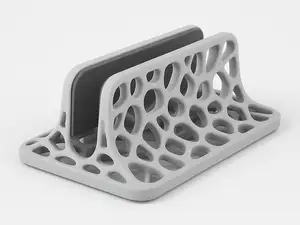


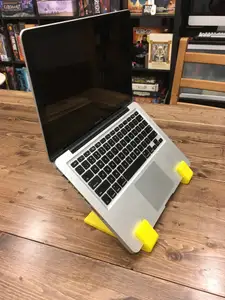
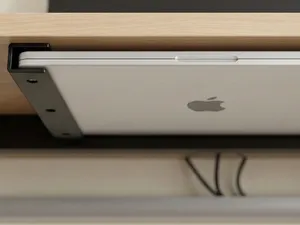


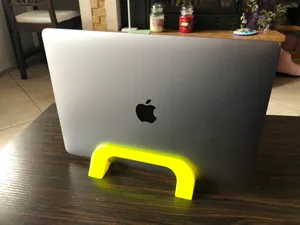
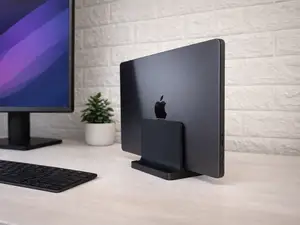
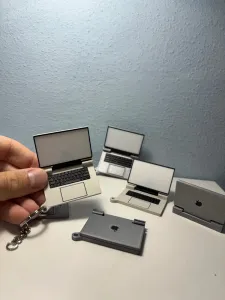


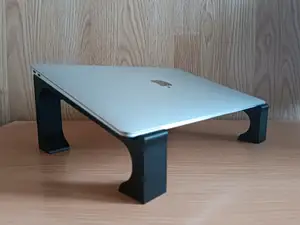






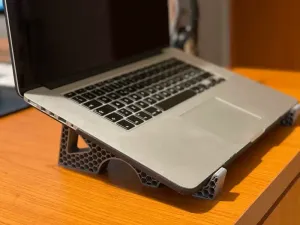
The models fall into a few practical groups. Desktop stands and risers hold the laptop open at an angle and often add cable routing or a slot for a phone. Vertical stands and docks keep the lid closed and the machine on its edge to save desk space, while travel holders, under-desk docks and pegboard mounts fix the laptop in a bag, under a table or on a tool wall. Cases and replacement feet cover protection and repair rather than positioning.
Before printing, read the author's page for the details that decide whether a model works for your machine: the exact width and thickness it was drawn for, the hinge and port clearance, the number of separate parts and how they join, and whether supports are needed. Check the material and settings the author lists, since thin clips and feet behave differently in PLA and PETG. Photos of real prints are the quickest way to judge wall thickness, tolerances and how the stand sits on a desk.
Search results for this topic mix several naming habits, so try more than one phrase. Alongside "stand" you will find "riser", "dock", "holder", "halter" and "подставка", and the same idea appears under "laptop stand" or "notebook stand". Related searches that widen the set include the 11-inch, 14-inch and 15-inch versions, the Air and Pro lines, the M1, M2 and M3 generations, and pegboard systems such as Skadis. Combining a size with a placement word, for example a 13-inch dock or an under-desk holder, narrows the list fastest.


%2Fhttps%3A%2F%2Ffbi.cults3d.com%2Fuploaders%2F15946074%2Fillustration-file%2F7a1dcc1b-7b0e-43fd-9040-80b93ba204f7%2FCard_Holder_INCH.png&w=300)
Ev ve günlük yaşamdan CNC'ye kadar tüm konuların kataloğu; bağlı sitelerin hepsinde arama yapabilirsiniz.