Ücretsiz 
Modular Storage Cabinets by BOM-Trace
Thingiverse
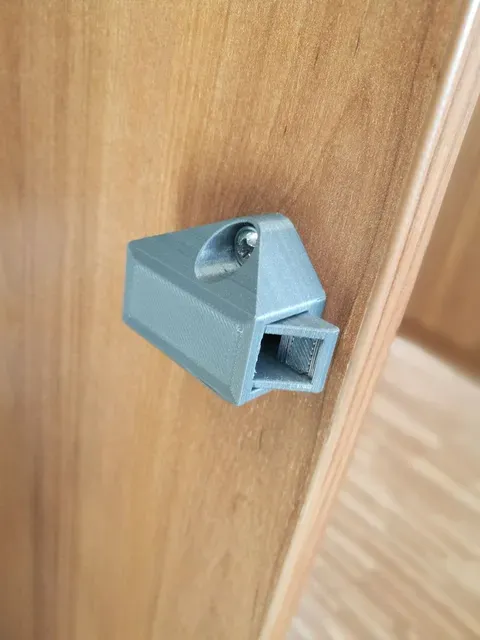
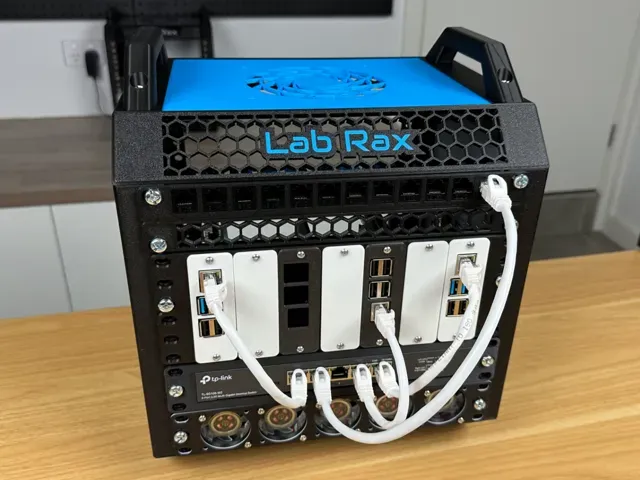
This collection gathers STL files tied to bolt cabinets: containers and organizers for loose hardware, latches and bolt locks, connector bolts, knobs, and modular drawer systems. It is useful when you want a 3D printing project that keeps fasteners sorted or replaces a small cabinet fitting. The models come from several platforms, so the same idea may appear in different shapes and sizes. Polyzon does not confirm whether models are free, their price, license, official status, affiliation, safety or fitness. Check the current terms at the source.
Bu koleksiyonun metni İngilizce; arama ise her dilde çalışır.
 Bir Polyzon koleksiyonu · 47 model 4 siteden
Polyzon bu koleksiyonu bağlı sitelerdeki arama sonuçlarından oluşturur. Tekrarlar ve önizlemesi olmayan modeller çıkarılır, zayıf eşleşmeler sona alınır, geri kalanlar arama sırasını korur. Modeller yazarlarına aittir; her modelin sayfasındaki koşulları kontrol edin.
Seçim kuralları: Polyzon editör ekibi · Metin güncellendi: 15.10.2026


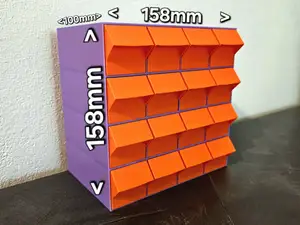
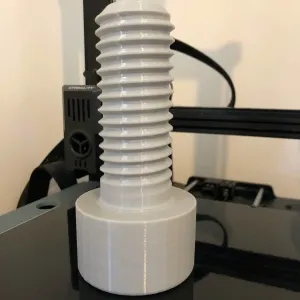

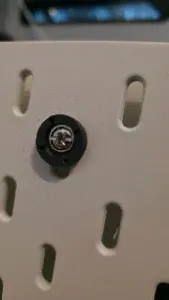
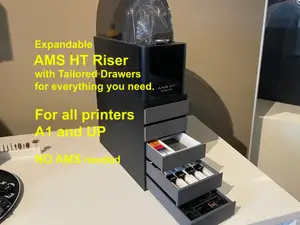
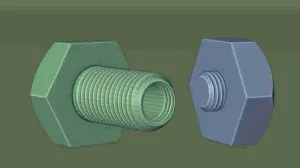


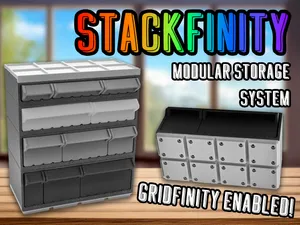
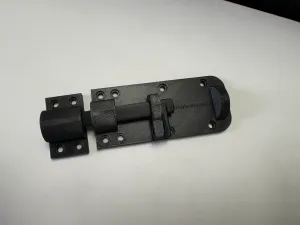


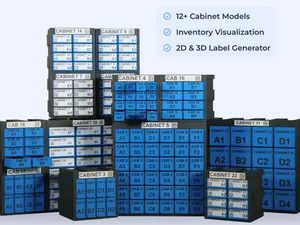
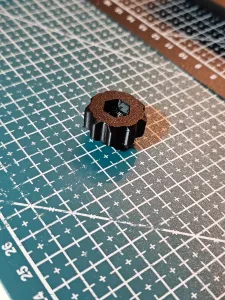

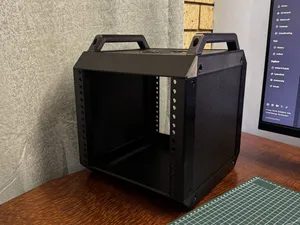
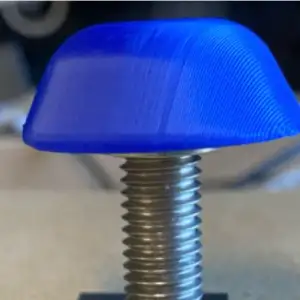

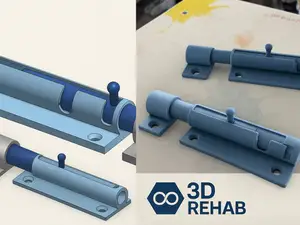
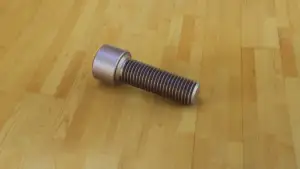

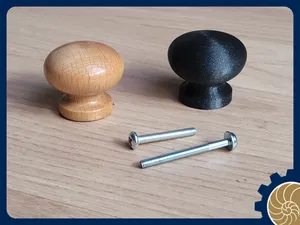
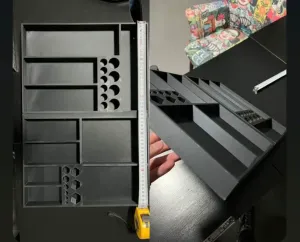

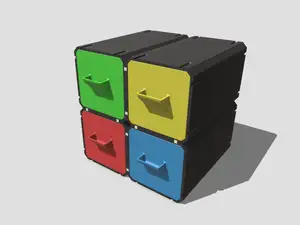
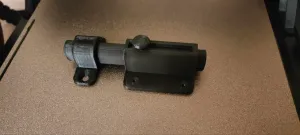

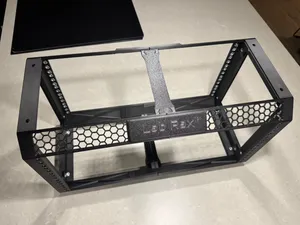
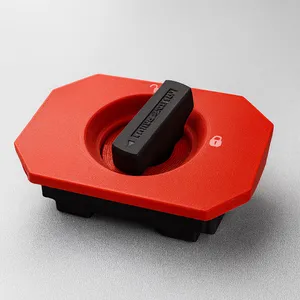

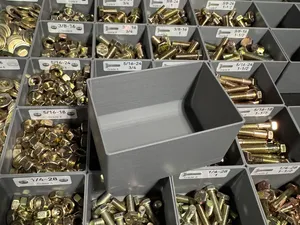
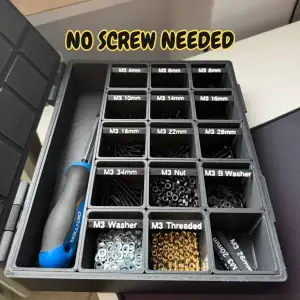
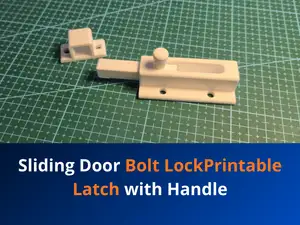
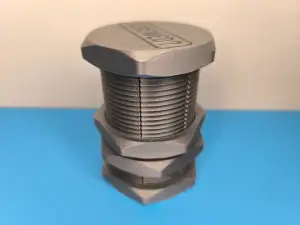

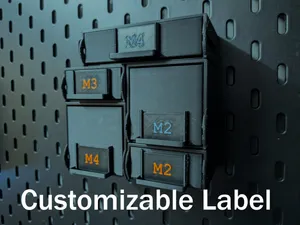
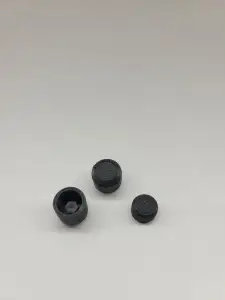




The range splits into a few practical groups. Containers and organizers hold loose bolts and small hardware, while latches and bolt locks deal with closing a door or drawer. A third group covers the small parts around a cabinet: connector bolts, heads, knobs and shelf supports. Modular systems and drawer inserts sit between these groups, since they combine a frame with compartments you fill yourself.
When you open a model page, look at the dimensions and the bolt size the part is built around, because a knob or connector made for one thread will not take another. Check how many parts the model has and whether they need assembly or glue, and read the author's notes on supports, orientation and material. Photos of finished prints show how the part behaves in place better than a render does.
If the results feel narrow, try related wording: hardware organizer, drawer insert, small parts tray, latch, knob, shelf pin or rack bracket. Combining a storage term with a fitting term usually brings up models that were listed under only one of them. You can also search by the system a model belongs to, such as a grid-based storage family, to find matching parts in the same style.

%2Fhttps%3A%2F%2Ffbi.cults3d.com%2Fuploaders%2F13556425%2Fillustration-file%2Fc2b5f23c-4848-4510-a0aa-dae0c964a772%2F14dba259d5bb6a7520b67ec5cedba99b_preview_featured.jpg&w=300)


Ev ve günlük yaşamdan CNC'ye kadar tüm konuların kataloğu; bağlı sitelerin hepsinde arama yapabilirsiniz.