
Ücretsiz 
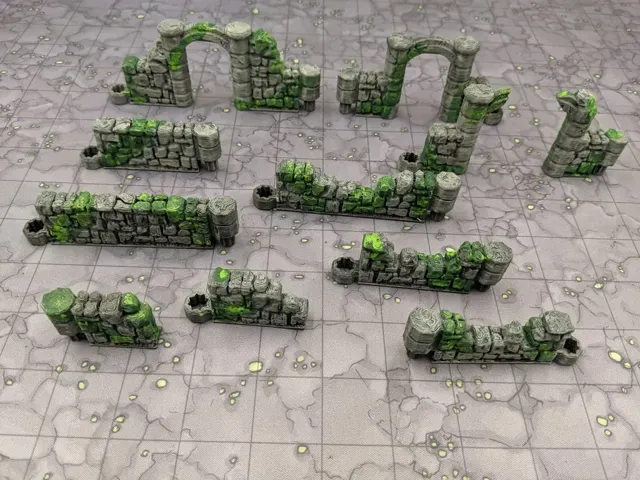
DungeonSticks: Starlink - Ruined Stone
Thingiverse
This collection gathers STL files for mounting and organizing Starlink equipment, from wall and pole brackets to router holders and cable guides. It also includes adapters for tripods, suction mounts, and display stands. The models can help you tidy a setup or adapt parts for a 3D printer. Polyzon does not confirm whether models are free, their price, license, official status, affiliation, safety or fitness. Check the current terms at the source.
Bu koleksiyonun metni İngilizce; arama ise her dilde çalışır.
 Bir Polyzon koleksiyonu · 48 model 3 siteden
Polyzon bu koleksiyonu bağlı sitelerdeki arama sonuçlarından oluşturur. Tekrarlar ve önizlemesi olmayan modeller çıkarılır, zayıf eşleşmeler sona alınır, geri kalanlar arama sırasını korur. Modeller yazarlarına aittir; her modelin sayfasındaki koşulları kontrol edin.
Seçim kuralları: Polyzon editör ekibi · Metin güncellendi: 15.10.2026


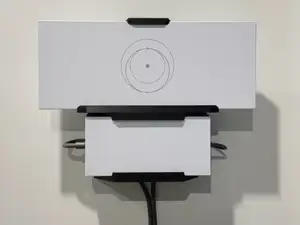

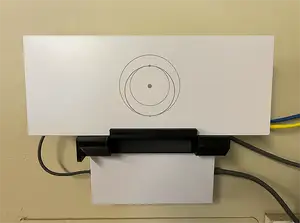

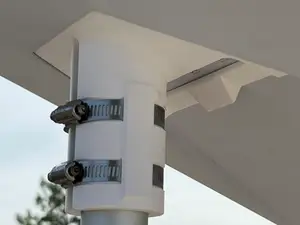


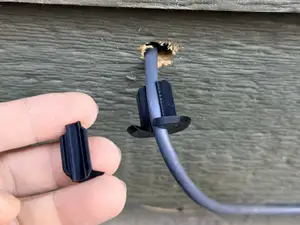

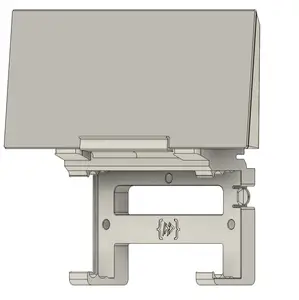


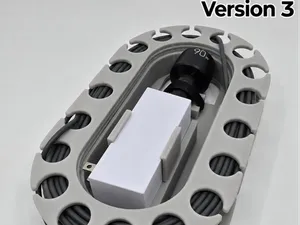
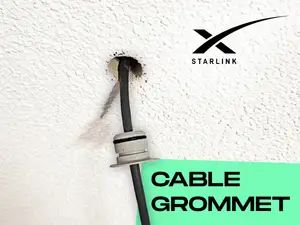
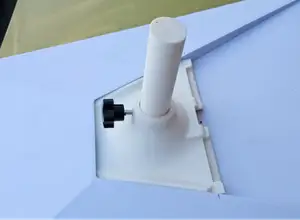


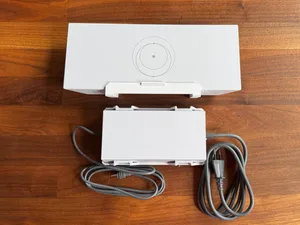

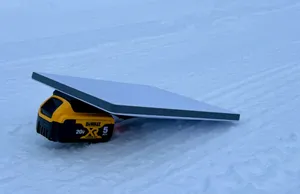
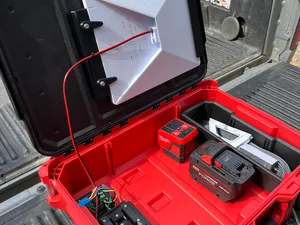
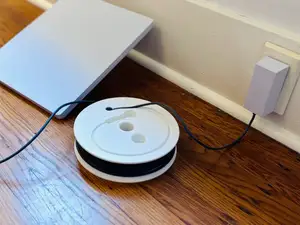

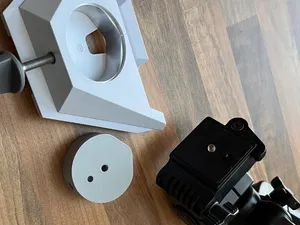
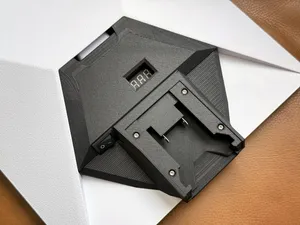
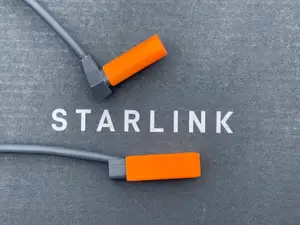
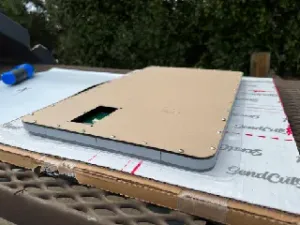
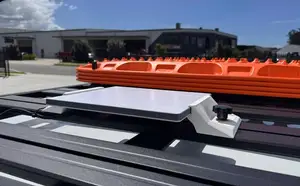
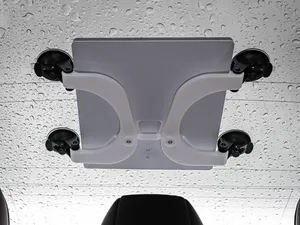

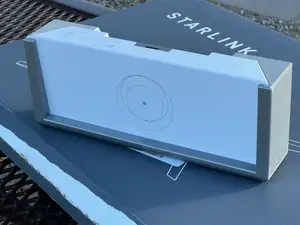
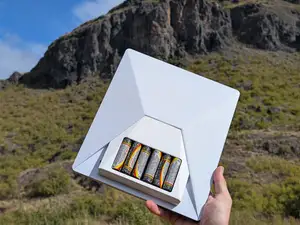
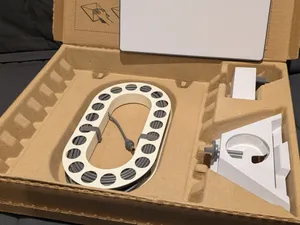


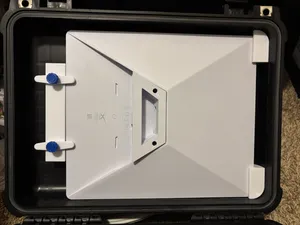
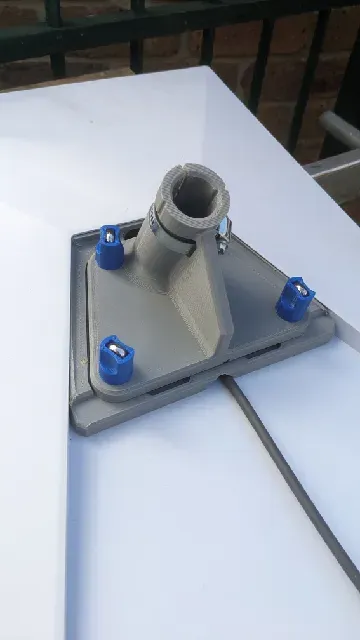
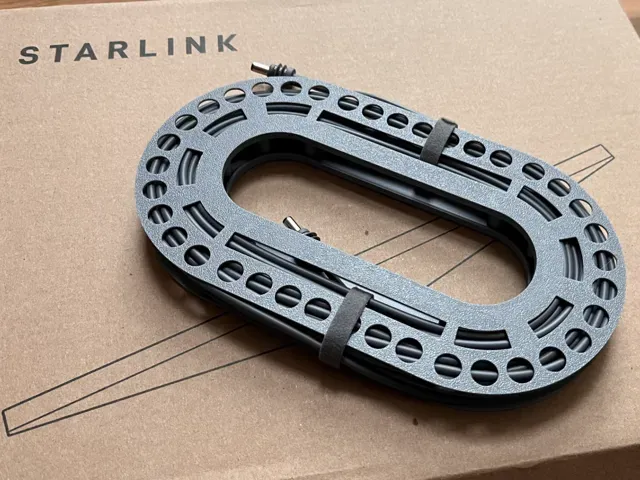
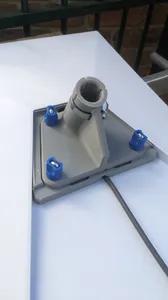
Wall mounts, pole mounts, and router brackets form one group; they differ by the shape of the dish or router they hold and by how they attach to a surface. Adapters for tripods, suction cups, and car use are another group, often with moving parts or clamping sections. Cable spools, grommets, and power supply holders address routing and placement rather than holding the main device. A few tabletop terrain pieces also appear under this keyword, which shows how broadly the term can be tagged.
Before printing, check the dimensions and scale listed on the model page, since dish and router generations vary in size. Look at the part count and assembly steps: some mounts are a single piece, while others need screws, inserts, or multiple printed sections. Review whether the author calls for supports, the material they used, and any settings they note. Photos of real prints can show how a bracket sits and where it may need extra material.
To narrow results, try synonyms and related terms such as dish mount, router bracket, cable guide, pole adapter, and wall bracket. Adding a generation or form factor, like a compact or rectangular dish, can separate models that look similar in a list. If you are looking for terrain, use the related tabletop terms instead, because those files serve a different purpose. Combining a mounting type with a placement word, such as wall, pole, or car, usually brings more focused results.


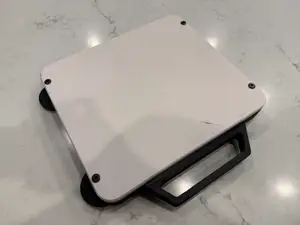

Ev ve günlük yaşamdan CNC'ye kadar tüm konuların kataloğu; bağlı sitelerin hepsinde arama yapabilirsiniz.