Ücretsiz 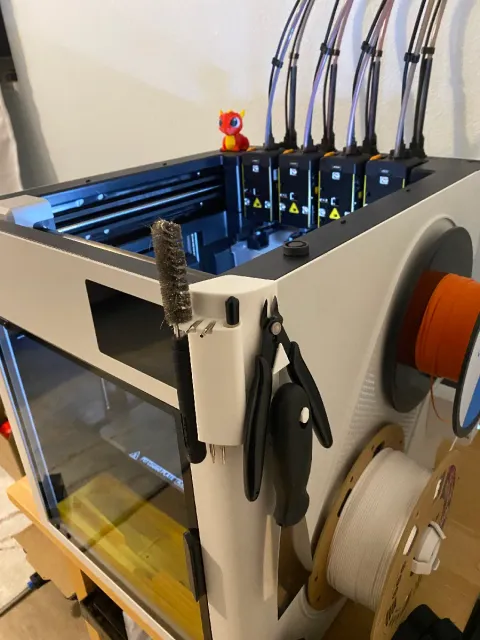
Snapmaker U1 Tool Holder
Thingiverse
This collection gathers 3D printing models that organize the area around a Snapmaker U1: trays, holders, inserts and small adapters. Most of them are compact parts you print on the same machine they are meant for, so they are a practical first project or a quick upgrade. Polyzon does not confirm whether models are free, their price, license, official status, affiliation, safety or fitness. Check the current terms at the source.
Bu koleksiyonun metni İngilizce; arama ise her dilde çalışır.
 Bir Polyzon koleksiyonu · 46 model 4 siteden
Polyzon bu koleksiyonu bağlı sitelerdeki arama sonuçlarından oluşturur. Tekrarlar ve önizlemesi olmayan modeller çıkarılır, zayıf eşleşmeler sona alınır, geri kalanlar arama sırasını korur. Modeller yazarlarına aittir; her modelin sayfasındaki koşulları kontrol edin.
Seçim kuralları: Polyzon editör ekibi · Metin güncellendi: 13.10.2026
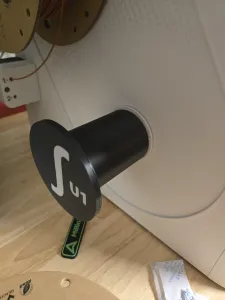

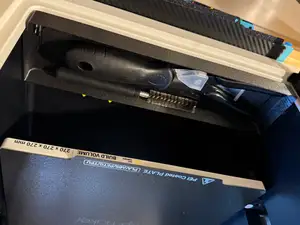
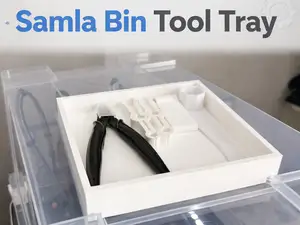
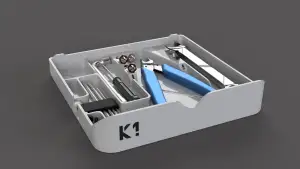

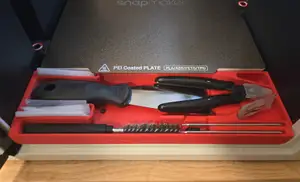
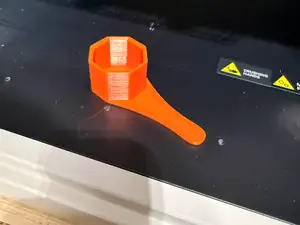
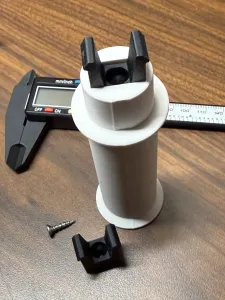
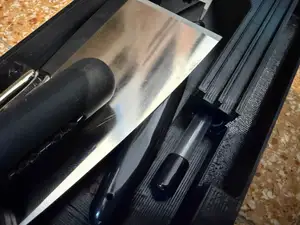
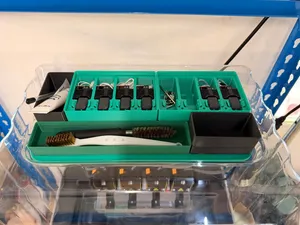
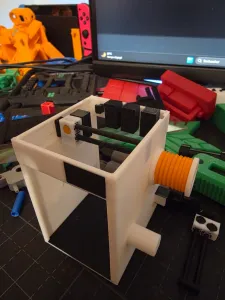

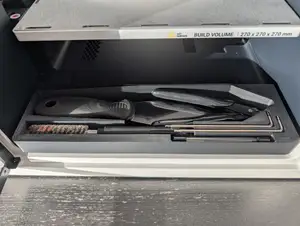
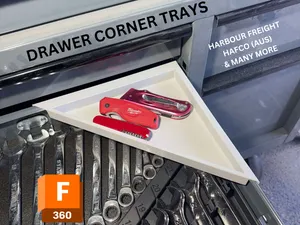
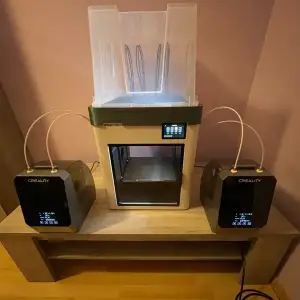

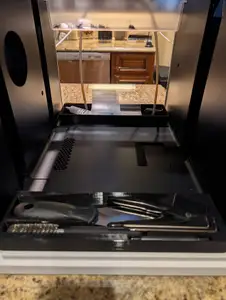
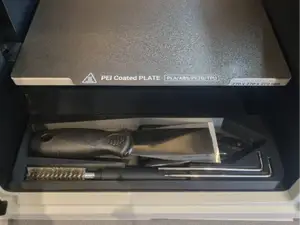
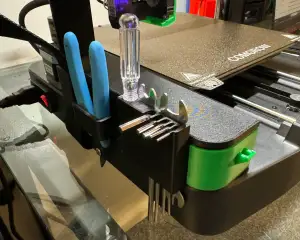

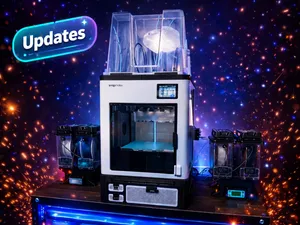
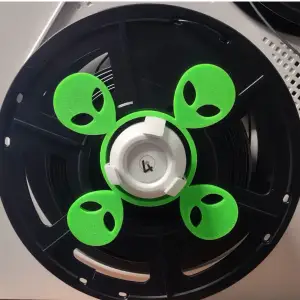
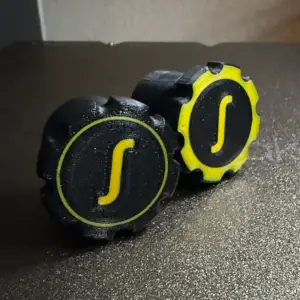
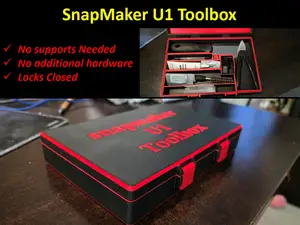
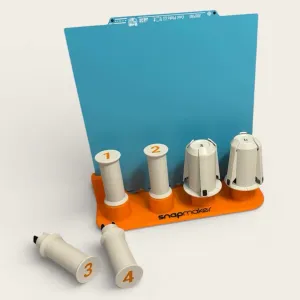

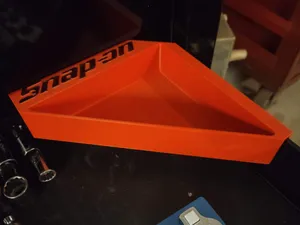
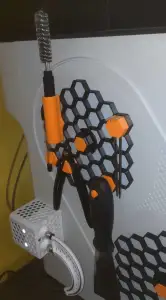

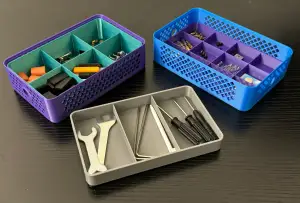

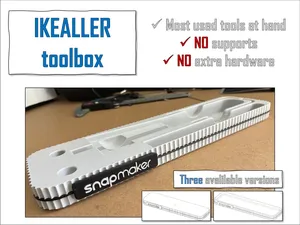
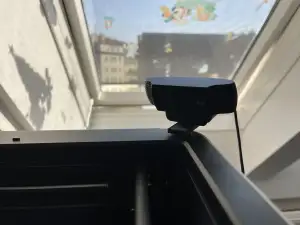

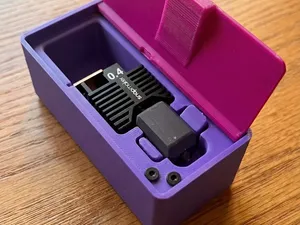
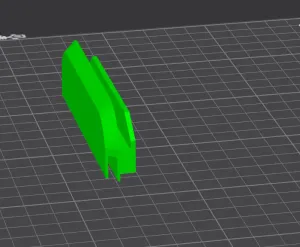

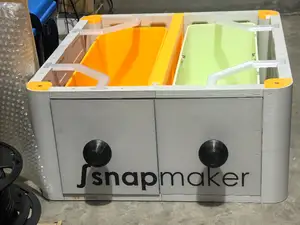
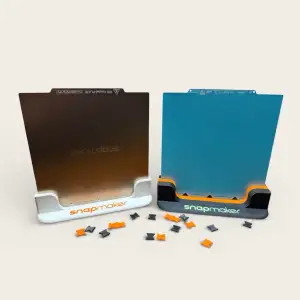

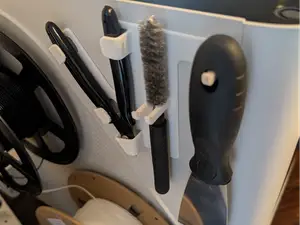
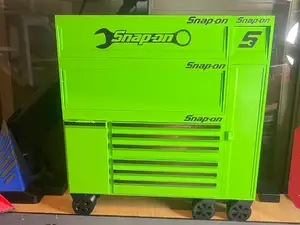
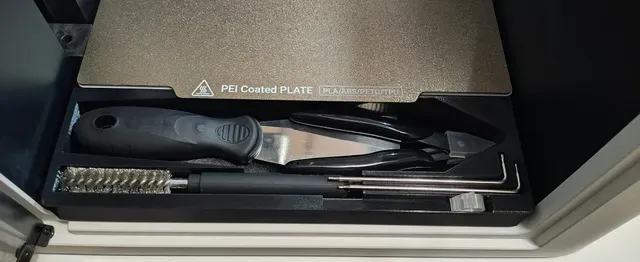
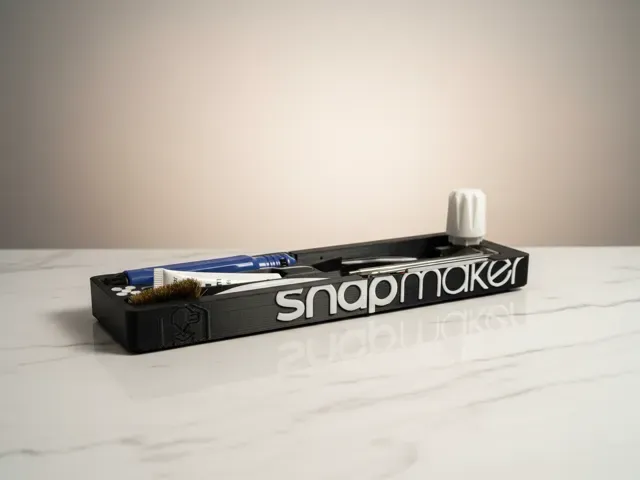
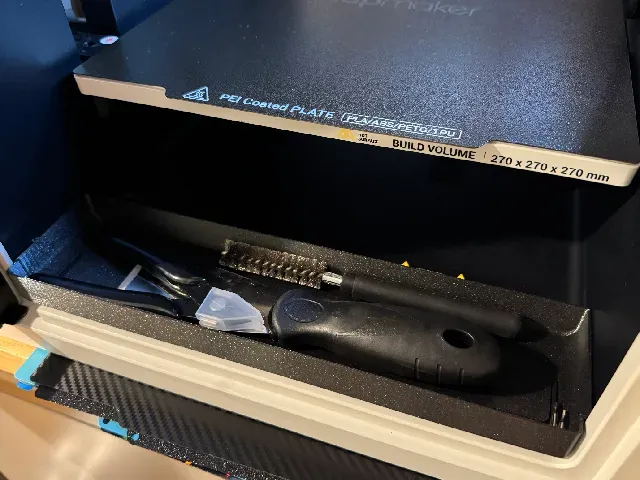
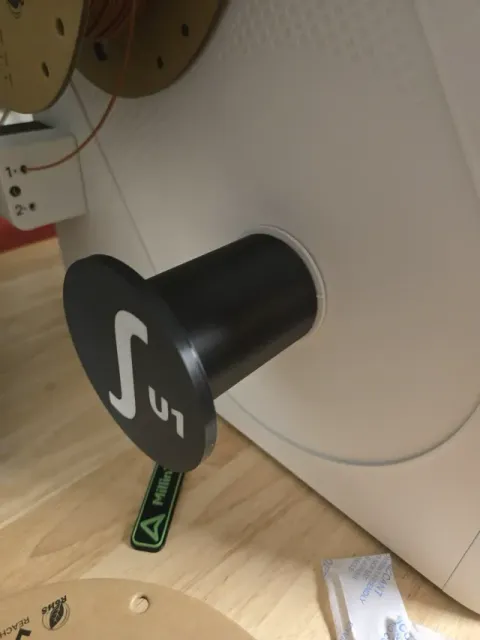
The models fall into a few groups. There are flat trays that rest on the frame or the front of the machine, deeper organizer inserts with divided compartments, and holders shaped around specific tools such as hex keys or nozzles. A separate group covers filament handling: spool holders and adapters that let a spool sit in a dry box or on the side of the printer. Waste deflectors and grid-based base plates appear as well, usually as small add-ons rather than storage.
When you open a model page, check the overall size and scale first, since a tray sized for one build volume may not fit the space you have in mind. Look at how many parts the design has and whether they need assembly, screws or magnets. Read what the author says about supports, layer height and material, and look at photos of real prints to judge wall thickness and how the compartments actually line up.
If the results feel narrow, try related wording: tool holder, organizer insert, storage box, drawer tray, spool adapter, dry box adapter, or waste deflector. Searching for the printer name together with a location, such as front, side or under the frame, often surfaces designs that a plain tray search misses. Grid-based storage systems and generic toolbox trays are worth checking too, since some of them can be scaled to fit.



Ev ve günlük yaşamdan CNC'ye kadar tüm konuların kataloğu; bağlı sitelerin hepsinde arama yapabilirsiniz.