免费 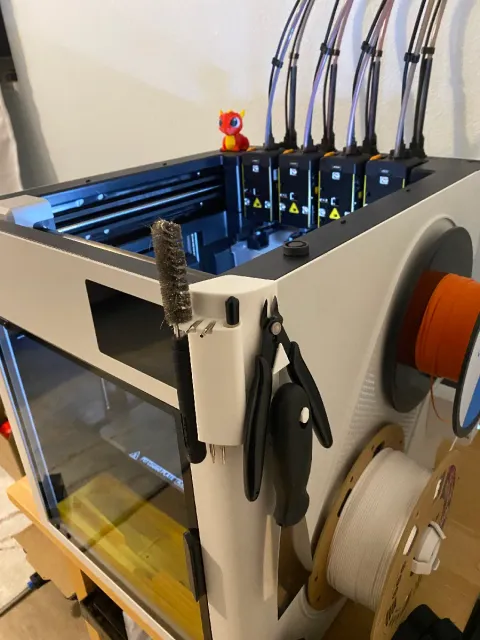
Snapmaker U1 Tool Holder
Thingiverse
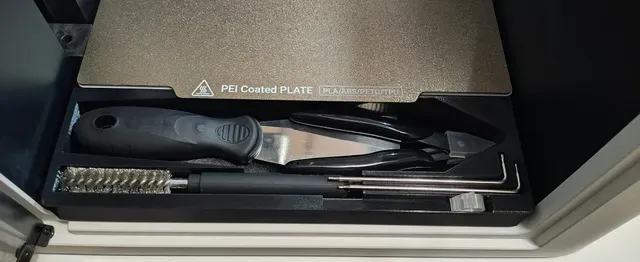
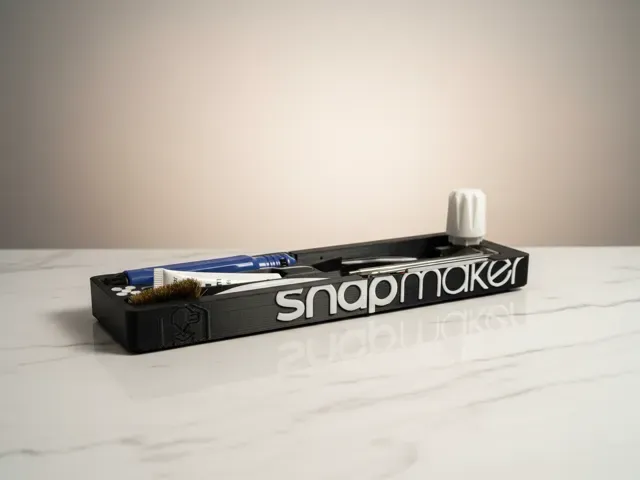
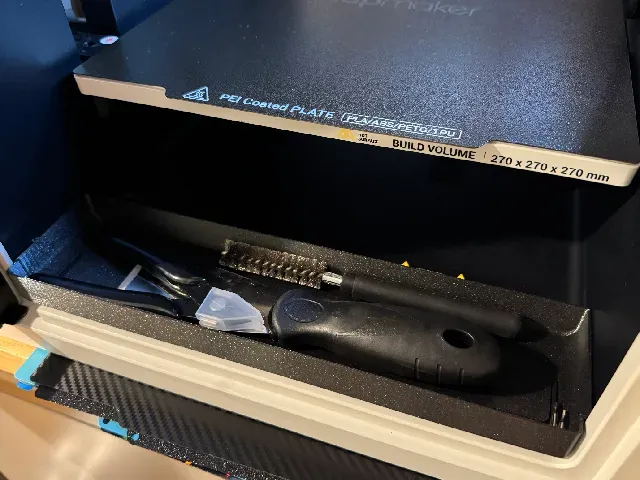
This collection gathers 3D printing models that organize the area around a Snapmaker U1: trays, holders, inserts and small adapters. Most of them are compact parts you print on the same machine they are meant for, so they are a practical first project or a quick upgrade. Polyzon does not confirm whether models are free, their price, license, official status, affiliation, safety or fitness. Check the current terms at the source.
本合集的文字为英文,搜索本身支持任何语言。
 Polyzon合集 · 46个模型 来自4个平台
此合集由Polyzon根据已接入平台的搜索结果整理而成:去除重复项和没有预览图的模型,匹配度低的排在最后,其余按搜索结果顺序排列。模型归作者所有——请在各模型页面查看使用条款。
筛选规则:Polyzon编辑部 · 文字更新于2026年10月13日
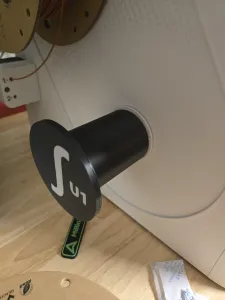

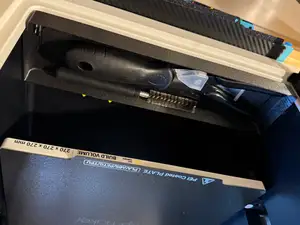
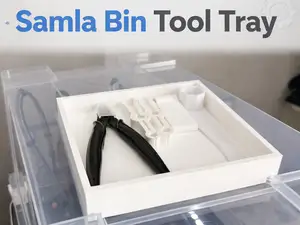
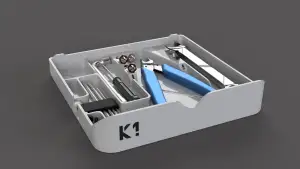

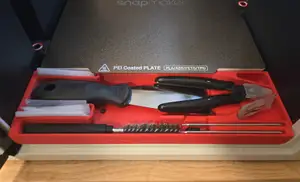
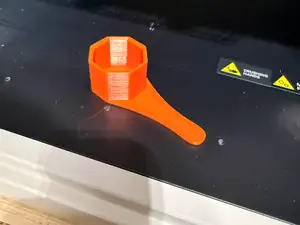
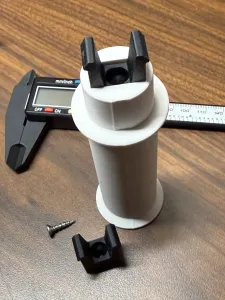
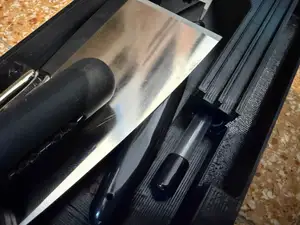
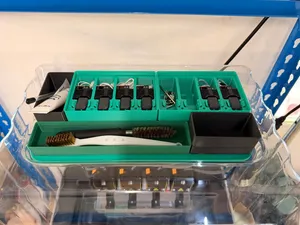
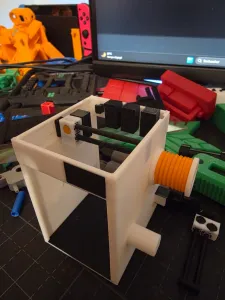

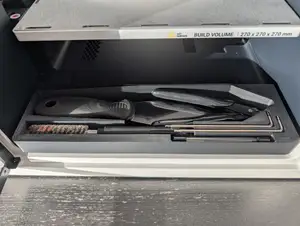
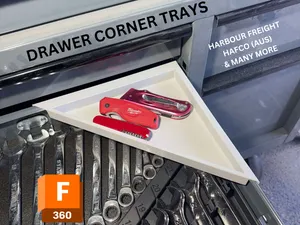
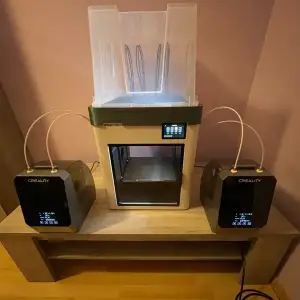

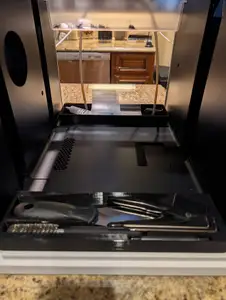
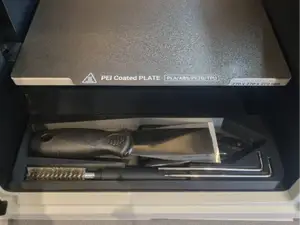
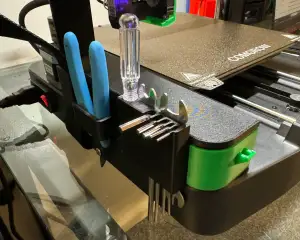

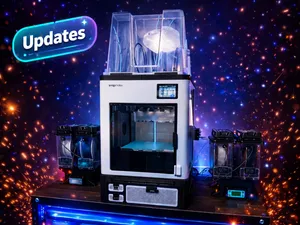
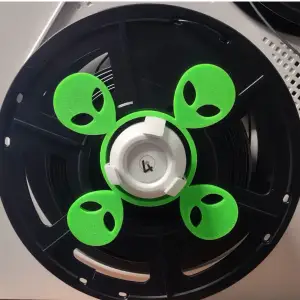
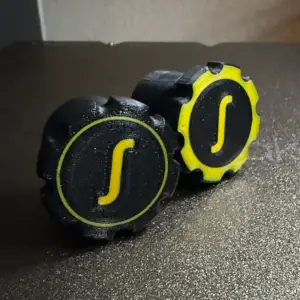
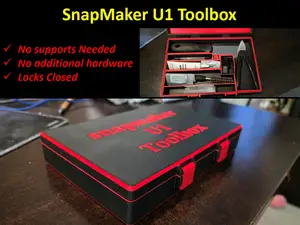
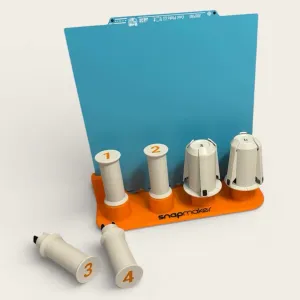

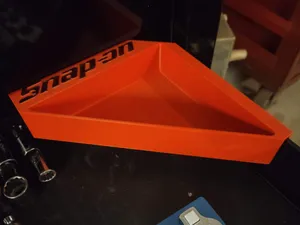
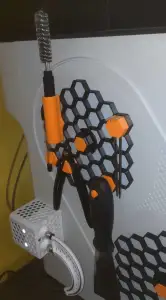

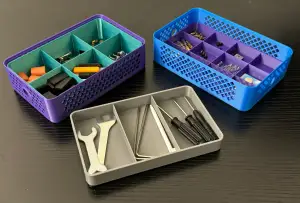

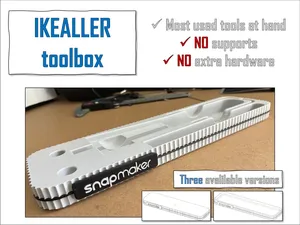
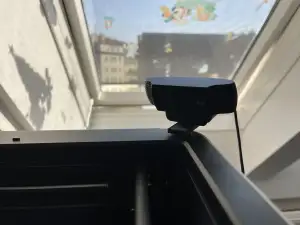

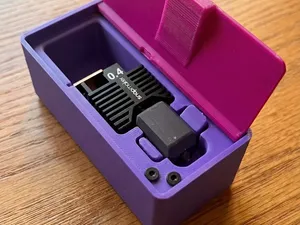
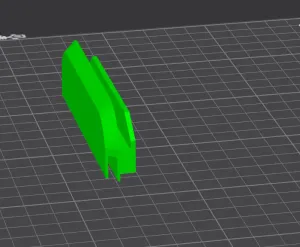

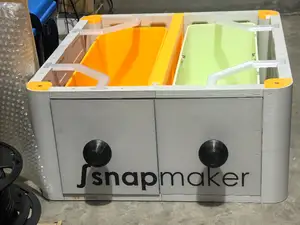
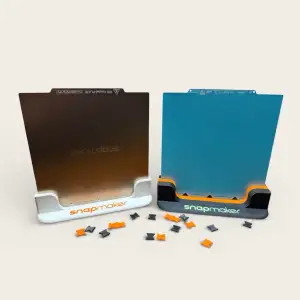

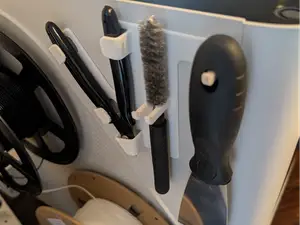
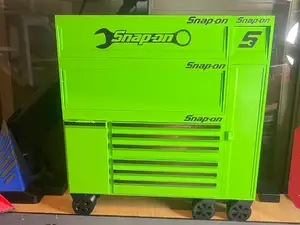
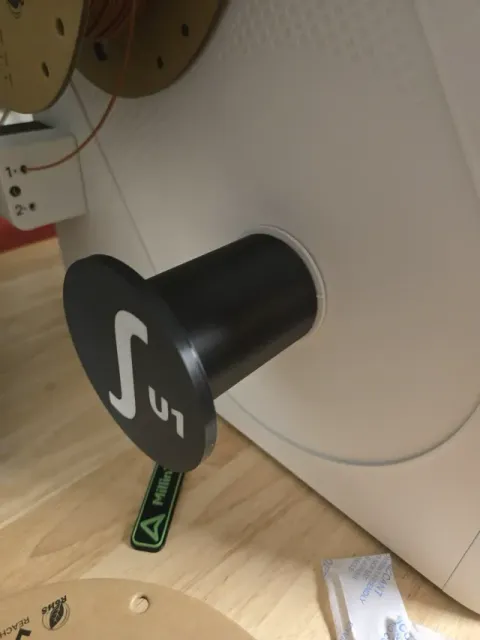
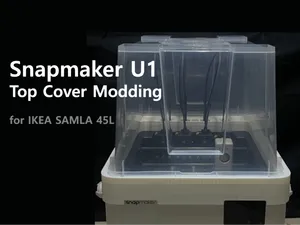
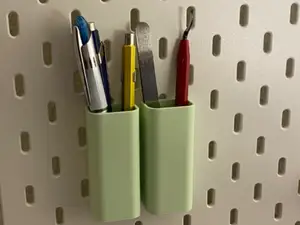
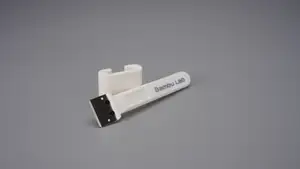
The models fall into a few groups. There are flat trays that rest on the frame or the front of the machine, deeper organizer inserts with divided compartments, and holders shaped around specific tools such as hex keys or nozzles. A separate group covers filament handling: spool holders and adapters that let a spool sit in a dry box or on the side of the printer. Waste deflectors and grid-based base plates appear as well, usually as small add-ons rather than storage.
When you open a model page, check the overall size and scale first, since a tray sized for one build volume may not fit the space you have in mind. Look at how many parts the design has and whether they need assembly, screws or magnets. Read what the author says about supports, layer height and material, and look at photos of real prints to judge wall thickness and how the compartments actually line up.
If the results feel narrow, try related wording: tool holder, organizer insert, storage box, drawer tray, spool adapter, dry box adapter, or waste deflector. Searching for the printer name together with a location, such as front, side or under the frame, often surfaces designs that a plain tray search misses. Grid-based storage systems and generic toolbox trays are worth checking too, since some of them can be scaled to fit.



完整的主题目录:从家居日用到CNC,均可在已接入的来源平台中搜索。