
免费 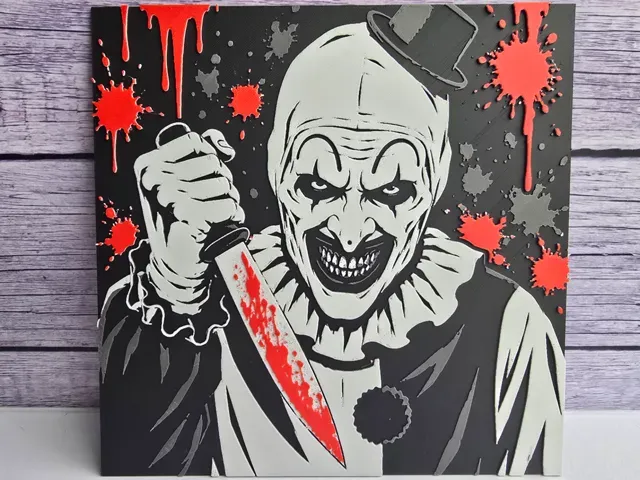
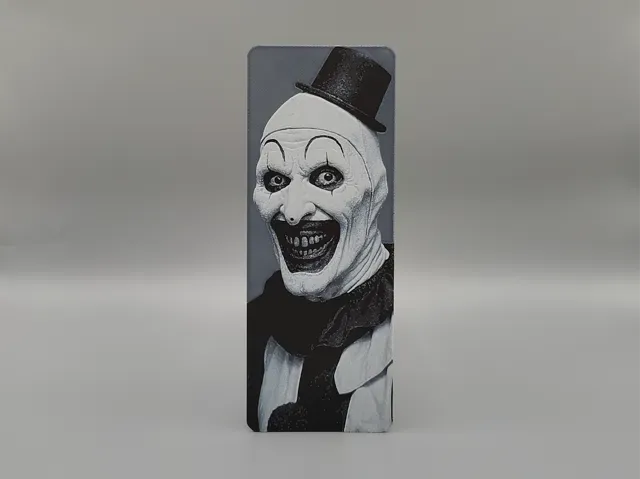
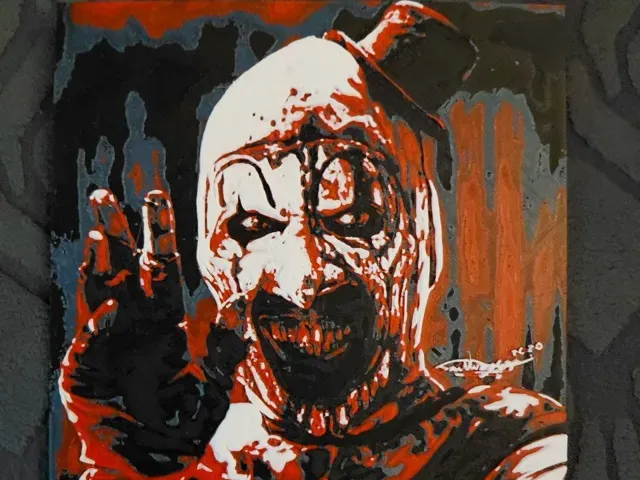
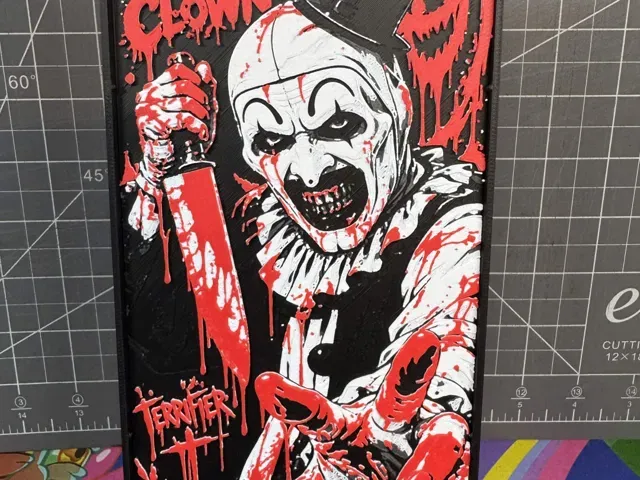
Art the Clown - Horror HueForge
MakerWorld
This collection gathers clown-themed HueForge STL files: wall art panels, creepy figures, circus scenes and jester decor. It helps you find subjects for filament painting and for 3D printing projects where color transitions matter. Check the author’s page for scale, part count and the material or settings they list. Polyzon does not confirm whether models are free, their price, license, official status, affiliation, safety or fitness. Check the current terms at the source.
本合集的文字为英文,搜索本身支持任何语言。
 Polyzon合集 · 48个模型 来自4个平台
此合集由Polyzon根据已接入平台的搜索结果整理而成:去除重复项和没有预览图的模型,匹配度低的排在最后,其余按搜索结果顺序排列。模型归作者所有——请在各模型页面查看使用条款。
筛选规则:Polyzon编辑部 · 文字更新于2026年10月13日

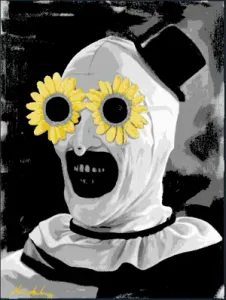
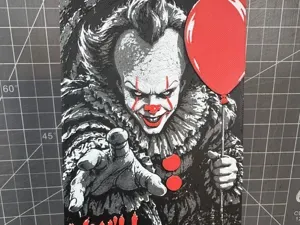

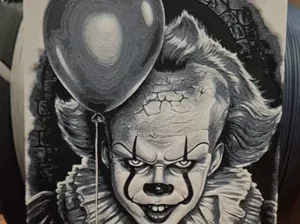
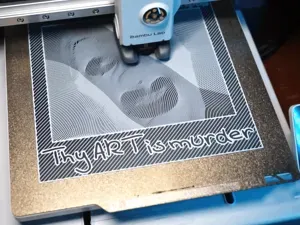
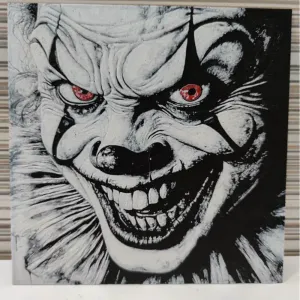
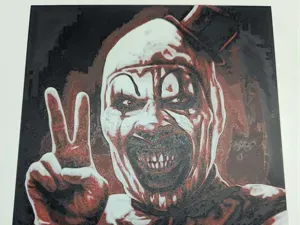

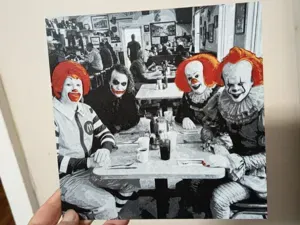
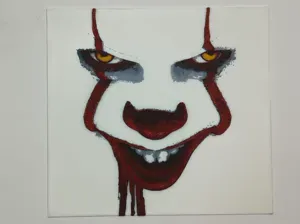
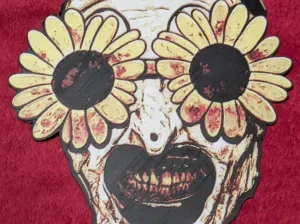
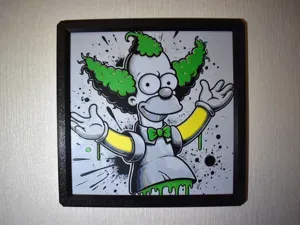

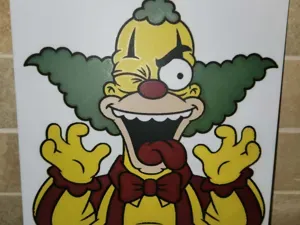
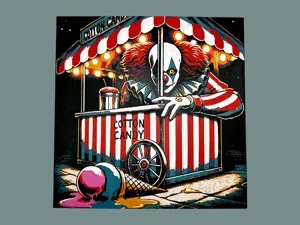
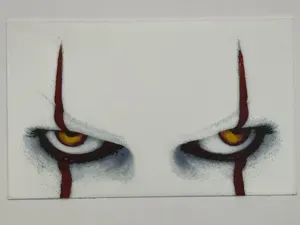

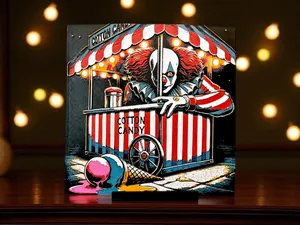
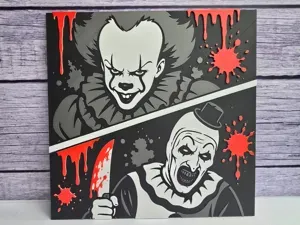
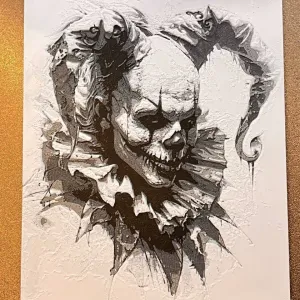
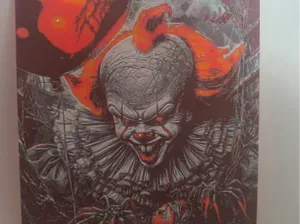

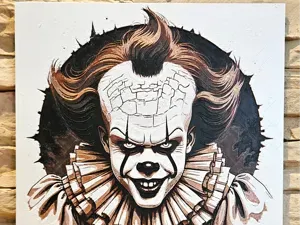
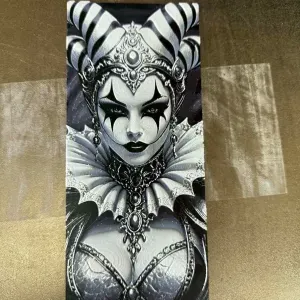
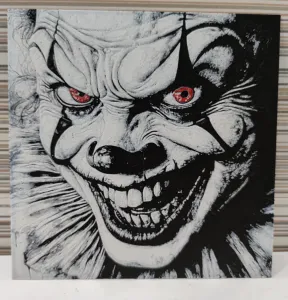
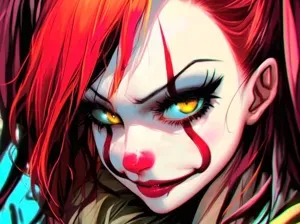

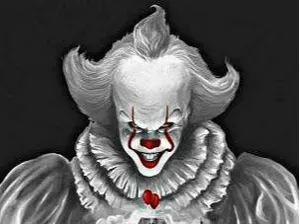
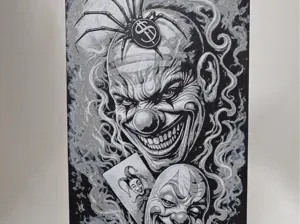
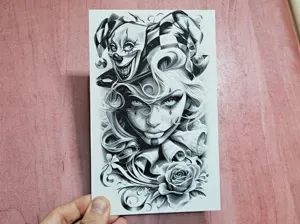
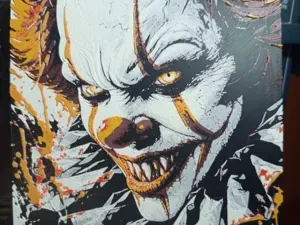

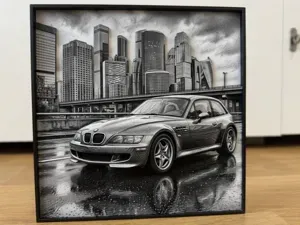
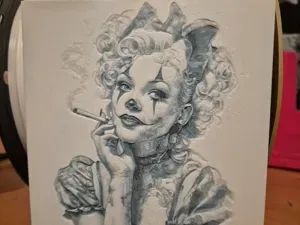
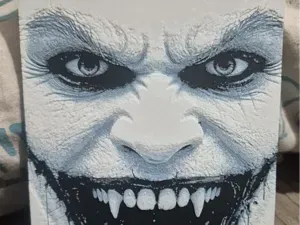

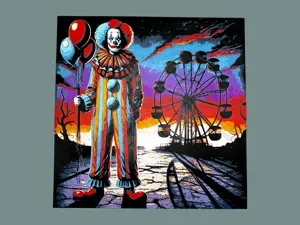
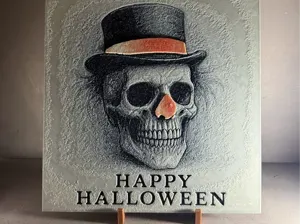
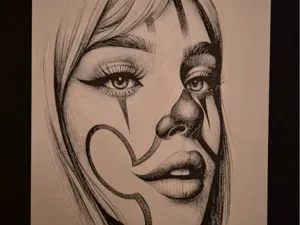
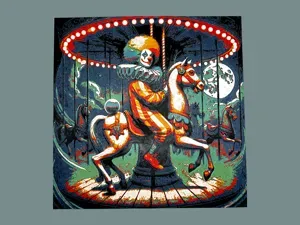
Clown HueForge models often split into flat wall art, busts and full figures, and scene-based prints. Wall art relies on layered color changes, while busts and figures add volume and may need assembly. Circus or carnival scenes combine characters with tents, carts and booths, so the silhouette and background matter as much as the face.
When choosing a model, open the author’s page and check the intended size and scale, the number of parts, and whether supports are required. Look at the photos of real prints to see how the color layers read at the final size. For 3D printing, note the nozzle diameter, layer height and filament colors the author lists, since these affect the result.
To refine the search, try related terms such as creepy clown, horror jester, circus scene, carnival character, Halloween wall art or filament painting. Combine them with HueForge, STL or 3D print to narrow the list. If you want a different mood, swap in gothic, evil or playful clown keywords and check the new results.
完整的主题目录:从家居日用到CNC,均可在已接入的来源平台中搜索。