免费 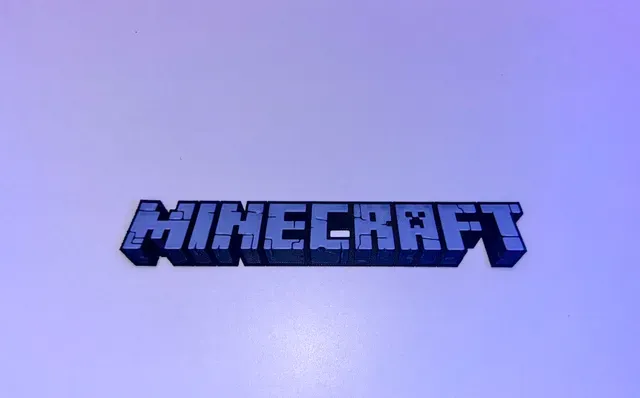
Minecraft logo (Hueforge)
Printables
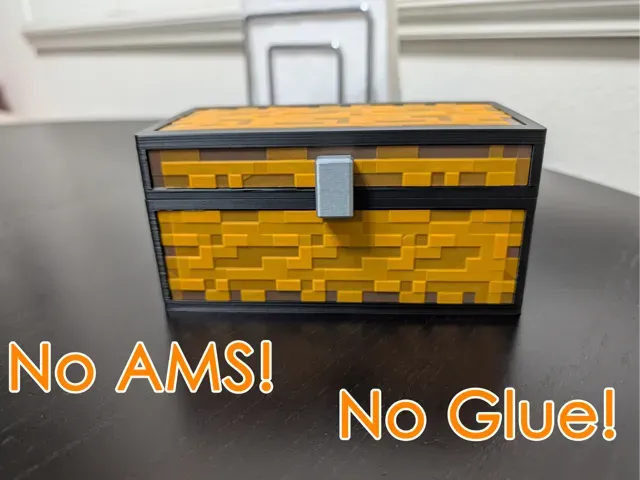
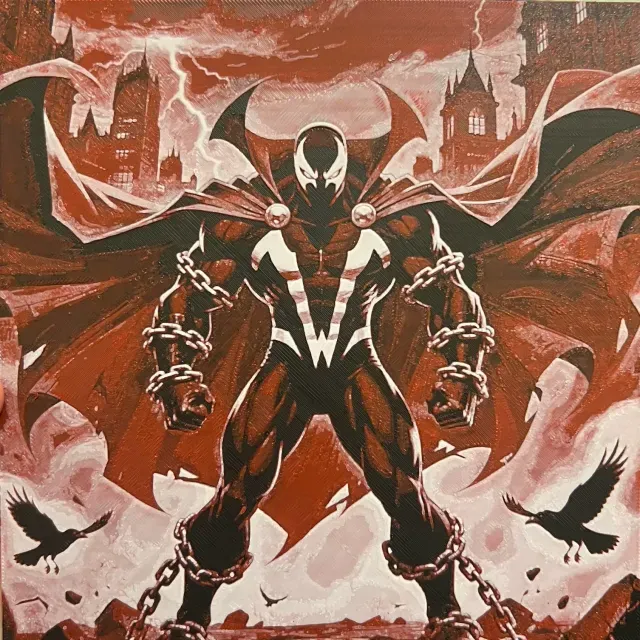
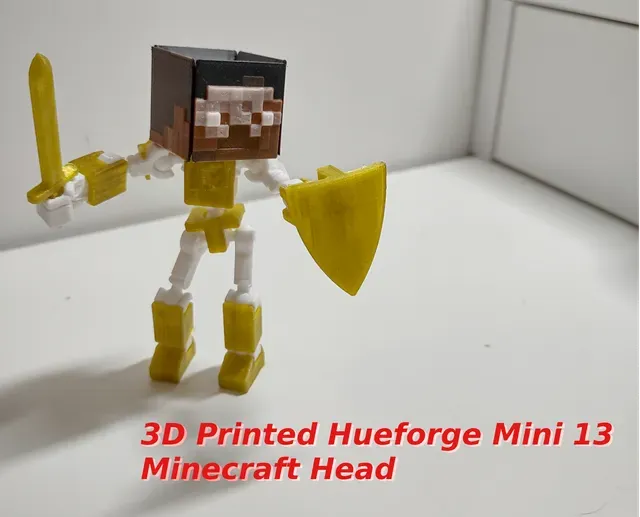
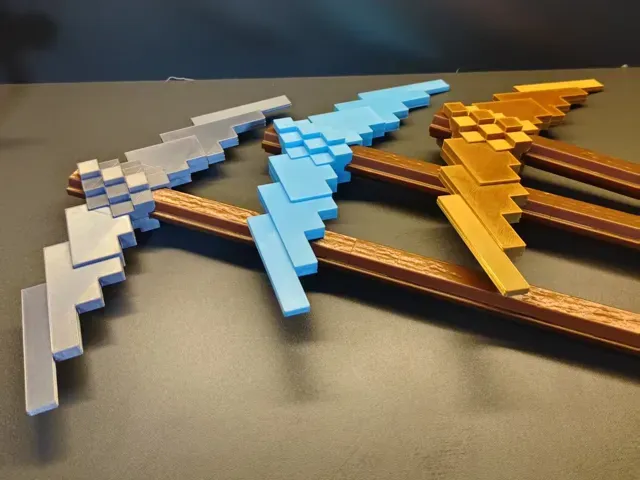
This collection gathers Minecraft-themed HueForge STL files for 3D printing, including logos, mob heads, blocks, and flat panels. It helps you find a starting point for filament-based color prints. Check the author's page for scale, layer height, and filament choices before you print. Polyzon does not confirm whether models are free, their price, license, official status, affiliation, safety or fitness. Check the current terms at the source.
本合集的文字为英文,搜索本身支持任何语言。
 Polyzon合集 · 42个模型 来自3个平台
此合集由Polyzon根据已接入平台的搜索结果整理而成:去除重复项和没有预览图的模型,匹配度低的排在最后,其余按搜索结果顺序排列。模型归作者所有——请在各模型页面查看使用条款。
筛选规则:Polyzon编辑部 · 文字更新于2026年10月15日

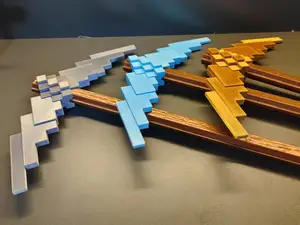
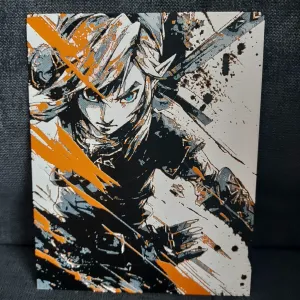
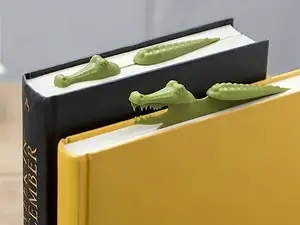
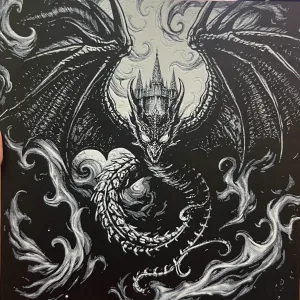

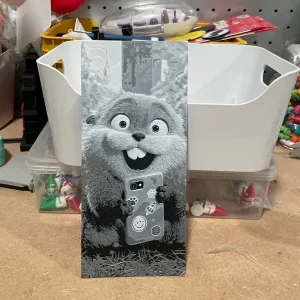
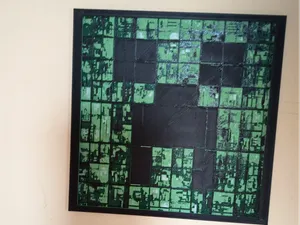
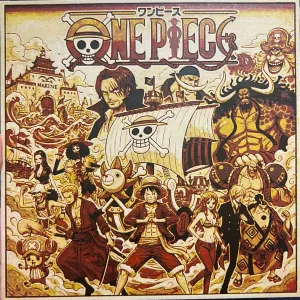
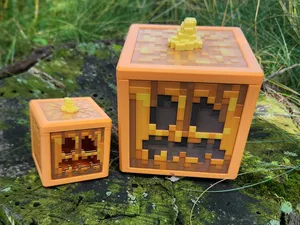
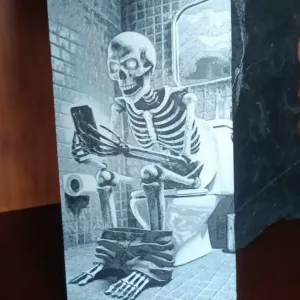
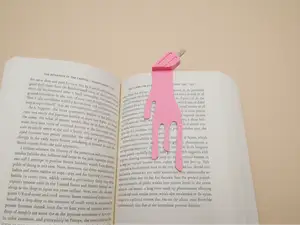
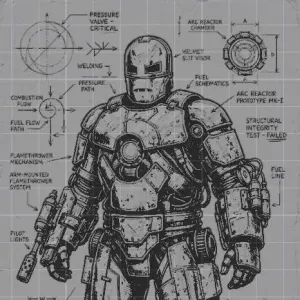

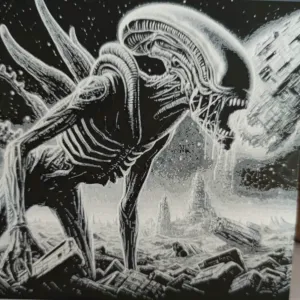
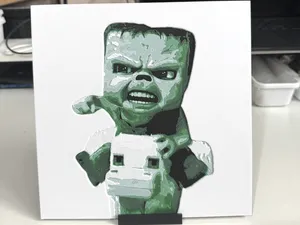
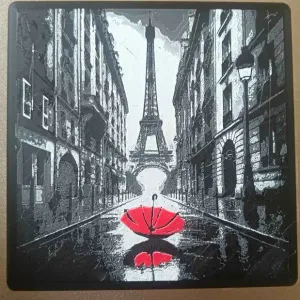
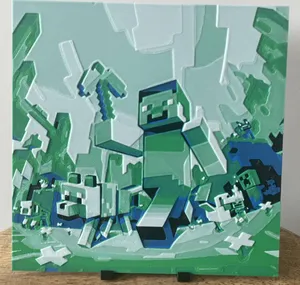
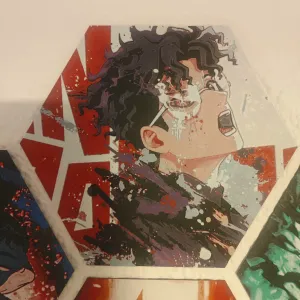
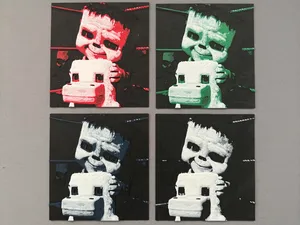
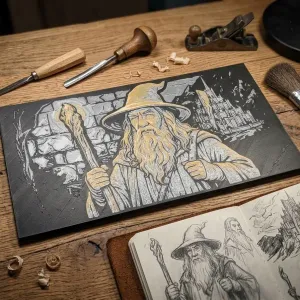
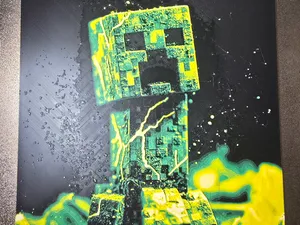
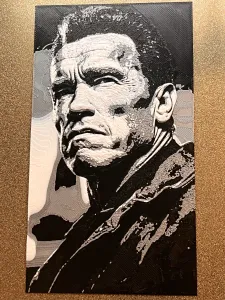
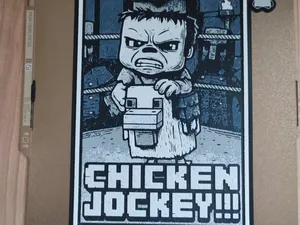
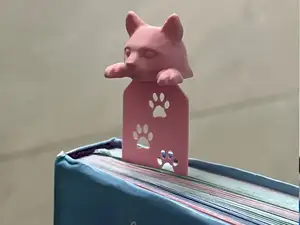
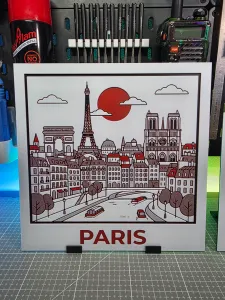
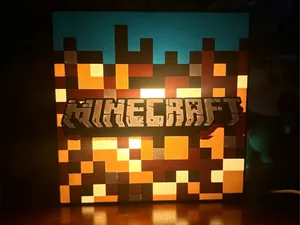
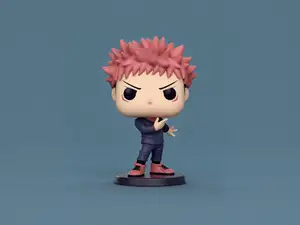
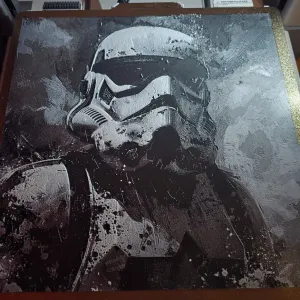
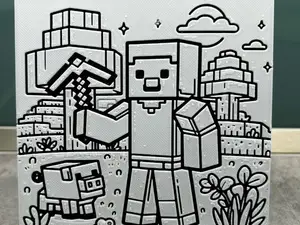
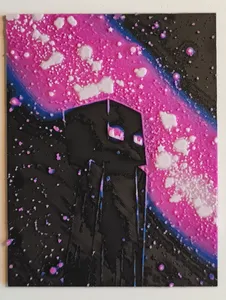
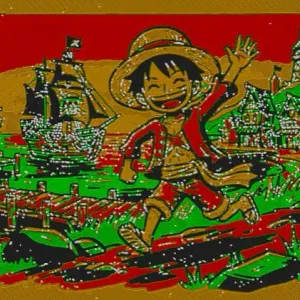
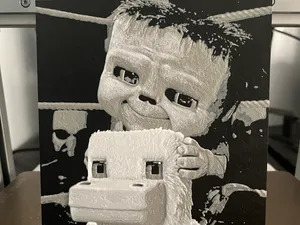
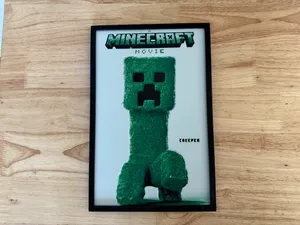
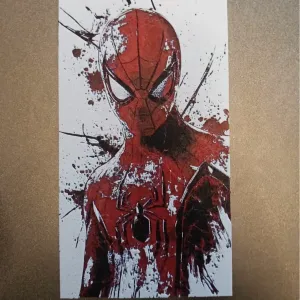
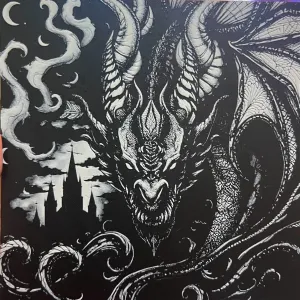
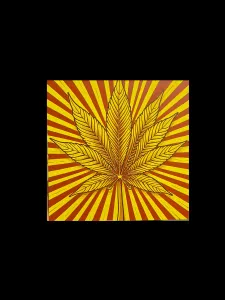
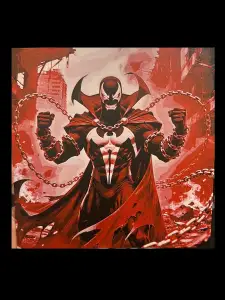
Minecraft HueForge designs often fall into a few groups: logos and text signs, character or mob heads, block and item panels, and square-format compositions. Some are single flat prints, while others are split into panels or designed for a box frame. Bookmarks and small flat pieces also appear in HueForge searches.
When choosing a file, look at the stated size and scale, the number of parts, and whether the author shows photos of real prints. For HueForge, the filament colors, layer height, and swap points matter because they control the final image. Check if the model needs supports, a specific nozzle, or assembly.
To narrow results, try synonyms such as Minecraft HueForge STL, Minecraft filament painting, or Minecraft color print. Related searches include pixel art, blocky characters, mob heads, and square panel prints. Combining Minecraft with terms like bookmark, logo, or panel can surface different formats.

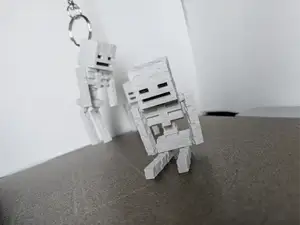

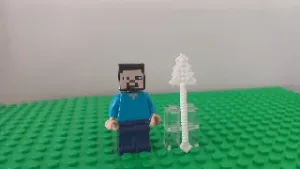
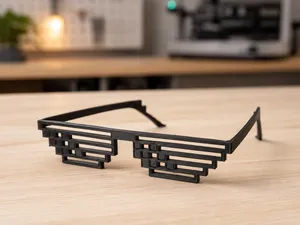

完整的主题目录:从家居日用到CNC,均可在已接入的来源平台中搜索。