無料 
Minecraft logo (Hueforge)
Printables
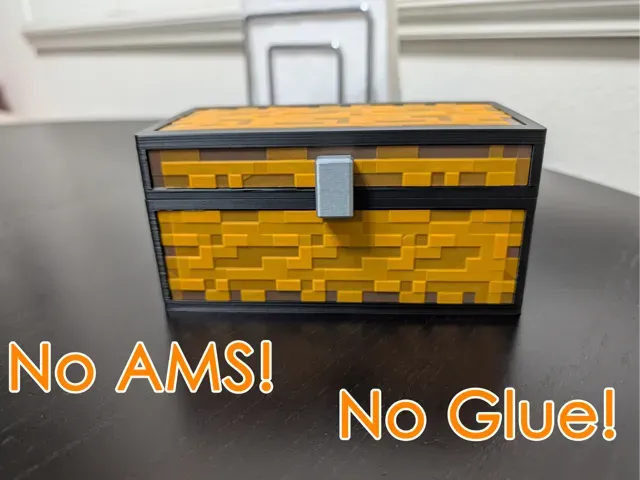
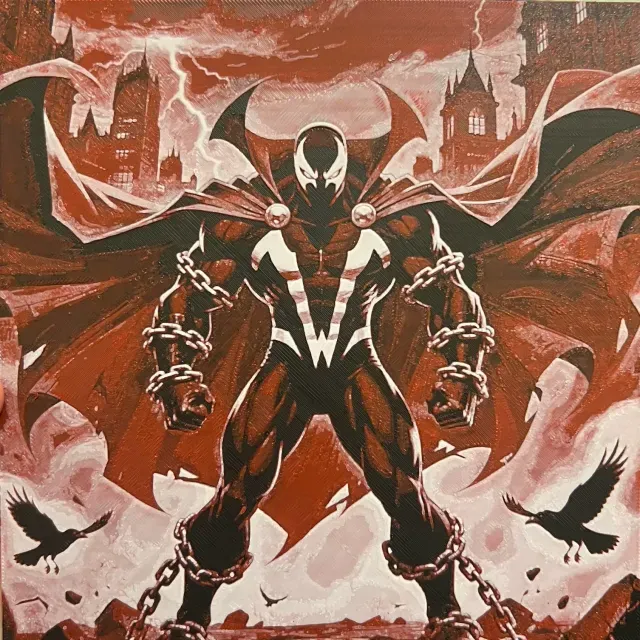
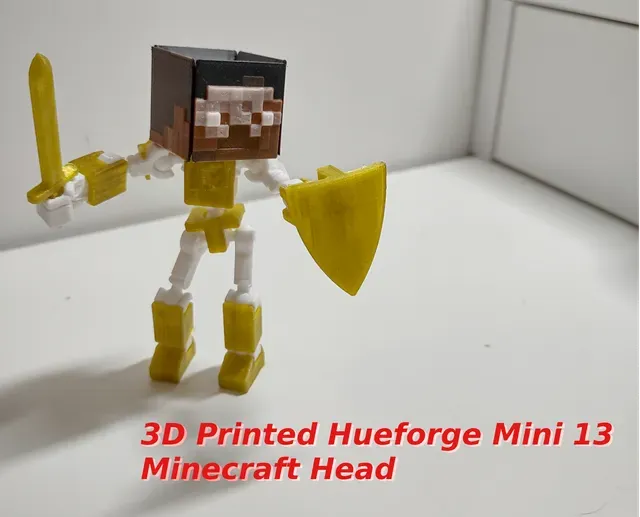
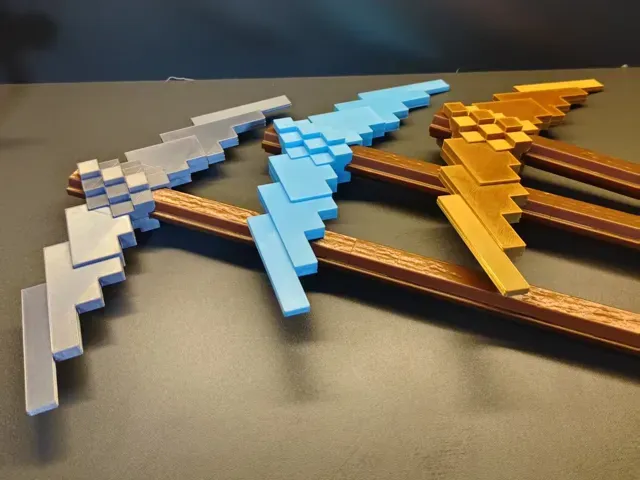
This collection gathers Minecraft-themed HueForge STL files for 3D printing, including logos, mob heads, blocks, and flat panels. It helps you find a starting point for filament-based color prints. Check the author's page for scale, layer height, and filament choices before you print. Polyzon does not confirm whether models are free, their price, license, official status, affiliation, safety or fitness. Check the current terms at the source.
このコレクションの本文は英語で書かれています。検索自体はどの言語でも使えます。
 Polyzonのコレクション · モデル42件 3サイトから収集
このコレクションは、Polyzonが対応サイトの検索結果をもとに作成しています。重複やプレビューのないモデルは除外し、関連性の低いものは後ろに回し、それ以外は検索結果の順に並べています。モデルの権利は各作者にあります。利用条件は各モデルのページでご確認ください。
選定基準:Polyzon編集部 · 本文の更新日:2026年10月15日

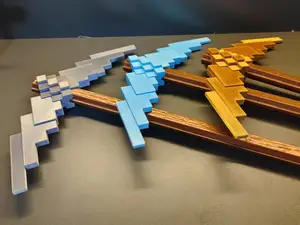
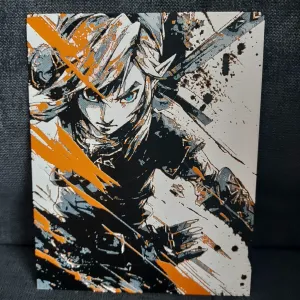
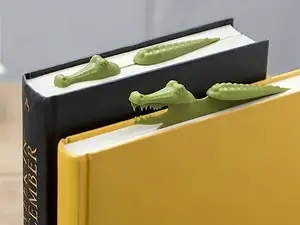
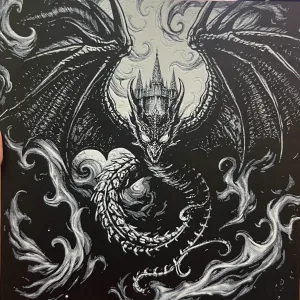

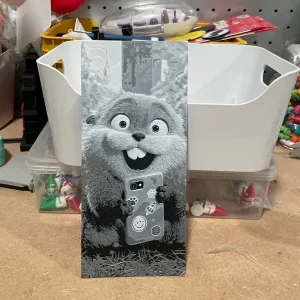
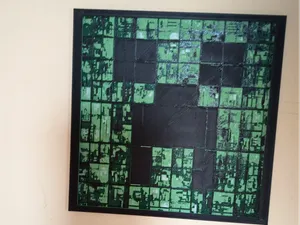
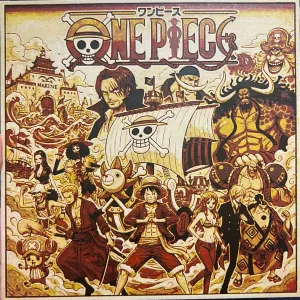
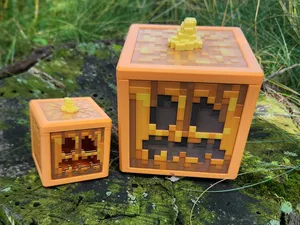
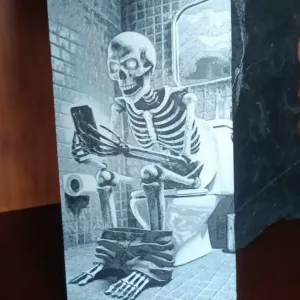
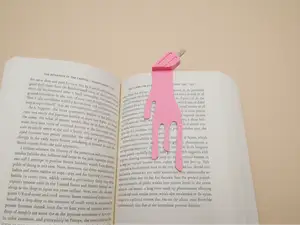
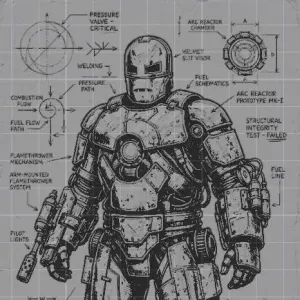

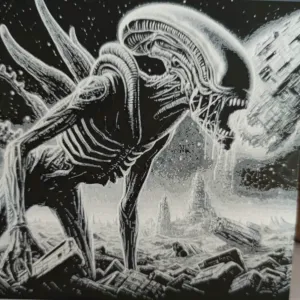
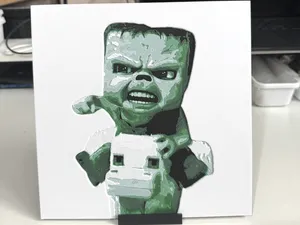
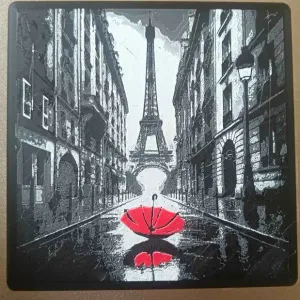
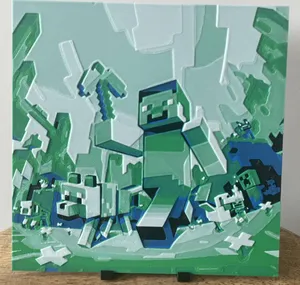
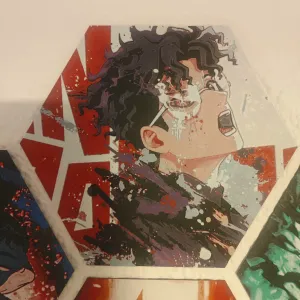
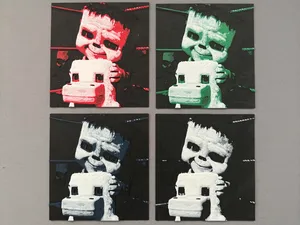
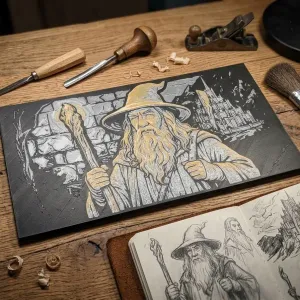
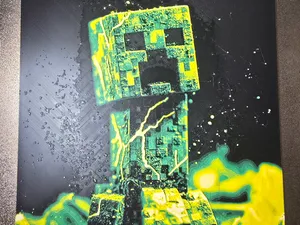
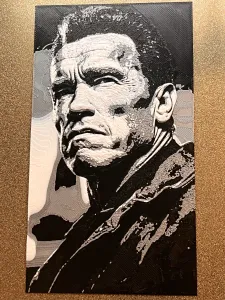
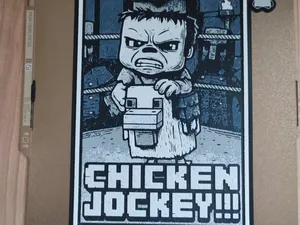
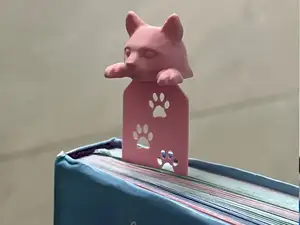
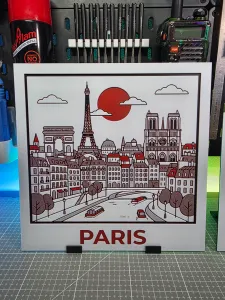
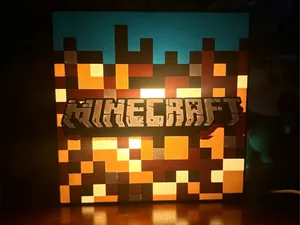
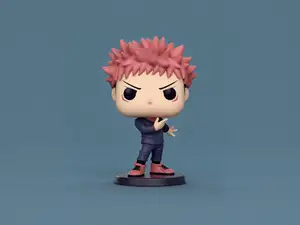
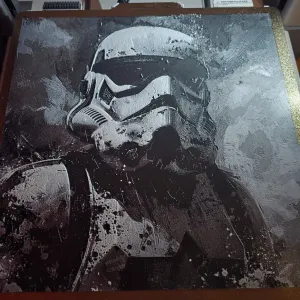
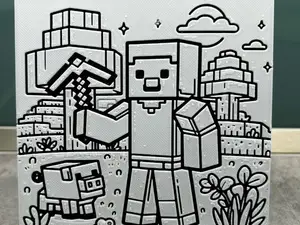
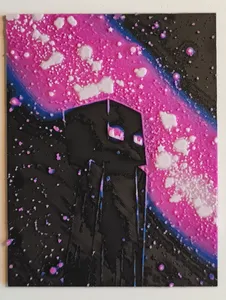
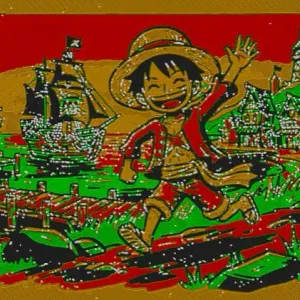
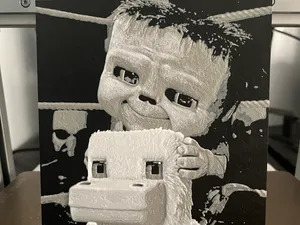
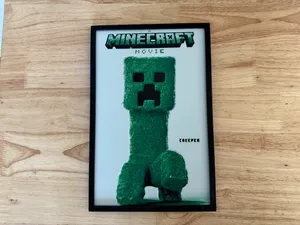
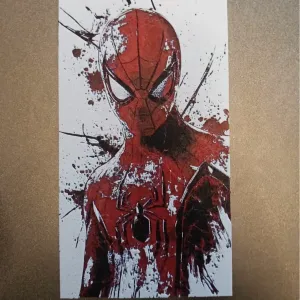
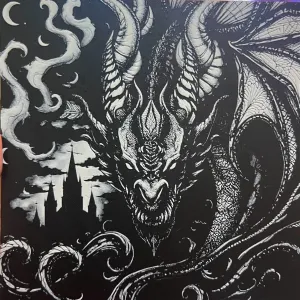
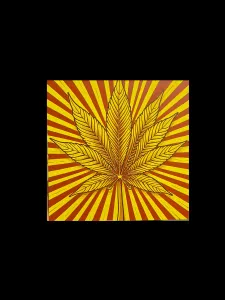
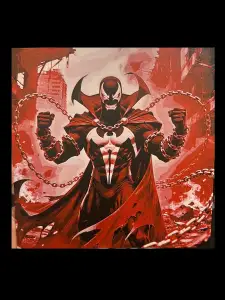
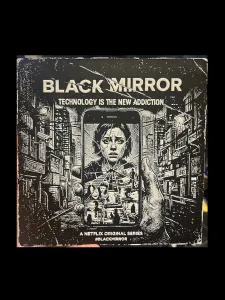
Minecraft HueForge designs often fall into a few groups: logos and text signs, character or mob heads, block and item panels, and square-format compositions. Some are single flat prints, while others are split into panels or designed for a box frame. Bookmarks and small flat pieces also appear in HueForge searches.
When choosing a file, look at the stated size and scale, the number of parts, and whether the author shows photos of real prints. For HueForge, the filament colors, layer height, and swap points matter because they control the final image. Check if the model needs supports, a specific nozzle, or assembly.
To narrow results, try synonyms such as Minecraft HueForge STL, Minecraft filament painting, or Minecraft color print. Related searches include pixel art, blocky characters, mob heads, and square panel prints. Combining Minecraft with terms like bookmark, logo, or panel can surface different formats.



暮らし・日用品からCNCまで、すべてのテーマをそろえたカタログ。対応サイトを横断して検索できます。