免费 
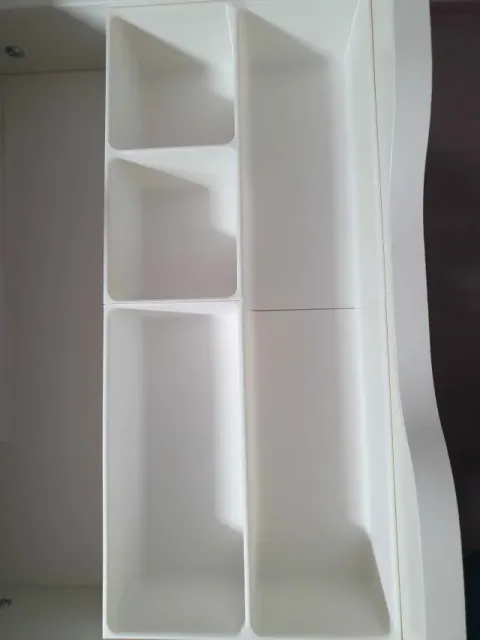
Desk Organizer for Caliper
Thingiverse
This collection gathers STL files for rotary tool organizers: bit trays, wall-mounted holders, drawer inserts and stands for tool bodies and attachments. It helps you compare storage layouts before sending a model to a 3D printer. A shortlist of related designs can save time when you need a place for small accessories. Polyzon does not confirm whether models are free, their price, license, official status, affiliation, safety or fitness. Check the current terms at the source.
本合集的文字为英文,搜索本身支持任何语言。
 Polyzon合集 · 48个模型 来自4个平台
此合集由Polyzon根据已接入平台的搜索结果整理而成:去除重复项和没有预览图的模型,匹配度低的排在最后,其余按搜索结果顺序排列。模型归作者所有——请在各模型页面查看使用条款。
筛选规则:Polyzon编辑部 · 文字更新于2026年10月14日
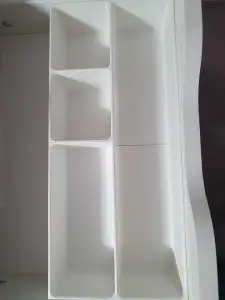

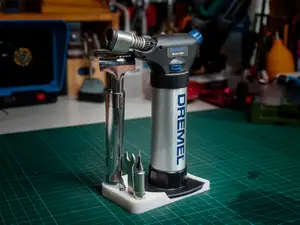
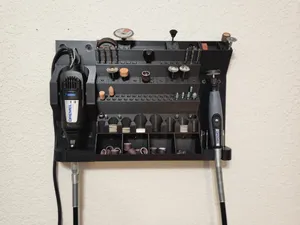
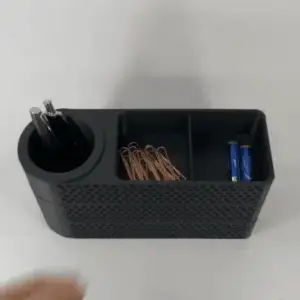

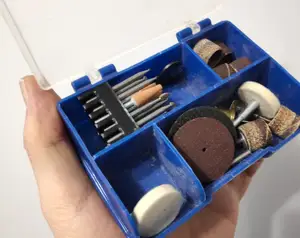
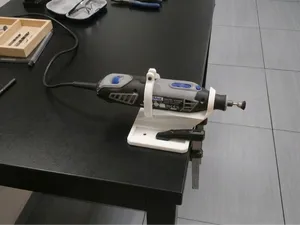
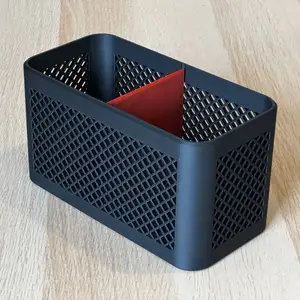


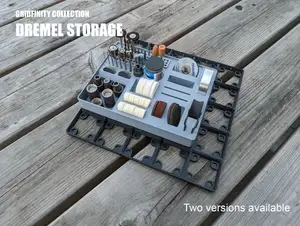
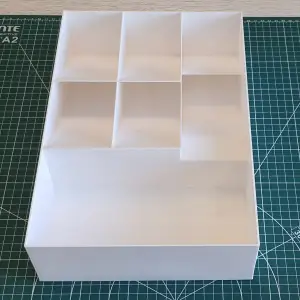

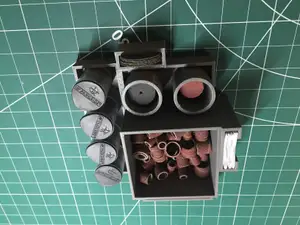
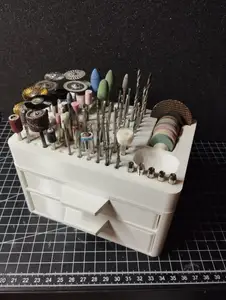
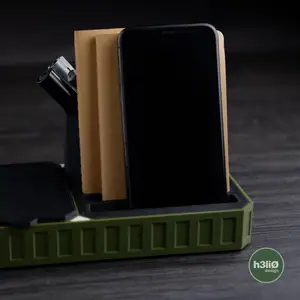

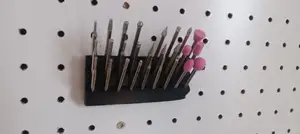
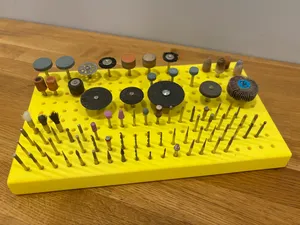
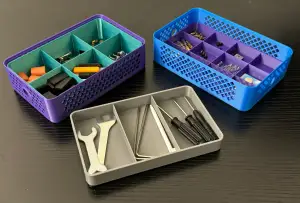

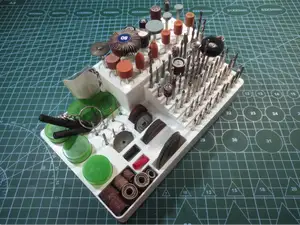
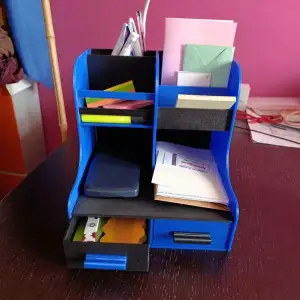

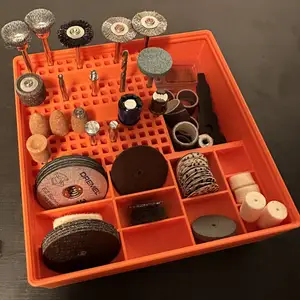
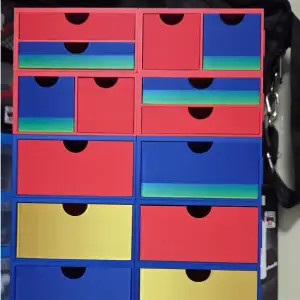

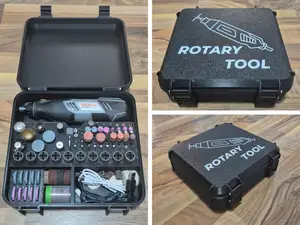
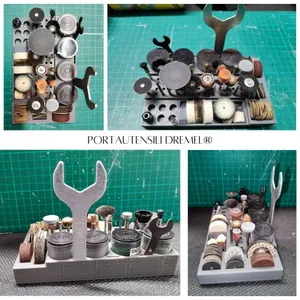

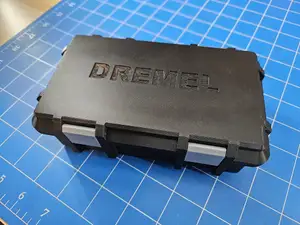
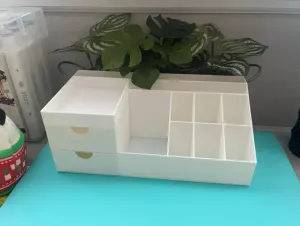
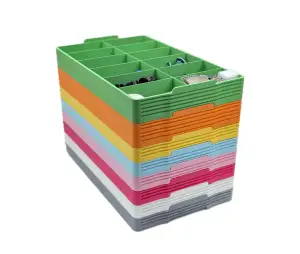
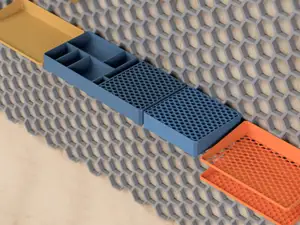
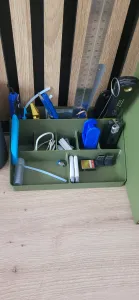

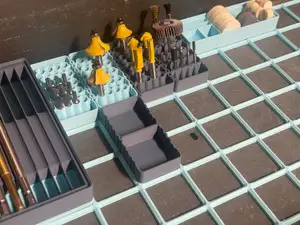
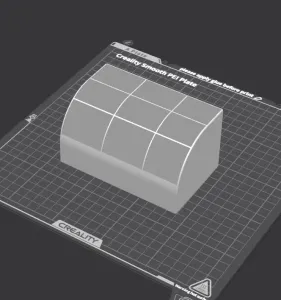

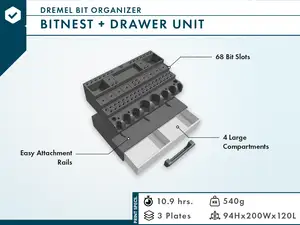
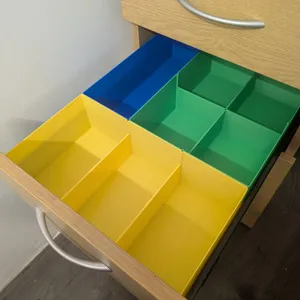

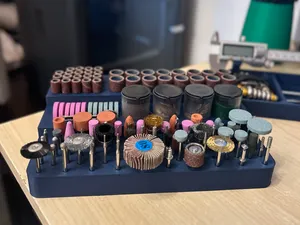
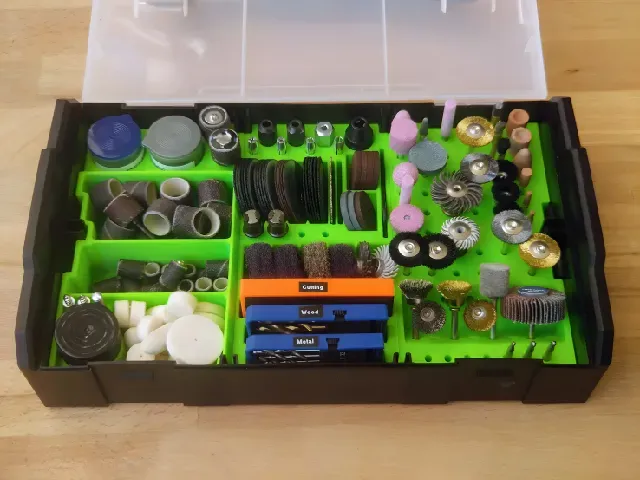
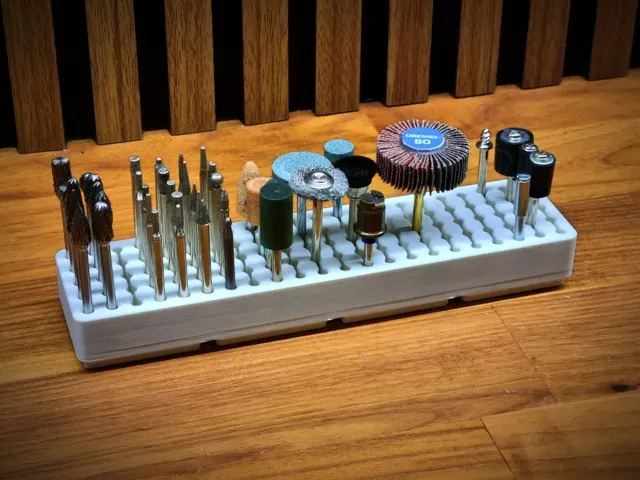
Models range from flat bit trays and compartment boxes to wall-mounted racks, drawer inserts and stands for the tool itself. Some use a fixed layout for one accessory size, while modular grid systems let you combine holders for bits, discs, mandrels and small parts. Desktop versions often include open trays or drawers, whereas wall versions rely on hooks, rails or a backing plate.
On the author's model page, check the stated dimensions, the number of parts and whether assembly is required. Look at whether supports are needed, which material and settings the author lists, and photos of real prints. For small bit holes and thin walls, layer height and nozzle diameter affect how cleanly the openings come out.
Search terms can be broadened with synonyms such as rotary tool organizer, bit holder, accessory tray, drawer insert and wall rack. Related topics include modular workshop storage, desktop tool caddies and compartment boxes for small parts. If you use a specific tool family, add its name or the type of accessory to narrow the results.
完整的主题目录:从家居日用到CNC,均可在已接入的来源平台中搜索。

%2Fhttps%3A%2F%2Ffbi.cults3d.com%2Fuploaders%2F14866159%2Fillustration-file%2Fbbd18f20-3e32-4565-9fc0-728a3c791017%2FP1014190.jpg&w=300)