
免费 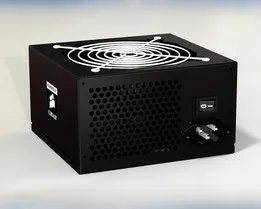
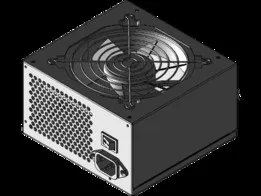
ATX Power Supply / Fonte de Alimentação (v1.0)
GrabCAD
This collection gathers 3D models built around power supplies: enclosures and mounts for ATX units, housings for bench and lab supplies, and small parts such as covers and panel connectors. Most of these files exist because a standard unit does not fit a given case, desk or project box, so 3D printing becomes a way to adapt it. You can browse the range and then narrow it down by form factor, voltage or mounting style. Polyzon does not confirm whether models are free, their price, license, official status, affiliation, safety or fitness. Check the current terms at the source.
本合集的文字为英文,搜索本身支持任何语言。
 Polyzon合集 · 48个模型 来自5个平台
此合集由Polyzon根据已接入平台的搜索结果整理而成:去除重复项和没有预览图的模型,匹配度低的排在最后,其余按搜索结果顺序排列。模型归作者所有——请在各模型页面查看使用条款。
筛选规则:Polyzon编辑部 · 文字更新于2026年10月15日
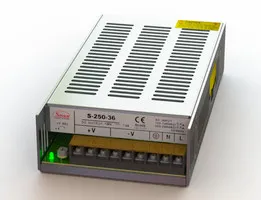

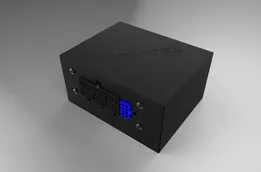
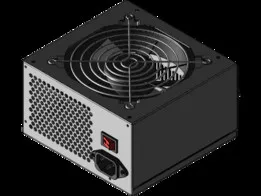
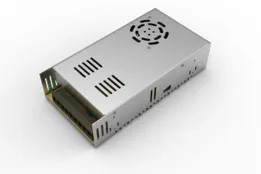
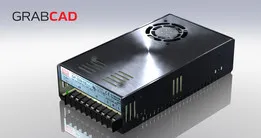

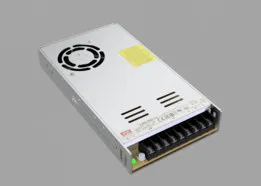
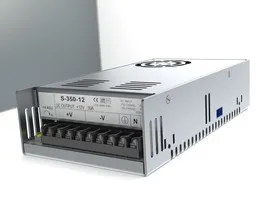
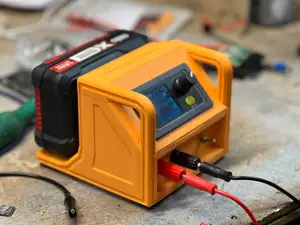

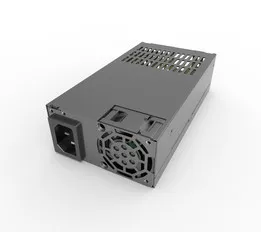
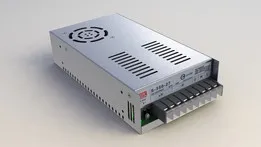

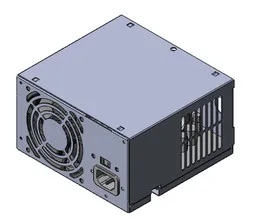

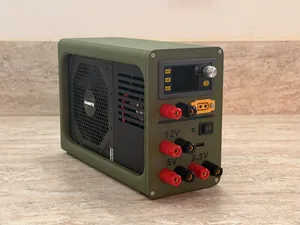
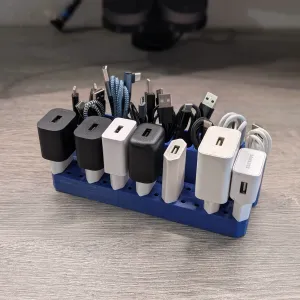

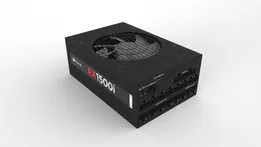


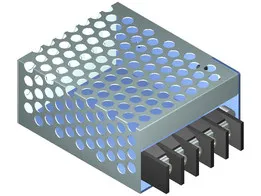
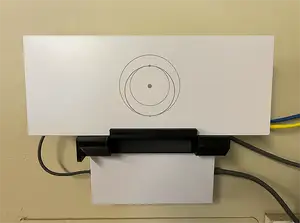
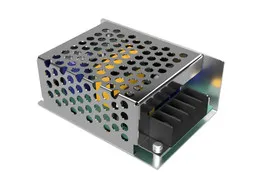

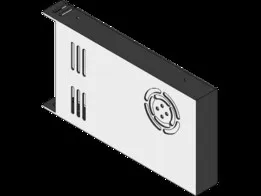
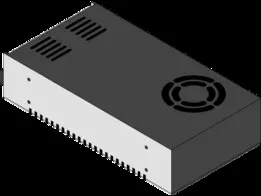
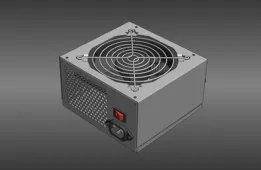
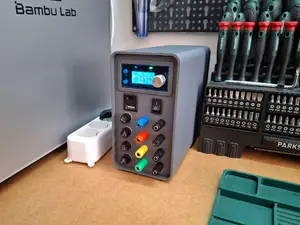

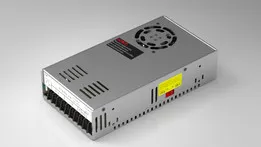
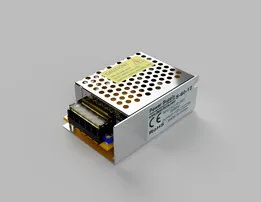


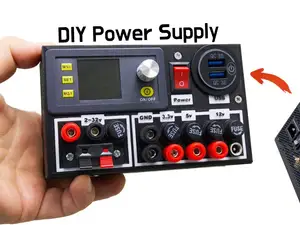
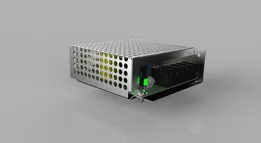
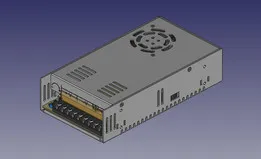


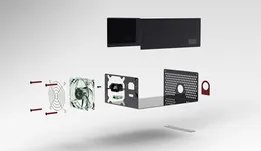

The reference shows several distinct groups. One covers ATX and PC supplies, usually as enclosures, adapters or bench conversions. Another covers switching supplies and DC output units, where the model is often a housing, a terminal cover or a panel cutout. A third group is made of mounts and brackets, including under-desk and furniture mounts, plus small connector plates. Compact form factors such as SFX and 1U appear as well, and these tend to have tighter tolerances than full-size units.
When you open a model page, check the dimensions and scale first, since a housing drawn for one unit rarely fits another of the same nominal class. Look at how many parts are involved, whether they screw, snap or slide together, and whether the author lists supports, infill, wall count or material. For anything near mains voltage, the printed part is usually a holder or a cover rather than an insulator, so the electrical side stays with the original hardware. Photos of finished prints are the quickest way to judge whether the proportions and clearances look right.
Search terms can be broadened or shifted depending on what you need. Try variants such as PSU, power brick, adapter, DC jack, terminal block, DIN rail or panel mount, and pair them with the context, for example desk, workbench, rack, printer or enclosure. Related topics include cable management, ventilation grilles, fan ducts and project boxes, which often solve the same problem from a different angle. If a search returns little, drop the voltage or wattage from the query and describe the shape or the mounting method instead.


完整的主题目录:从家居日用到CNC,均可在已接入的来源平台中搜索。