免费 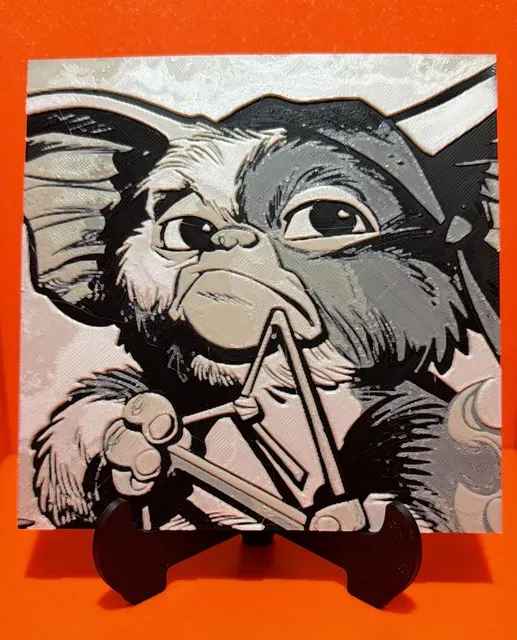
Rambo Mogwai HueForge
Printables
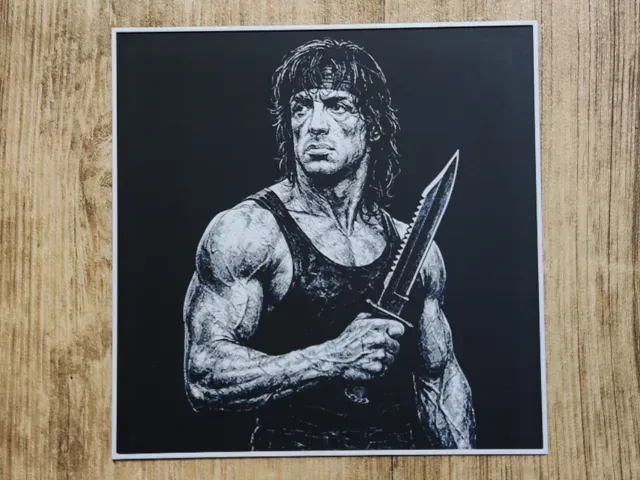
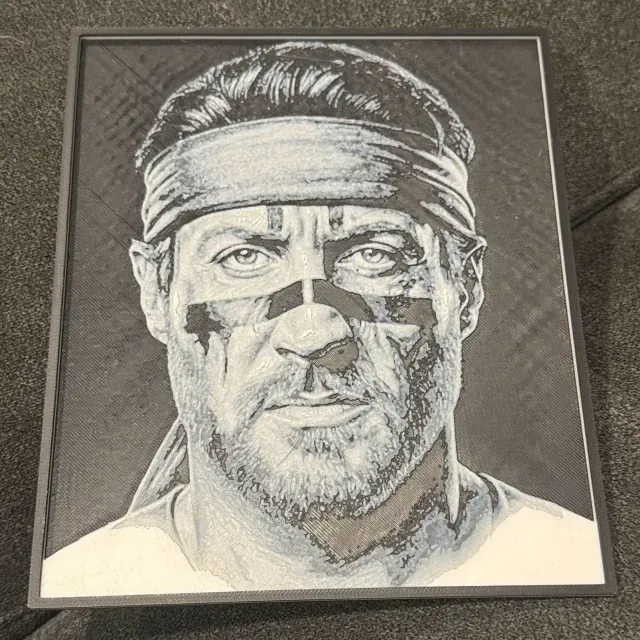
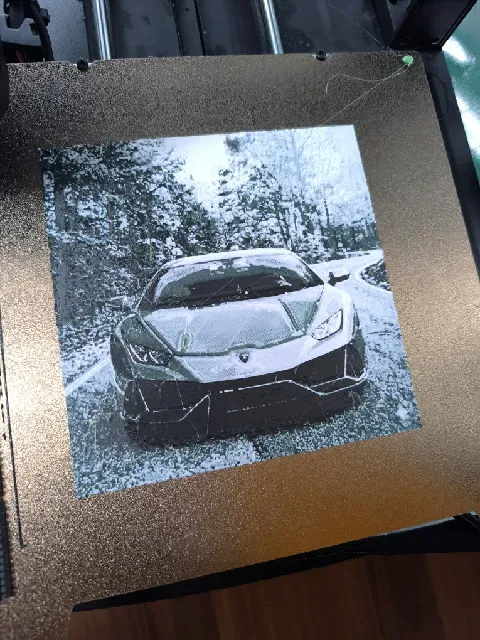
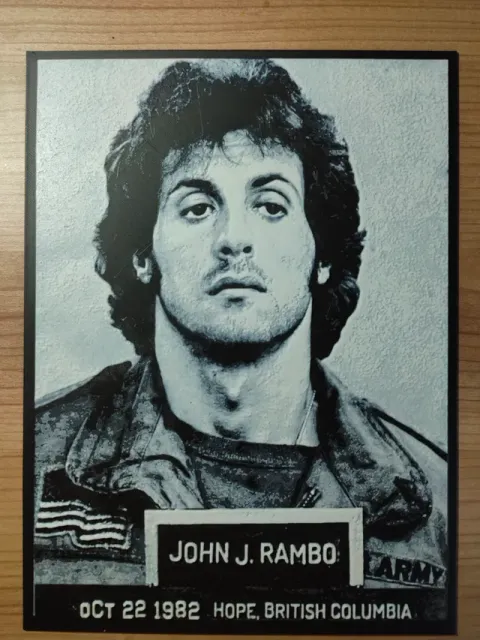
This collection gathers HueForge-style Rambo models: flat colour-blend panels, poster compositions and stylised character takes. Each entry is a 3D printing file you slice and print in layers of filament rather than paint. It is useful if you want wall art built on a 3D printer with a small number of colour changes. Polyzon does not confirm whether models are free, their price, license, official status, affiliation, safety or fitness. Check the current terms at the source.
本合集的文字为英文,搜索本身支持任何语言。
 Polyzon合集 · 42个模型 来自3个平台
此合集由Polyzon根据已接入平台的搜索结果整理而成:去除重复项和没有预览图的模型,匹配度低的排在最后,其余按搜索结果顺序排列。模型归作者所有——请在各模型页面查看使用条款。
筛选规则:Polyzon编辑部 · 文字更新于2026年10月15日


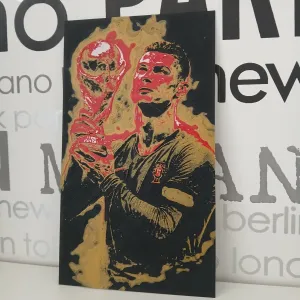

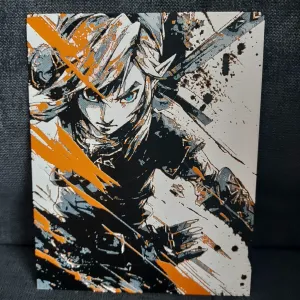
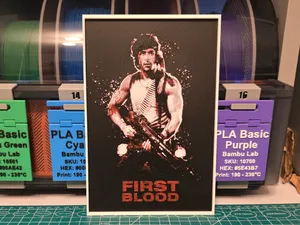
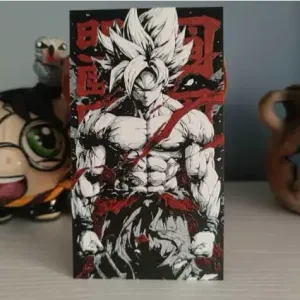

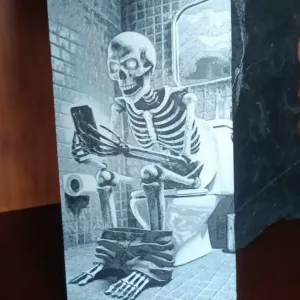
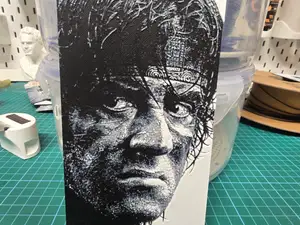
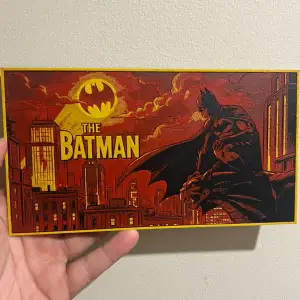

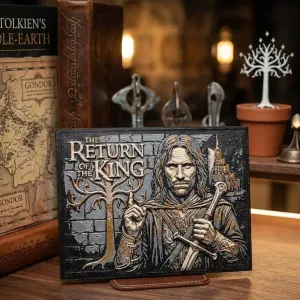

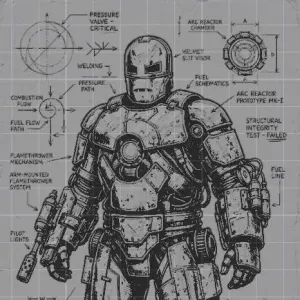
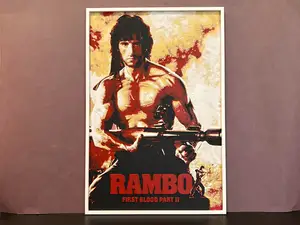
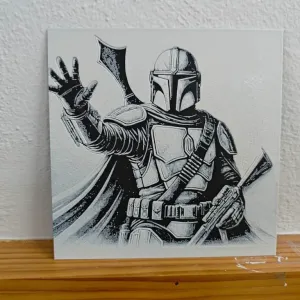

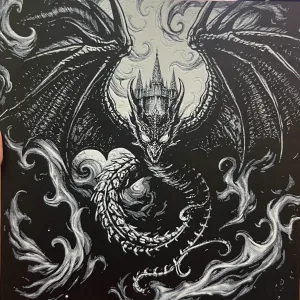

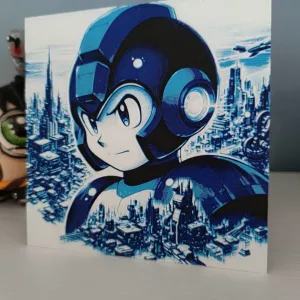
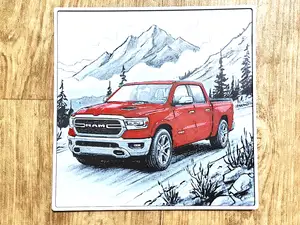


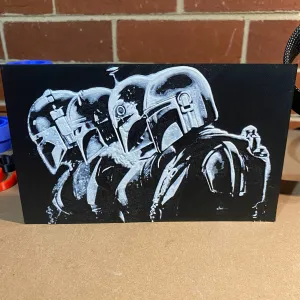


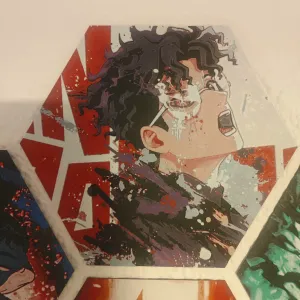
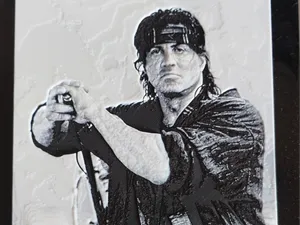
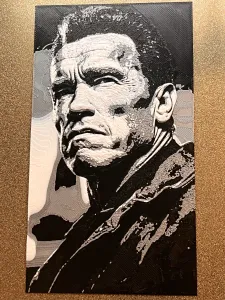
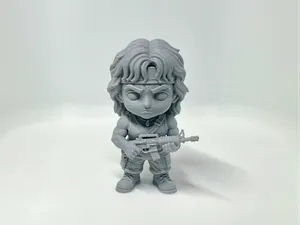
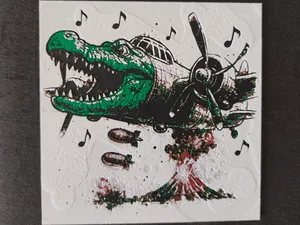
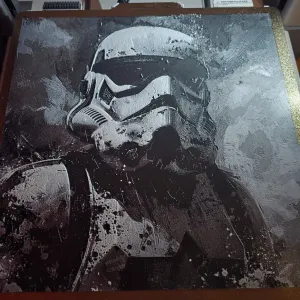
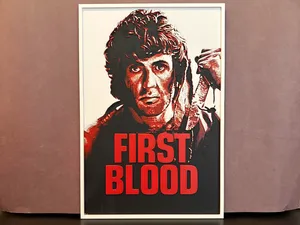
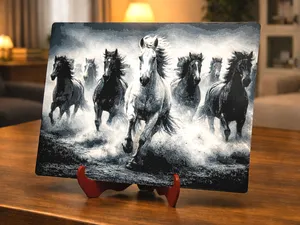
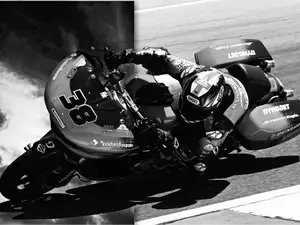
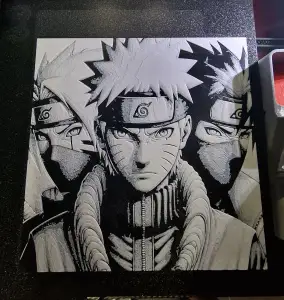
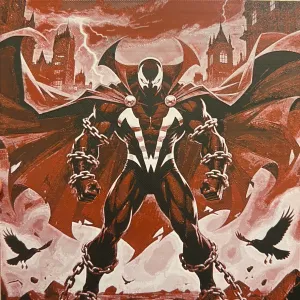
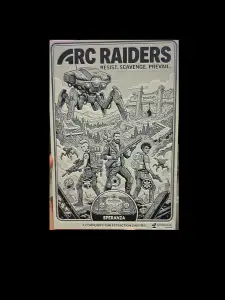
The entries split mostly by composition. Some are close-up portraits of the character, others reproduce a film-poster layout with title space and background, and a few push the same subject into a chibi or cartoon proportion. Colour count varies too: some files are built around two or three filaments, while others stack more shades to get smoother gradients in skin and shadow.
HueForge panels are printed flat, so the practical questions are different from a figurine. On the author's page, look at the finished dimensions and the layer height, since both decide how much detail survives and how long the print runs. Check how many filament swaps the file expects, which colours the author used, and whether the model is meant to be printed as one piece or as separate plates. Photos of real prints are the quickest way to judge how the blend reads in daylight.
If the results feel narrow, widen the terms you search with. Try the character name alone, the film title, or the phrase for the technique, and add words like poster, portrait, chibi or panel. Related topics that often surface the same kind of file include other action-film characters, comic and anime portraits, and single-colour or two-colour wall art. Adjusting the colour count or the panel size in your own slicer settings is usually enough to make a found file fit the display you have in mind.


完整的主题目录:从家居日用到CNC,均可在已接入的来源平台中搜索。