Kostenlos 
Rambo Mogwai HueForge
Printables
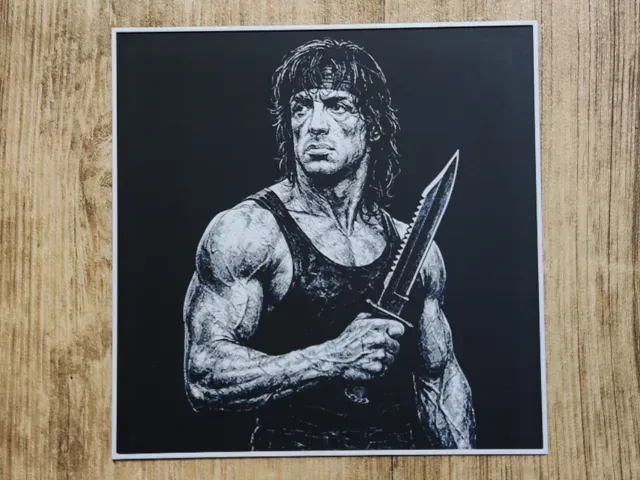
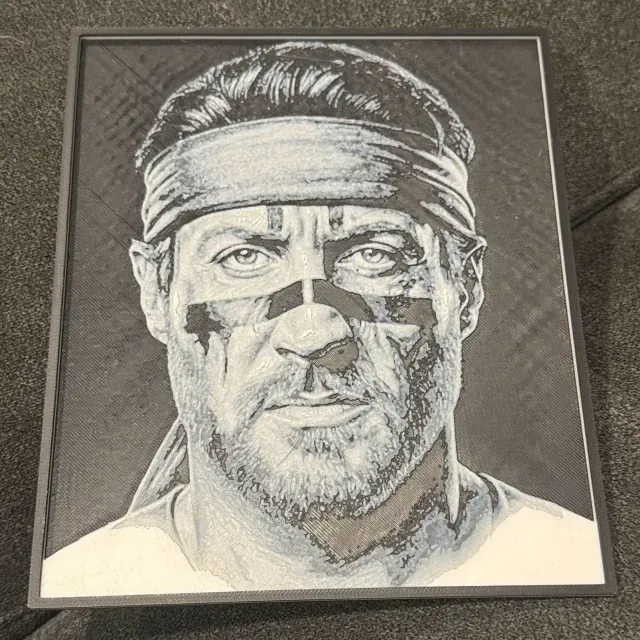
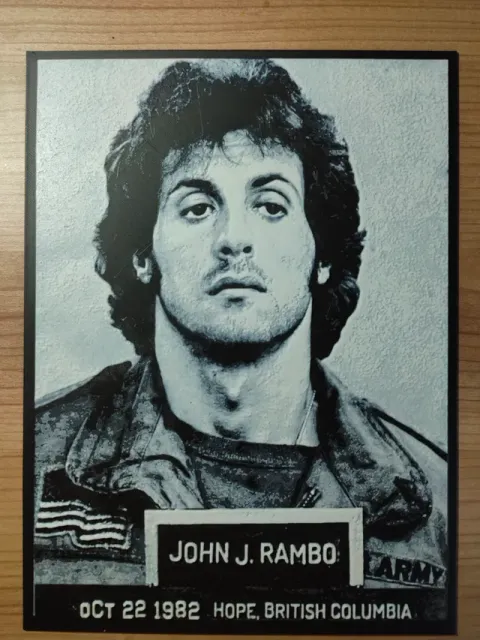
This collection gathers HueForge-style Rambo models: flat colour-blend panels, poster compositions and stylised character takes. Each entry is a 3D printing file you slice and print in layers of filament rather than paint. It is useful if you want wall art built on a 3D printer with a small number of colour changes. Polyzon does not confirm whether models are free, their price, license, official status, affiliation, safety or fitness. Check the current terms at the source.
Der Text dieser Sammlung ist auf Englisch verfasst; die Suche selbst funktioniert in jeder Sprache.
 Eine Sammlung von Polyzon · 42 Modelle von 3 Plattformen
Polyzon stellt diese Sammlung aus den Suchergebnissen der angebundenen Plattformen zusammen. Dubletten und Modelle ohne Vorschaubild werden entfernt, schwache Treffer rutschen ans Ende, der Rest bleibt in der Reihenfolge der Suche. Die Modelle gehören ihren Urhebern – die Bedingungen findest du auf der Seite des jeweiligen Modells.
Auswahlregeln: Polyzon-Redaktion · Text aktualisiert: 15.10.2026

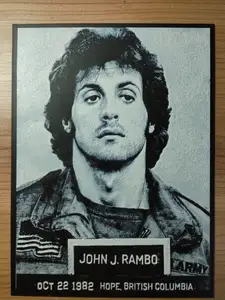
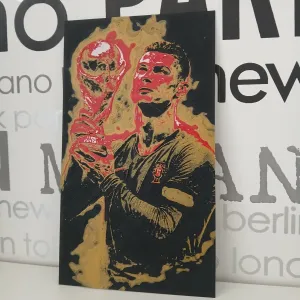

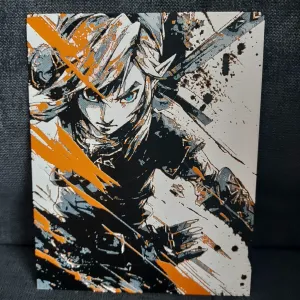
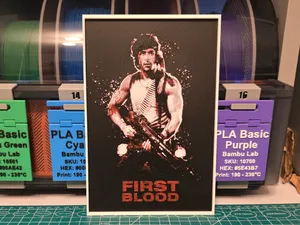
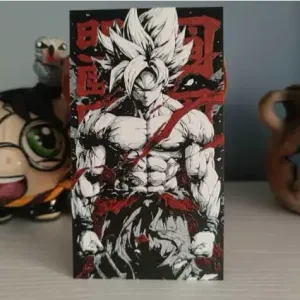
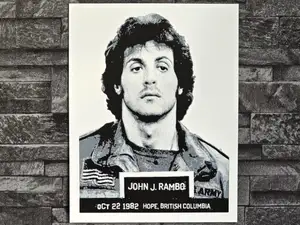
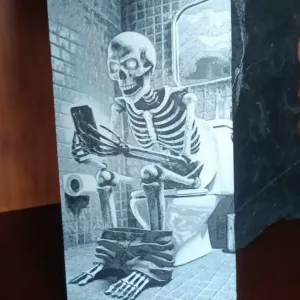
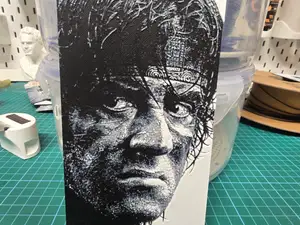
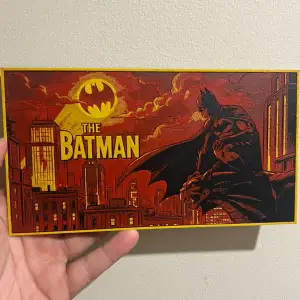
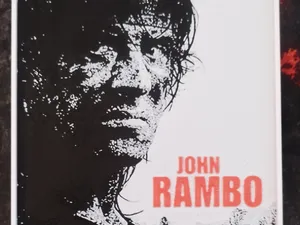
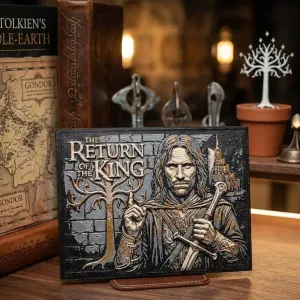
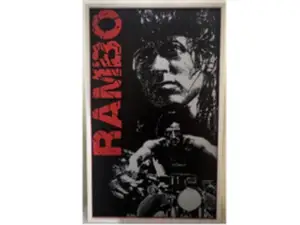
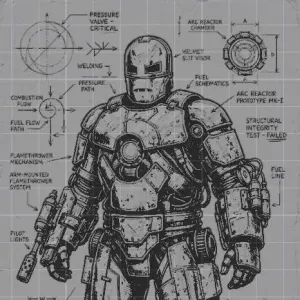
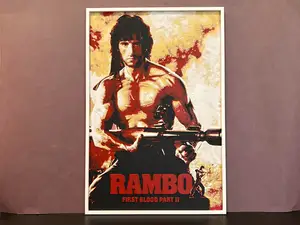
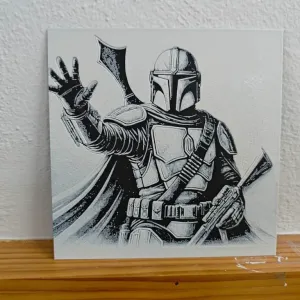

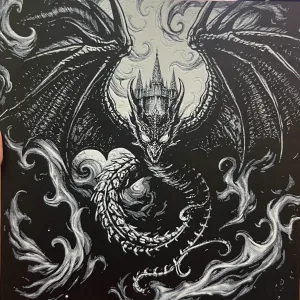
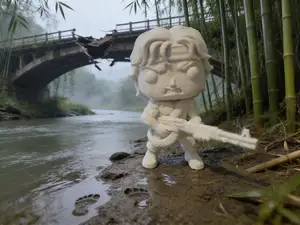
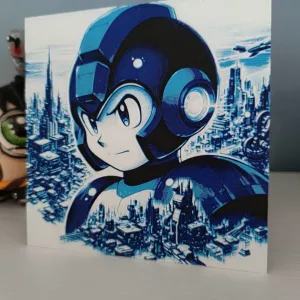
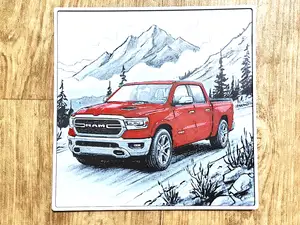
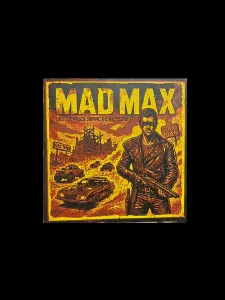
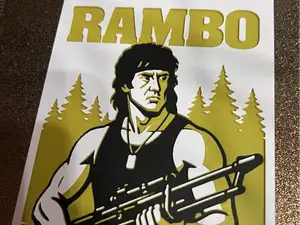
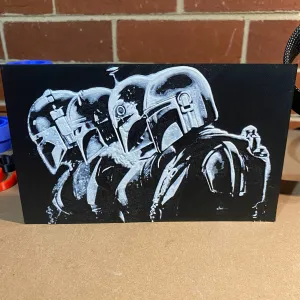

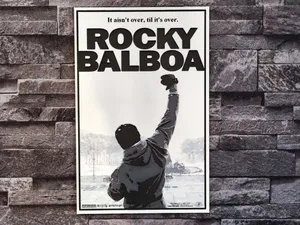
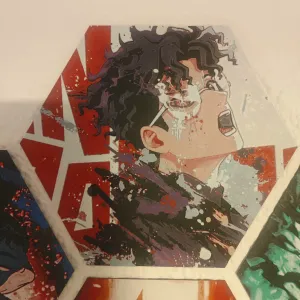
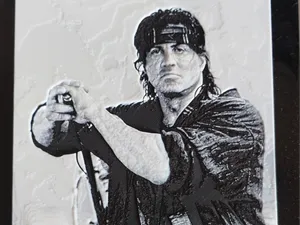
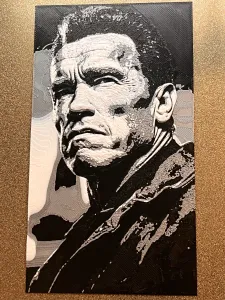
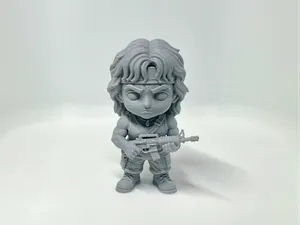
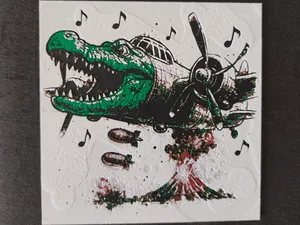
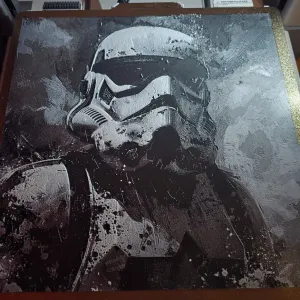
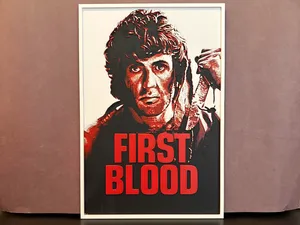
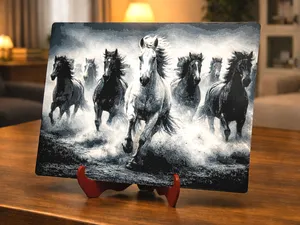
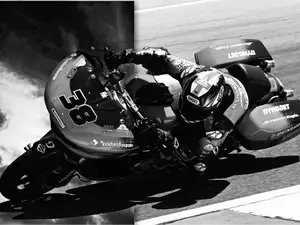
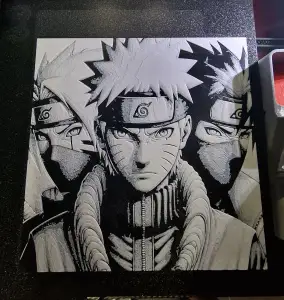
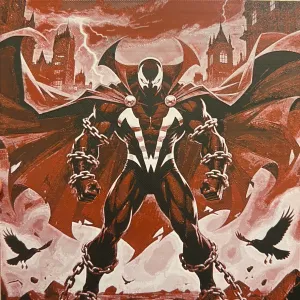
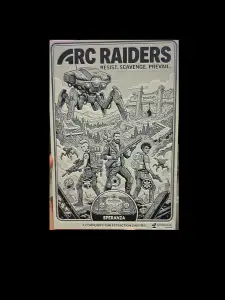
The entries split mostly by composition. Some are close-up portraits of the character, others reproduce a film-poster layout with title space and background, and a few push the same subject into a chibi or cartoon proportion. Colour count varies too: some files are built around two or three filaments, while others stack more shades to get smoother gradients in skin and shadow.
HueForge panels are printed flat, so the practical questions are different from a figurine. On the author's page, look at the finished dimensions and the layer height, since both decide how much detail survives and how long the print runs. Check how many filament swaps the file expects, which colours the author used, and whether the model is meant to be printed as one piece or as separate plates. Photos of real prints are the quickest way to judge how the blend reads in daylight.
If the results feel narrow, widen the terms you search with. Try the character name alone, the film title, or the phrase for the technique, and add words like poster, portrait, chibi or panel. Related topics that often surface the same kind of file include other action-film characters, comic and anime portraits, and single-colour or two-colour wall art. Adjusting the colour count or the panel size in your own slicer settings is usually enough to make a found file fit the display you have in mind.


Der komplette Themenkatalog – von Wohnen & Haushalt bis CNC, mit Suche auf allen angebundenen Plattformen.