Gratis 
Cabinet Handle Jig
Thingiverse
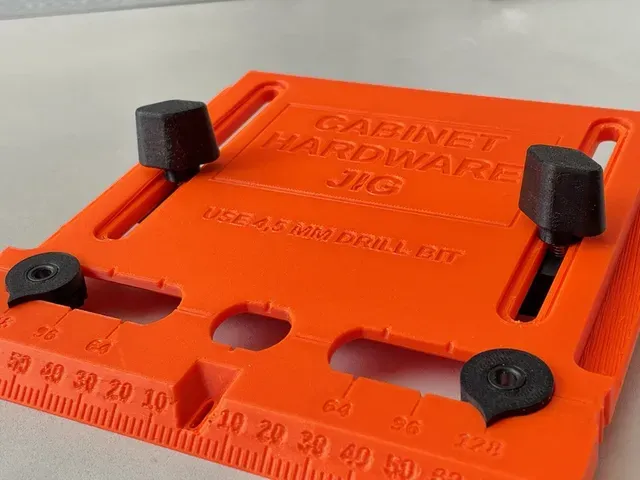
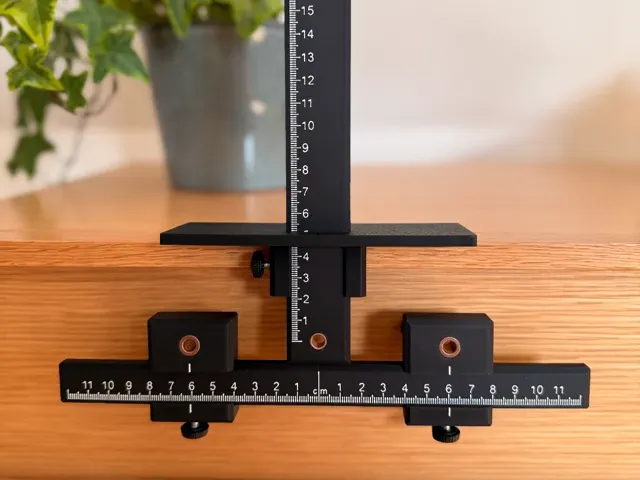
This collection gathers STL models that act as jigs and guides for cabinet work: handle drilling templates, hinge boring aids, assembly squares and door alignment helpers. They are made for 3D printing, so a workshop can produce a template in the size its own boards and hardware require. The range is broad, from small drilling guides to larger assembly frames. Polyzon does not confirm whether models are free, their price, license, official status, affiliation, safety or fitness. Check the current terms at the source.
Esta colección está escrita en inglés, pero la búsqueda funciona en cualquier idioma.
 Una colección de Polyzon · 47 modelos de 4 plataformas
Polyzon reúne esta colección a partir de los resultados de búsqueda de las plataformas conectadas. Se eliminan los duplicados y los modelos sin vista previa, las coincidencias débiles van al final y el resto mantiene el orden de la búsqueda. Los modelos pertenecen a sus autores: consulta las condiciones en la página de cada modelo.
Criterios de selección: el equipo editorial de Polyzon · Texto actualizado el 14/10/2026
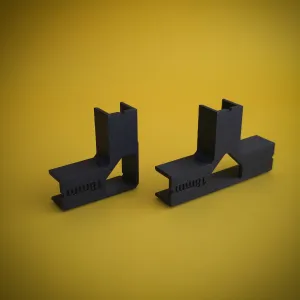


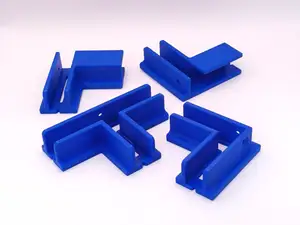



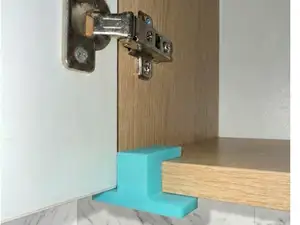
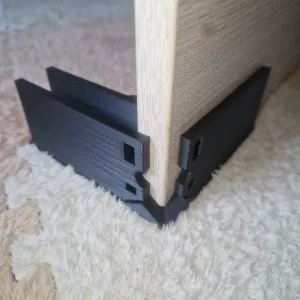

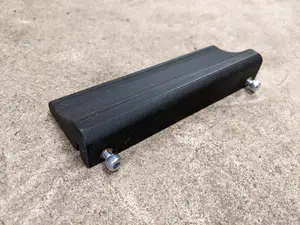
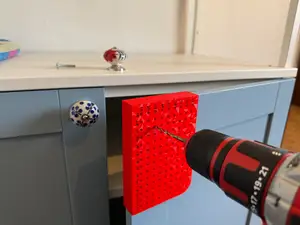


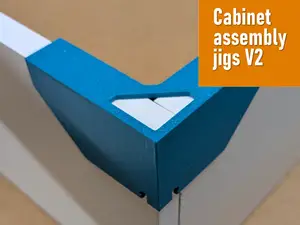



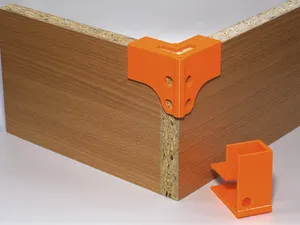
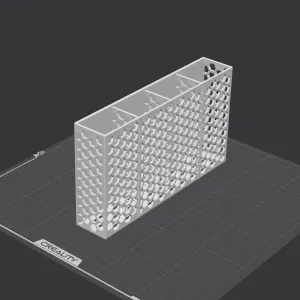

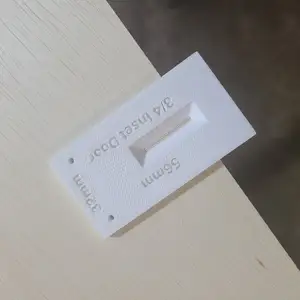
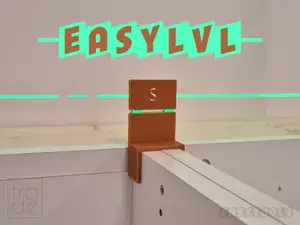


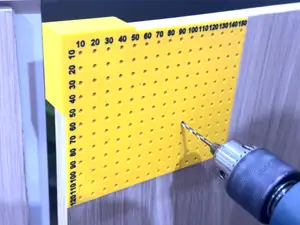

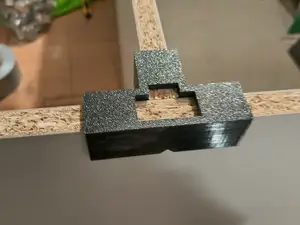



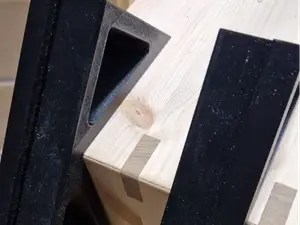

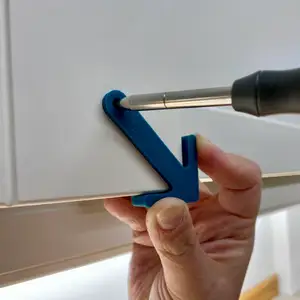
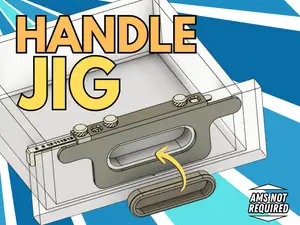

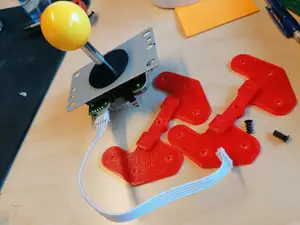

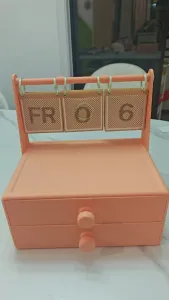
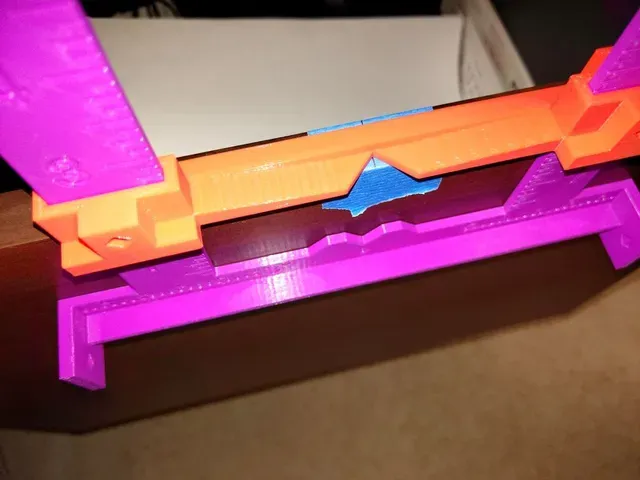
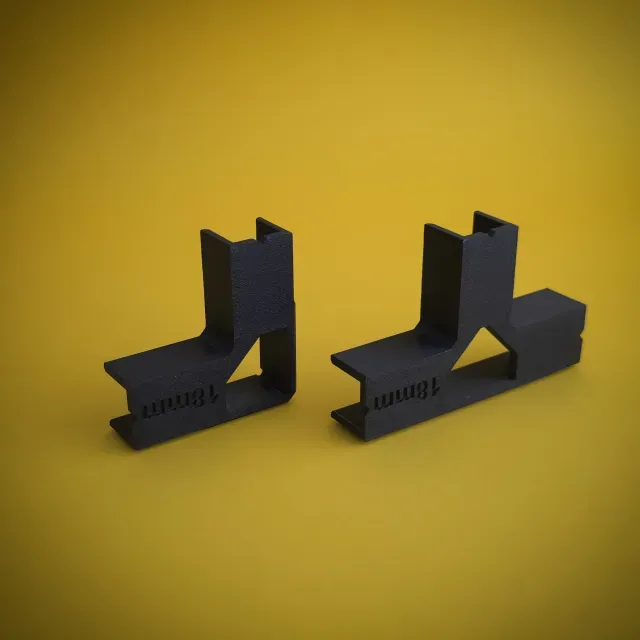
The models differ mainly in the operation they support. Handle and pull jigs fix the spacing and offset of knob or bar holes across a run of doors, while hinge jigs control the cup diameter and bore distance for concealed hinges. Assembly jigs hold boards of a given thickness at a right angle during glue-up, and door helpers keep a panel flush or level while the mounting screws go in. Some entries are simple drill guides with one fixed offset, others are multi-part frames with clamps or inserts.
When choosing a model, read the author's page rather than the thumbnail. Check the board thickness the jig is dimensioned for, the drill or bushing diameter it expects, and the hole spacing it produces, since these decide whether the template matches your hardware. Look at whether the model is split into parts, how they join, and whether supports or extra fasteners are needed. The material and slicer settings the author lists, together with photos of real prints, tell you more about the result than the render does.
Search results widen quickly if you vary the wording. Besides "jig", try "drilling template", "drill guide", "boring jig", "hardware template" or "assembly square". Related terms such as pocket hole, dowel, shelf pin, hinge cup or cabinet scraper sharpening lead to other workshop aids in the same style. Adding a dimension to the query, for example 18 mm, 3/4 inch or a specific offset, narrows the list to models built around that measurement.
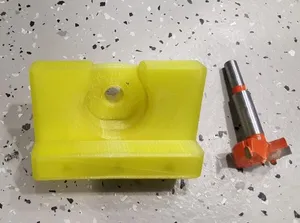
%2Fhttps%3A%2F%2Ffbi.cults3d.com%2Fuploaders%2F13556425%2Fillustration-file%2Fc2b5f23c-4848-4510-a0aa-dae0c964a772%2F14dba259d5bb6a7520b67ec5cedba99b_preview_featured.jpg&w=300)


El catálogo completo de temáticas, del hogar al CNC, con búsqueda en todas las plataformas conectadas.