
Gratuit 
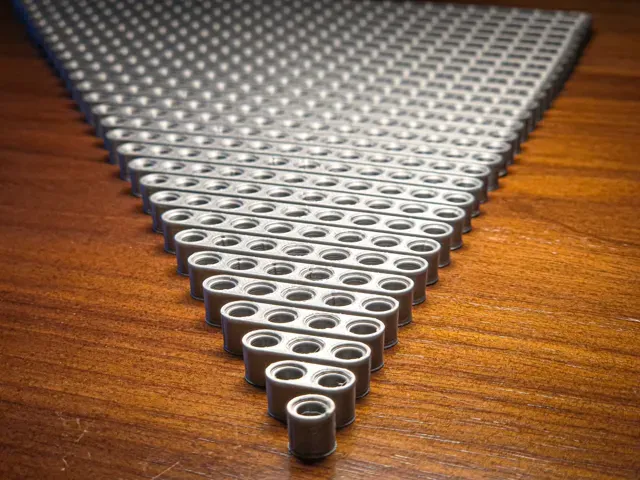
Lego Technic 4M Beam
Thingiverse
This collection gathers 3D models built around the LEGO Technic system: beams and liftarms, pins and axles, gears, and mounts for large car sets. It is useful when a part is missing from a build or when you want to adapt a construction to your own project. Most files are made for FDM 3D printing and come with the author's own notes on scale and orientation. Polyzon does not confirm whether models are free, their price, license, official status, affiliation, safety or fitness. Check the current terms at the source.
Le texte de cette collection est rédigé en anglais ; la recherche, elle, fonctionne dans toutes les langues.
 Une collection Polyzon · 48 modèles sur 3 plateformes
Polyzon compose cette collection à partir des résultats de recherche des plateformes connectées. Les doublons et les modèles sans aperçu sont retirés, les correspondances faibles sont placées à la fin, et le reste suit l’ordre de la recherche. Les modèles appartiennent à leurs auteurs : consultez les conditions sur la page de chaque modèle.
Règles de sélection : la rédaction de Polyzon · Texte mis à jour le 13/10/2026


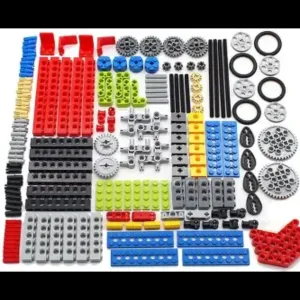

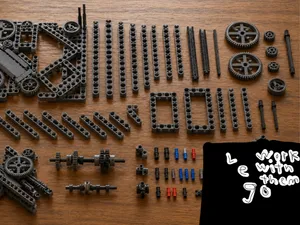
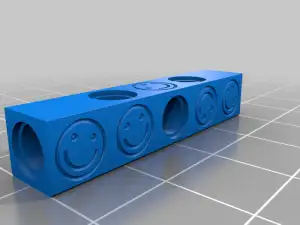

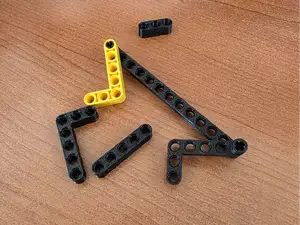


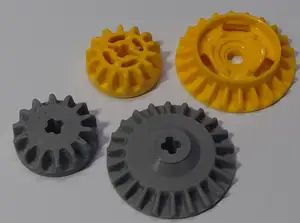


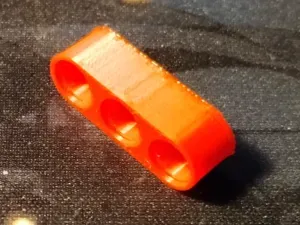
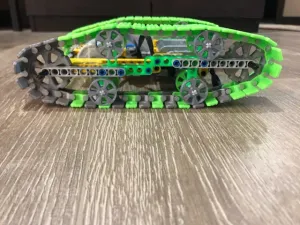

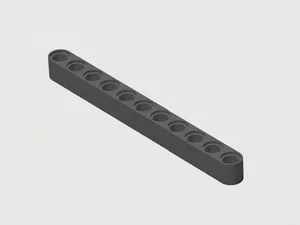
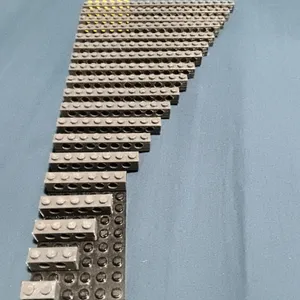

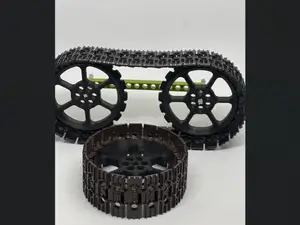


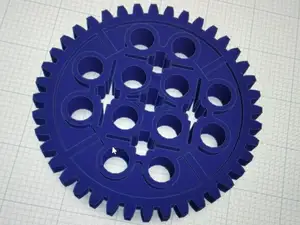
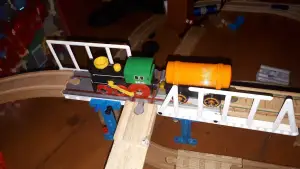

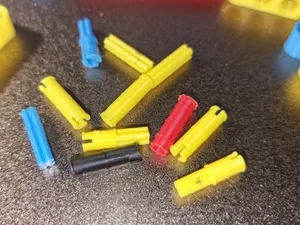
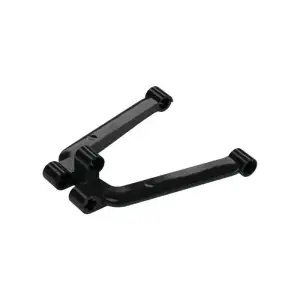

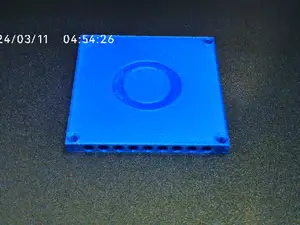
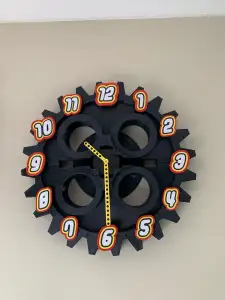

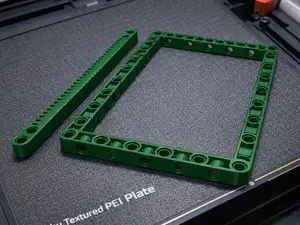



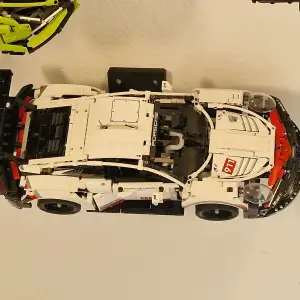

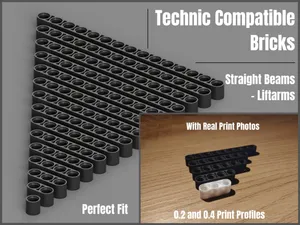
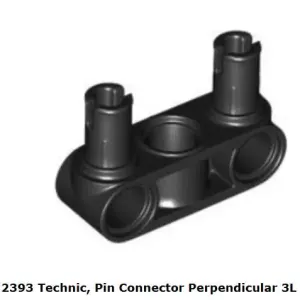

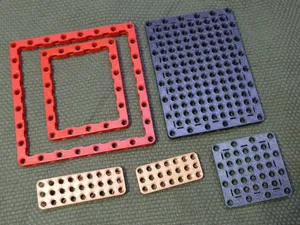



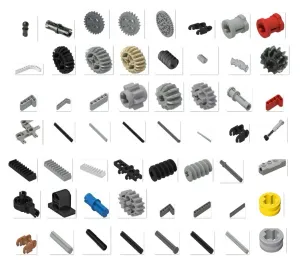
The models fall into a few groups. Long beams and liftarms in different stud lengths form the structural side, while pins, axles and connectors hold those beams together. Gears, motor brackets and similar mechanical parts appear as separate files, and a further group covers stands and wall mounts made for large car builds. Brick kits and multi-part sets sit at the other end, where a whole assembly is split across several STL files.
When you open a model page, look first at the stated dimensions and stud spacing, because a beam printed a fraction too thick can bind against the part next to it. Check how many separate pieces the file contains and whether they are meant to be glued or clipped together. The author's notes usually list layer height, wall count and orientation; photos of real prints show how the holes and axle openings came out. For parts that carry load, the direction of printing matters as much as the material.
If a search returns too little, try the terms used in the parts themselves: liftarm, beam, pin, axle, gear, rack, stand, mount. Adding a stud count or a tooth count narrows the list quickly, and related topics such as building blocks, construction toys or display stands often surface files that the first query missed. Spelling variants of the same word are worth trying as well, since titles are written by many different authors.


Le catalogue complet des thèmes, de la maison à la CNC, avec une recherche sur tous les sites connectés.