
Gratuit 
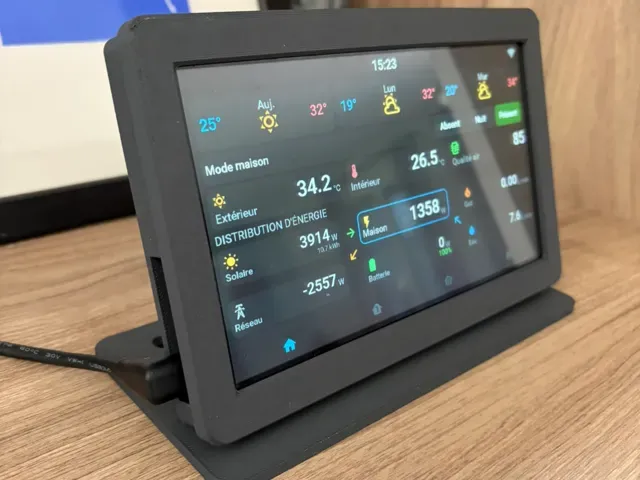
Guition Esp32P4 JC1060P470 7inch screen desk mount
MakerWorld
This collection gathers STL files built around ESP32-P4 boards and the touch displays that are often paired with them. It covers board enclosures, desk stands, wall mounts and camera housings, so you can find a shape that matches the hardware you already have. Most items are designed for 3D printing on a desktop 3D printer, with sizes tied to a particular screen or board outline. Polyzon does not confirm whether models are free, their price, license, official status, affiliation, safety or fitness. Check the current terms at the source.
Le texte de cette collection est rédigé en anglais ; la recherche, elle, fonctionne dans toutes les langues.
 Une collection Polyzon · 48 modèles sur 5 plateformes
Polyzon compose cette collection à partir des résultats de recherche des plateformes connectées. Les doublons et les modèles sans aperçu sont retirés, les correspondances faibles sont placées à la fin, et le reste suit l’ordre de la recherche. Les modèles appartiennent à leurs auteurs : consultez les conditions sur la page de chaque modèle.
Règles de sélection : la rédaction de Polyzon · Texte mis à jour le 11/10/2026
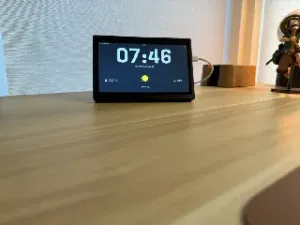

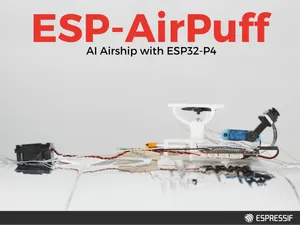

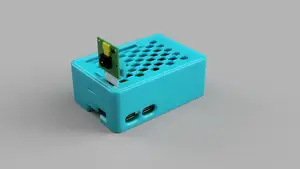


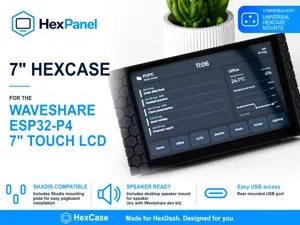
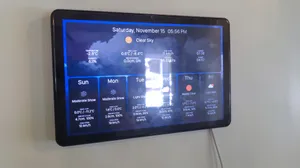
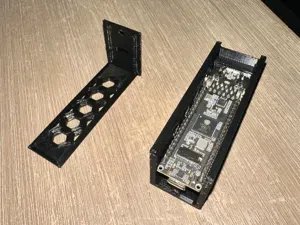
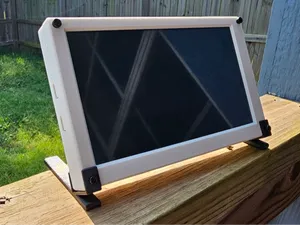

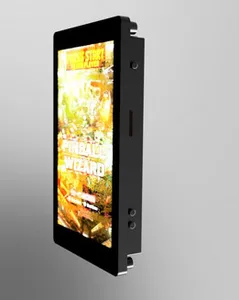

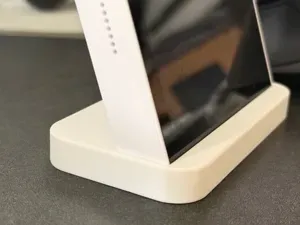
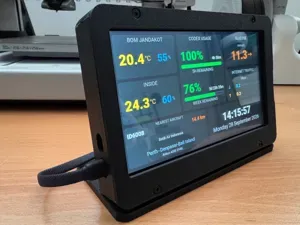

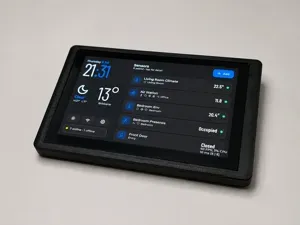

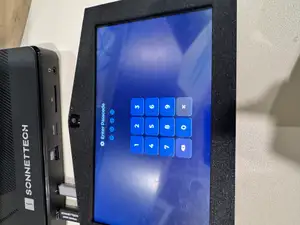
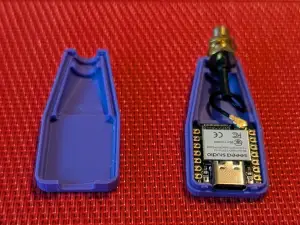
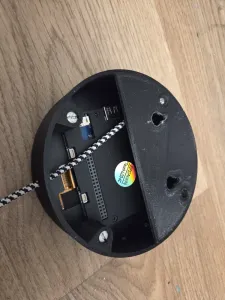
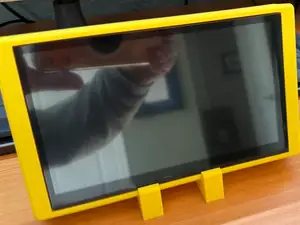
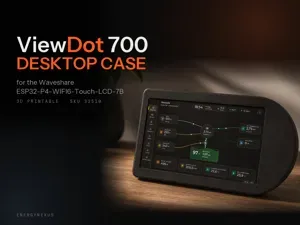

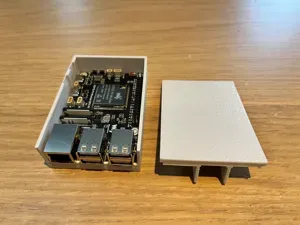
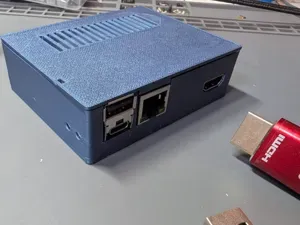
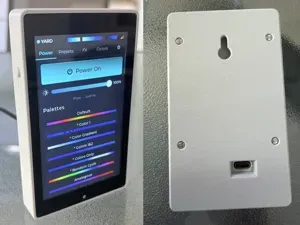
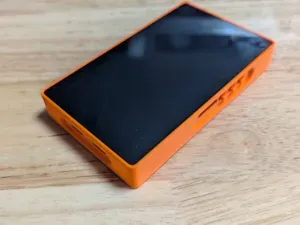


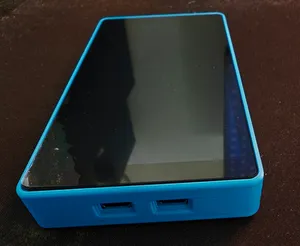
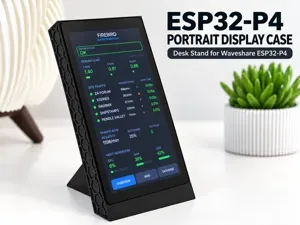


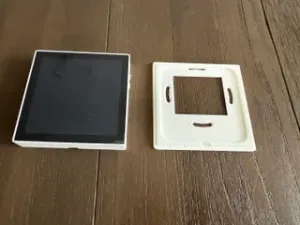


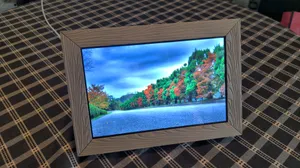

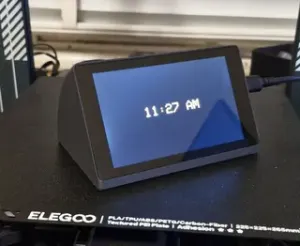
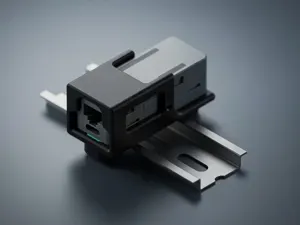
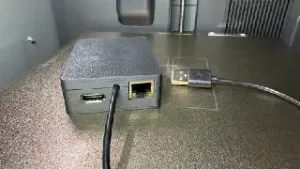
The models fall into a few practical groups. Board cases wrap a development board and may leave openings for USB, Ethernet or a camera connector; display stands hold a panel at a fixed viewing angle on a desk; wall mounts and frame-style housings turn a large touch screen into something that hangs flat. There are also simple dummy or test housings used to check fit before committing to a final design, and parametric files where dimensions can be adjusted in CAD.
When choosing a file, read the author's page for the exact board or panel revision it was drawn for, since outline, hole spacing and connector positions differ between versions. Check how many parts the model has and whether they join with screws, clips or slots, and whether the author lists supports, layer height, wall count or material. Photos of real prints show how ports, buttons and cable exits actually line up.
To widen or narrow the results, try the names of the board family and the display size together, or search for the housing type instead: enclosure, case, stand, bracket, wall mount, frame, bezel. Related terms such as touch LCD, HMI panel, dev board, PoE and camera mount often surface files that a single keyword misses. If nothing matches, a parametric case or a simple box with cutouts can be adapted.

%2Fhttps%3A%2F%2Ffbi.cults3d.com%2Fuploaders%2F14749439%2Fillustration-file%2Ffe44b324-8792-454a-9477-1927f295dce9%2Frender.png&w=300)


Le catalogue complet des thèmes, de la maison à la CNC, avec une recherche sur tous les sites connectés.