無料 
Smart compact temperature calibration tower
Thingiverse
This collection gathers STL test pieces used for temperature calibration on a 3D printer: stepped towers, first-layer patches, stringing blocks and small cubes. They help you compare how a filament behaves at different nozzle temperatures and pick a range worth keeping. Polyzon does not confirm whether models are free, their price, license, official status, affiliation, safety or fitness. Check the current terms at the source.
このコレクションの本文は英語で書かれています。検索自体はどの言語でも使えます。
 Polyzonのコレクション · モデル47件 5サイトから収集
このコレクションは、Polyzonが対応サイトの検索結果をもとに作成しています。重複やプレビューのないモデルは除外し、関連性の低いものは後ろに回し、それ以外は検索結果の順に並べています。モデルの権利は各作者にあります。利用条件は各モデルのページでご確認ください。
選定基準:Polyzon編集部 · 本文の更新日:2026年10月15日

%2Fhttps%3A%2F%2Ffbi.cults3d.com%2Fuploaders%2F21349336%2Fillustration-file%2F31ac2577-e8f4-4066-8507-addb16e4c77d%2FAXURA_STUDIO_FILMS_POPCORN_MICHAEL_-1.jpg&w=300)


%2Fhttps%3A%2F%2Ffbi.cults3d.com%2Fuploaders%2F27750803%2Fillustration-file%2F66351cba-3e58-433d-a2d9-130e20e80888%2FTemperatureTower-JJK-Front_ASA_Example.png&w=300)

%2Fhttps%3A%2F%2Ffbi.cults3d.com%2Fuploaders%2F21349336%2Fillustration-file%2Ff3db3d74-9a56-4ae1-802c-db2d79b66607%2FAXURA_STUDIO_POPCORN_BUCKET_TOYSTORY_BALON-1.png&w=300)




%2Fhttps%3A%2F%2Ffbi.cults3d.com%2Fuploaders%2F12981104%2Fillustration-file%2Fd09733d1-a748-4933-80c3-8010e12fb3eb%2FDoubleTower2TestStringing.jpg&w=300)


%2Fhttps%3A%2F%2Ffbi.cults3d.com%2Fuploaders%2F18193486%2Fillustration-file%2F34a70871-f3cb-4b47-83c6-e2da0544d227%2Fbrim3d_01.jpg&w=300)


%2Fhttps%3A%2F%2Ffbi.cults3d.com%2Fuploaders%2F13081751%2Fillustration-file%2Fab91ed46-fe84-47c0-a113-f3db26d8900a%2FIMG_2627%255B1.JPG&w=300)


%2Fhttps%3A%2F%2Ffbi.cults3d.com%2Fuploaders%2F15456360%2Fillustration-file%2Fd55cf50f-f475-42d6-8cad-edeea460a62d%2Fab6817e32715abf0719855676b7d6013.png&w=300)


%2Fhttps%3A%2F%2Ffbi.cults3d.com%2Fuploaders%2F13651452%2Fillustration-file%2F3fd073fd-cf05-4de0-9d36-d8c4f94dcdc5%2Fa9e7061035580fc017b2f927ea99ab46.png&w=300)
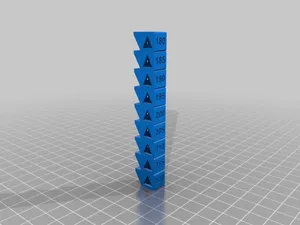
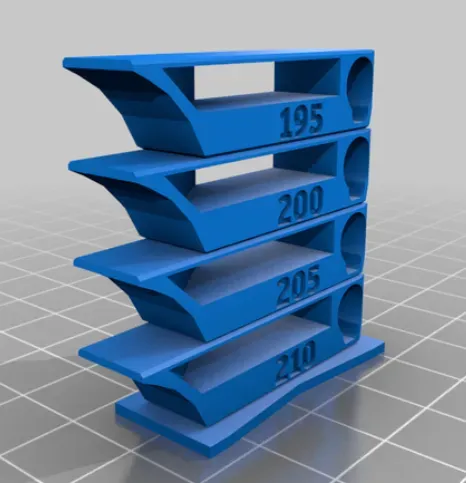
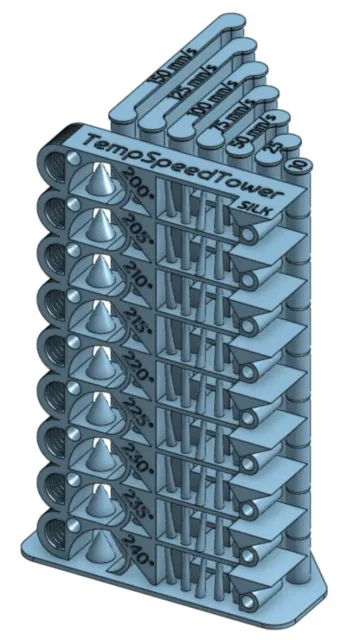
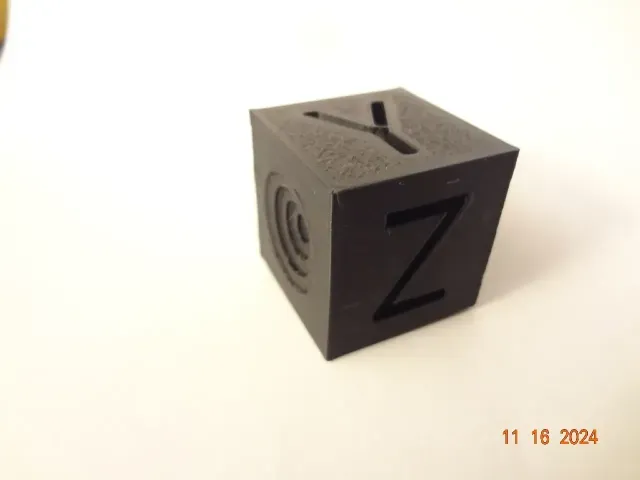
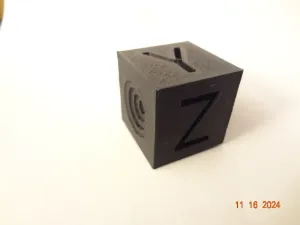
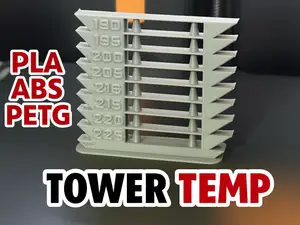
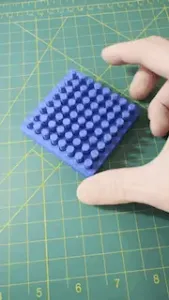
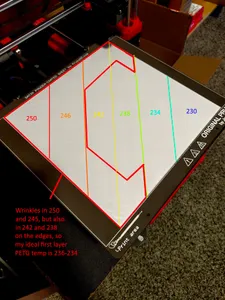
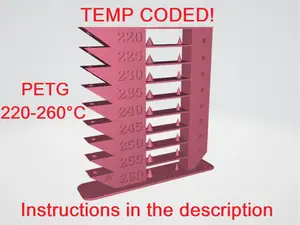
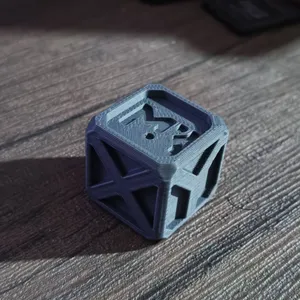
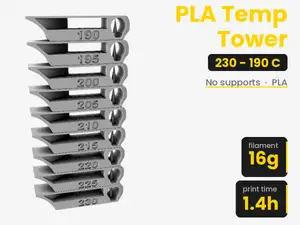
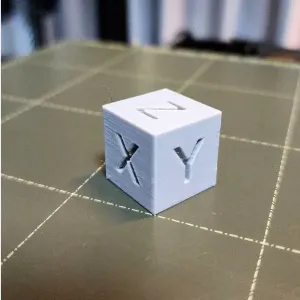
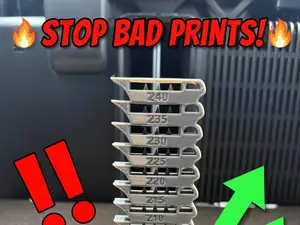
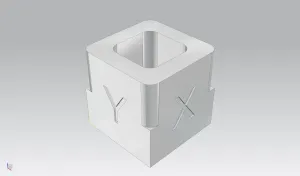
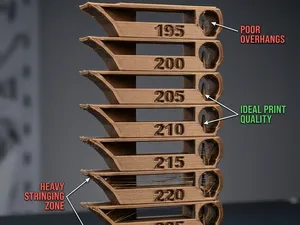
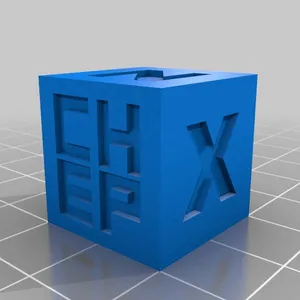
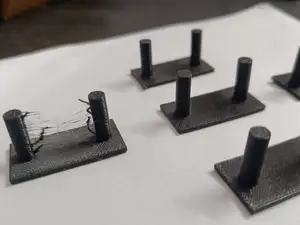
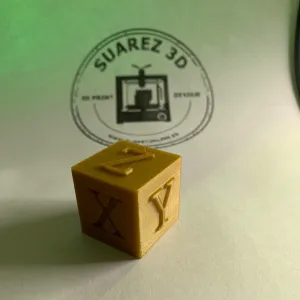
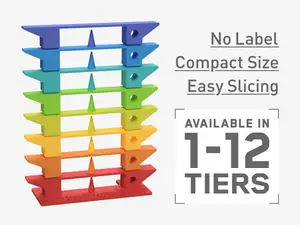
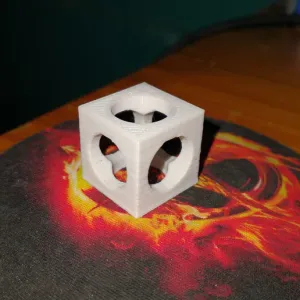
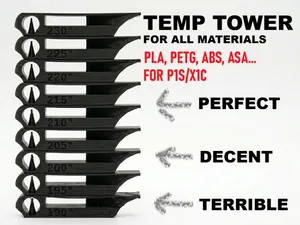
Most files here are towers that change temperature as the print rises, so one run shows several zones side by side. Some are written for a single material such as PLA, PETG or ABS, and a few combine temperature with speed changes in the same model. Smaller pieces cover narrower questions: first-layer appearance, stringing between separate walls, or a plain cube for quick checks.
When choosing a file, look at the temperature range the author lists and whether it matches your filament, then check the height and scale so the tower fits your build volume. Read the notes on layer height, nozzle size, part cooling and any required slicer edits, since a tower only works if the temperature actually changes at the right layers. Photos of real prints from other users show how readable the steps are.
To narrow the results, try synonyms such as temp tower, temperature test, retraction test or stringing test, and add your material name. Related searches like first layer, bridging, flow or dimensional accuracy lead to other calibration pieces that answer questions a temperature tower cannot.
If nothing fits your setup, look for customizable or editable versions where you can set the temperature steps and the number of zones yourself.



暮らし・日用品からCNCまで、すべてのテーマをそろえたカタログ。対応サイトを横断して検索できます。
%2Fhttps%3A%2F%2Ffbi.cults3d.com%2Fuploaders%2F16826013%2Fillustration-file%2F1a0de401-fc17-4984-8a3d-a631c577ec13%2FTempTower_PLA_180-225.png&w=640)